Vertical Mice · Comparison

The Logitech MX Vertical Advanced Ergonomic Mouse meets
the Logitech Lift Vertical Ergonomic Mouse

The reviewer-consensus vertical mouse for all-day comfort. We tested it head-to-head against the Logitech Lift Vertical Ergonomic Mouse across 7 key dimensions.
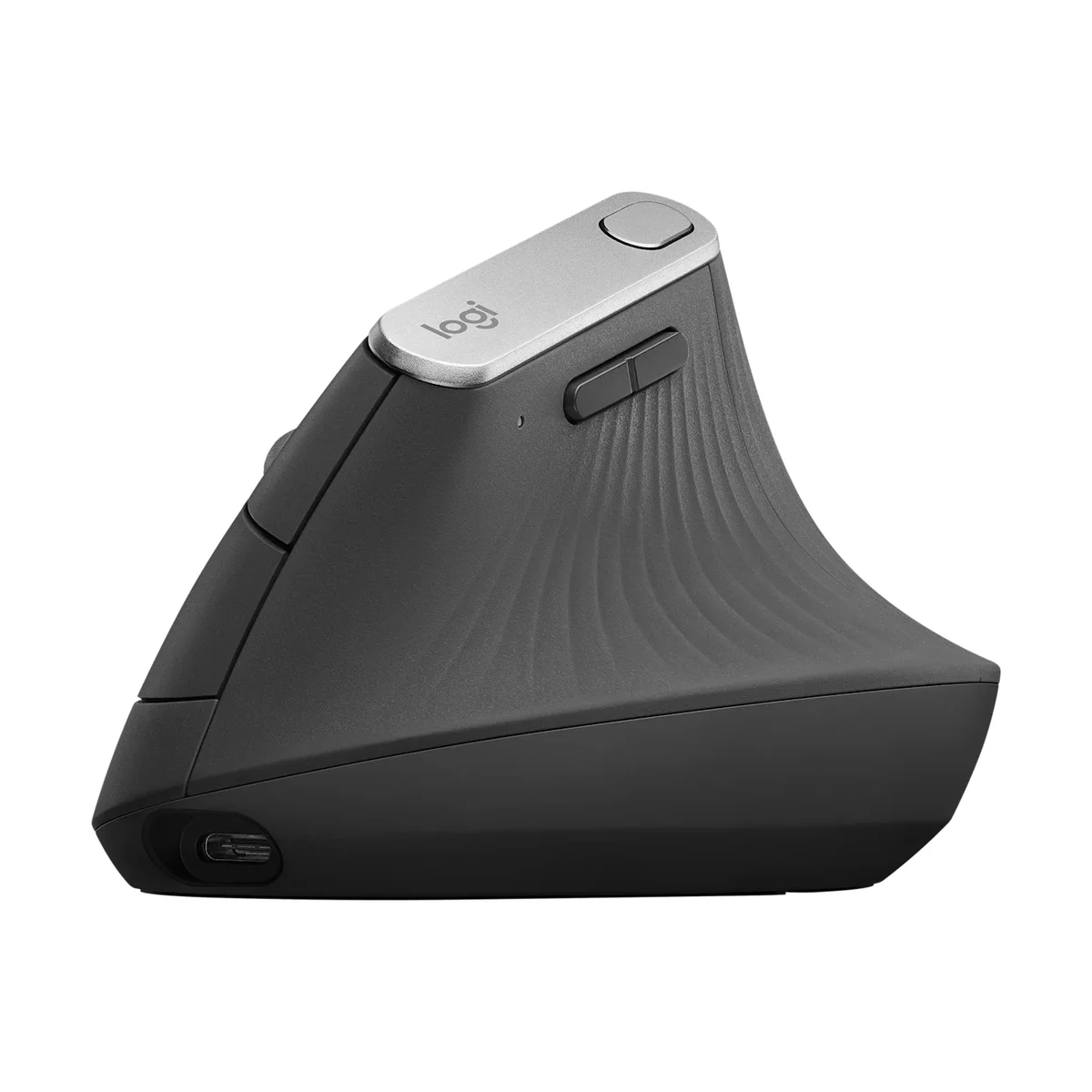
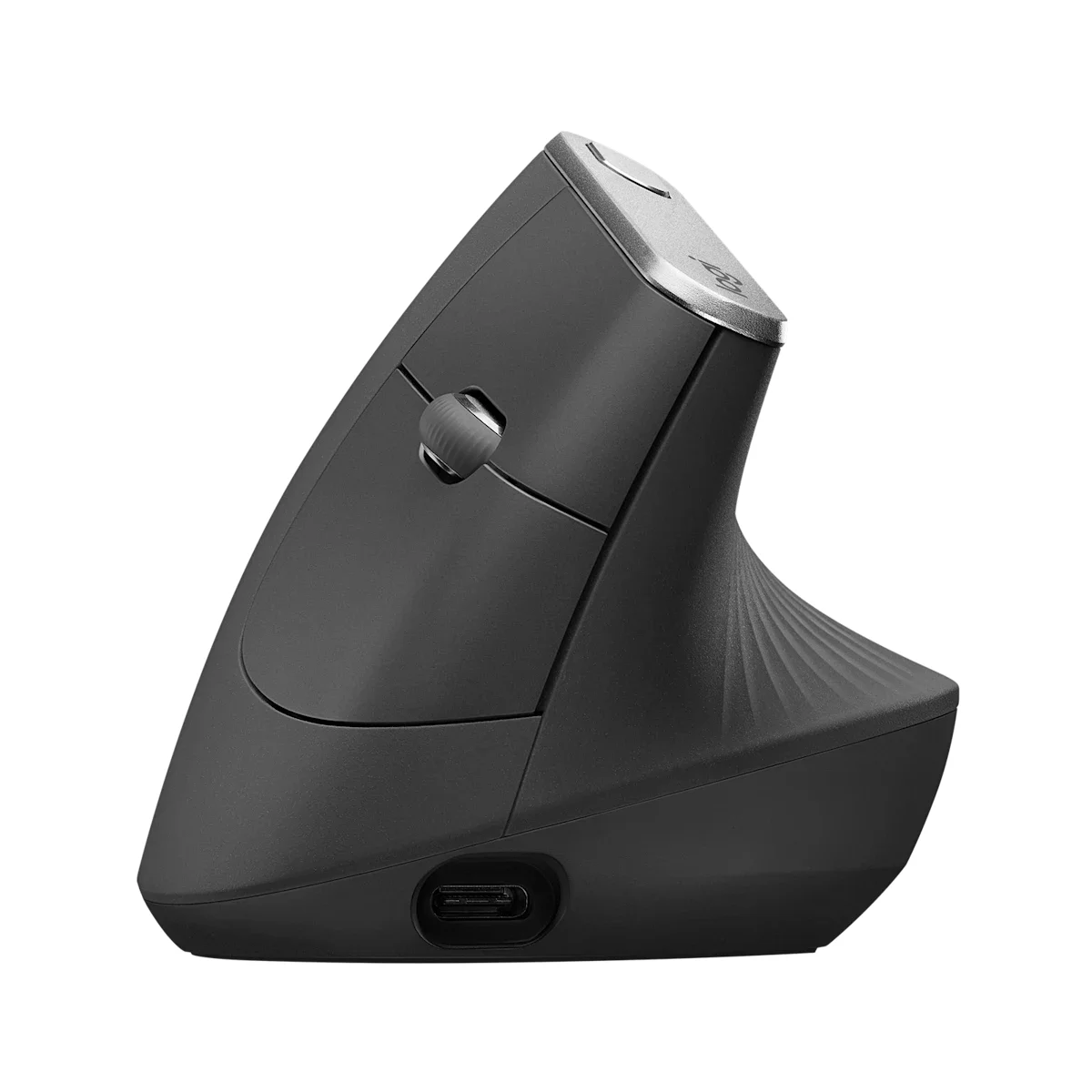
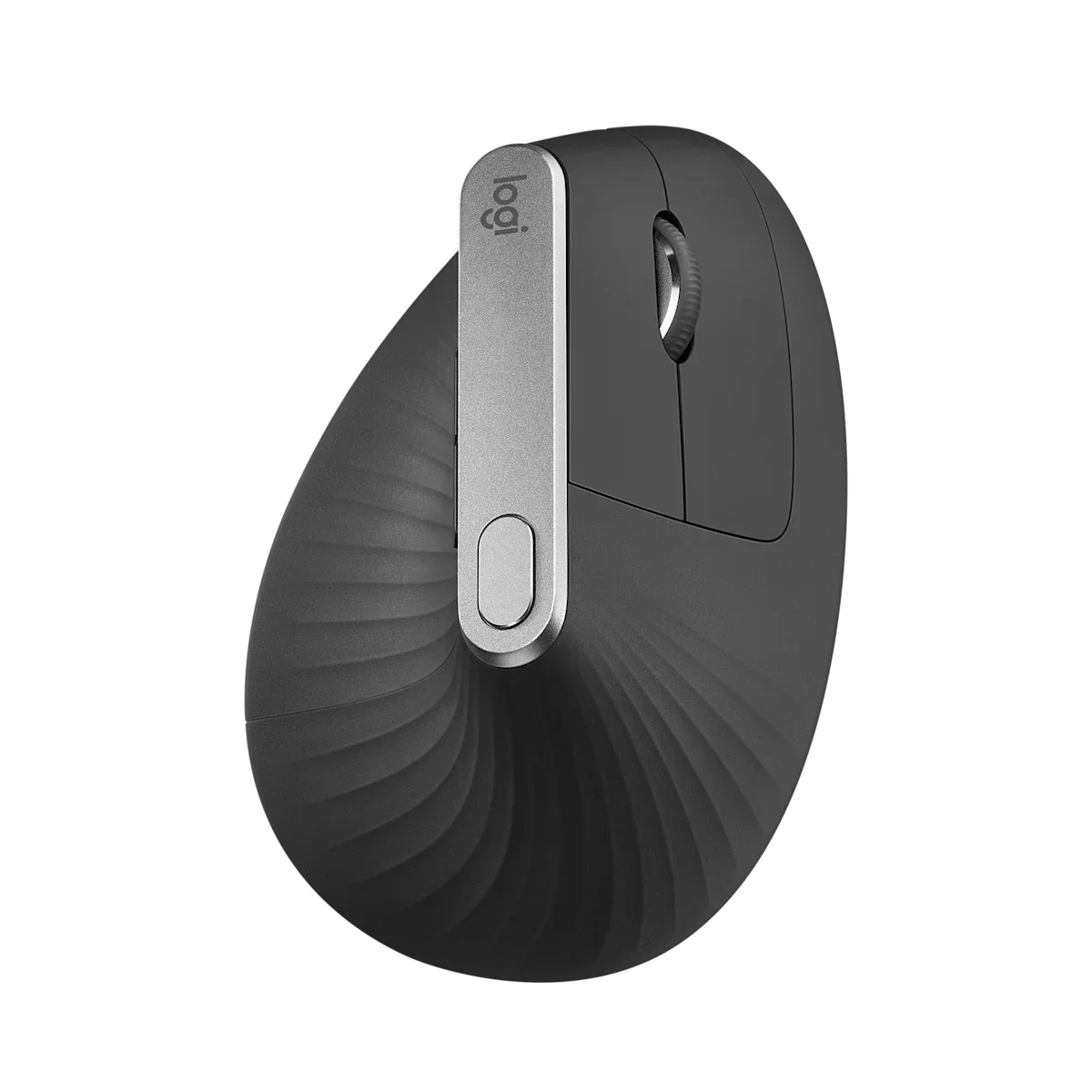
Logitech MX Vertical ergonomic mouse right side profile in graphite
BEST

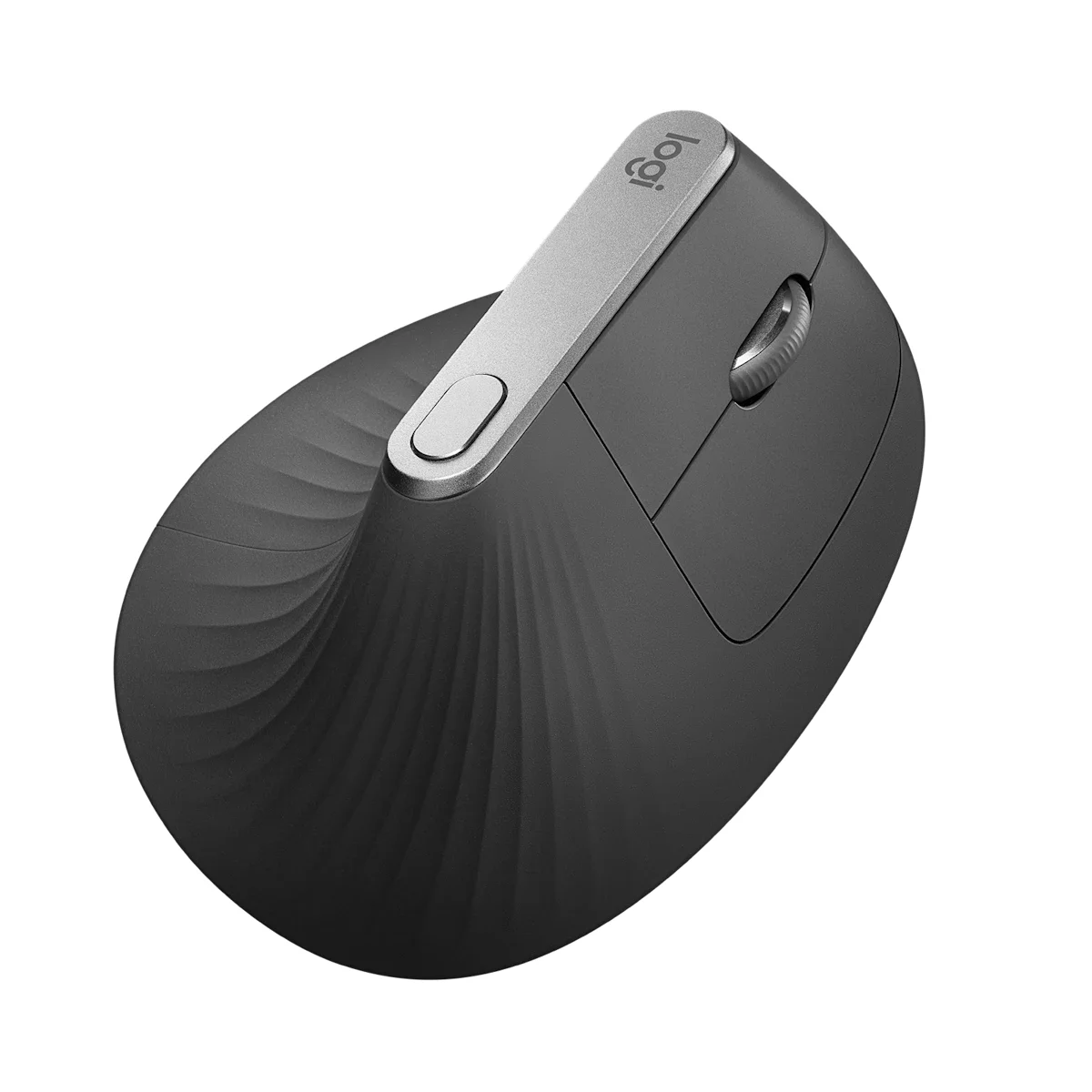
Logitech MX Vertical Advanced Ergonomic Mouse

“The reviewer-consensus vertical mouse for all-day comfort”
Our Score
88.6 / 100
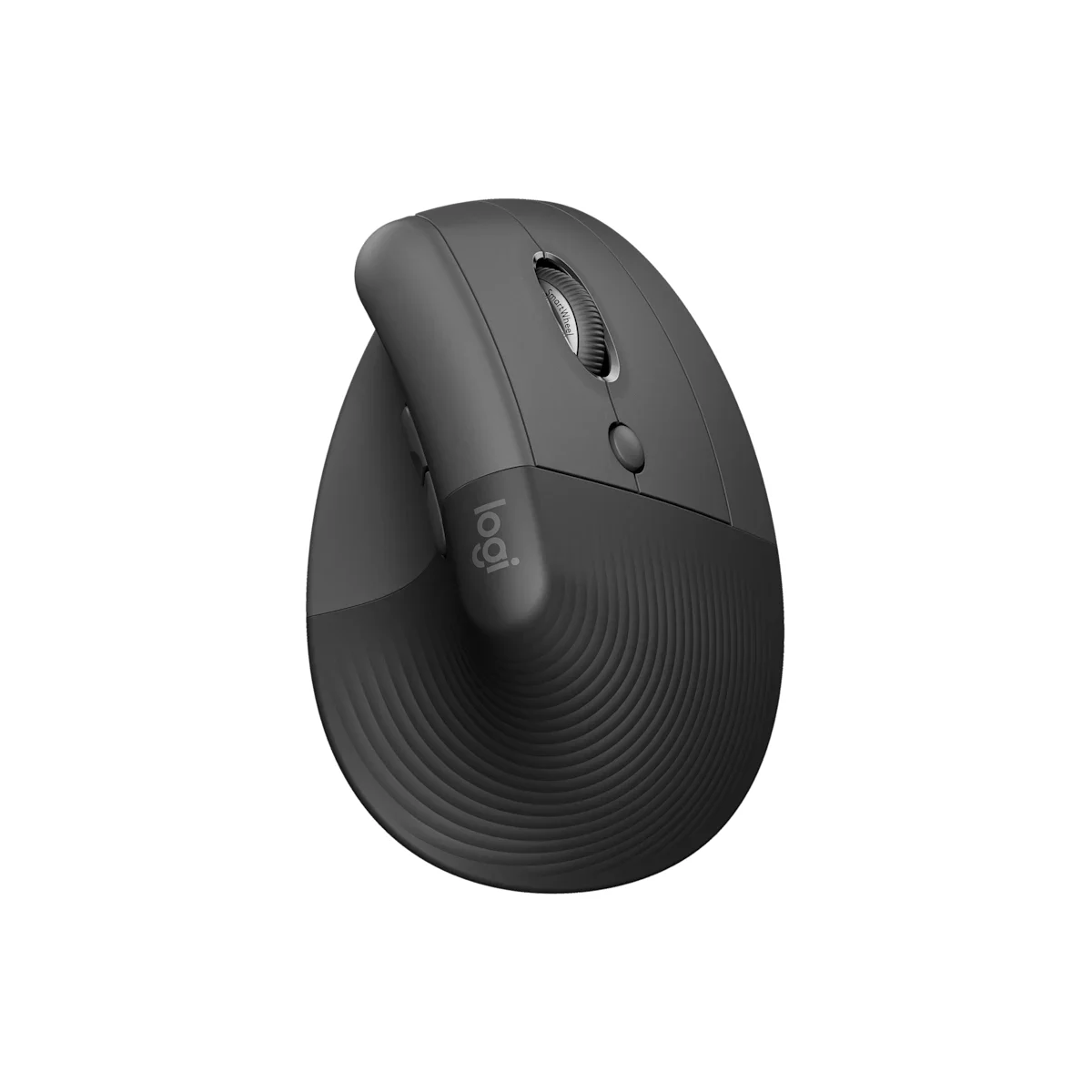
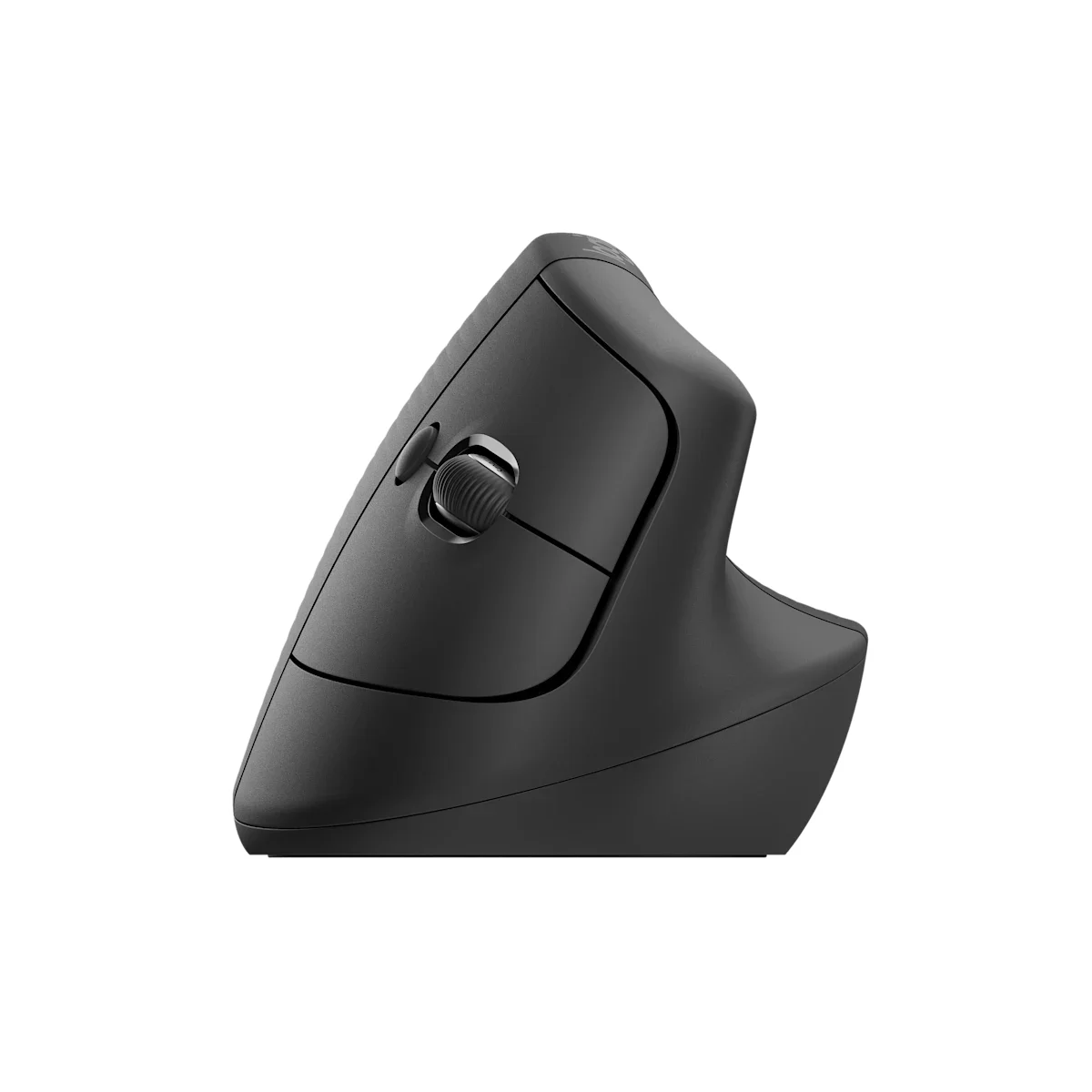
Logitech Lift vertical ergonomic mouse front side profile in graphite
VALUE

Logitech Lift Vertical Ergonomic Mouse

“The comfortable vertical mouse that fits the most hands for less”

Our Score
87.8 / 100
01

Head-to-Head Breakdown

Comfort
30% of score +
Logitech
92
Logitech
90
Logitech MX Vertical Advanced Ergonomic Mouse

Consensus most-comfortable all-day vertical mouse across RTINGS, PC Guide, and The Gadgeteer. Its 57-degree handshake angle relieves forearm pronation without forcing an extreme tilt. KnowledgeLib's 10-source meta-analysis named it the overall winner for medium-to-large hands.

Logitech Lift Vertical Ergonomic Mouse

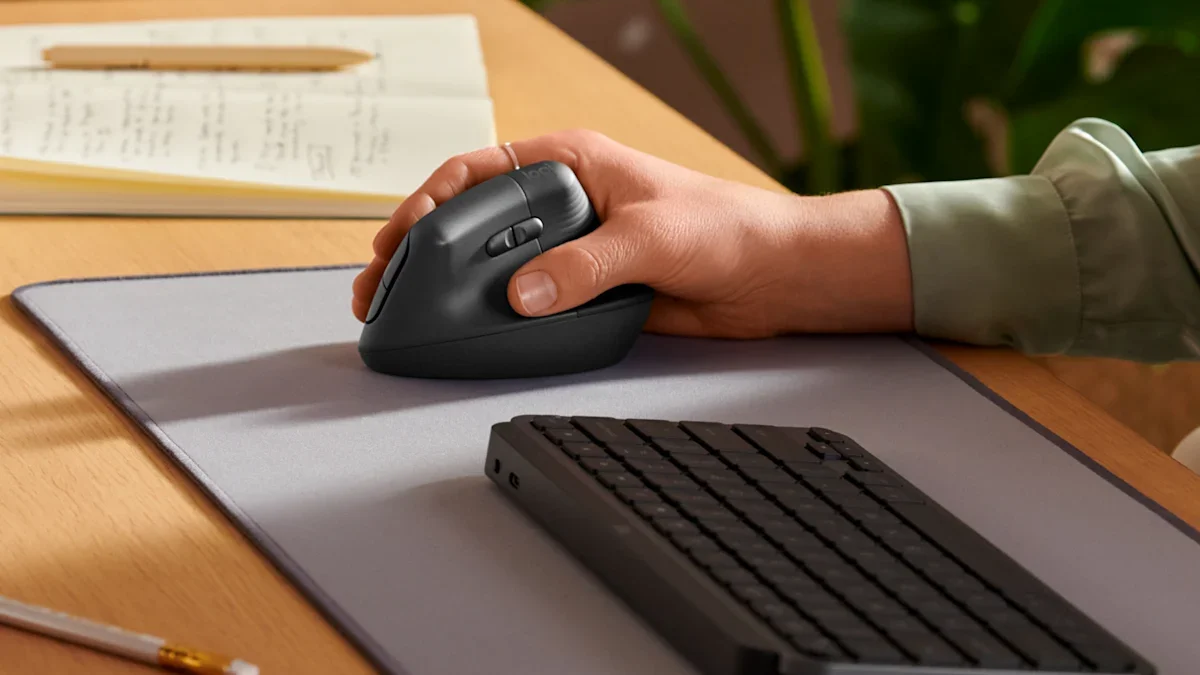
Tom's Guide and TechRadar both praise the Lift as comfortable for the widest range of hand sizes with the gentlest learning curve. Wirecutter (via KnowledgeLib) calls it the most comfortable option for most hands.

Fit
15% of score +
Logitech
70
Logitech
88
Logitech MX Vertical Advanced Ergonomic Mouse

Fixed 57-degree angle with no tilt adjustment, sized for medium-to-large hands only, and right-handed exclusively. The Gadgeteer notes most vertical mice share this right-hand limitation, but the MX Vertical offers no small-hand or left-hand option.

Logitech Lift Vertical Ergonomic Mouse

Shares the 57-degree angle of the MX Vertical but suits small-to-medium hands, and it is the rare vertical mouse sold in both right-handed and left-handed versions, giving it the widest fit coverage in the group.

Connectivity
15% of score +
Logitech
95
Logitech
85
Logitech MX Vertical Advanced Ergonomic Mouse

Pairs over Bluetooth, a Logitech Unifying receiver, or USB-C wired, and switches between three devices. RTINGS highlights the flexible multi-device pairing as a step above budget 2.4GHz-only rivals.

Logitech Lift Vertical Ergonomic Mouse

Bluetooth Low Energy or a Logi Bolt receiver with three-device switching. TechRadar highlights the multi-device pairing, though there is no wired fallback like the MX Vertical's USB-C.

Build
15% of score +
Logitech
90
Logitech
85
Logitech MX Vertical Advanced Ergonomic Mouse

Premium textured shell with a solid, dense feel. Reviewers across PC Guide and The Gadgeteer treat build as a clear strength versus plastic budget models.

Logitech Lift Vertical Ergonomic Mouse

Solid, well-finished shell with whisper-quiet clicks that Tom's Guide singles out as ideal for shared offices and video calls.

Sensor
10% of score +
Logitech
95
Logitech
78
Logitech MX Vertical Advanced Ergonomic Mouse

400-4000 DPI high-precision optical sensor that tracks on glass 4mm thick and lacquered surfaces, the best sensor in this comparison group per Logitech's spec sheet and RTINGS testing.

Logitech Lift Vertical Ergonomic Mouse

400-4000 DPI optical sensor that tracks well on most surfaces but, unlike the MX Vertical, will not track on glass. Fine for everyday desk use.

Battery
5% of score +
Logitech
75
Logitech
95
Logitech MX Vertical Advanced Ergonomic Mouse

Built-in rechargeable cell lasts about four months per charge with USB-C quick charging (one minute yields three hours). Convenient, though it trails the two-year AA runtime of the Lift.

Logitech Lift Vertical Ergonomic Mouse

A single AA battery lasts up to 24 months, the longest runtime in this comparison and a clear advantage over rechargeable rivals that need topping up every few months.

Trust
10% of score +
Logitech
95
Logitech
95
Logitech MX Vertical Advanced Ergonomic Mouse

Logitech is the most-recommended mouse brand across every major reviewer, with a strong track record on the MX line and Logi Options+ software support.

Logitech Lift Vertical Ergonomic Mouse

Same Logitech pedigree and Logi Options+ software as the MX Vertical, with strong reviewer trust across Tom's Guide, TechRadar, and Wirecutter.

02

Strengths & Weaknesses

Logitech MX Vertical Advanced Ergonomic Mouse

+ Strengths
  • Named the overall winner by KnowledgeLib's 10-source meta-analysis and top pick at PC Guide and The Gadgeteer, the strongest cross-source consensus in the category
  • The 57-degree handshake angle earns near-universal praise for reducing forearm strain during long workdays
  • High-precision sensor tracks up to 4000 DPI even on glass, paired with Bluetooth, Unifying, and USB-C wired connections for three-device switching
− Weaknesses
  • The angle is fixed with no tilt adjustment, so it cannot be dialed in like the Contour Unimouse
  • Sized for medium-to-large hands and right-handed only, which rules out small hands and left-handed users
  • At around $85 street it costs roughly four times the Anker budget pick
Key flaw: The angle is fixed, so unlike the Contour Unimouse you cannot tune the tilt to your own wrist.

Logitech Lift Vertical Ergonomic Mouse

+ Strengths
  • Reviewers at Tom's Guide, TechRadar, and Wirecutter agree it is the most comfortable vertical mouse for the widest range of hand sizes, with the easiest adjustment period
  • Whisper-quiet clicks make it well suited to shared offices and video calls, a point Tom's Guide calls out directly
  • One of the few vertical mice sold in a left-handed version, and its single AA battery runs for about 24 months
− Weaknesses
  • Too small for large hands, which are better served by the MX Vertical or Contour Unimouse
  • The optical sensor will not track on glass or highly reflective surfaces
  • No wired connection option as a fallback if the wireless link drops
Key flaw: The Lift is genuinely too small for large hands, which is the flip side of its wide fit.
03

The Verdict

Our Bottom Line

The Logitech MX Vertical is the closest thing this category has to a settled answer. KnowledgeLib's meta-analysis reconciled ten major reviewers, from RTINGS to Wirecutter to Tom's Guide, and the MX Vertical came out on top as the overall pick for medium-to-large hands. PC Guide gave it the top recommendation despite the premium price, and The Gadgeteer named it the best all-rounder.

BEST
Logitech MX Vertical Advanced Ergonomic Mouse
Logitech MX Vertical ergonomic mouse right side profile in graphite

The Logitech MX Vertical is the closest thing this category has to a settled answer. KnowledgeLib's meta-analysis reconciled ten major reviewers, from RTINGS to Wirecutter to Tom's Guide, and the MX Vertical came out on top as the overall pick for medium-to-large hands. PC Guide gave it the top recommendation despite the premium price, and The Gadgeteer named it the best all-rounder.

Best for:
  • You have medium-to-large right hands and want the most reviewer-backed vertical mouse available
  • You switch between a laptop, desktop, and tablet and want Bluetooth, Unifying, and USB-C in one device
  • You sometimes work on a glass or glossy desk where cheaper sensors give up
  • You are willing to pay a premium for build quality and a proven all-day angle
  • You want a rechargeable mouse with fast USB-C top-ups rather than swapping batteries
VALUE
Logitech Lift Vertical Ergonomic Mouse
Logitech Lift vertical ergonomic mouse front side profile in graphite

The Logitech Lift takes the same 57-degree angle and the same Logi software, shrinks it to fit small-to-medium hands, and drops the price. Tom's Guide and TechRadar both reviewed it favorably, and Wirecutter calls it the most comfortable option for the widest range of hands. It is also the rare vertical mouse sold in a dedicated left-handed version, which makes it the most inclusive pick in the category.

Best for:
  • You have small-to-medium hands or you are left-handed and need a dedicated left-hand shape
  • You share an office or take a lot of calls and want clicks nobody else can hear
  • You would rather change a battery once every two years than plug in a charging cable
  • You want most of the MX Vertical's comfort and software for about $25 less
  • You are trying a vertical mouse for the first time and want the gentlest learning curve
04

Specifications

Spec Logitech MX Vertical Advanced Ergonomic Mouse Logitech Lift Vertical Ergonomic Mouse
Grip Angle 57 degrees 57 degrees
Connection Bluetooth, Unifying, USB-C Bluetooth, Logi Bolt
Sensor 400-4000 DPI 400-4000 DPI
Hand Fit Medium to large Small to medium
Buttons 6 6
Battery Rechargeable USB-C AA, up to 24 months
Read the full Vertical Mice review
Menu