The Best Office Monitors
Verified by
 Ryan V. Editor-in-Chief
When you purchase through links on our site, we may earn an affiliate commission.
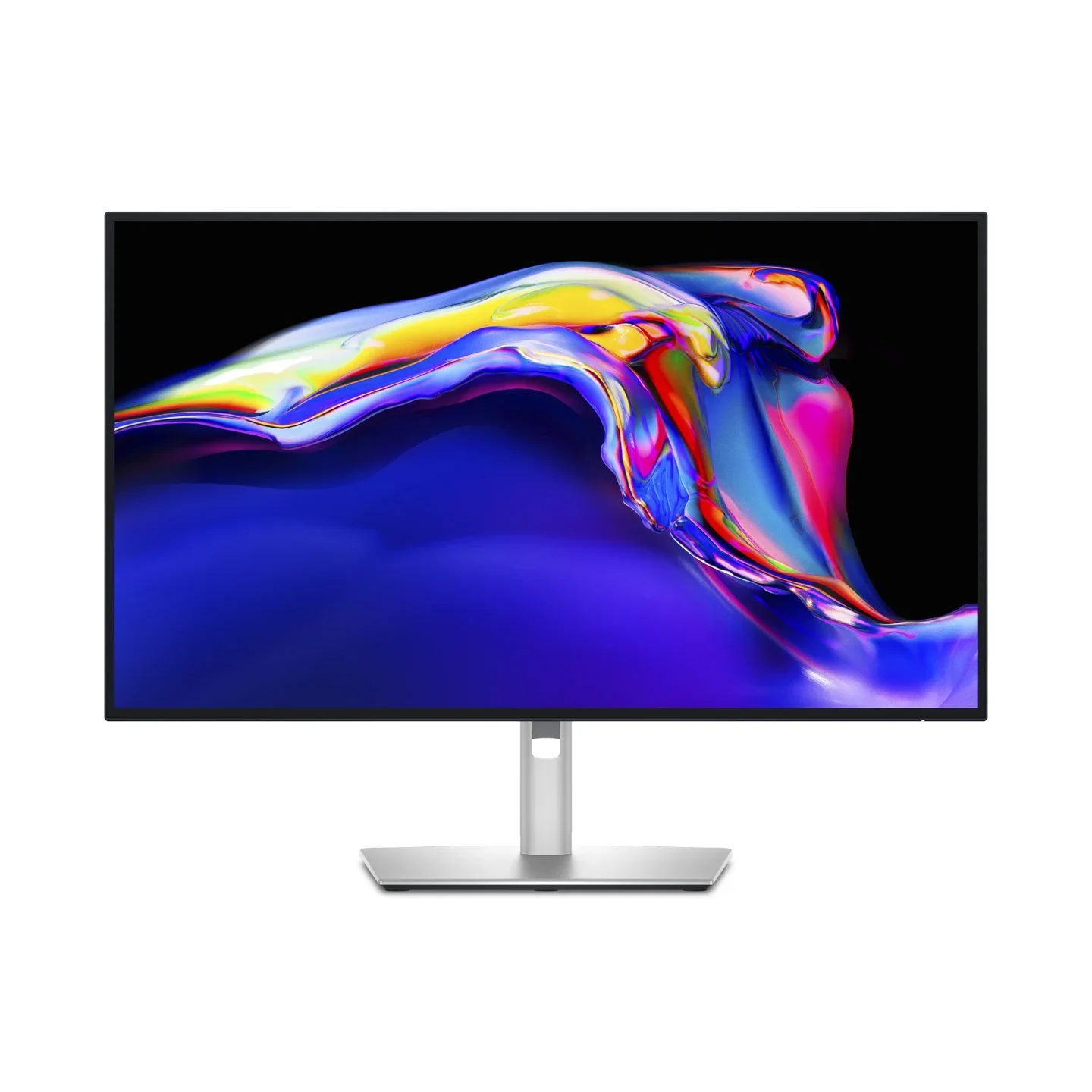

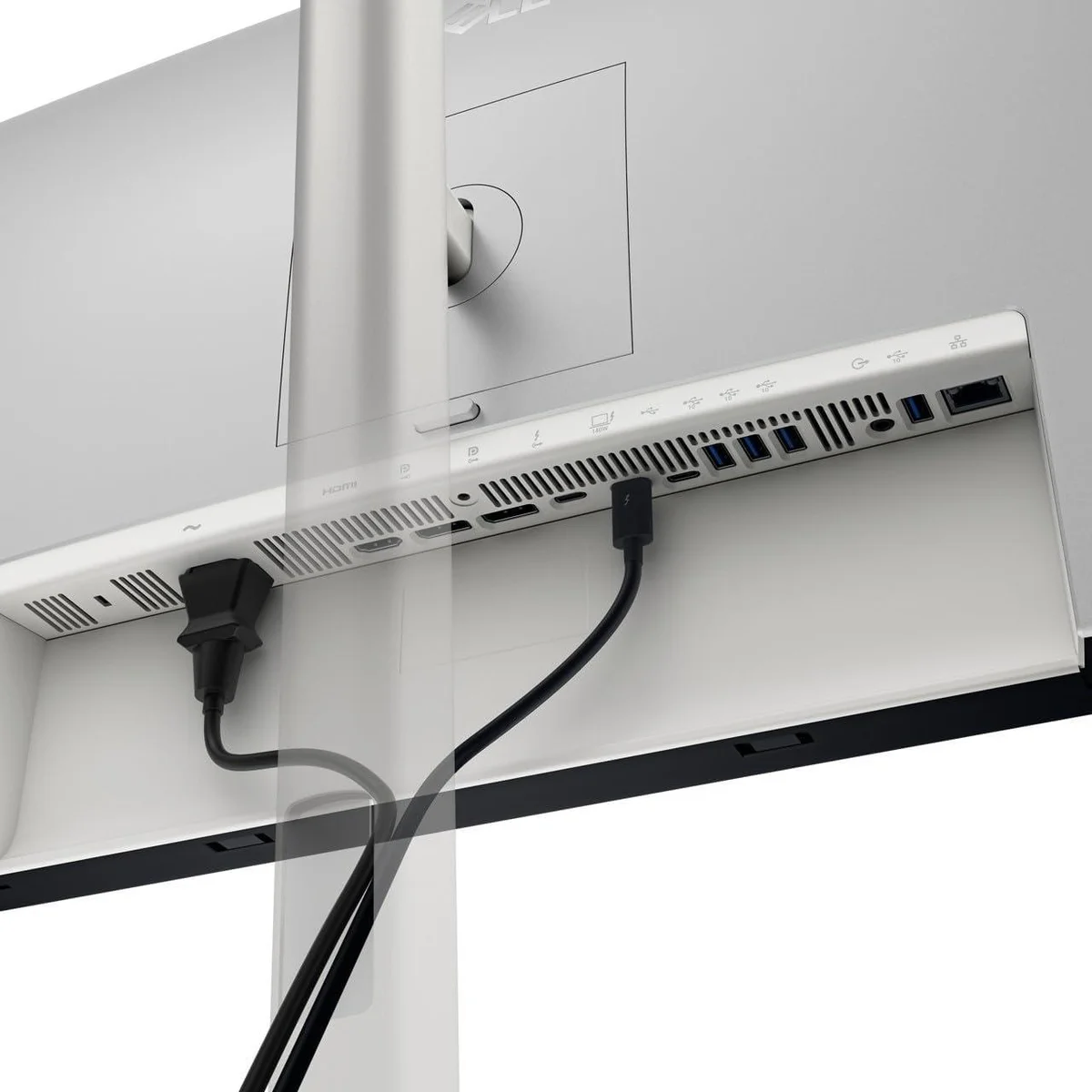
The Dell U2725QE won because it solves the single biggest pain point of working from home: cable clutter. Plug in one Thunderbolt 4 cable and your laptop charges at 140W, connects to ethernet, drives a 4K 120Hz display, and gains access to a full dock's worth of USB ports. RTINGS and Created Tech independently reached the same conclusion, this monitor makes a dedicated dock obsolete.
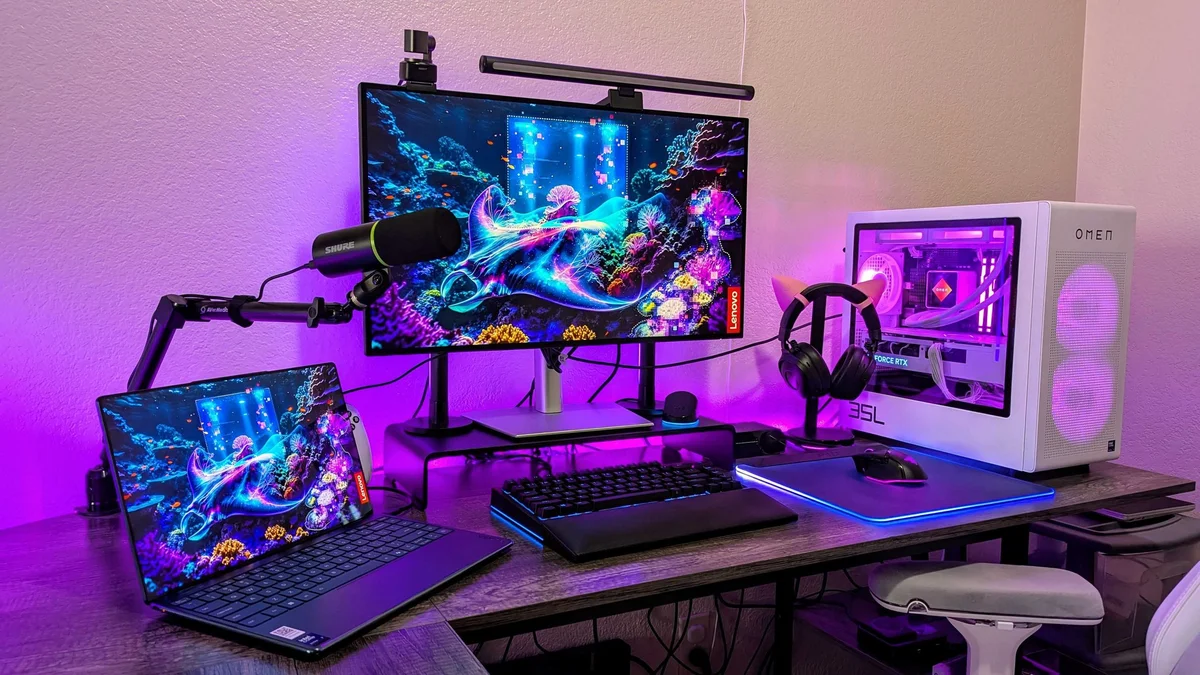
The IPS Black panel is the real technical story. Dell's 3000:1 contrast ratio delivers 47% deeper blacks than conventional IPS monitors, which means dark UI themes and late-night work sessions look dramatically better than they did on last-generation productivity panels. Created Tech confirmed the color accuracy rivals the Apple Studio Display at less than half the price.
The 120Hz refresh rate seals it. Created Tech specifically highlighted how the variable refresh perfectly matches Apple ProMotion, making cursor movement and text scrolling feel native and smooth rather than the stuttery 60Hz experience most office monitors still inflict. For someone who stares at text 8+ hours daily, that smoothness adds up to real eye comfort.
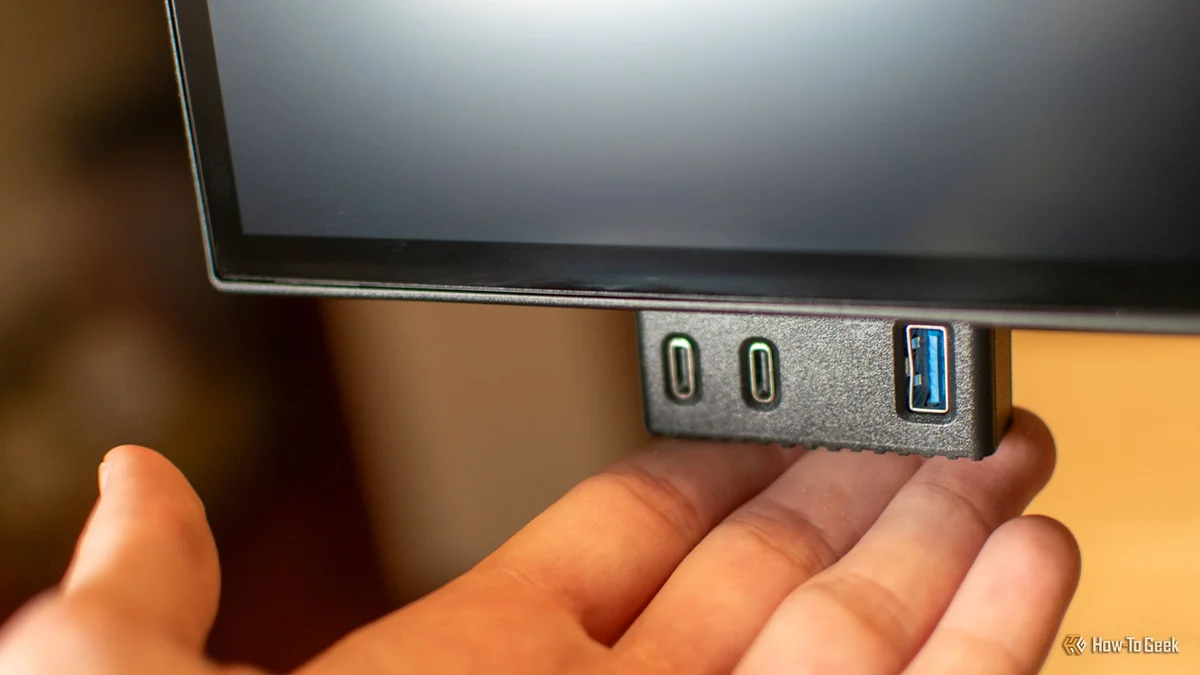
The KVM switch, 2.5Gb ethernet, daisy-chain capability, and pop-out quick-access ports round out a monitor with no weak link in its productivity toolkit. At $600-700 street price, the U2725QE costs less than an Apple Studio Display with fewer features, and it actually works with Windows.
What It Won't Do
The 4K resolution creates a real problem on macOS. Created Tech explains that because Apple's retina scaling expects 5K (2x scaling), the U2725QE forces macOS into 1.5x fractional scaling that introduces a very slight but perceptible text blur. It's not a dealbreaker, third-party tools can mitigate it, but pixel purists who've used a 5K display will notice. The 8ms default response time also makes this monitor a poor choice for competitive gaming, with visible ghosting at the faster 5ms setting.
Three separate outlets chose the BenQ GW2486TC as their budget monitor. PCMag made it an Editors' Choice at 4.5 stars and calls it exceptional value for a $200 home-office screen, Wirecutter names it its budget pick, and TechRadar ranks it second on its business list. The reason is the feature set. One USB-C cable carries video, data and 65W of power, which is enough to charge most modern laptops, and a DisplayPort output lets you daisy-chain a second screen.


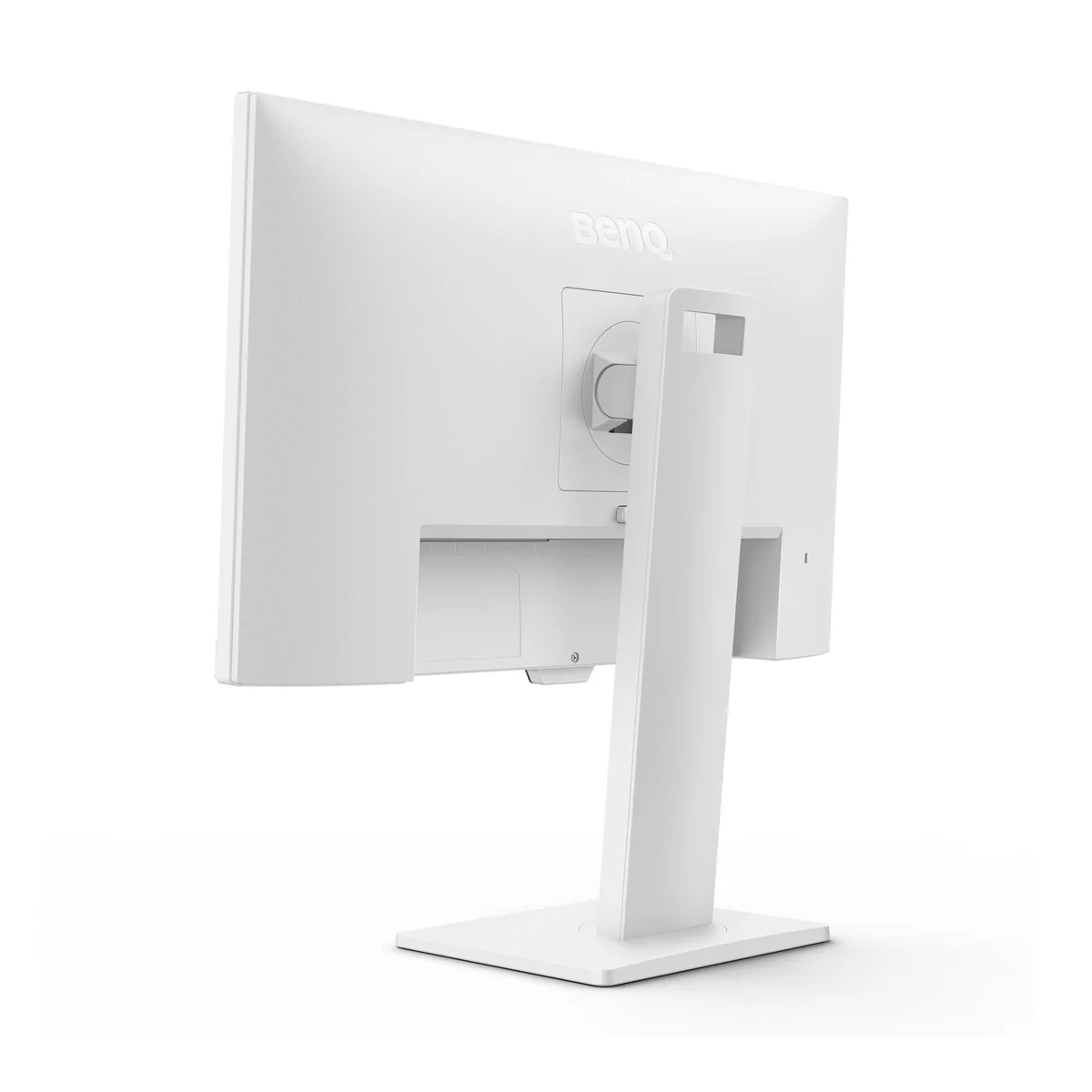
Its stand beats anything else at this price. PCMag lists height, tilt, swivel and pivot adjustment, and TechRadar measured 130mm of height travel, so you can raise it to eye level instead of stacking books under it. Wirecutter says the picture looks as good as monitors that cost hundreds more, and the 100Hz panel makes scrolling through long documents smoother than a standard 60Hz office screen.
BenQ lists it at $199.99 and it sells for $169.99, about a fifth of the U2725QE's $849.99 list price. It also has speakers and a noise-cancelling microphone for calls.
What It Won't Do
The catch is resolution. At 1080p on a 23.8-inch panel, Wirecutter notes text and on-screen elements look big and running several windows side by side gets harder, and PCMag calls both resolution and brightness modest. Its 65W will not keep a 16-inch workstation laptop topped up under load. TechRadar points out there is no KVM switch, and PCMag found the button-based menu controls awkward. If sharp text matters more than the last $130, the Dell S2725QC puts a 27-inch 4K panel on your desk for about $300.
Who Should Buy Which
Dell U2725QE
RTINGS's best USB-C monitor and Wirecutter's top 4K pick, with a 140W Thunderbolt dock built in
- Laptop users who want one Thunderbolt cable to handle charging, display, Ethernet and USB
- People who read documents or code all day and want sharp 4K text at 120Hz
- Hybrid workers who switch between a work laptop and a personal PC with the built-in KVM
- Desks that need to charge a 16-inch laptop, thanks to 140W power delivery
- Anyone who would rather skip buying a separate docking station
BenQ GW2486TC
The budget pick at PCMag, Wirecutter and TechRadar, with 65W USB-C and a fully adjustable stand
- Budget home offices that need a proper monitor for about $170
- Thin-and-light laptop owners who want single-cable charging
- Small desks where a 24-inch screen fits better than a 27-inch one
- Anyone adding a second screen next to a laptop
- People who want a fully adjustable stand without paying for a premium model