The Best Laptop Docking Stations
Verified by
 Ryan V. Editor-in-Chief
When you purchase through links on our site, we may earn an affiliate commission.
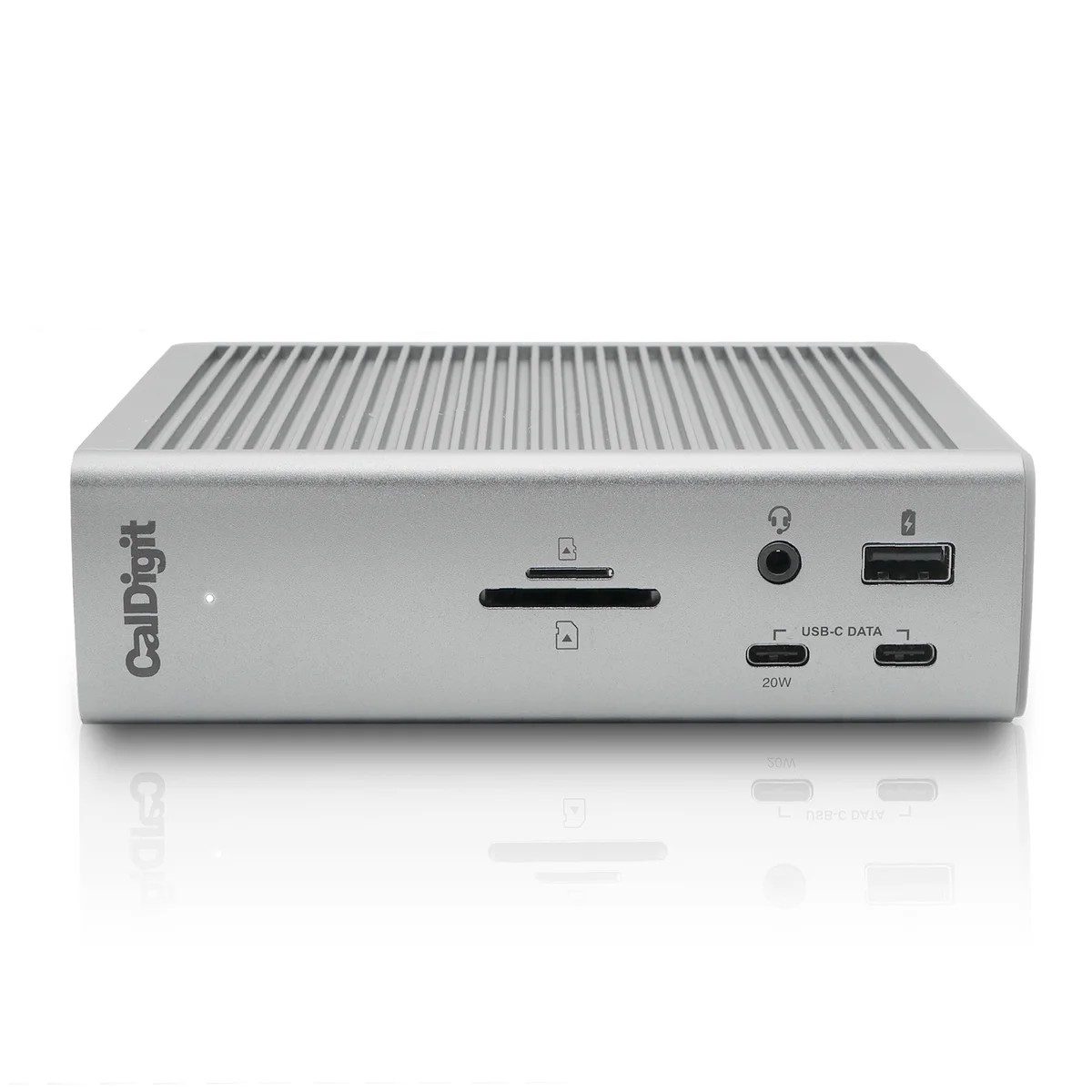
The CalDigit TS4 won because it solves the actual problem docking stations exist to fix: cable chaos. With 18 ports packed into a single Thunderbolt 4 connection, it replaces every dongle, adapter, and hub cluttering your desk. Kyle Erickson and The ReviewLab both highlighted its 2.5 Gigabit Ethernet, UHS-II SD card readers (312 MB/s transfers), and three downstream Thunderbolt 4 ports as the features that separate it from anything else in the $250 to $400 range.

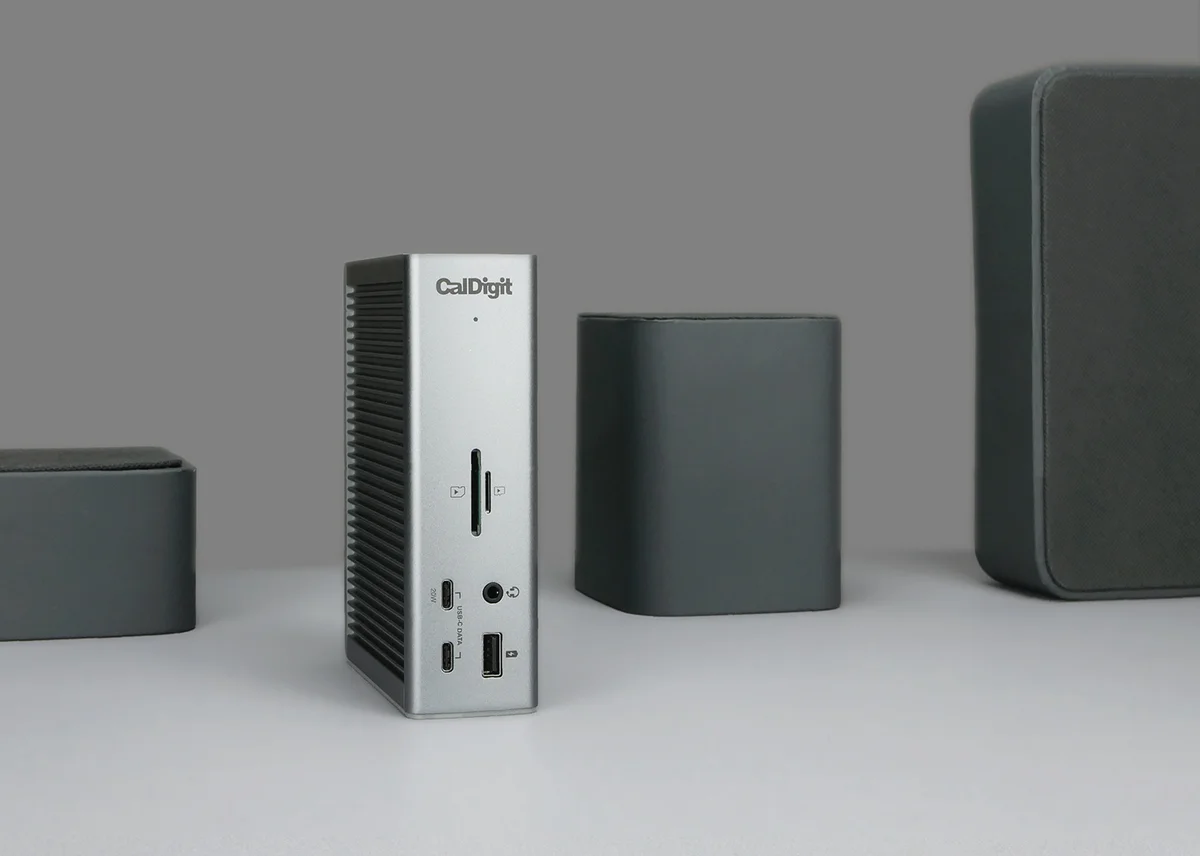
The TS4 also delivers 98W of host charging, the highest of any Thunderbolt 4 dock. The ReviewLab confirmed this keeps even power-hungry 16-inch laptops at full battery under sustained workloads. Most competing docks in this tier top out at 60-85W, which forces high-end machines to drain their battery during heavy tasks.
Switch and Click pitted the TS4 directly against the $87 Amazon Basics Thunderbolt 4 dock and the difference was stark. The Amazon Basics unit had mixed reliability reviews (3.9 stars, 101 ratings) and a clunky port layout, while the TS4 earned 4.2 stars across 1,593 ratings. That kind of review volume signals long-term reliability, not just first-impression satisfaction.
The aluminum chassis does run warm during heavy use. Switch and Click described it as a 'cozy campfire,' and the fact that you have to manually stick on rubber orientation feet at this price point is a legitimate annoyance. But those are comfort complaints, not functional ones. The TS4 handles the workload without throttling.
What It Won't Do
The CalDigit TS4 gets warm. Noticeably warm. Switch and Click flagged the aluminum chassis heat during their testing, and while it never caused performance issues, placing it next to temperature-sensitive items on your desk is a bad idea. The downstream Thunderbolt ports also only supply 15W per port, which 9to5Mac noted is stingy compared to newer CalDigit models.
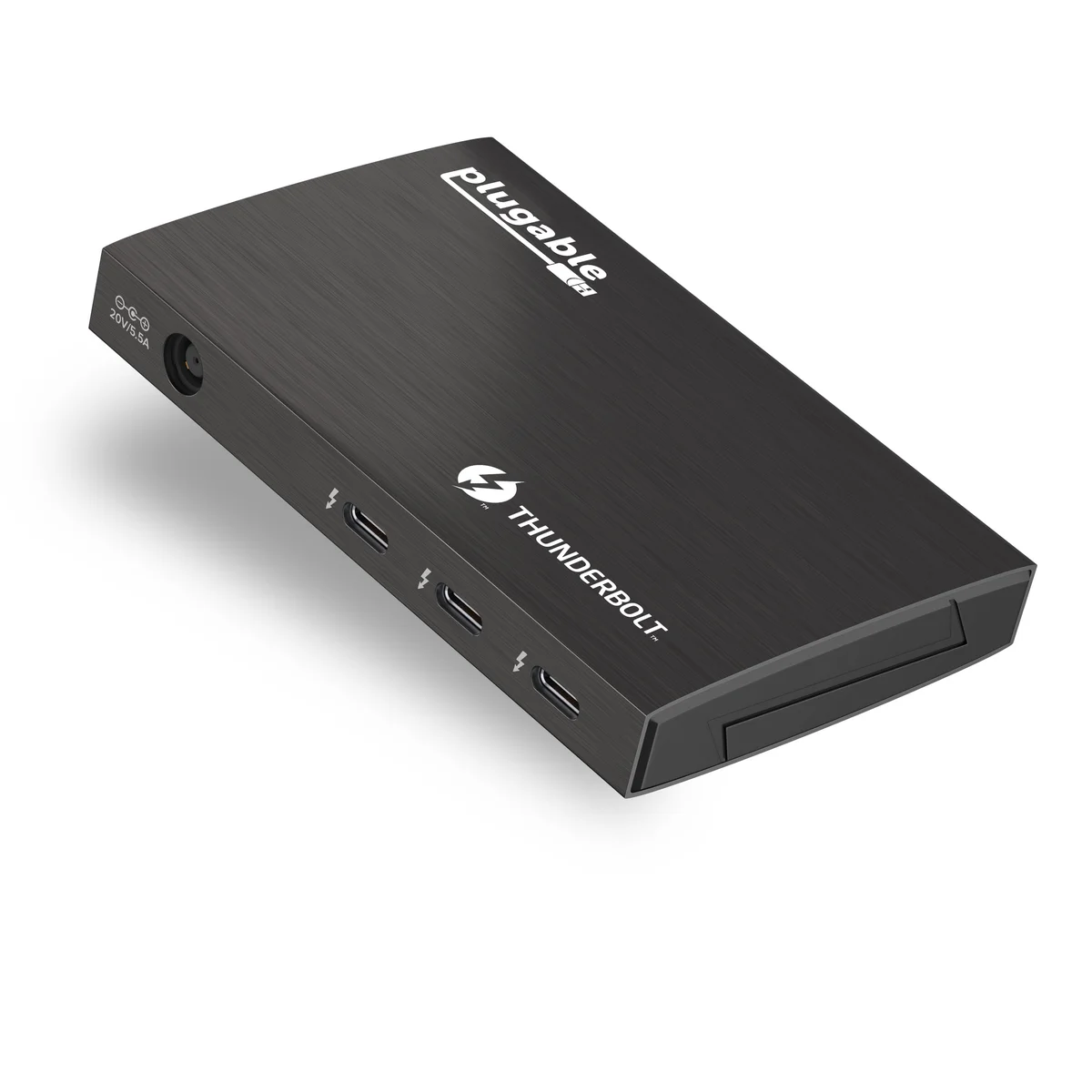
The Plugable Thunderbolt 4 Hub exists because of a pricing anomaly. It originally retailed for $300, which made it a mid-range Thunderbolt hub. At its current $95 price point, Kyle Erickson called it an 'absolute steal' because you get the same 40Gbps Thunderbolt 4 bandwidth that powers docks costing three to four times more.
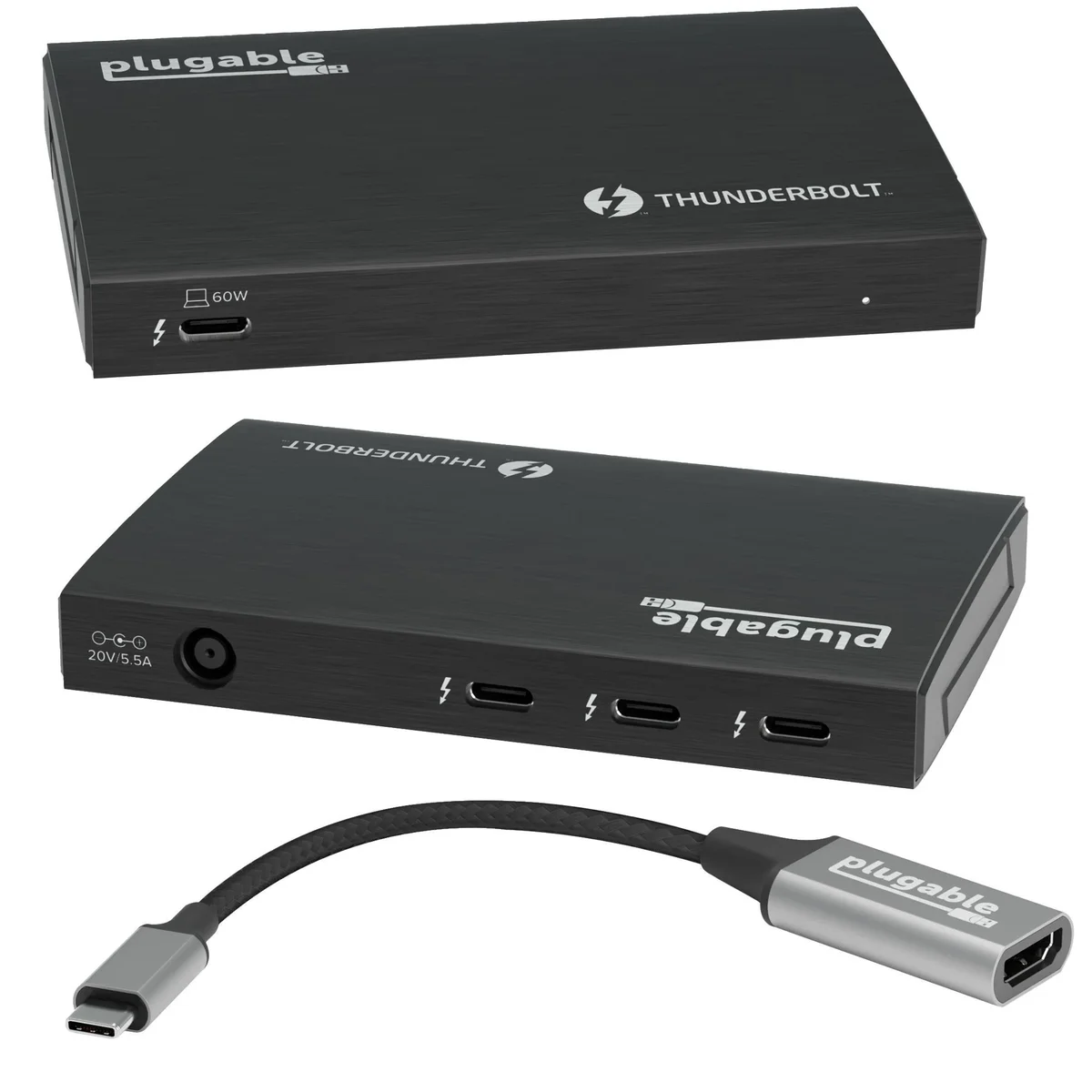
That bandwidth matters for real work. Erickson tested it for video editing directly from an external Thunderbolt SSD and found latency low enough for professional use. The hub also supports a single 8K display at 60Hz or dual 5K displays, matching the display capabilities of the CalDigit TS4 in most practical scenarios.
The trade-off is clear: you get speed, not ports. Three USB-C downstream connections and nothing else. No Ethernet, no SD card reader, no USB-A. If your setup needs those, you are buying additional adapters. But for someone who connects a Thunderbolt SSD, a monitor, and maybe one other peripheral, the Plugable delivers premium bandwidth at a budget price.
What It Won't Do
The power adapter is a joke. It is physically larger than the hub itself, which makes the compact form factor meaningless for travel. You are chained to a desk with this thing. The 60W power delivery is also the lowest in the group. Base M-series Macs handle it fine, but Kyle Erickson warned that laptops with Max chips may drain their battery during heavy workloads.
Who Should Buy Which
CalDigit TS4
18 ports of Thunderbolt 4 power for the serious desk setup
- Power users running 2+ monitors with external drives, SD cards, and wired Ethernet from one cable
- Video editors and photographers who need UHS-II SD card speeds (312 MB/s) built into the dock
- Remote workers with a permanent desk who want to eliminate every dongle and adapter
- Users with high-performance laptops that need 98W charging under sustained load
- Anyone who values port variety over bleeding-edge Thunderbolt 5 bandwidth
Plugable Thunderbolt 4 Hub
Full Thunderbolt 4 speed at a fraction of the price
- Budget-conscious buyers who want real Thunderbolt 4 speeds without premium dock pricing
- Freelancers who edit video or audio from external SSDs and need low-latency transfers
- Single-monitor users who want 8K or 5K output without paying for 15 ports they won't use
- Students or home office workers with a simple keyboard-mouse-monitor setup
- Anyone upgrading from a basic USB-C hub who wants a meaningful speed jump