
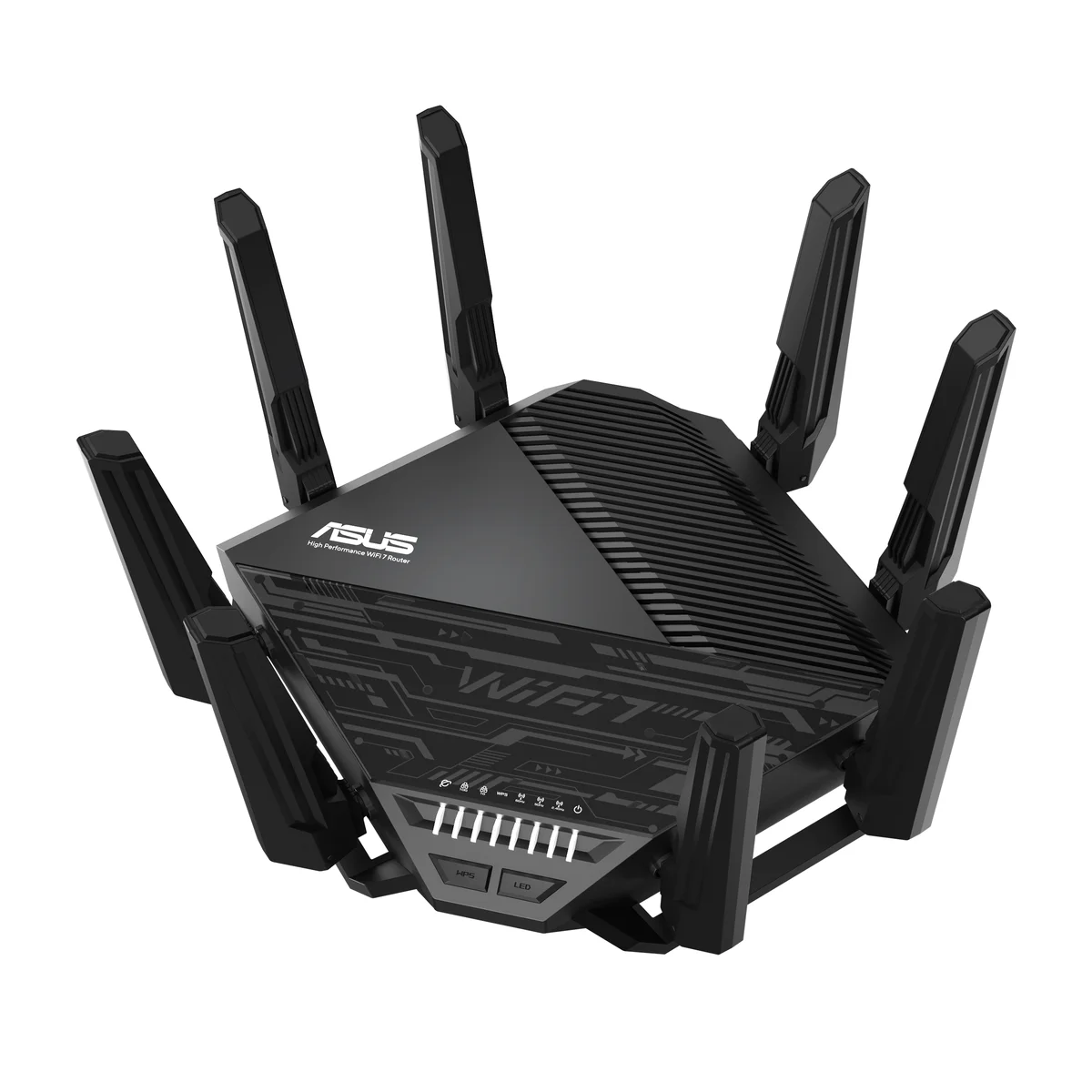
The RT-BE96U earned unanimous top picks from 10BestOnes, Ultimate Tech Hub, and landpet for one reason: it delivers everything a serious home network demands with zero recurring fees. Ultimate Tech Hub measured 2,167 Mbps on the 6 GHz band and maintained 2,006 Mbps at 40 feet with clear line-of-sight. Over its 10 Gbps ethernet port, wired throughput hit 6,181 Mbps. These are not theoretical numbers; they are real test results from reviewers who use local NAS servers to eliminate ISP variability.
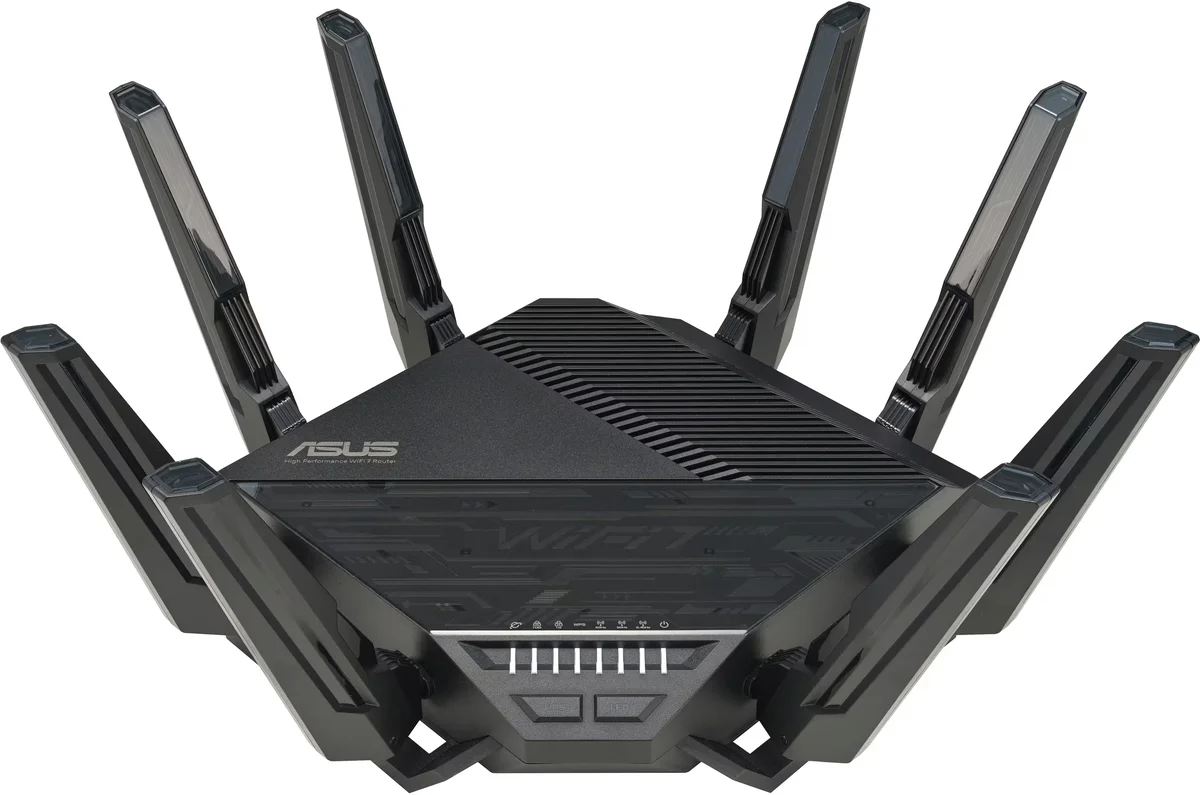
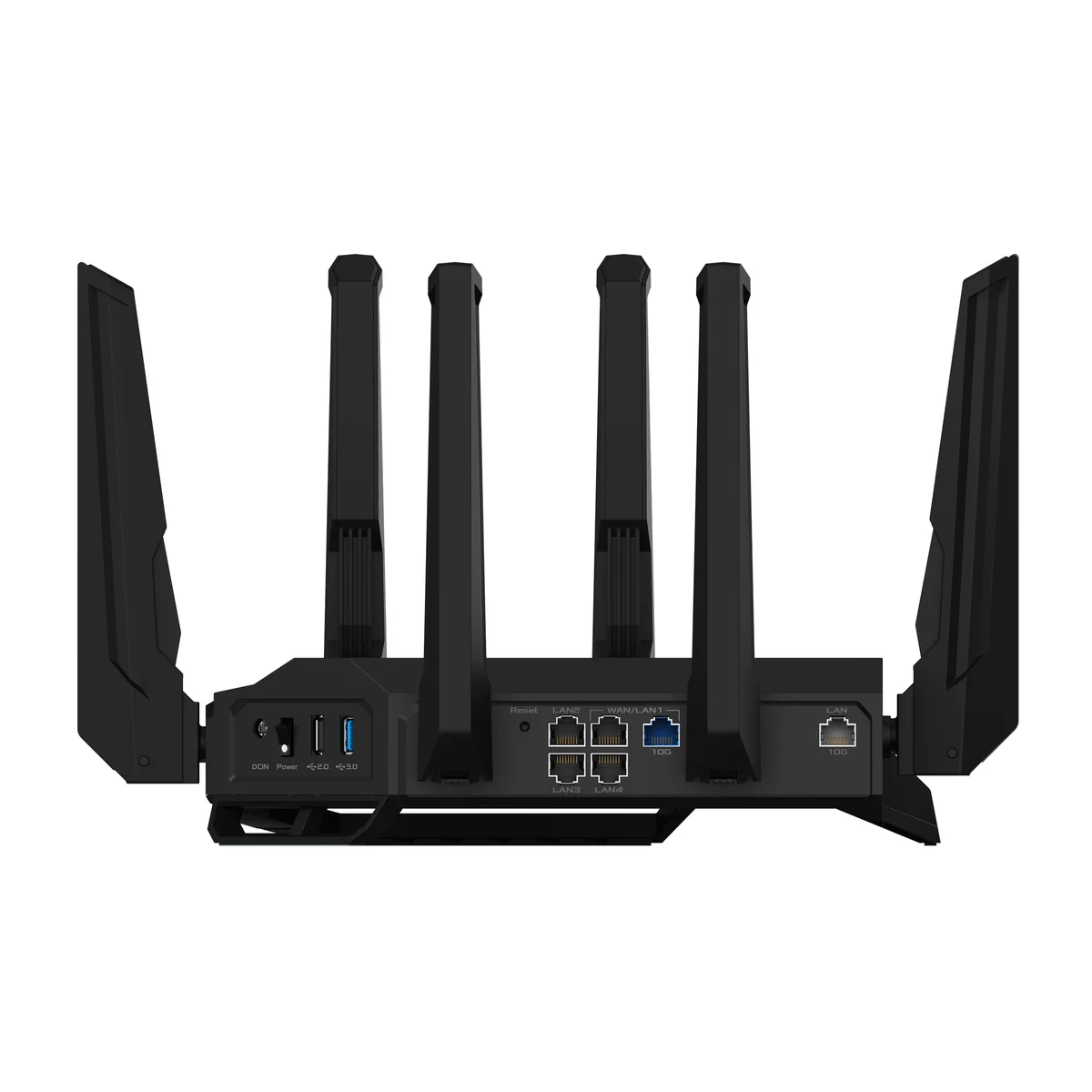
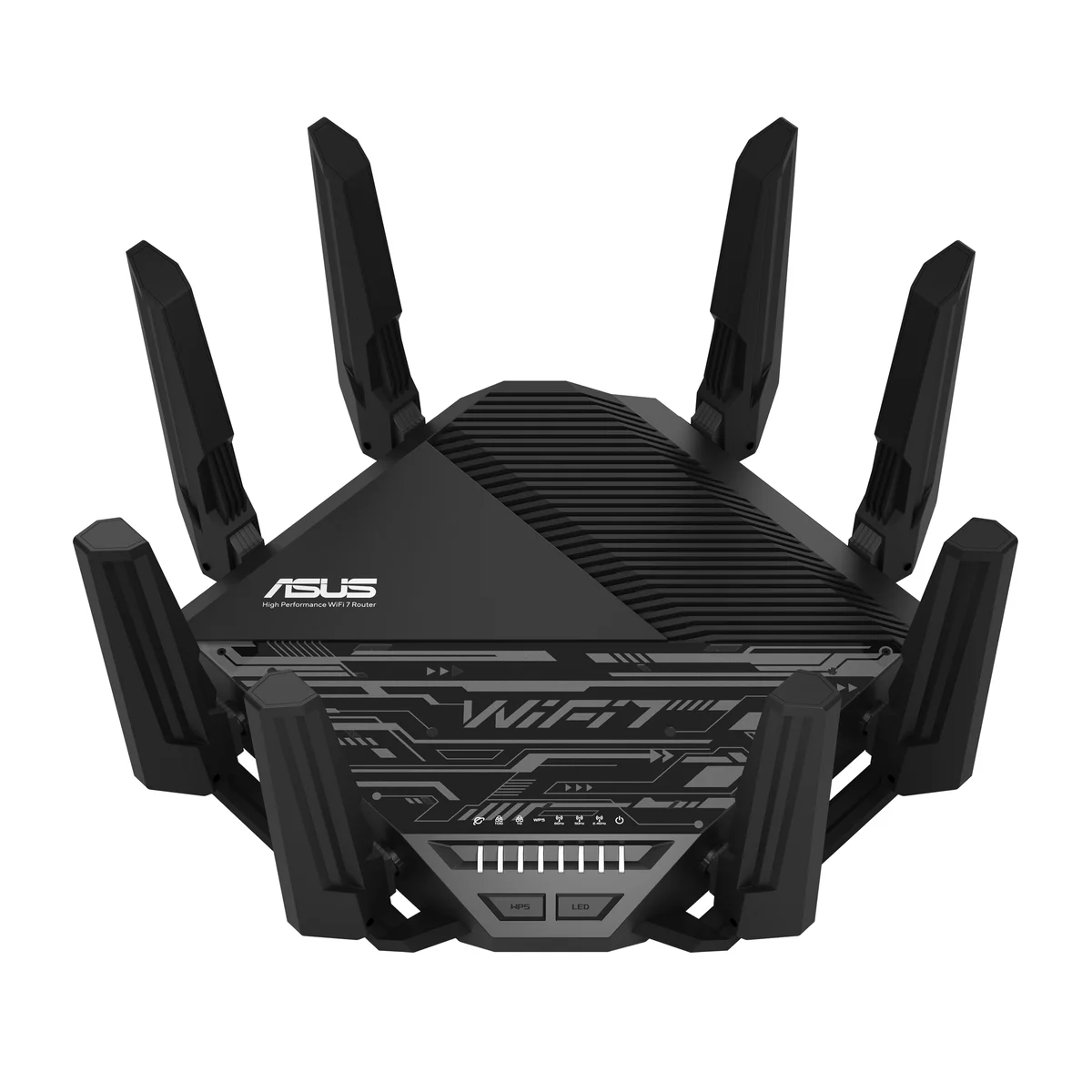
10BestOnes stress-tested it in a 3,500 sq ft home with a network-grade server, 4K streaming, active gaming sessions, and a dozen connected devices running simultaneously. It never stuttered. That kind of multi-device resilience separates the RT-BE96U from cheaper tri-band routers that start dropping connections under heavy congestion.
The software story is where ASUS puts distance between itself and every competitor. VPN server and client, AI-based threat protection, deep parental controls, traffic analytics, bandwidth prioritization: all free. No HomeShield Pro subscription. No Armor paywall. No Eero Plus upsell. landpet called ASUS the "king" of network tinkering, and 10BestOnes described the subscription-free approach as a defining advantage at this price point.
The ROG GT-BE98 Pro technically matches or exceeds the RT-BE96U on raw speed benchmarks. Both 10BestOnes and Ultimate Tech Hub acknowledged this. The difference is $200 and a chassis so large Audioviser compared buying it to "purchasing a Formula 1 car to go grocery shopping." The RT-BE96U gets you 95% of the performance at a realistic size and price.
What It Won't Do
The four secondary LAN ports are 1 Gbps. At $500+ for a Wi-Fi 7 router with dual 10G uplinks, 1 Gbps downstream ports feel cheap. Ultimate Tech Hub specifically called this out as unacceptable at this price. If you have a game console, a smart TV, a desktop, and a NAS plugged in, only two of those devices touch multi-gig speeds. You will need a 2.5G switch to fully exploit the router's capabilities across more than two wired devices.
Steve DOES expected mediocre performance from a $200 Wi-Fi 7 mesh system and got the opposite. His local NAS tests recorded 811 Mbps download and 1,041 Mbps upload wirelessly, numbers that compete with tri-band systems at triple the price. Multi-Link Operation (MLO) is doing real work here, combining the 2.4 GHz and 5 GHz bands into aggregate throughput that a dual-band system shouldn't theoretically deliver. "I was shocked at the value," he said after running the tests three separate times to confirm.
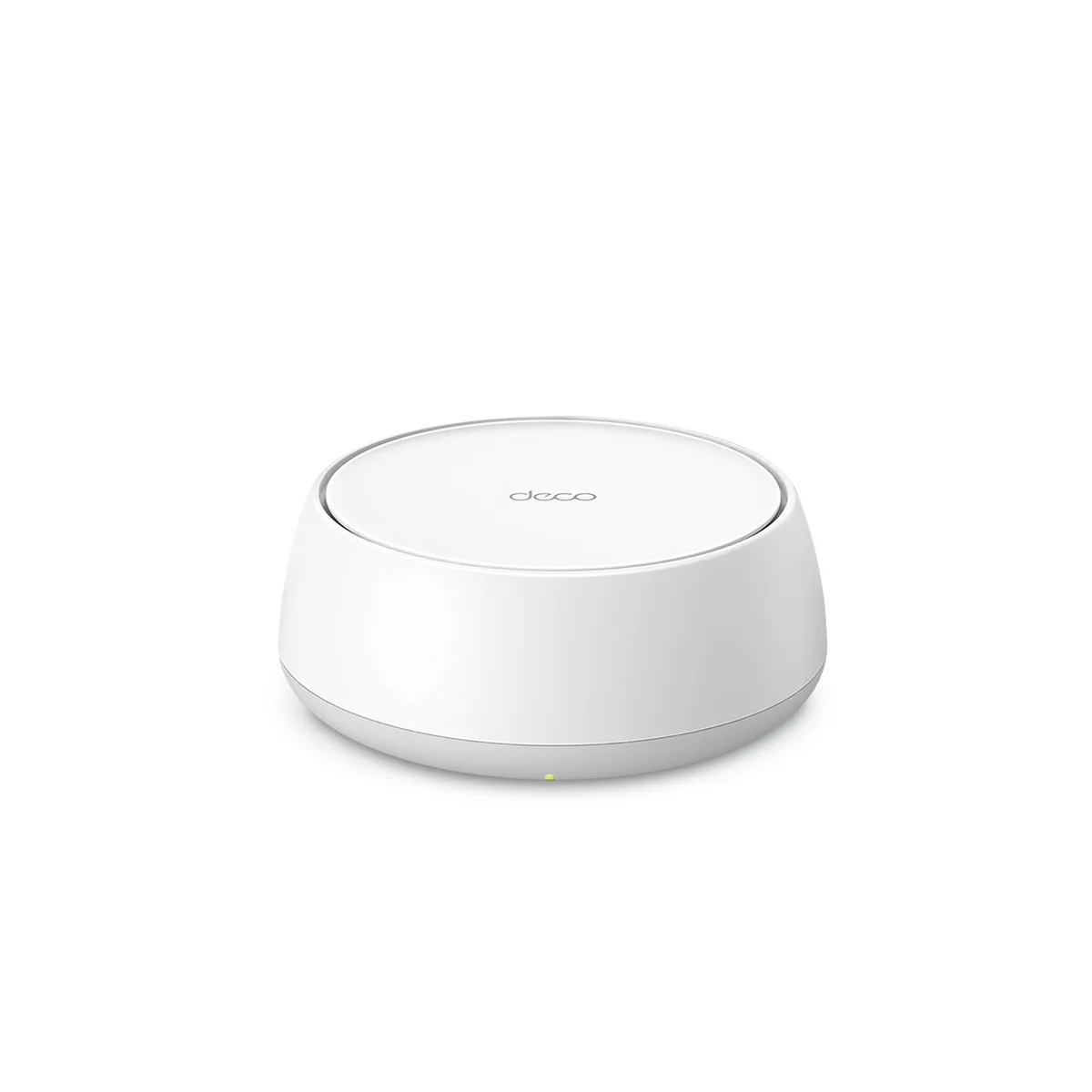
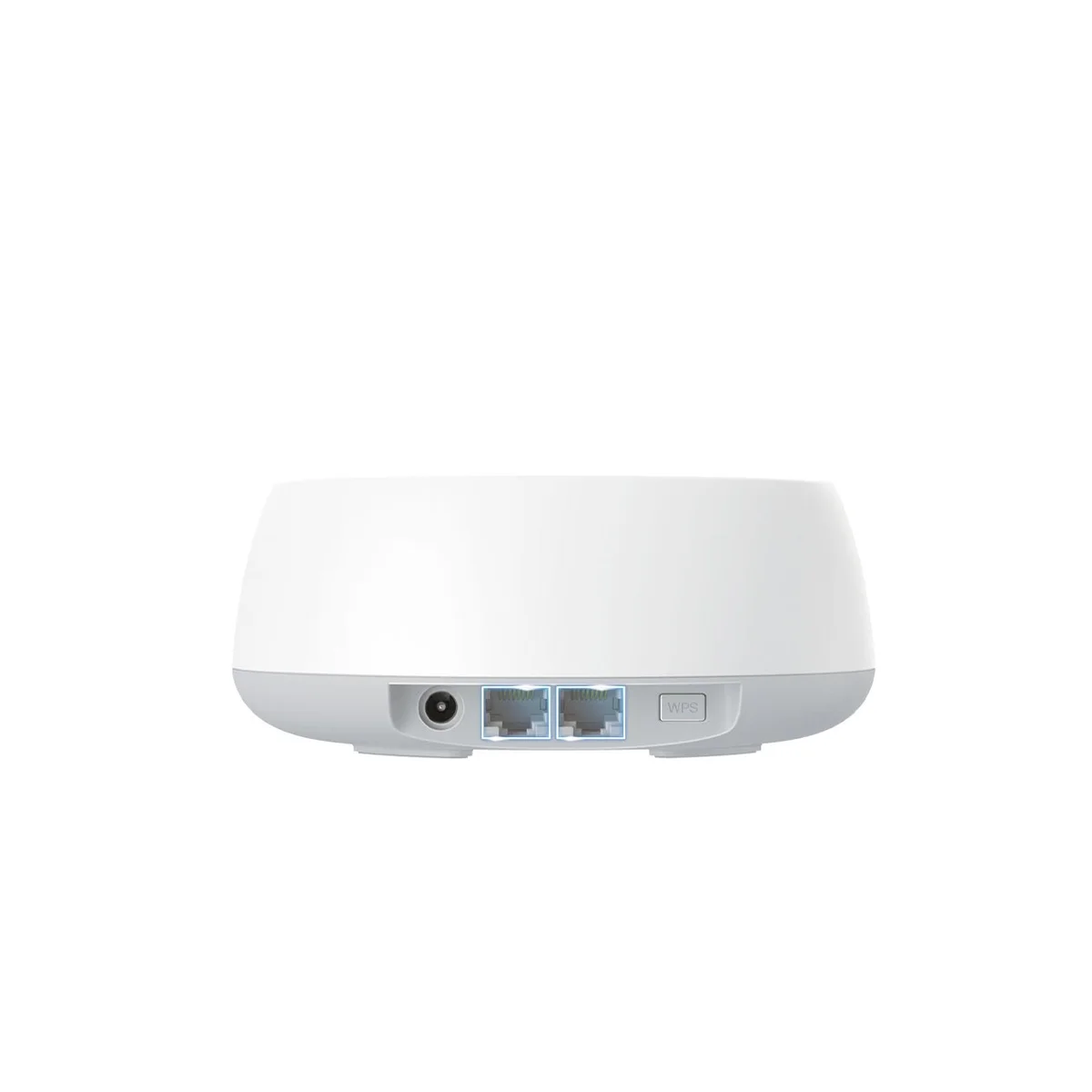
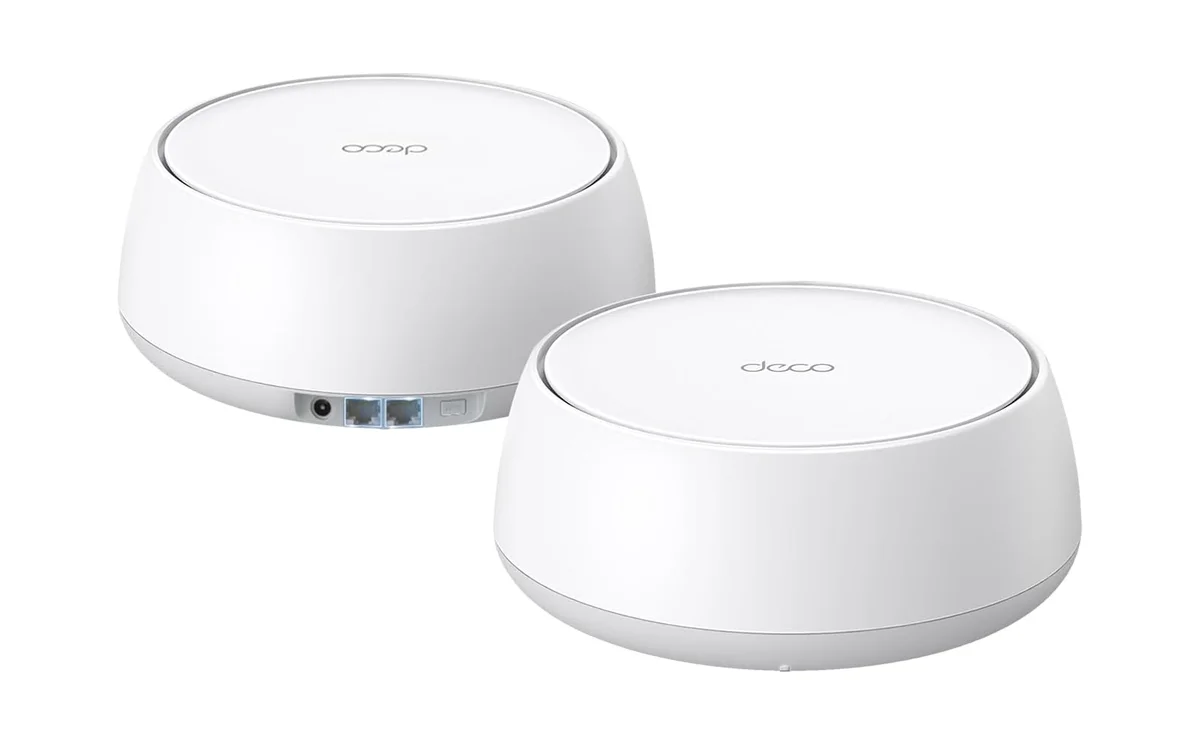
Ultimate Tech Hub selected the Deco BE25 as their top budget Wi-Fi 7 mesh pick because the 3-pack blankets 6,600 square feet for under $300. Most families shopping at this price are solving one specific problem: dead zones. The kid's room on the third floor, the basement office, the garage workshop. Distributed mesh nodes solve coverage in a way no single router can, and every Deco BE25 node includes dual 2.5 Gbps ethernet ports for wired backhaul.
The Deco BE25 does not try to be everything. It skips the 6 GHz band entirely, relying on 2.4 and 5 GHz only. It has no USB ports. The app provides basic controls without the deep customization ASUS offers. For a family that wants reliable internet in every room at a price that doesn't require spousal negotiation, these tradeoffs make sense. The $200 3-pack covers more square footage than routers costing ten times as much.
What It Won't Do
TP-Link locks advanced network metrics and upgraded parental controls behind a paid HomeShield Pro subscription. Both Steve DOES and Ultimate Tech Hub flagged this. You can see basic device lists and run speed tests for free, but anything deeper (per-device usage stats, content filtering categories, real-time threat monitoring) costs extra. On a $200 system this is tolerable. On a $300 3-pack, it starts to feel extractive.
Who Should Buy Which
ASUS RT-BE96U
Tri-band Wi-Fi 7 powerhouse with no subscription paywalls
- Power users with multi-gigabit fiber internet who need dual 10G ports for NAS or link aggregation
- Competitive gamers in medium-to-large homes (2,500-3,500 sq ft) who want traffic prioritization without subscriptions
- Network enthusiasts who want VPN, AI protection, and deep customization at no recurring cost
- Home office workers running video calls, cloud backups, and large file transfers simultaneously
- Buyers who refuse to pay subscription fees for features that should be included
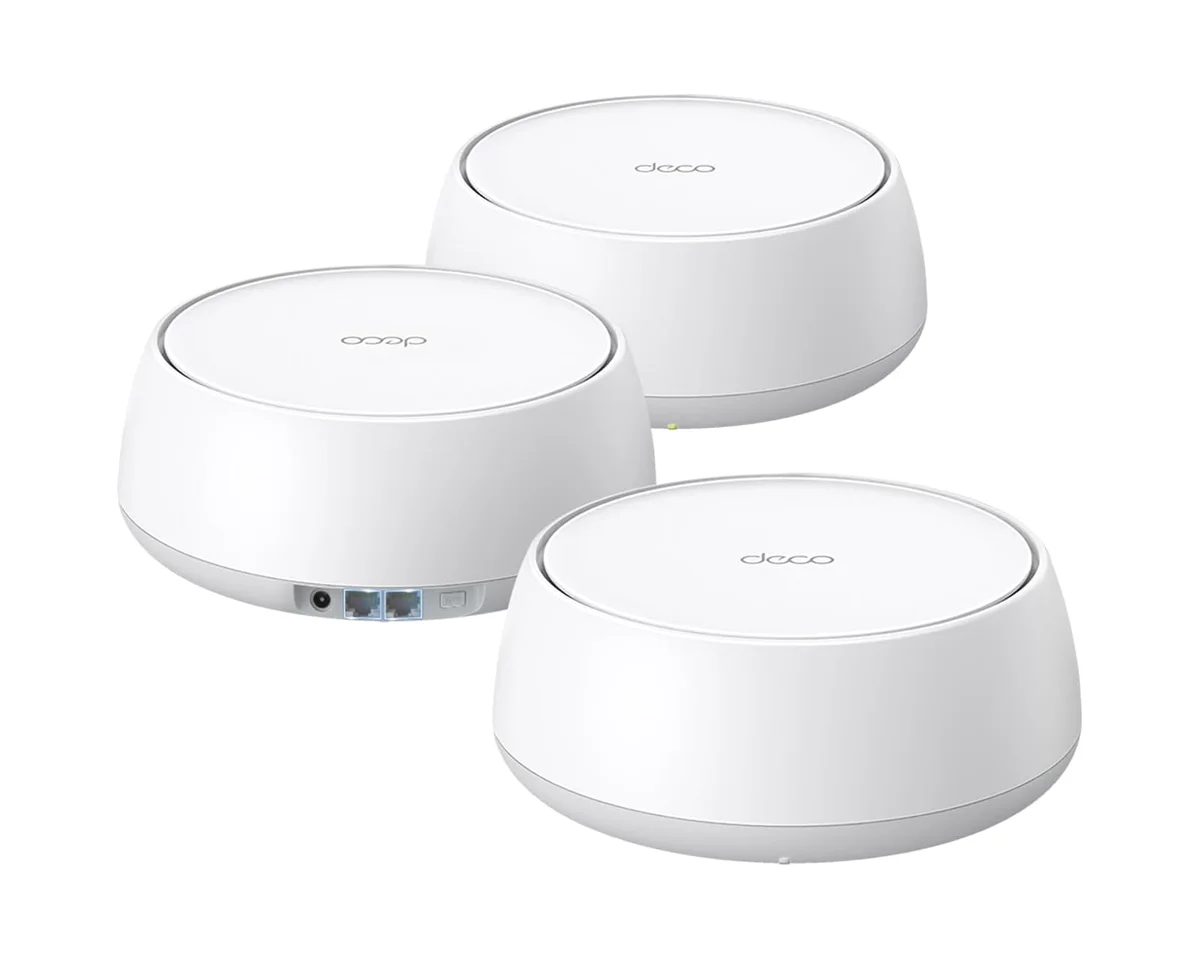
TP-Link Deco BE25
Wi-Fi 7 mesh for the whole house under $300
- Families in large or multi-story homes with persistent WiFi dead zones
- Budget-conscious buyers who want Wi-Fi 7 speeds without spending over $300
- Households with 20+ connected devices spread across multiple floors
- Renters or homeowners who can't run ethernet cables to every room (wireless mesh solves this)
- First-time mesh buyers upgrading from a single aging router