The Best E-Readers
Verified by
 Ryan V. Editor-in-Chief
When you purchase through links on our site, we may earn an affiliate commission.
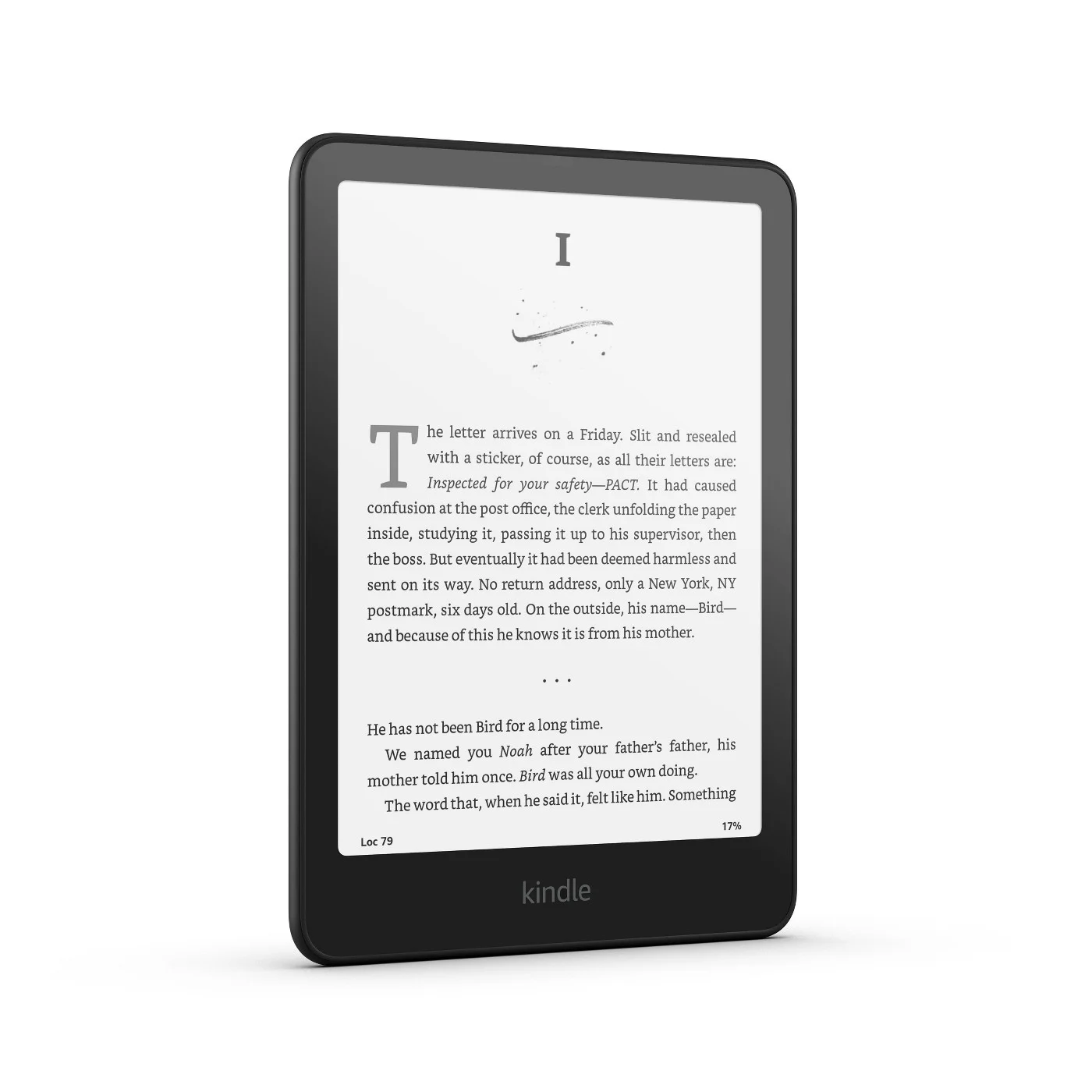
The Paperwhite is the closest thing this category has to a consensus. CNET's David Carnoy scored it 8.9/10 as his best e-reader overall, Tom's Guide and CNN Underscored named it their top pick, and PCMag's Will Greenwald gave it 4.5/5 as the best Kindle. The Verge calls its display the best-looking screen on any e-reader.
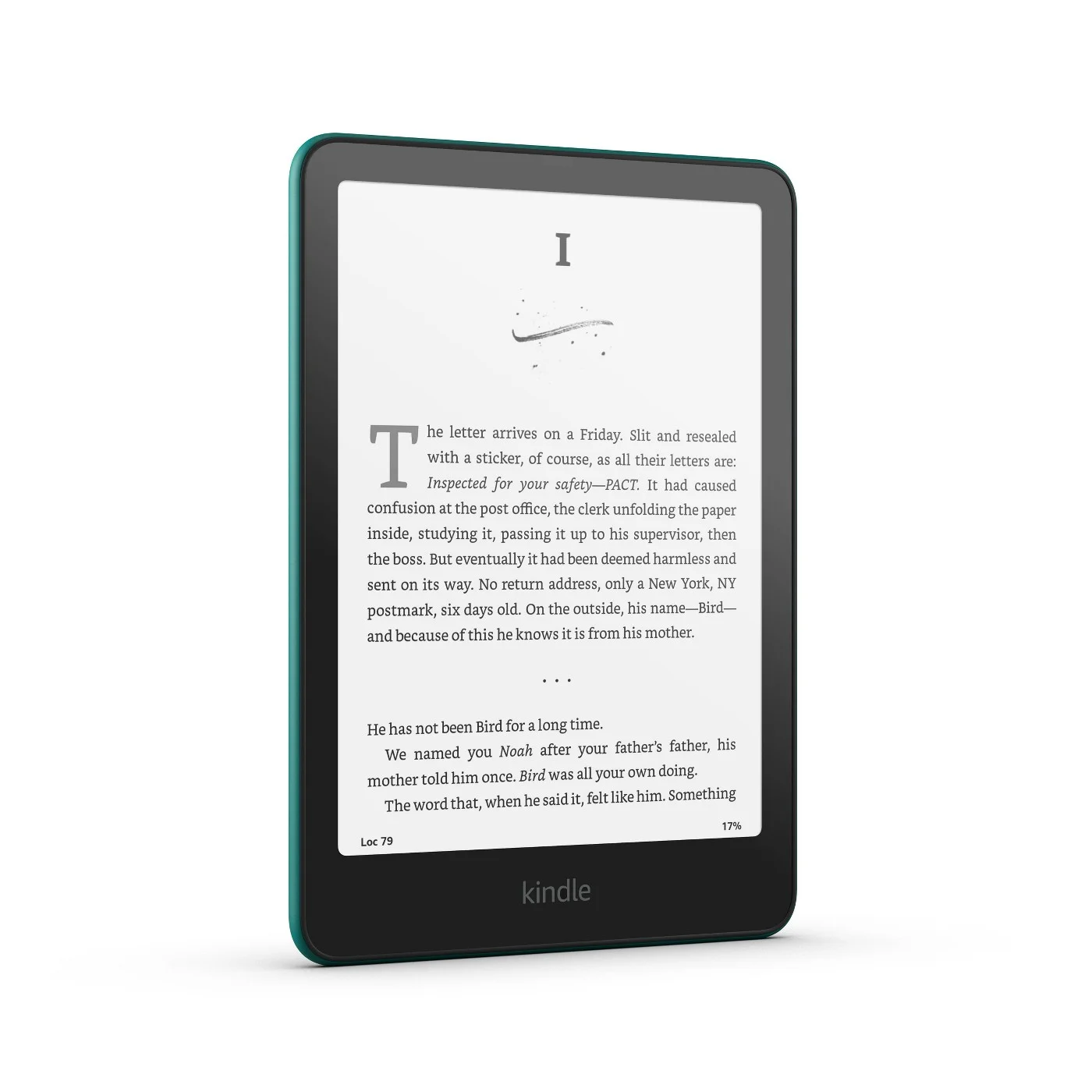
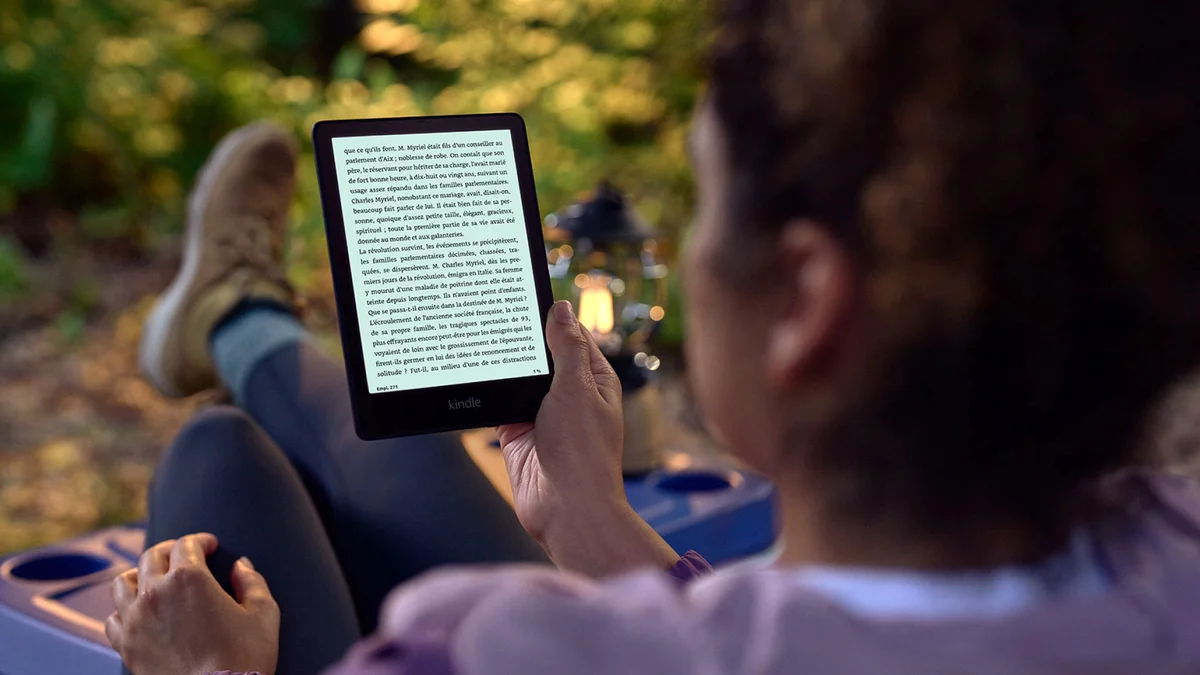
Speed is the upgrade you notice. Wirecutter's Caitlin McGarry found the 2024 model's oxide backplane registers taps near-instantly, where older E Ink screens made you feel the device thinking before each page. CNET measured a higher contrast ratio and faster page turns than the last generation, and Tom's Guide praises the balanced, bright backlight.
It also suits the places people actually read. The 7-inch screen fits more text than the basic Kindle, and 19 LEDs let you shift the light warmer at night. The IPX8 rating survived Wirecutter's 30-minute bathtub submersion. Amazon rates the battery at up to 12 weeks, and ZDNET's tester still had 32% left after two weeks of daily reading.
What It Won't Do
There are still no page-turn buttons. CNN, CNET and The Verge all call that the one thing missing, and it's the main reason the Kobo Libra Colour remains the alternative. The price keeps climbing as well: Amazon raised it to $199.99 in August 2026, and TechRadar now calls the Paperwhite expensive for its feature set. That price includes lock-screen ads, which PCMag notes cost extra to remove, and Tom's Guide still dislikes the power button's spot on the bottom edge.
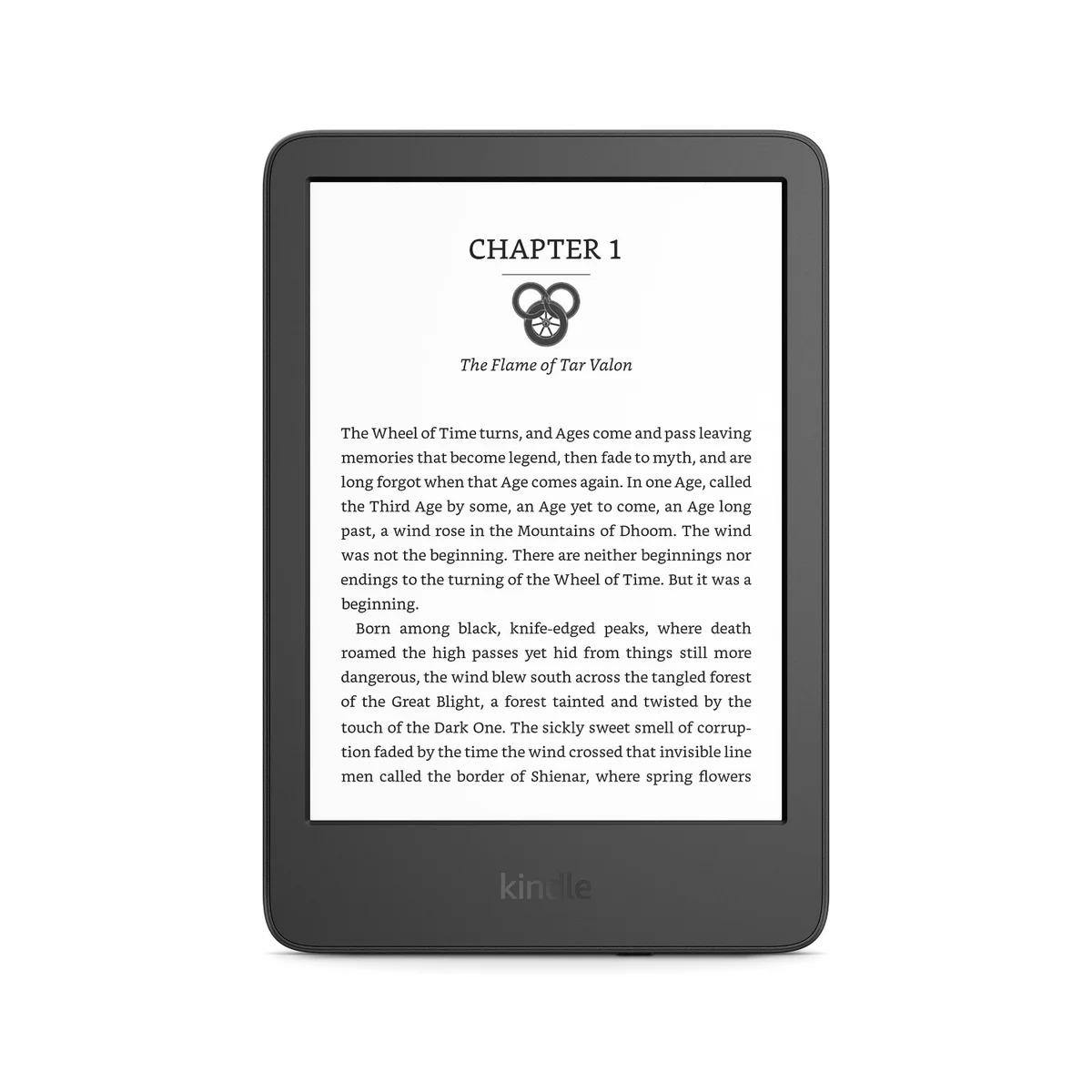
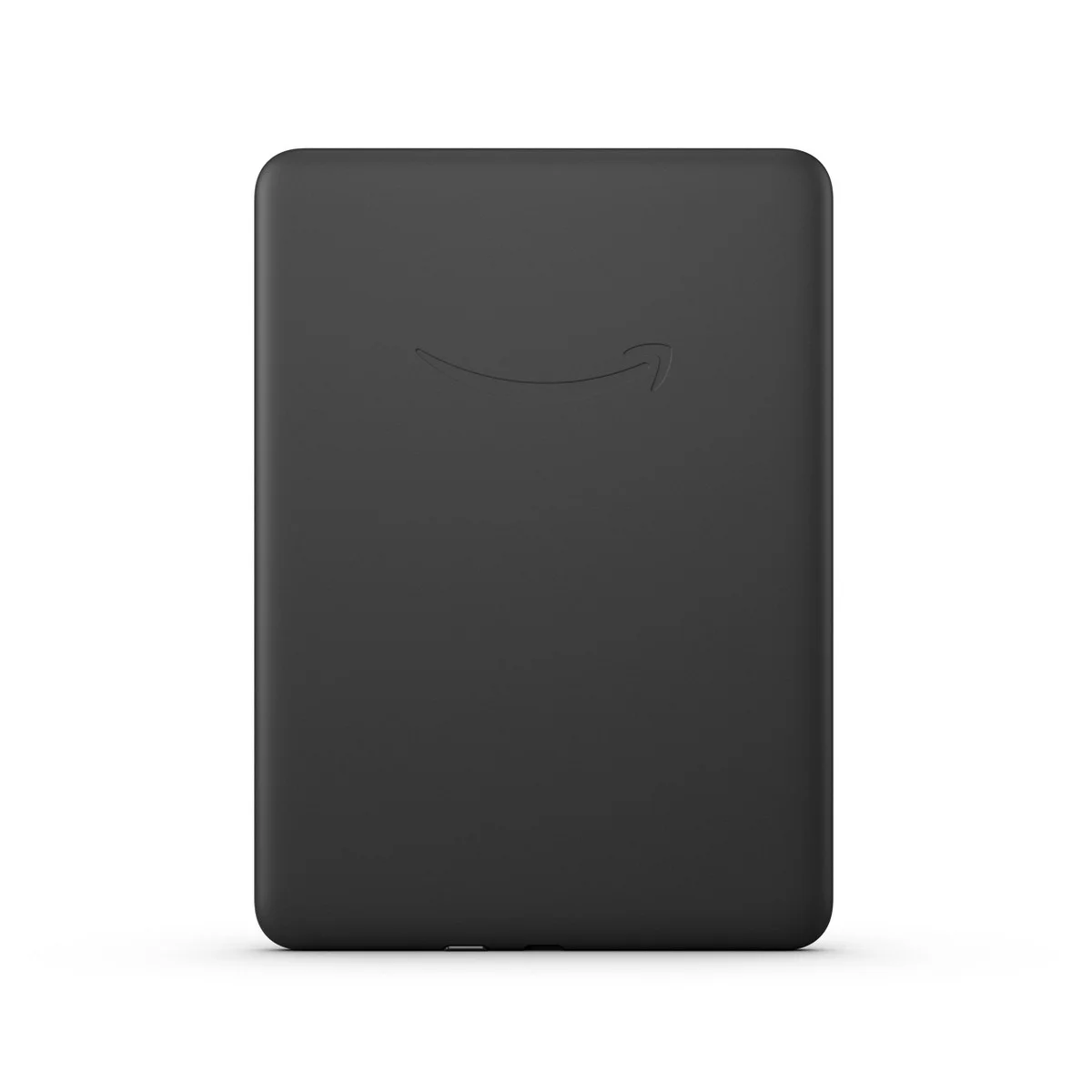
Wirecutter names the basic Kindle the best e-reader for most people, ahead of the Paperwhite. Caitlin McGarry's case is simple. You get the same 300 ppi sharpness, the same 16 GB of storage and the same USB-C charging in a 6-inch body that weighs 158 grams. Both 2024 Kindles reach 94 nits, and she had no trouble reading on her patio in direct sunlight.
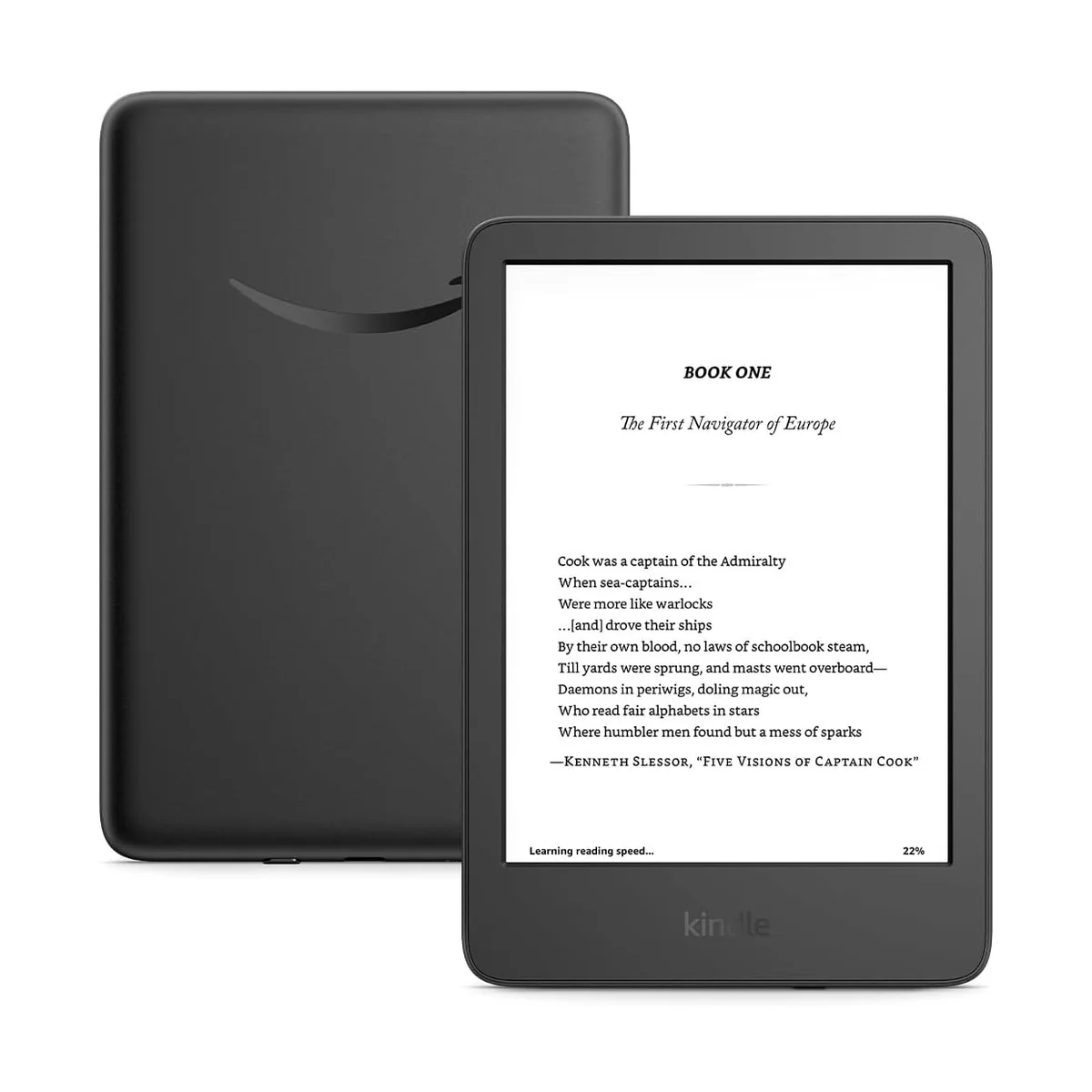
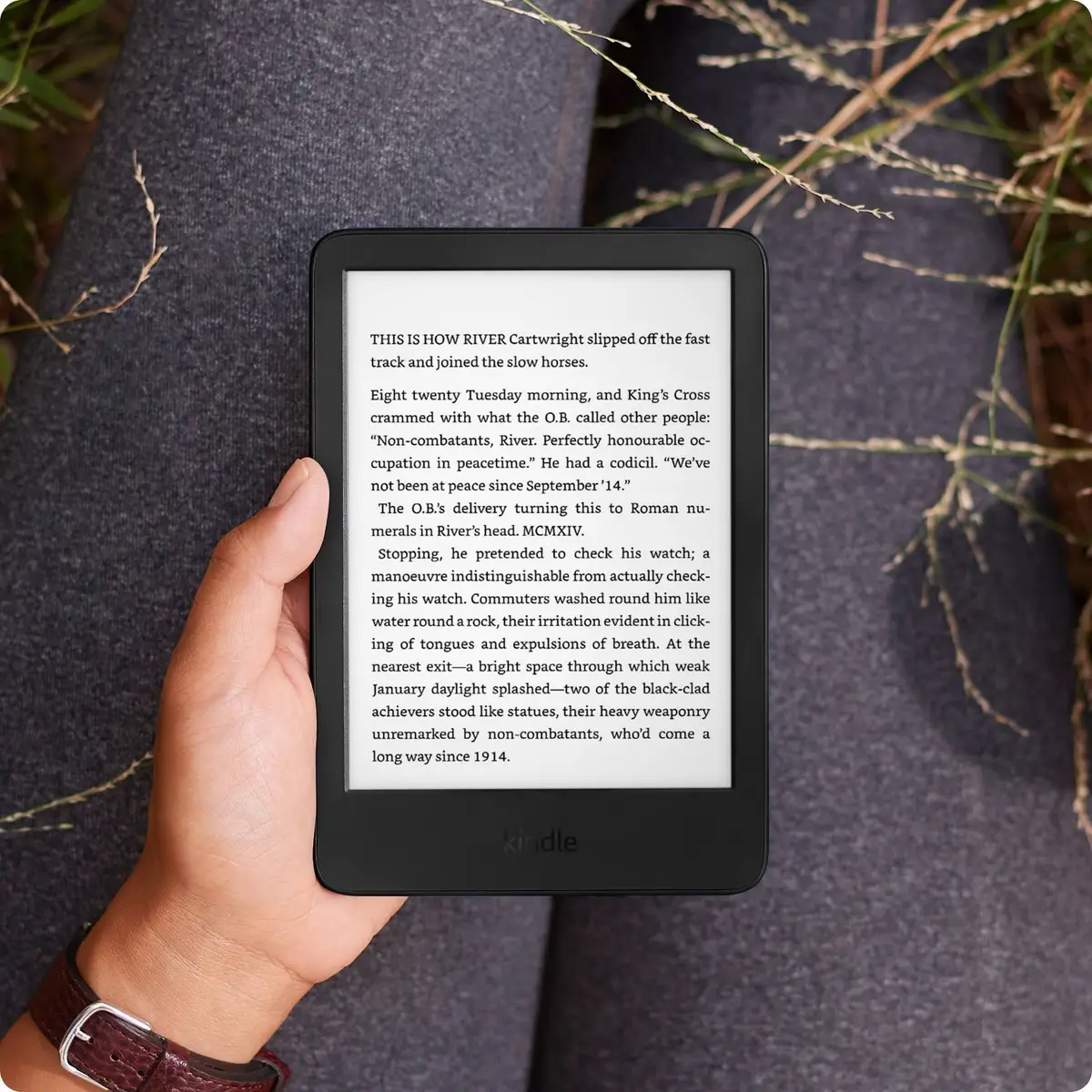
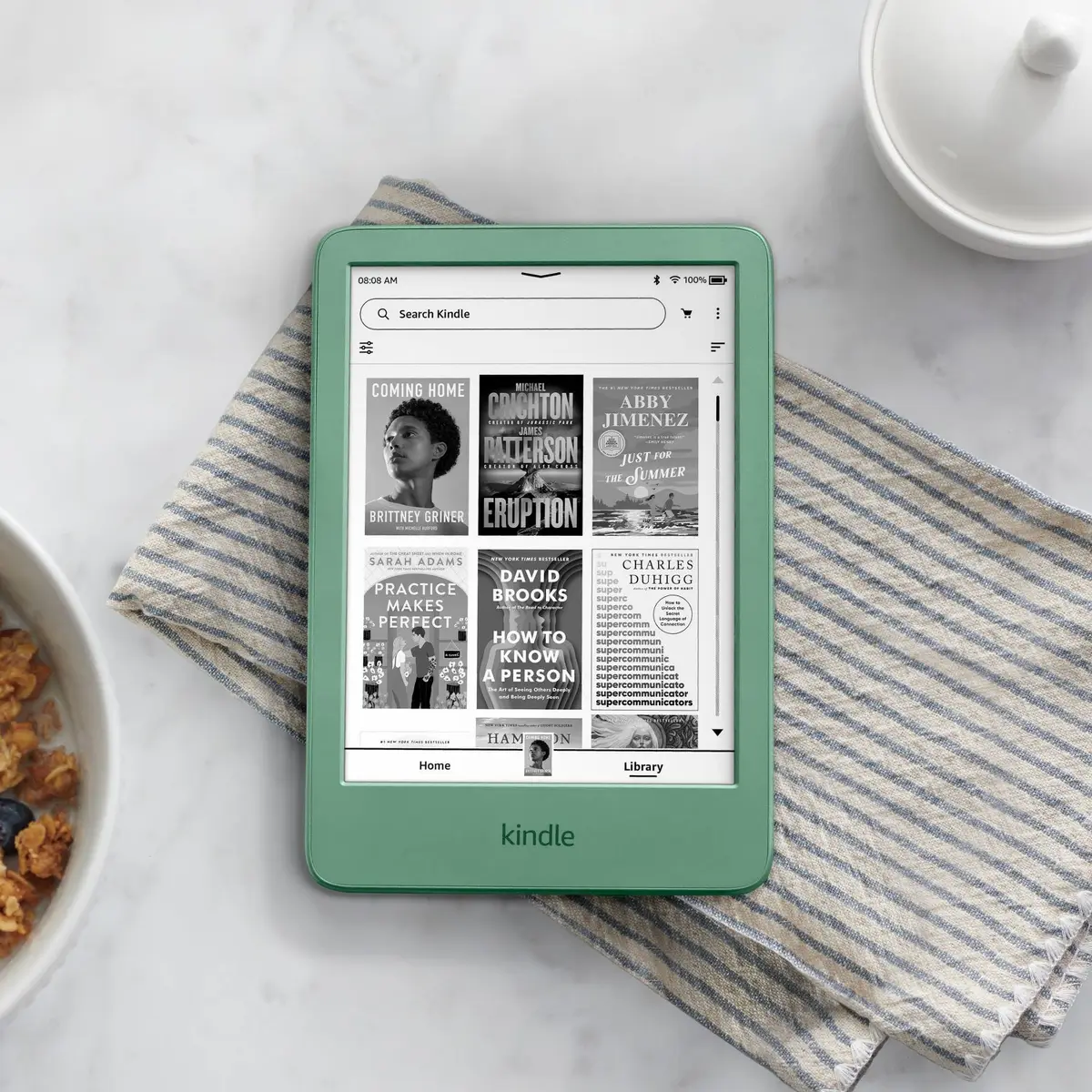
The rest of the field agrees. CNET, Tom's Guide and PCMag all list it as their value or budget pick, and CNET's David Carnoy says it has sort of become a Paperwhite Mini. You also get Amazon's full ecosystem, including Kindle Unlimited and Libby library loans sent straight to the device.
At $149.99 it costs $50 less than the Paperwhite. Amazon rates the battery at six weeks, and Wirecutter found it easily lasts a month on a charge.
What It Won't Do
It isn't waterproof. Wirecutter, CNET, PCMag and Tom's Guide all flag it, so the bath, the pool and the beach are risky. There's no warm light either, which Engadget and ZDNET both miss for bedtime reading, and Wirecutter's matcha test unit picked up faint scratches on its recycled plastic within weeks. Amazon's August 2026 price rise to $149.99 also led TechRadar to drop it from its main list as no longer good value at full price, so a sale makes it a much easier buy.
Who Should Buy Which
Kindle Paperwhite (12th Gen)
The e-reader most of our sources call the best, with a fast 7-inch screen and IPX8 waterproofing
- Readers who want the fastest, sharpest Kindle screen
- Anyone who reads in the bath, by the pool or at the beach
- Night readers who want a warmer light
- Kindle Unlimited and Audible subscribers
- Libby users who borrow library books often
Kindle (2024)
Wirecutter's pick for most people, with the Paperwhite's sharp 300 ppi screen in a lighter 6-inch body
- Commuters who want a Kindle that fits in a bag or big pocket
- First-time e-reader buyers
- Budget buyers who mostly read indoors
- Anyone who already buys from the Kindle store
- Travelers who want the lightest Kindle