The Kindle Paperwhite (12th Gen) meets
the Kindle (2024)
The e-reader most of our sources call the best, with a fast 7-inch screen and IPX8 waterproofing. We tested it head-to-head against the Kindle (2024) across 6 key dimensions.
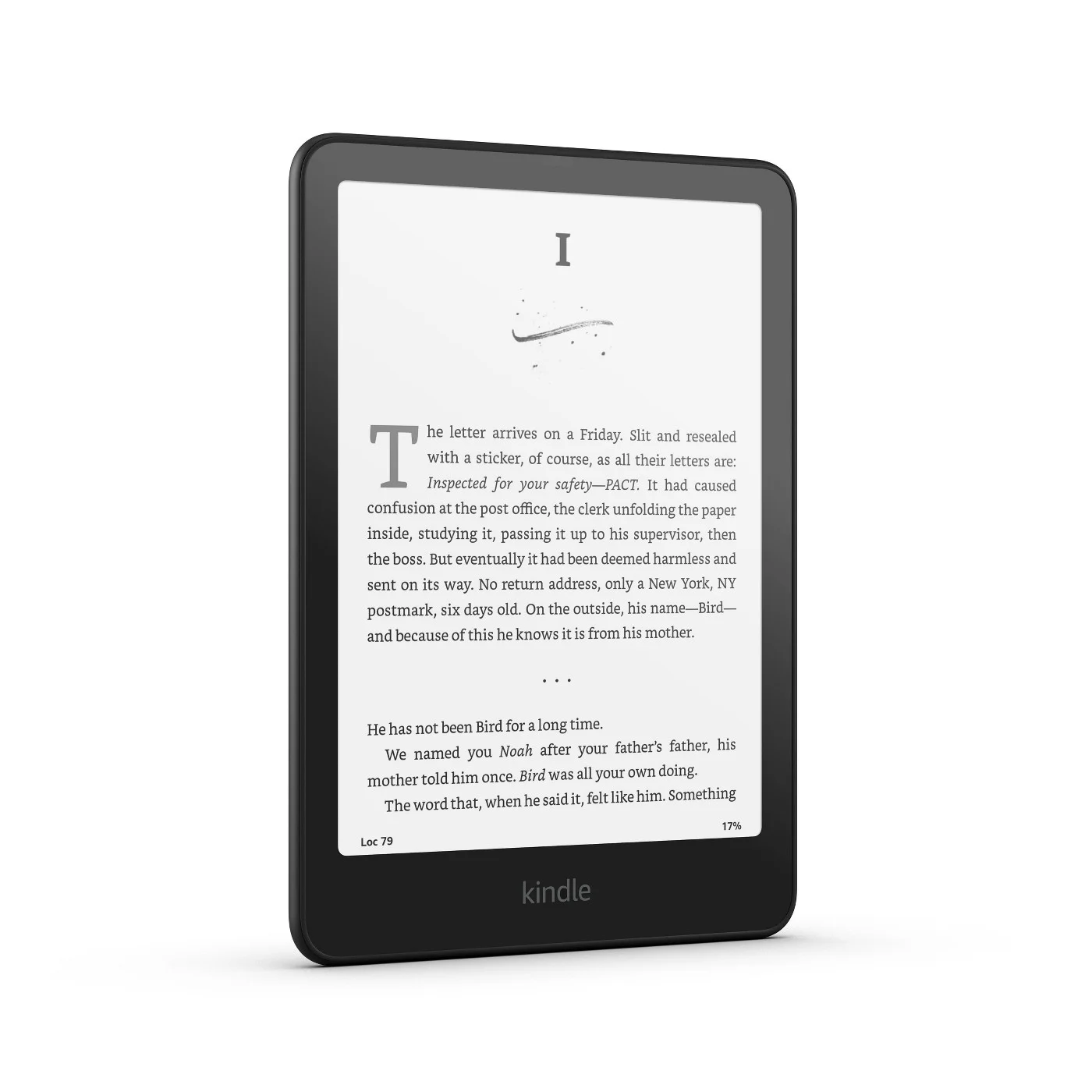
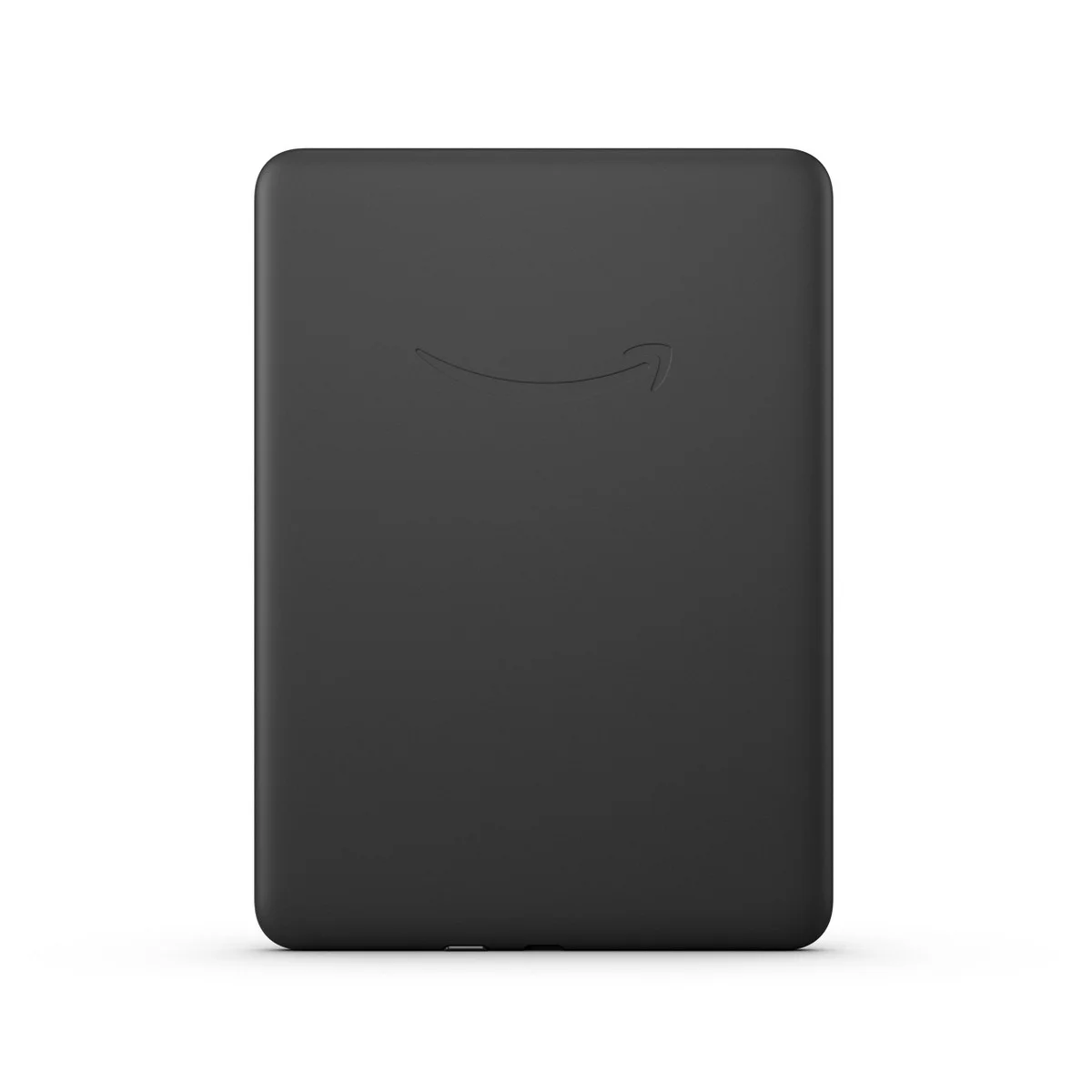
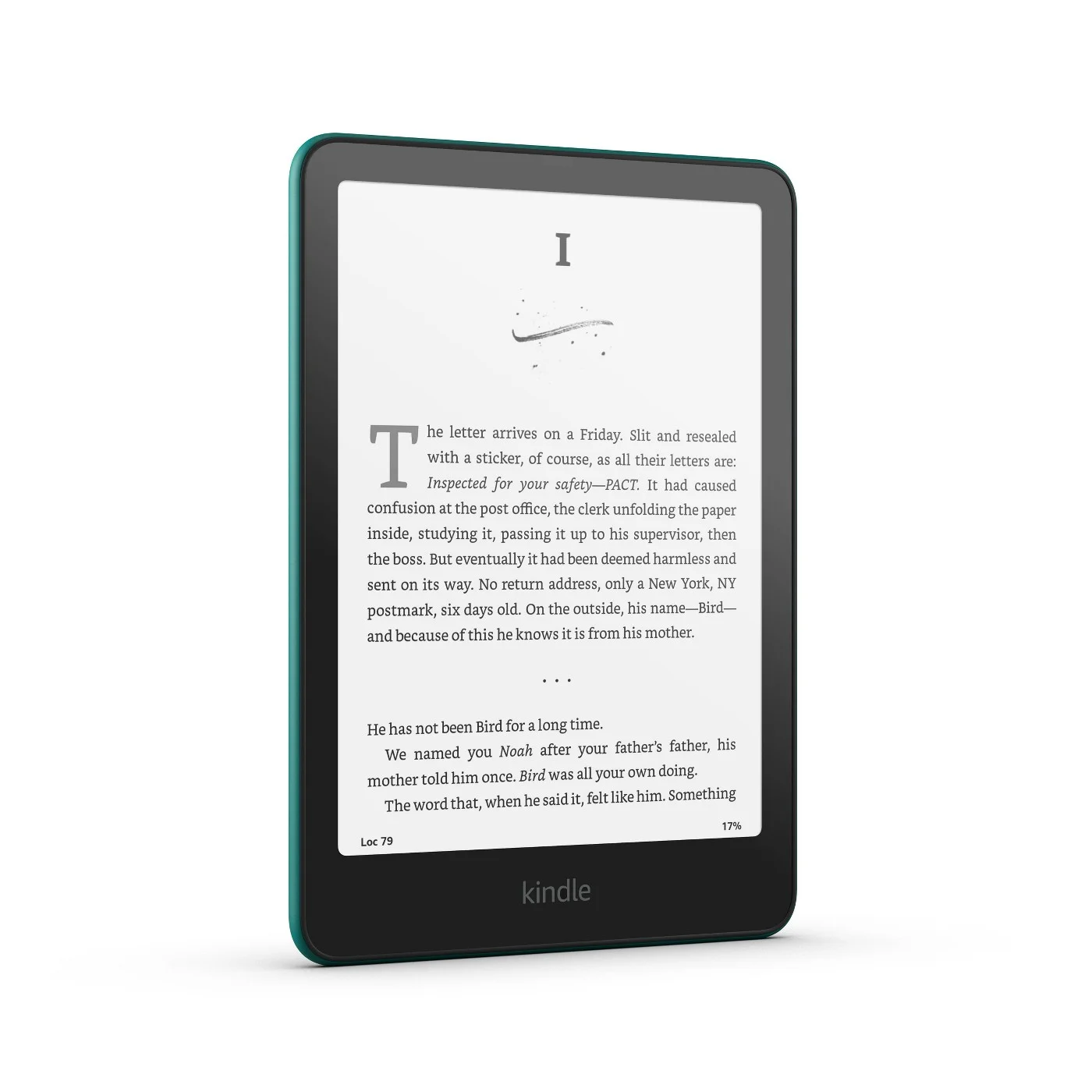
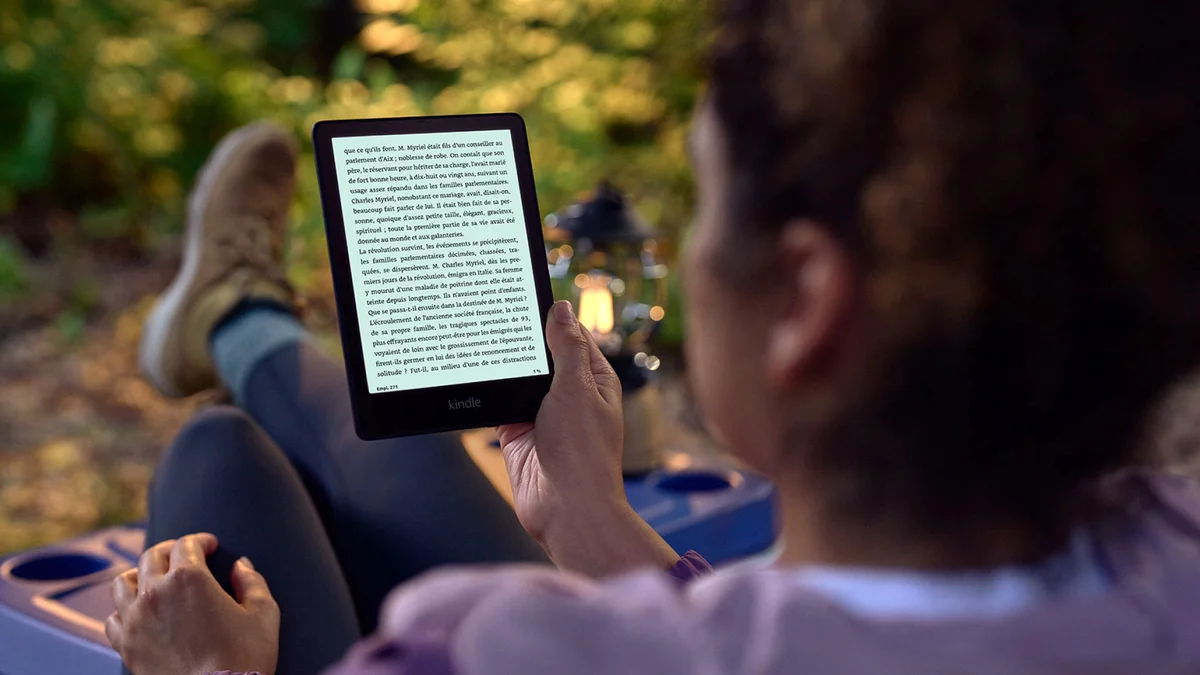
Kindle Paperwhite (12th Gen)
“The e-reader most of our sources call the best, with a fast 7-inch screen and IPX8 waterproofing”
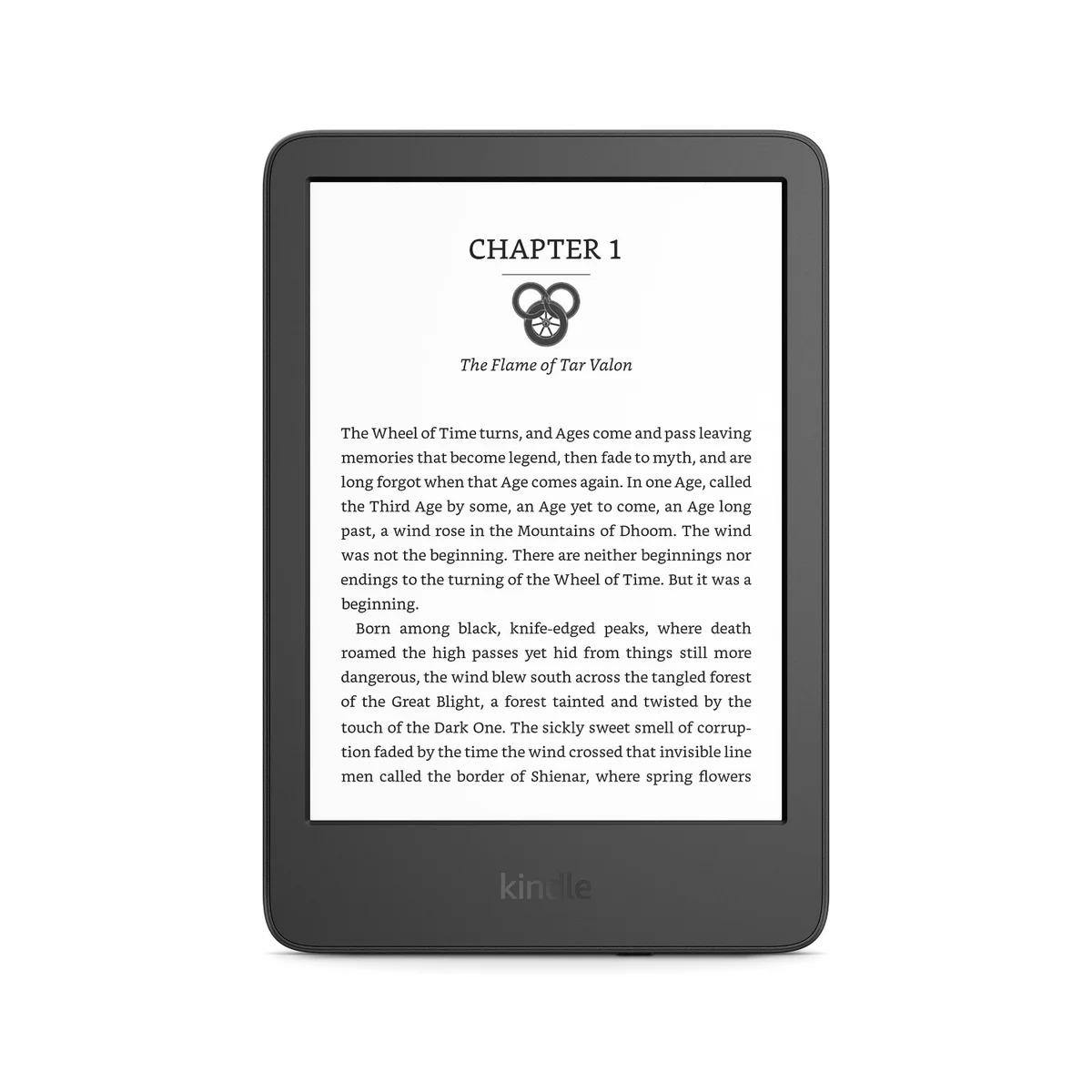
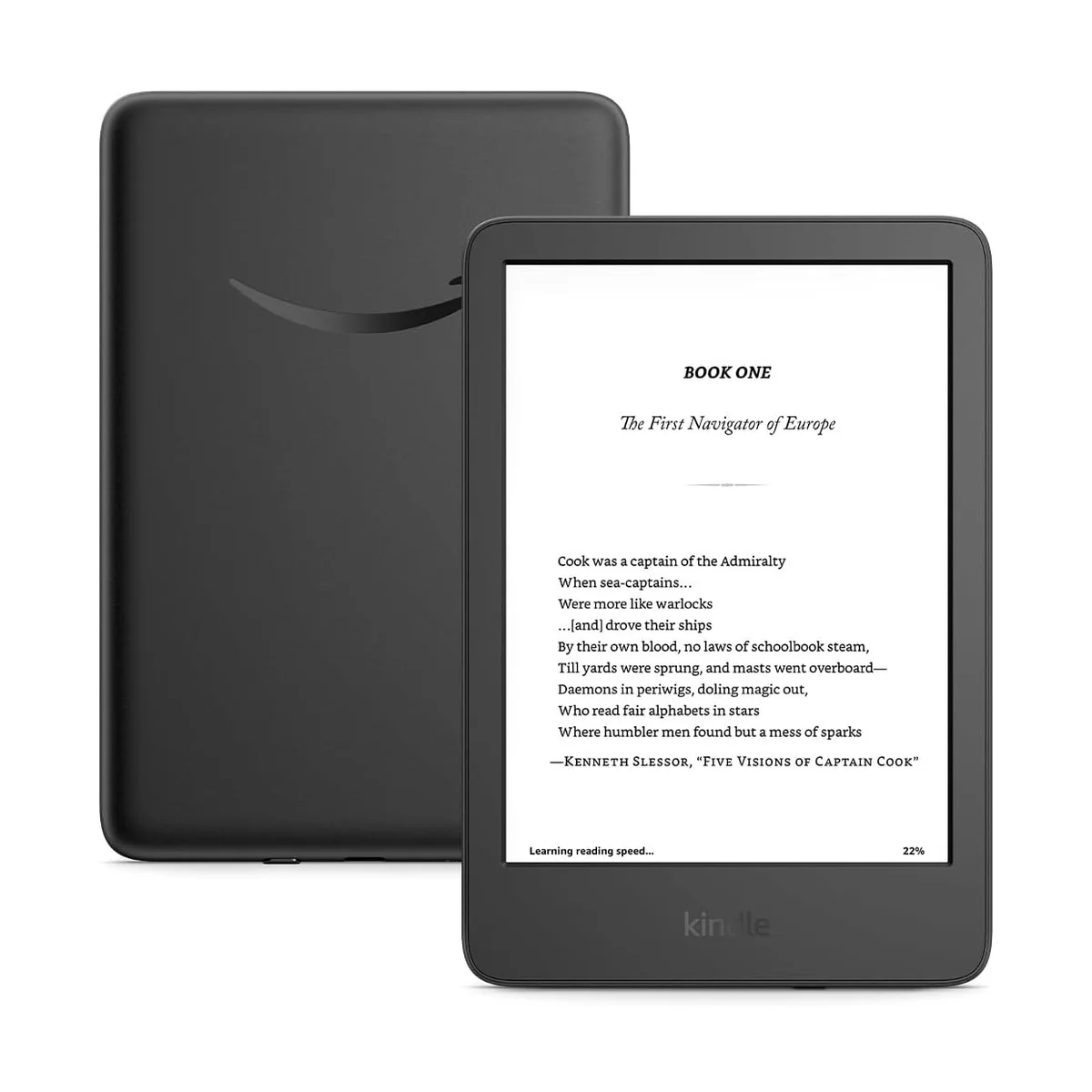
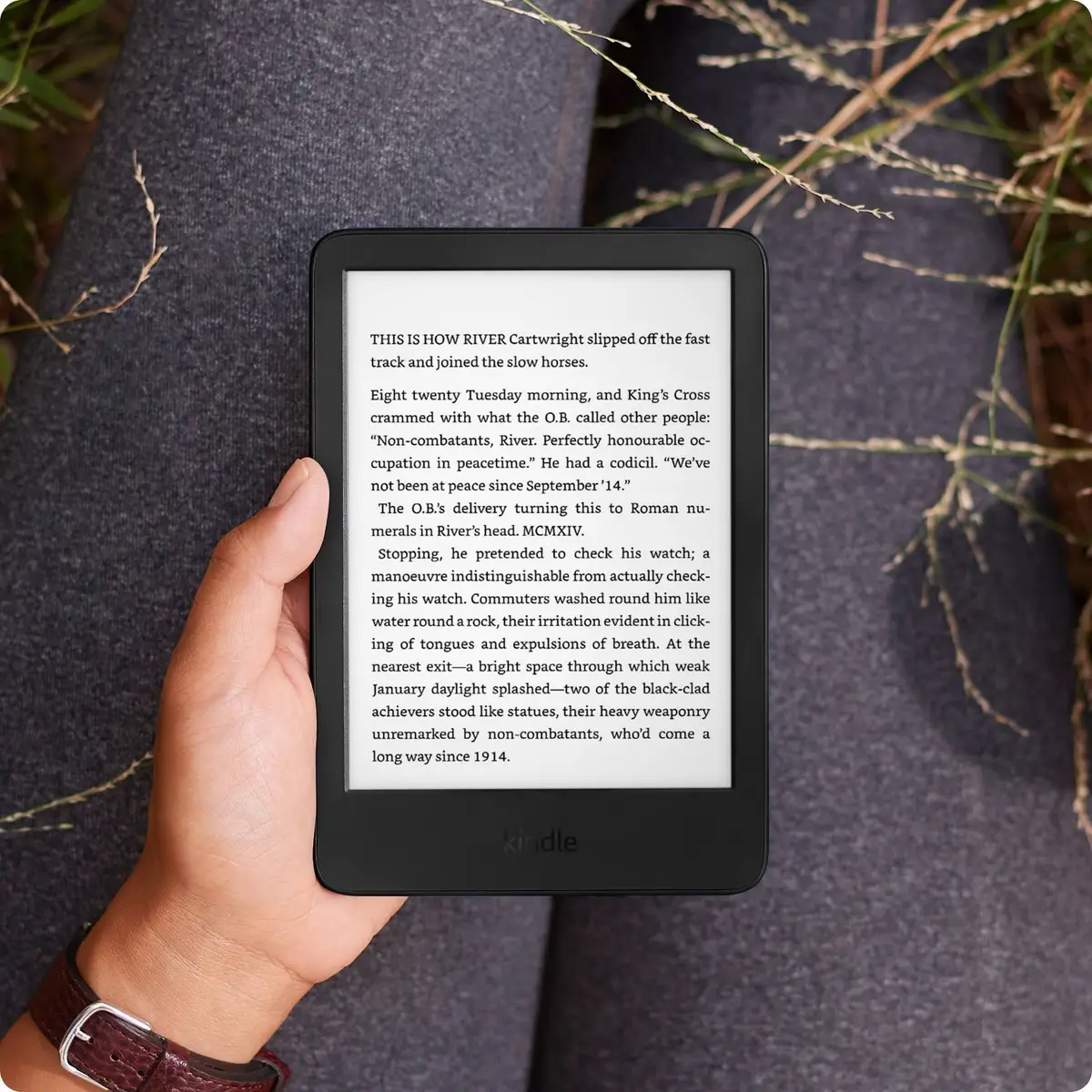
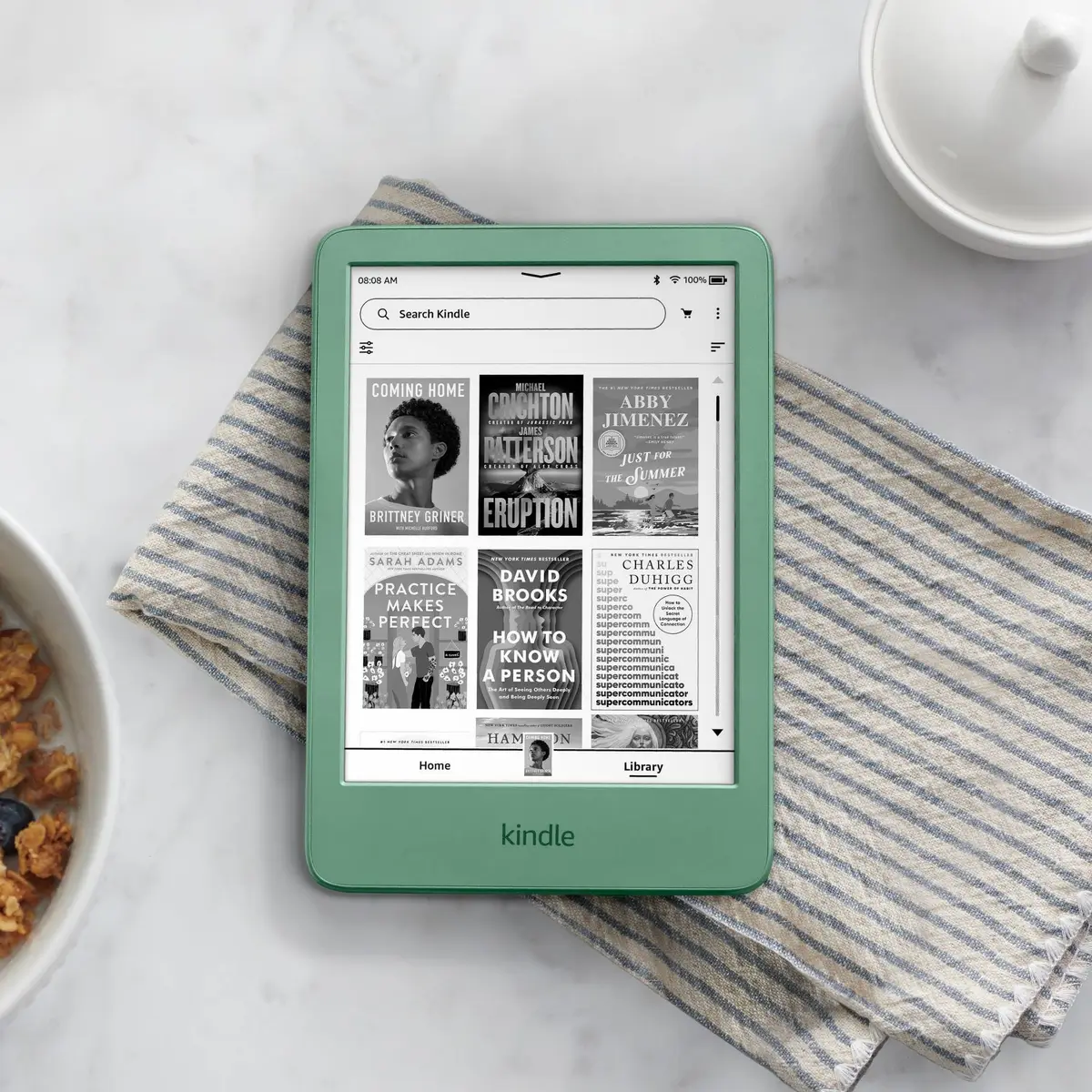
Kindle (2024)
“Wirecutter's pick for most people, with the Paperwhite's sharp 300 ppi screen in a lighter 6-inch body”
Head-to-Head Breakdown
Strengths & Weaknesses
Kindle Paperwhite (12th Gen)
- Best overall at CNET (8.9/10), Tom's Guide and CNN, and PCMag's best Kindle at 4.5/5
- The Verge calls it the best-looking screen on any e-reader, and Wirecutter found taps register near-instantly
- IPX8 waterproofing survived Wirecutter's 30-minute bathtub test, and Amazon rates the battery at up to 12 weeks
- No physical page-turn buttons, the gap CNN, CNET and The Verge all point to
- Amazon raised it to $199.99 in August 2026, and TechRadar calls it expensive for its feature set
- Lock-screen ads unless you pay to remove them (PCMag), and Tom's Guide dislikes the power button's spot
Kindle (2024)
- Wirecutter's top pick for most people, with the same 300 ppi sharpness and 16 GB of storage as the Paperwhite
- CNET calls it a Paperwhite Mini, and at 158 grams it's the lightest Kindle
- The value or budget pick at CNET, Tom's Guide, PCMag, Engadget and The Verge
- No water resistance at all, which Wirecutter, CNET, PCMag and Tom's Guide all flag
- No warm light for bedtime reading, a gap Engadget and ZDNET both note
- Amazon's August 2026 rise to $149.99 led TechRadar to say it's no longer good value at full price
The Verdict
Our Bottom Line
The Paperwhite is the closest thing this category has to a consensus. CNET's David Carnoy scored it 8.9/10 as his best e-reader overall, Tom's Guide and CNN Underscored named it their top pick, and PCMag's Will Greenwald gave it 4.5/5 as the best Kindle. The Verge calls its display the best-looking screen on any e-reader.
Kindle Paperwhite (12th Gen)
The Paperwhite is the closest thing this category has to a consensus. CNET's David Carnoy scored it 8.9/10 as his best e-reader overall, Tom's Guide and CNN Underscored named it their top pick, and PCMag's Will Greenwald gave it 4.5/5 as the best Kindle. The Verge calls its display the best-looking screen on any e-reader.
- Readers who want the fastest, sharpest Kindle screen
- Anyone who reads in the bath, by the pool or at the beach
- Night readers who want a warmer light
- Kindle Unlimited and Audible subscribers
- Libby users who borrow library books often
Kindle (2024)
Wirecutter names the basic Kindle the best e-reader for most people, ahead of the Paperwhite. Caitlin McGarry's case is simple. You get the same 300 ppi sharpness, the same 16 GB of storage and the same USB-C charging in a 6-inch body that weighs 158 grams. Both 2024 Kindles reach 94 nits, and she had no trouble reading on her patio in direct sunlight.
- Commuters who want a Kindle that fits in a bag or big pocket
- First-time e-reader buyers
- Budget buyers who mostly read indoors
- Anyone who already buys from the Kindle store
- Travelers who want the lightest Kindle