The Best Monitor Light Bars
Verified by
 Ryan V. Editor-in-Chief
When you purchase through links on our site, we may earn an affiliate commission.
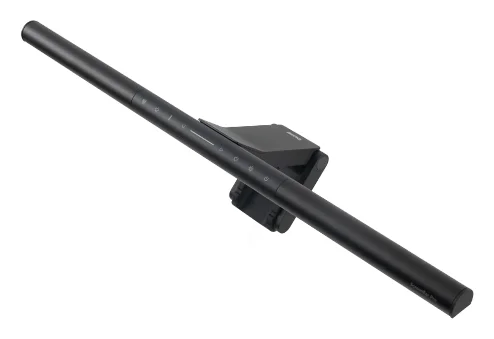
The BenQ ScreenBar Pro won because it removes the one annoyance every other light bar forces on you: remembering to turn it on and off. Cameron Dougherty Tech tested the built-in presence sensor across weeks of daily use and confirmed it reliably activates when you sit down and shuts off after five minutes of absence. For a desk accessory that you interact with every single workday, that automation adds up.
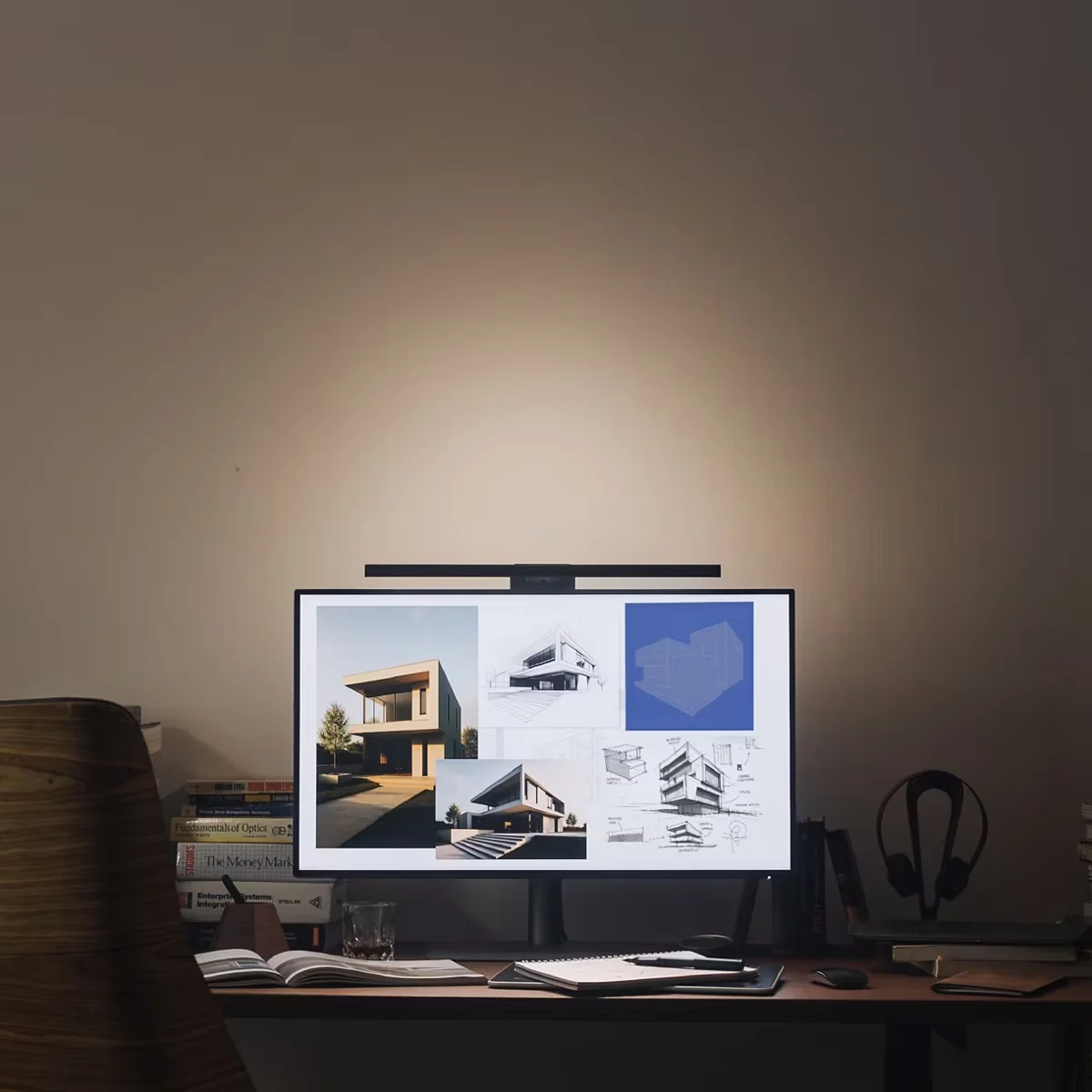
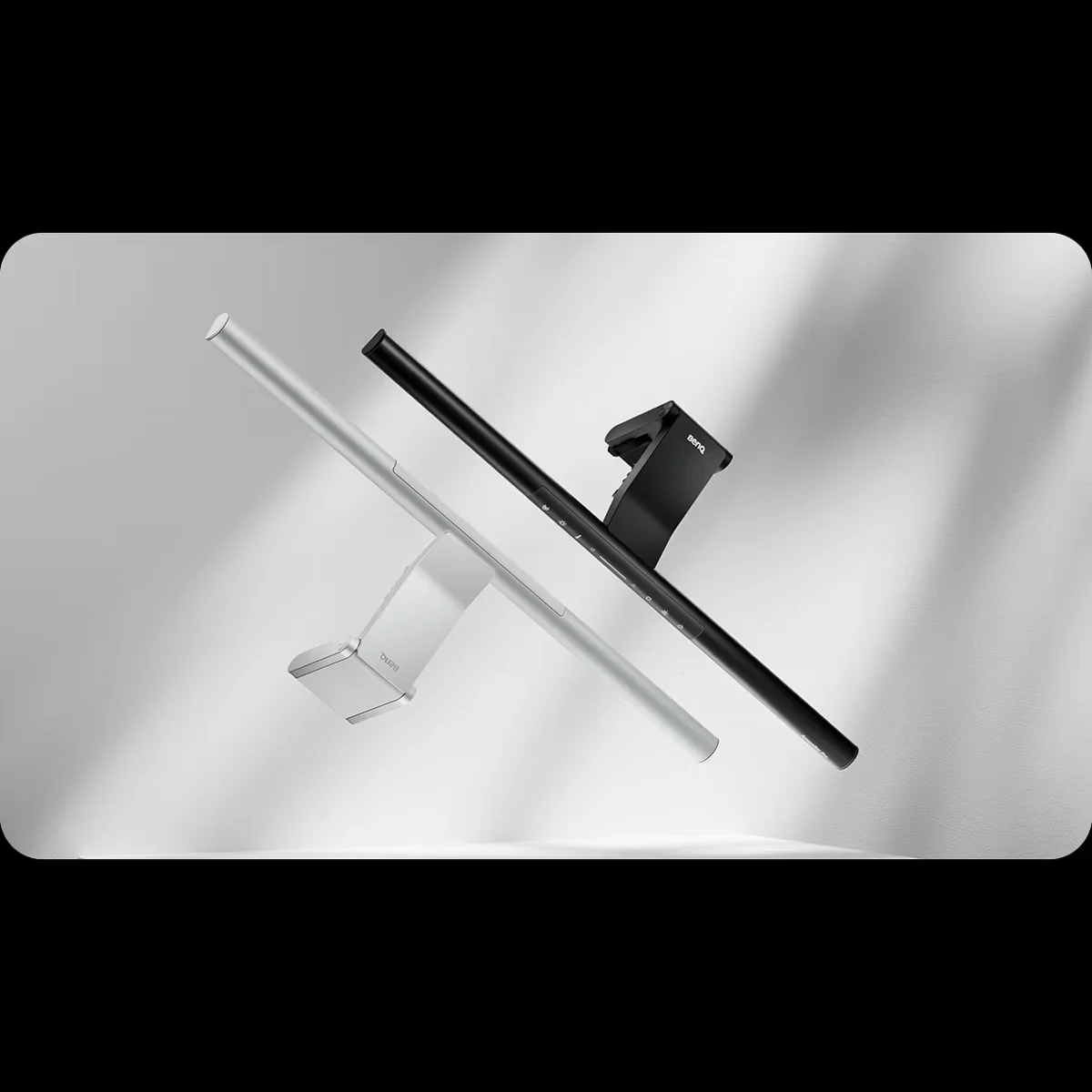
The lighting itself hits 1,000 lux at center illuminance with BenQ's asymmetric reflector design, which Cameron verified produces zero screen glare even on glossy panels. The 8-level color temperature range (2,700K to 6,500K) covers warm evening light to cool daylight, and the auto-dimming sensor adjusts brightness to match your room without you touching anything.
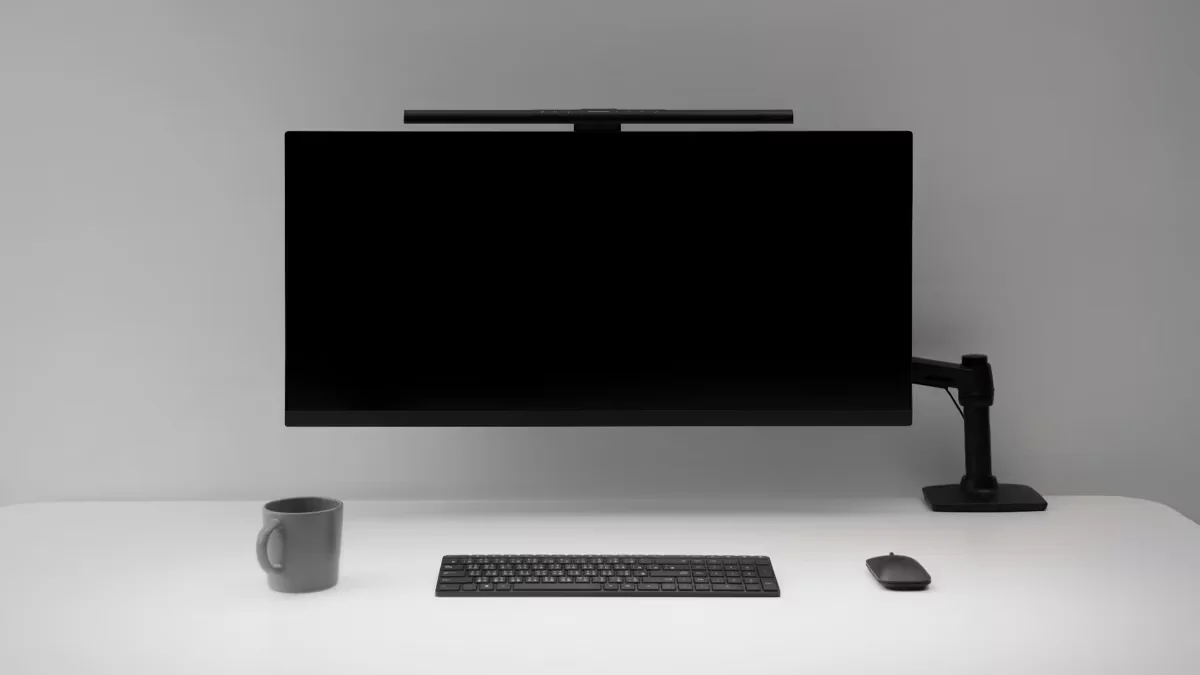
BenQ also solved a problem nobody else has addressed: the webcam conflict. On single-monitor setups, a light bar sits exactly where your webcam needs to go. BenQ sells a $20 magnetic mount that clips to the Pro and creates a shelf for your camera. It works with most standard webcams and eliminates the awkward 'camera-behind-the-light-bar' angle that plagues other setups.
The universal rubber-toothed clamp is the strongest in this category. Cameron tested it on thick, angled monitors and it held firm. The hardwired USB-C cable routes cleanly out the bottom, long enough for standing desks.
What It Won't Do
The touch-sensitive buttons on top of the bar are bad. Cameron Dougherty Tech called them 'not the most responsive,' and that is generous. You have to tap precisely and sometimes repeatedly to register an input. Most users will lean on the auto-dimming mode and never touch the buttons after initial setup, but if you like manual control, this is a genuine frustration. The presence sensor also occasionally gets confused by your office chair, leaving the light on after you have left.
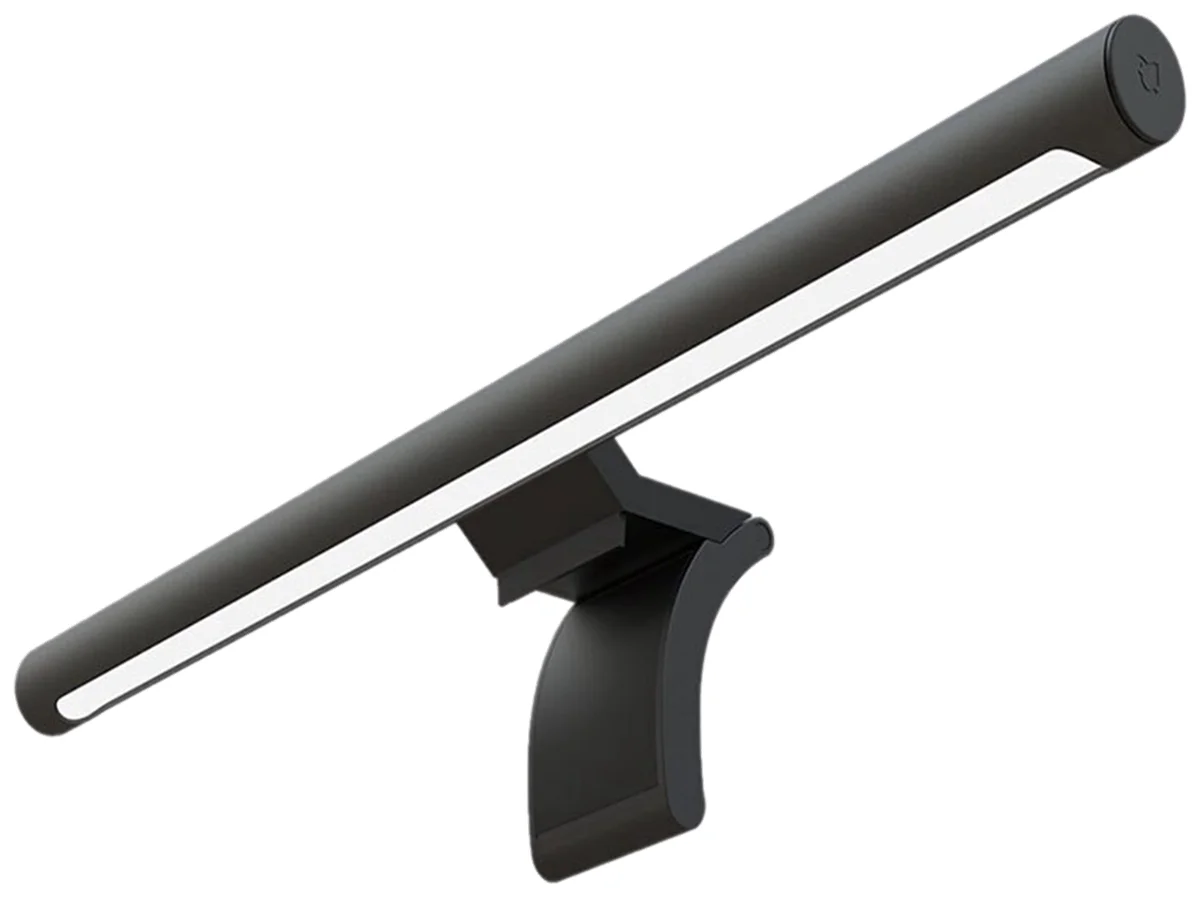
Switch and Click tested the Xiaomi Mi Computer Light Bar head-to-head against a $180 BenQ Halo and concluded they 'would still go with the cheaper option.' At $65, the Xiaomi delivers the core benefit of every monitor light bar: directed light on your desk without screen glare or eye strain.
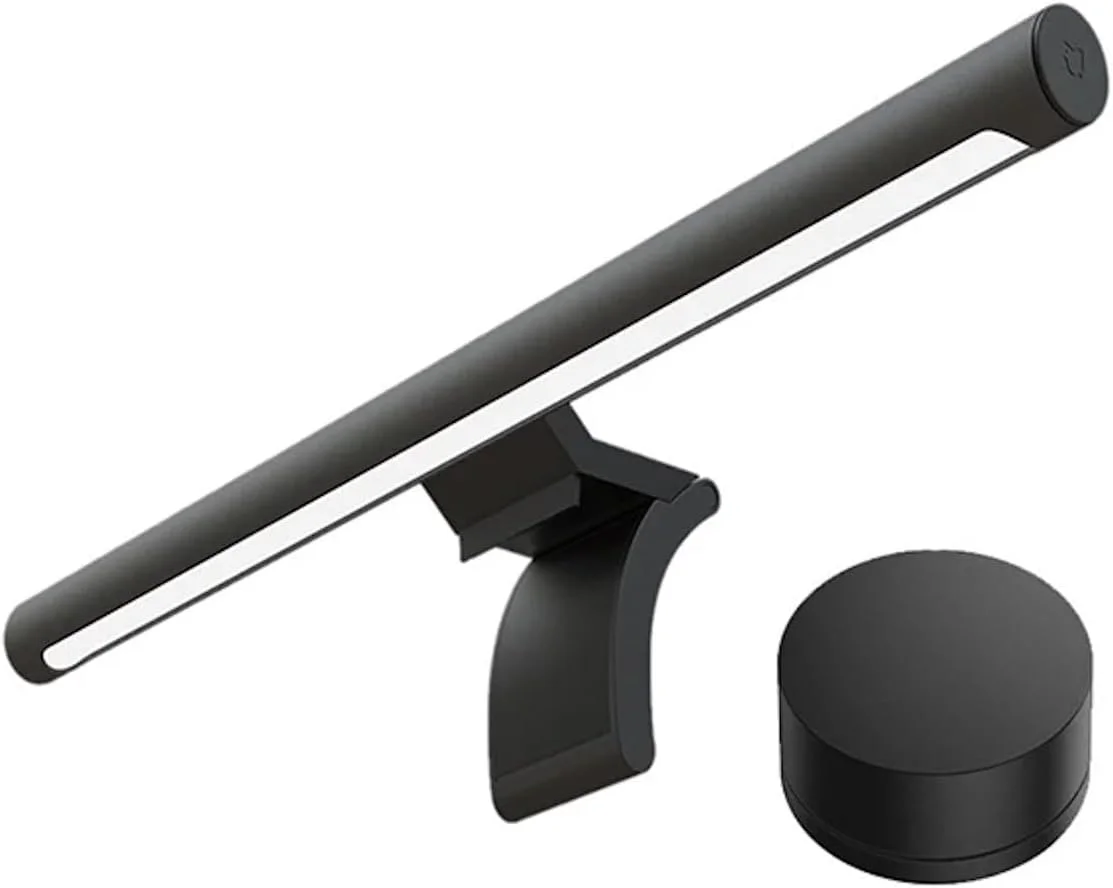
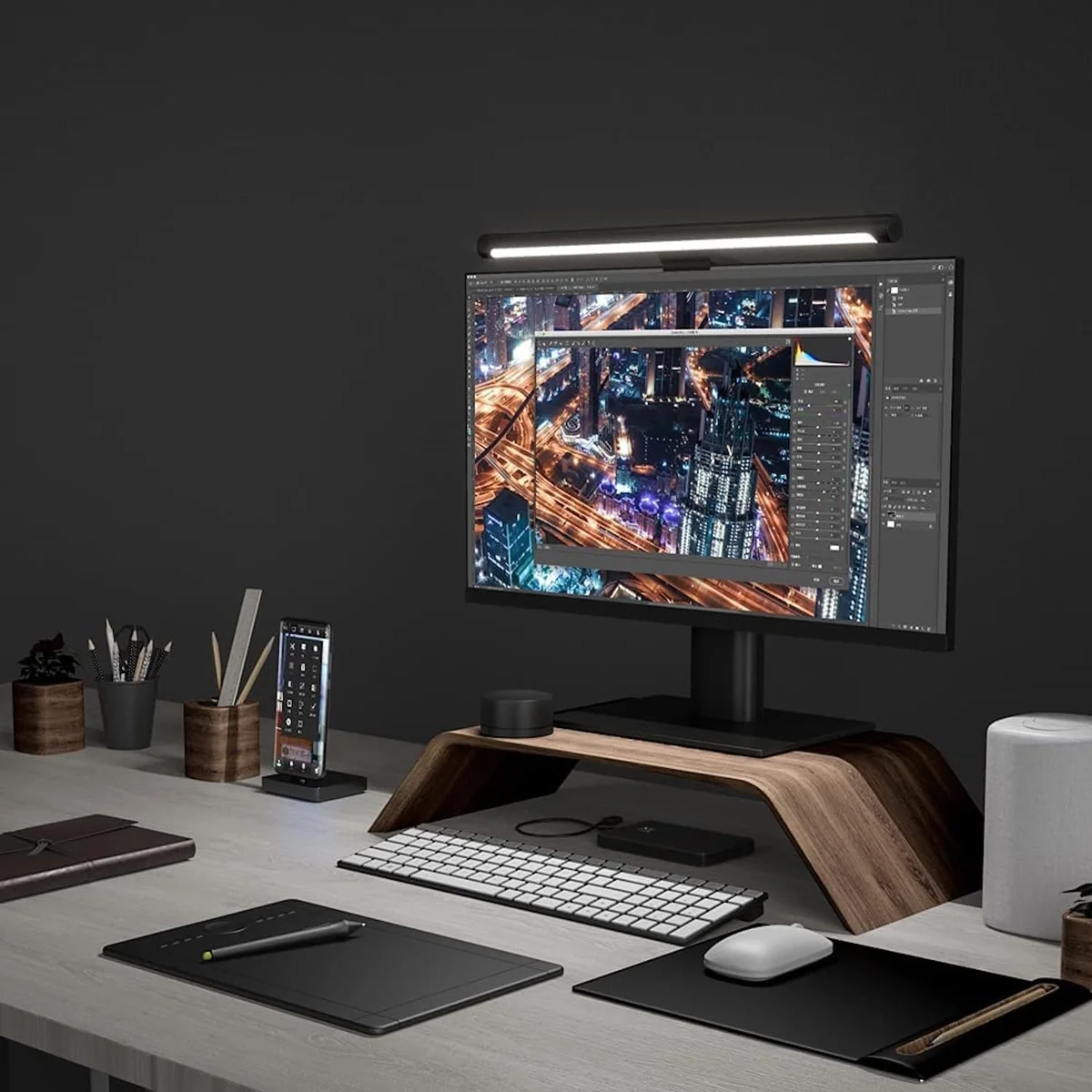
The frosted lens is the standout feature at this price. Instead of harsh, directional LED strips, the Xiaomi diffuses its output into a soft glow that reduces shadows and hotspots across your workspace. Switch and Click specifically praised this diffusion as making the light comfortable for long sessions.
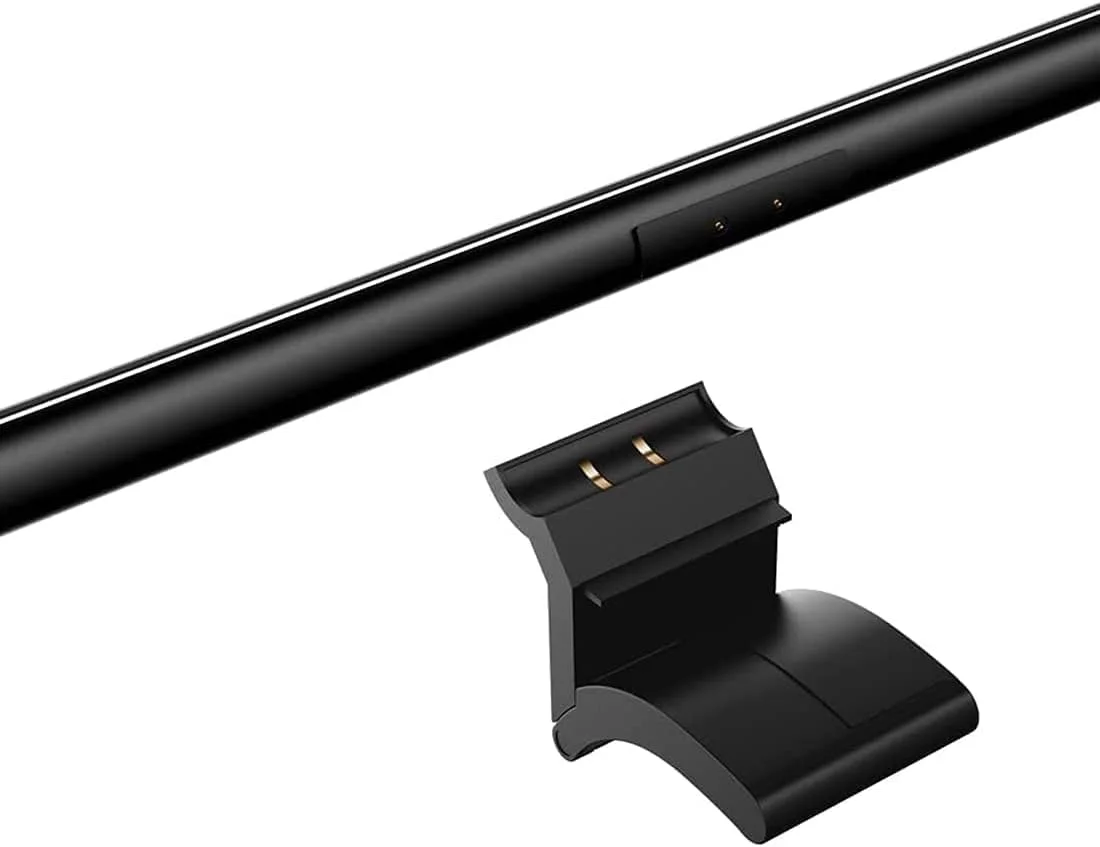
Magnetic assembly between the bar and its heavy clamp takes seconds and feels satisfying. You snap the bar onto the clamp and it holds with enough force to stay put during normal use. The clamp itself is heavy enough to keep the whole unit stable on standard monitors.
The $65 price point means you get eye strain relief for roughly a third of what BenQ charges for its premium lineup. If you set the light once and leave it, the Xiaomi performs 90% of the job at 47% of the price.
What It Won't Do
The wireless dial is cheap. Switch and Click shook it and compared the sound to a 'Macarena.' Changing color temperature requires holding down the dial AND rotating simultaneously, which is unintuitive and frustrating. The magnetic connection between bar and clamp, while cool for initial assembly, becomes janky if you try to make micro angle adjustments during daily use. The bar can disconnect from the magnets and suddenly shut off. The USB-C port placement is also poor, forcing the cable to wrap awkwardly around the clamp.
Who Should Buy Which
BenQ ScreenBar Pro
The smartest light bar with presence detection and auto-dimming
- Remote workers who want hands-free auto-dimming and presence detection for daily use
- Single-monitor users who need BenQ's magnetic webcam mount to solve the camera placement problem
- Owners of 24-inch or larger monitors who want the widest coverage (50cm bar)
- Users who prefer touch controls on the bar itself over a separate desktop dial
- Anyone willing to pay $139 once for a light bar that adjusts itself automatically for years
Xiaomi Mi Computer Light Bar
Gets the job done at a third of the premium price
- Budget-conscious buyers who want real eye strain reduction without paying the BenQ premium
- Set-it-and-forget-it users who adjust brightness once and never touch it again
- Standard flat-panel monitor owners who do not need specialized curved monitor clamps
- First-time light bar buyers who are unsure if they will use it enough to justify $139+
- Students and home office workers who want the core benefit without the smart features