The Best Chromebooks
Verified by
 Ryan V. Editor-in-Chief
When you purchase through links on our site, we may earn an affiliate commission.
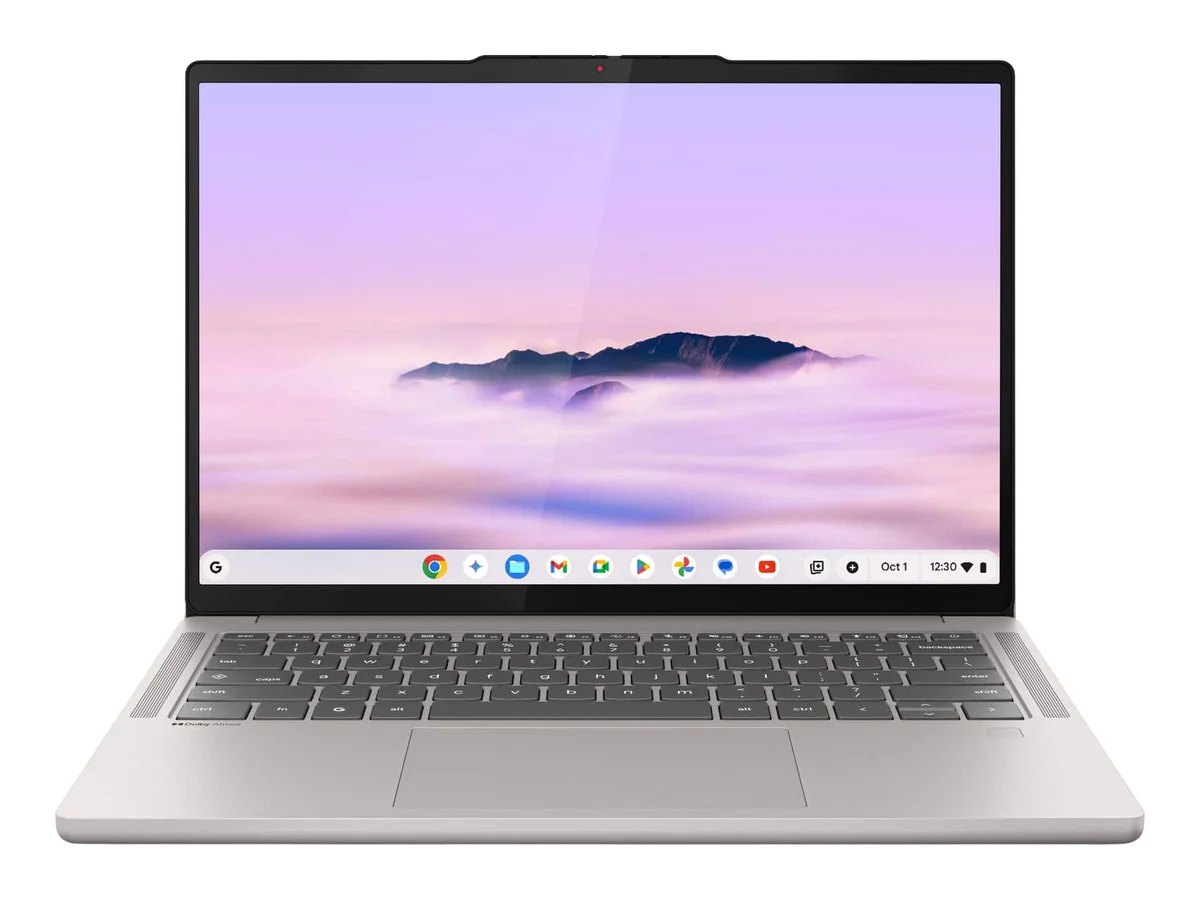
The Lenovo Chromebook Plus 14 earned its spot by doing three things no other Chromebook in 2026 can match simultaneously: a 1200p OLED display that Tech Legend called 'one of the best on any laptop, period,' 17 hours of verified battery life from JuanBagnell's stress testing, and completely silent operation through its fanless MediaTek Kompanio Ultra 910 architecture.
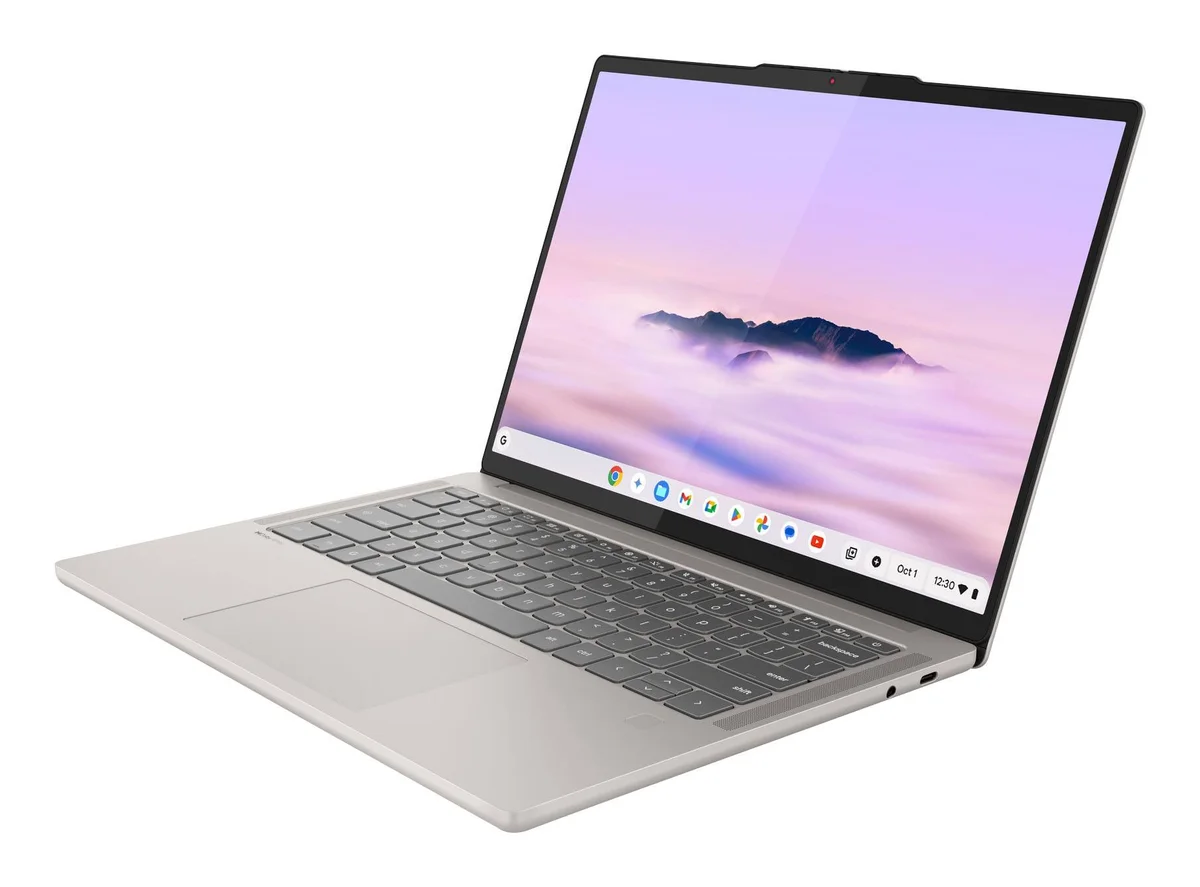
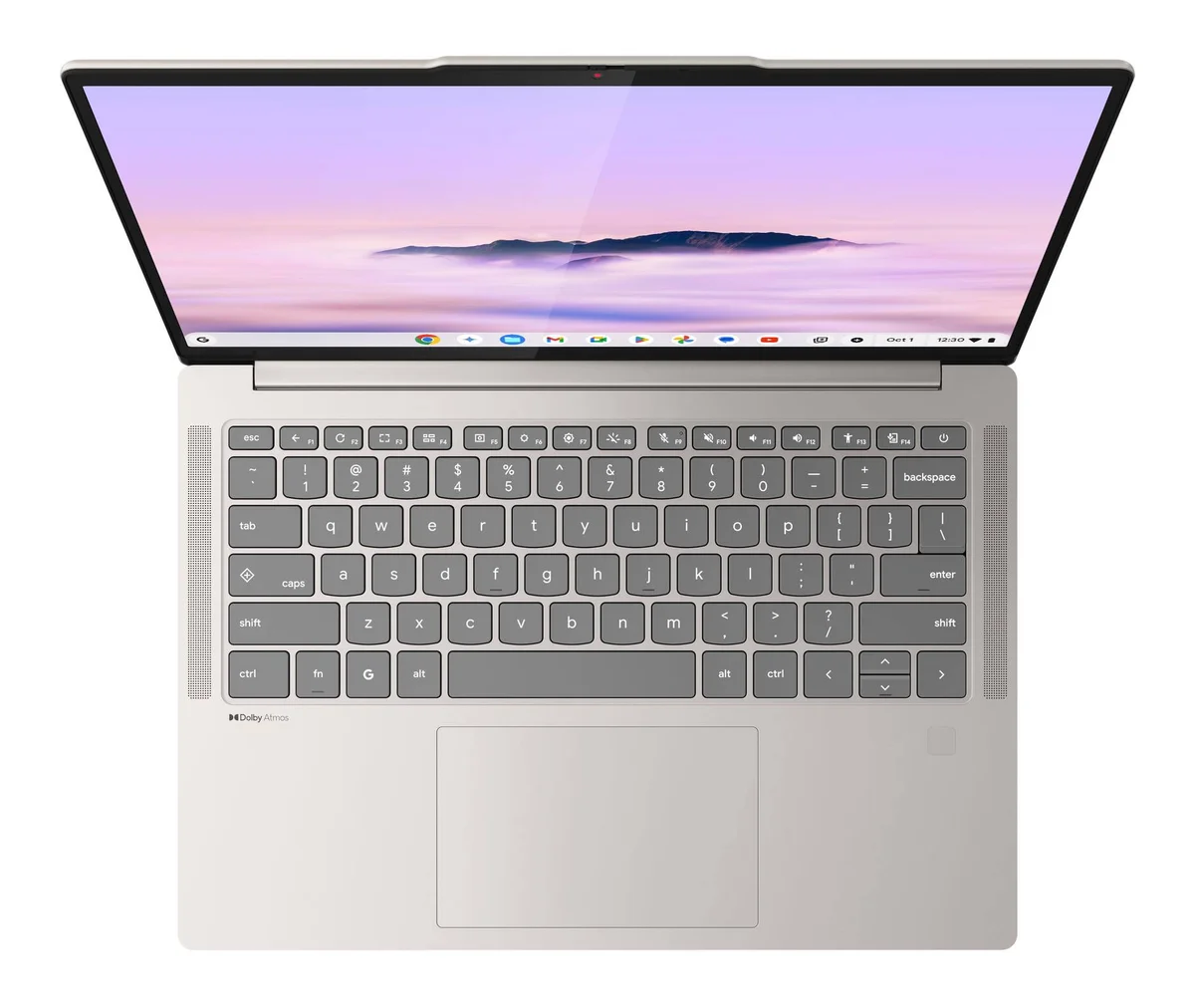
Chrome Unboxed ran it through two full workdays without reaching for a charger, keeping brightness between 65-75%. That kind of stamina on an OLED panel is unusual. The ARM chip also means Android apps run natively and stably, with Chrome Unboxed confirming Call of Duty Mobile and PUBG at maxed settings.
JuanBagnell's raw photo batch test (200 images) revealed minimal thermal throttling and rock-solid battery estimates throughout. He also trimmed 4K video clips without lag. For a ChromeOS device, that processing headroom is remarkable.
The 2.58 lb aluminum chassis feels expensive in hand. Chrome Unboxed highlighted the keyboard as highly accurate and clicky, ranking it among the best on any Chromebook. A quad-speaker Dolby Atmos setup rounds out a package that justifies its $649 starting price for anyone who treats their Chromebook as a primary machine.
What It Won't Do
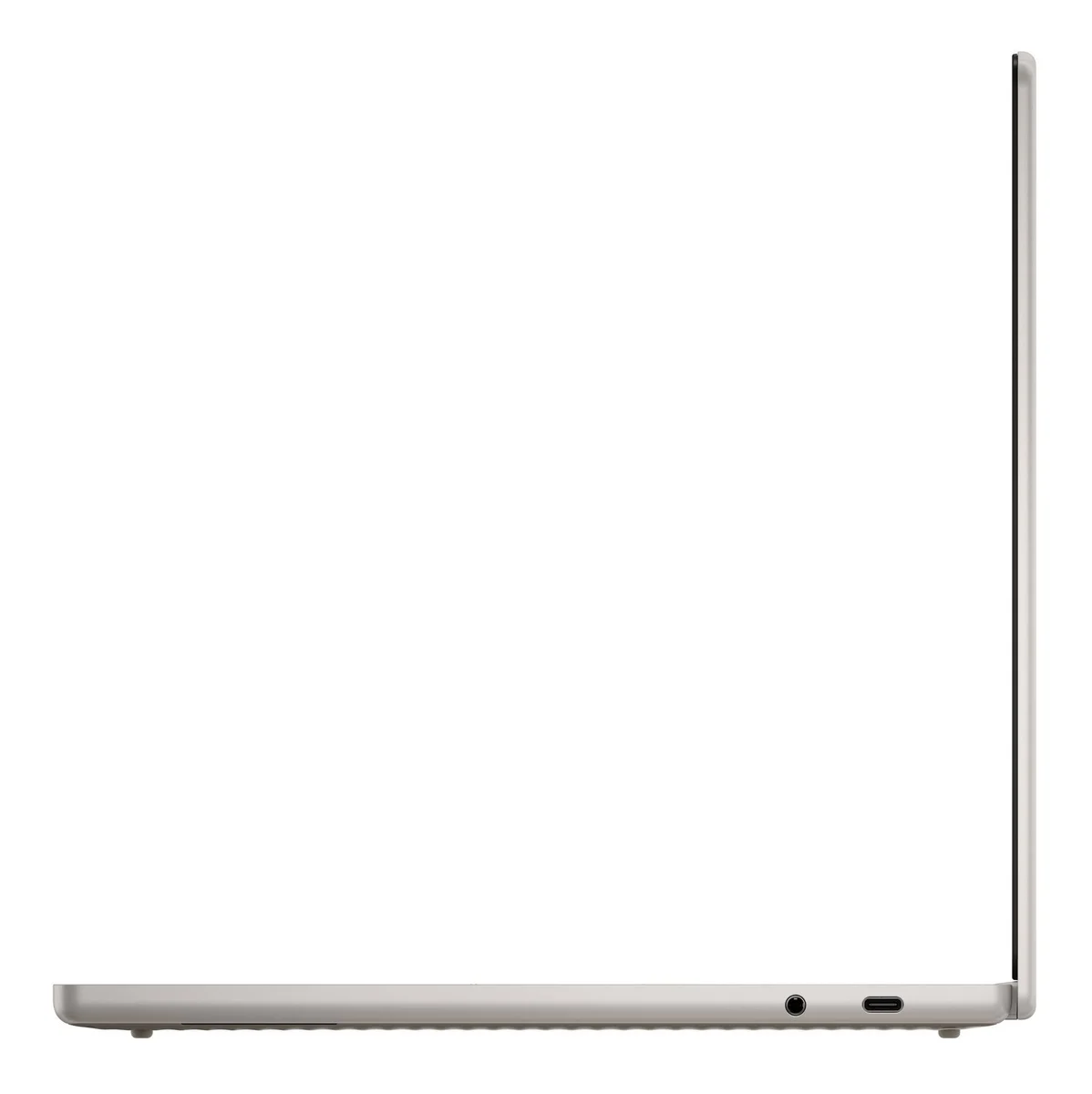
Port selection is the obvious weak spot. Two USB-C ports, one USB-A, and a headphone jack. No HDMI. No MicroSD. Chrome Unboxed and PCWorld both flagged the 'dongle life' this creates. PCWorld also noticed the wavy bottom texture offers surprisingly poor grip on desks, so the laptop slides around more than you'd expect from a premium device.
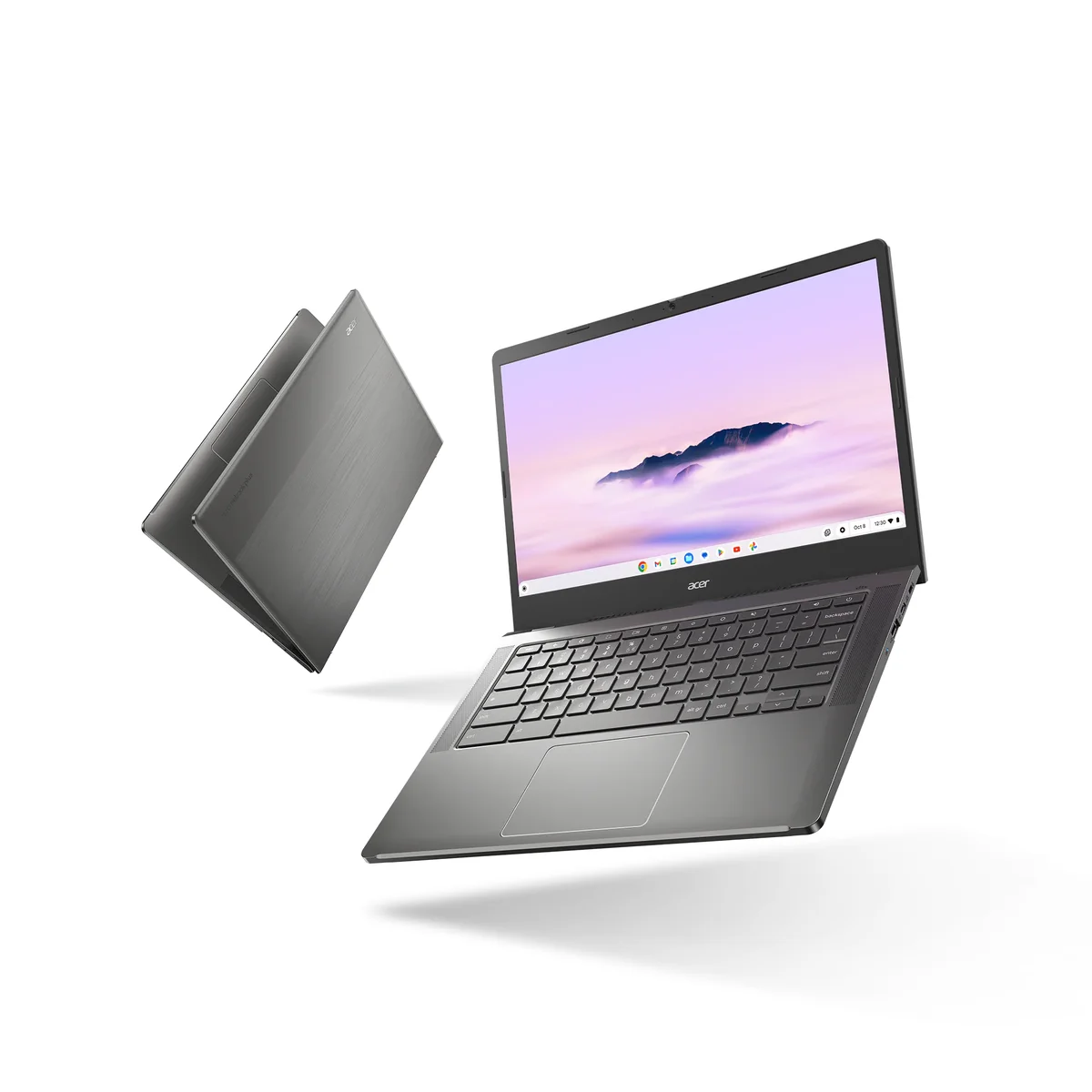
The Acer Chromebook Plus 514 wins the value race on a single spec that should embarrass every competitor at this price: 512GB of internal storage for $399. Chrome Unboxed called it 'wild,' and they're right. Most Chromebook Plus devices at this tier ship with 128GB.
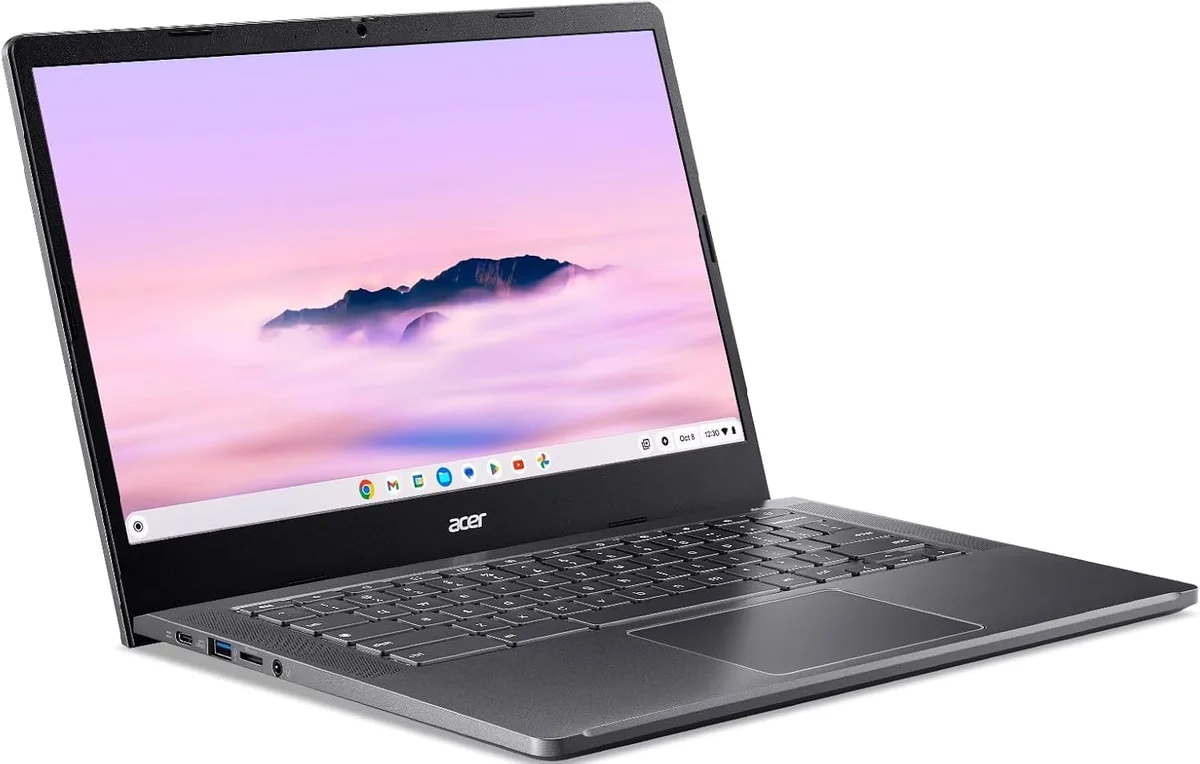
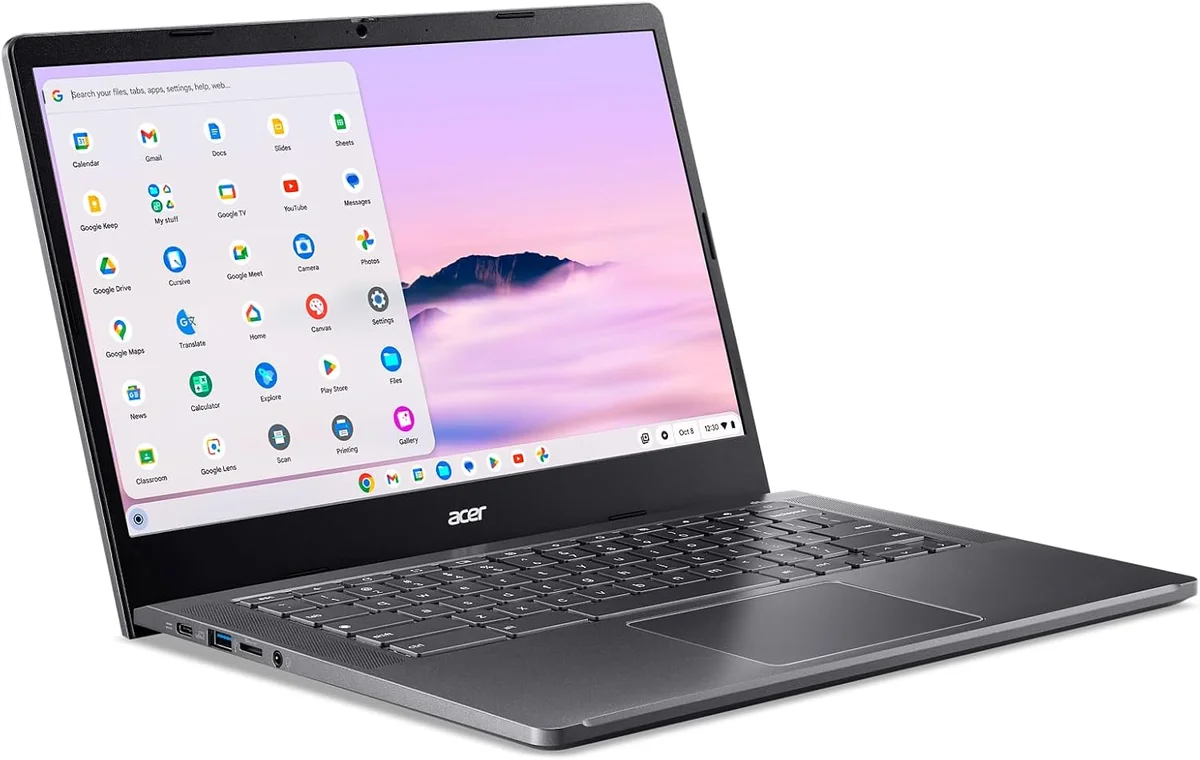

Beyond raw storage, the port lineup is what a Chromebook should look like. HDMI, two USB-C, two USB-A, and a headphone jack. No dongles. No adapters. Just plug things in. Tech Legend and Chrome Unboxed both praised this practical approach.
The Intel Core 3 processor scored 68,000 on Chrome Unboxed's Octane benchmark, keeping pace with Chromebooks costing $200 more in everyday browsing and document work. Tech Legend confirmed it handled a dozen tabs and workspace apps with 'competence and speed.'
Acer's OceanGlass trackpad deserves specific mention. Chrome Unboxed described its 'quiet thuddy click' as satisfying, and the keyboard earned praise from Tech Legend for well-spaced, tactile keys. At $399 (and frequently $350 at retailers), the input experience punches well above its weight class.
What It Won't Do
The display is the price you pay for all that storage. Tech Legend measured less than 58% sRGB coverage, meaning colors look washed out and the panel is unsuitable for any creative work. The plastic chassis is functional but forgettable next to aluminum competitors, and you'll hear the cooling fan spin up during heavier workloads.
Who Should Buy Which
Lenovo Chromebook Plus 14
The OLED-powered Chromebook that makes everything else look like a compromise
- Power users who want the best display on any Chromebook for media and creative work
- Road warriors who need 17 hours of battery and 2.58 lbs portability
- People who run demanding Android apps and want native ARM performance
- Users who work in quiet environments and need completely silent operation
- Buyers willing to invest $649+ for a Chromebook that replaces a traditional laptop
Acer Chromebook Plus 514
512GB of storage and a full port lineup at a price that makes premium Chromebooks nervous
- Students and office workers who need maximum local storage for files
- Users who connect external monitors and peripherals without dongles
- Budget-conscious buyers who want Chromebook Plus performance under $400
- Anyone who values practical port selection over display quality
- First-time Chromebook buyers looking for the most capable all-rounder at the price floor