The BenQ ScreenBar Pro meets
the Xiaomi Mi Computer Light Bar
The smartest light bar with presence detection and auto-dimming. We tested it head-to-head against the Xiaomi Mi Computer Light Bar across 5 key dimensions.
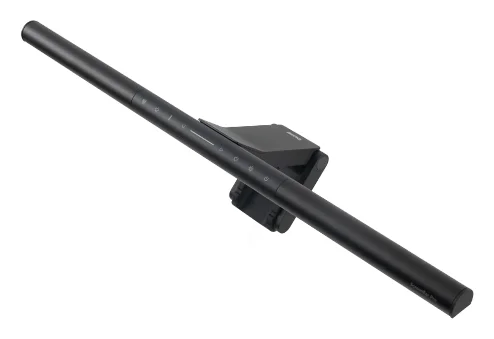
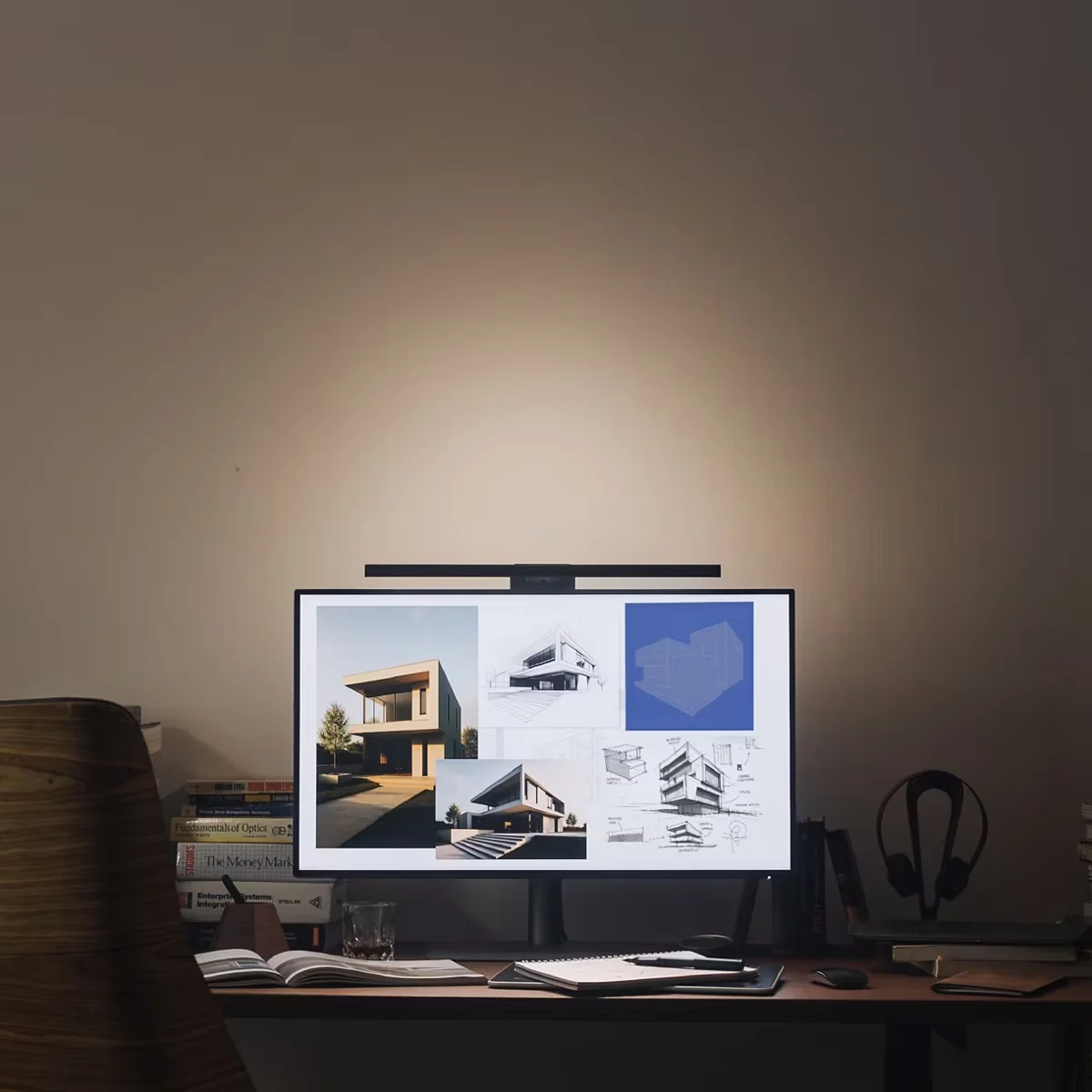
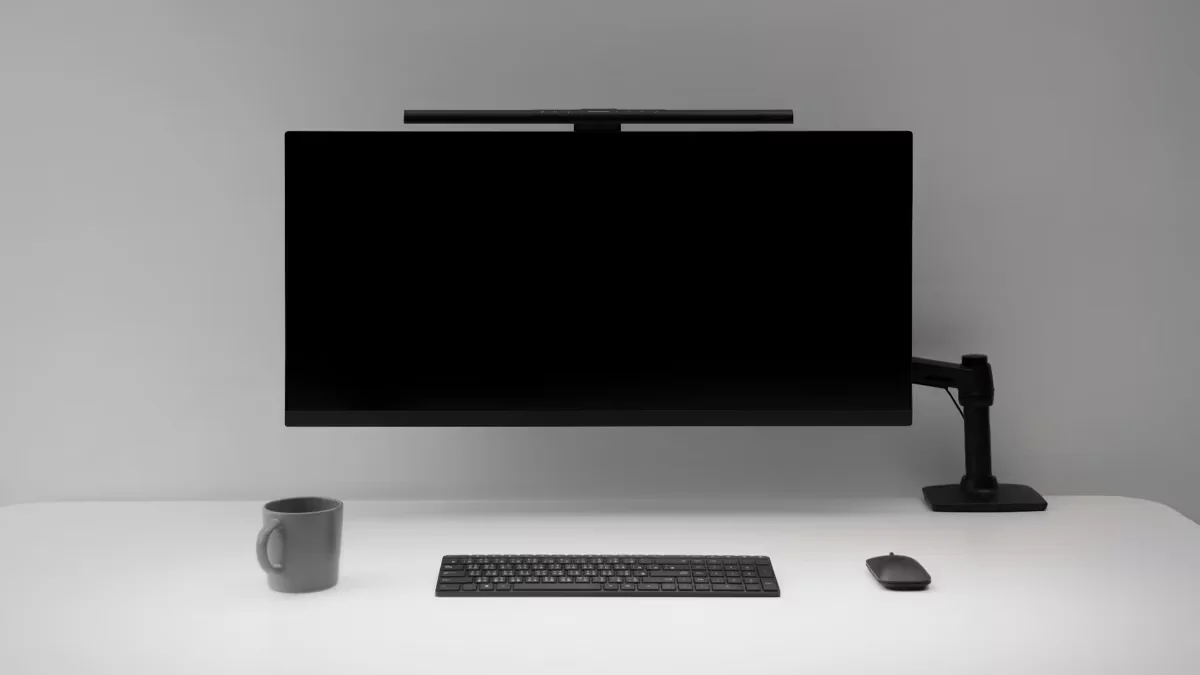
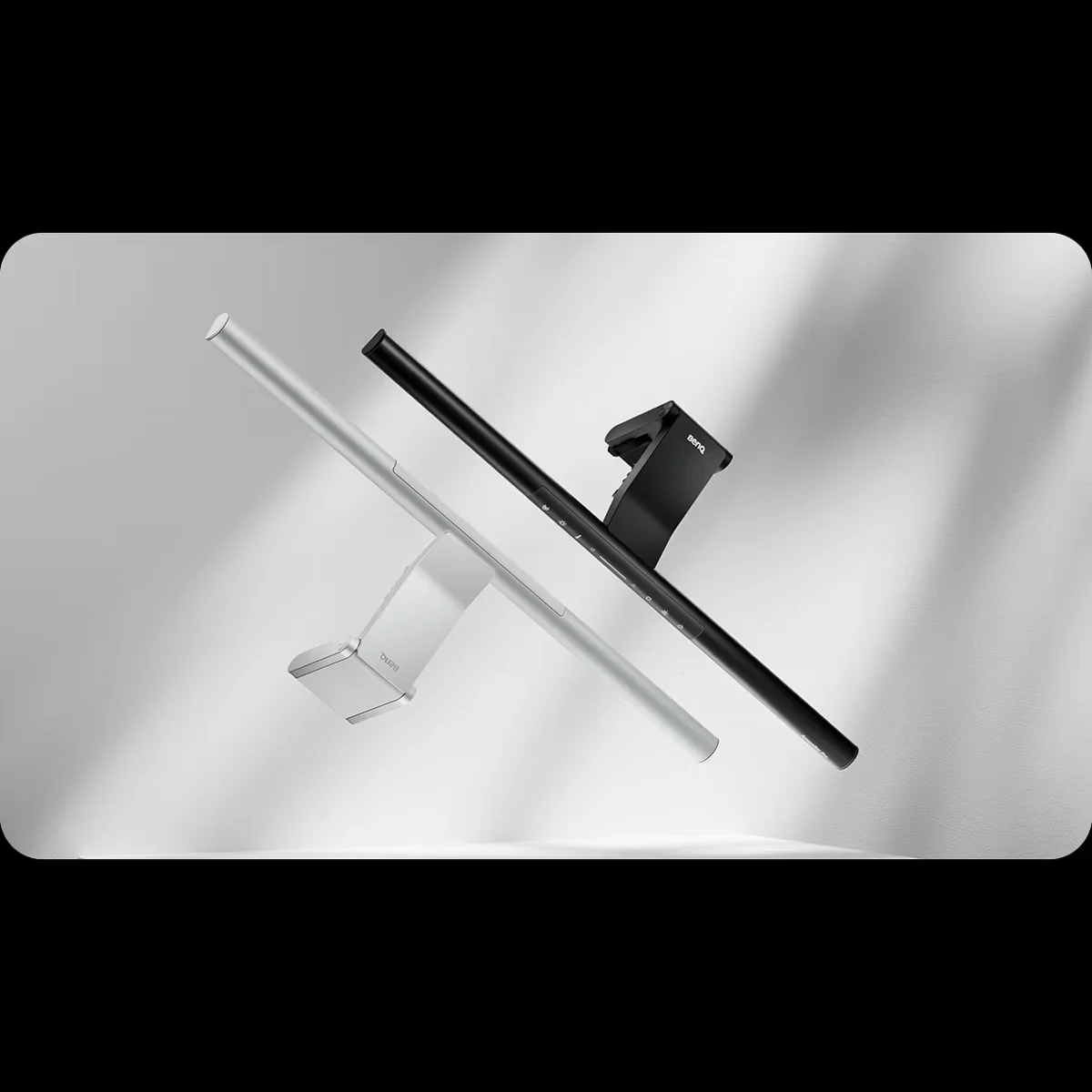
BenQ ScreenBar Pro
“The smartest light bar with presence detection and auto-dimming”
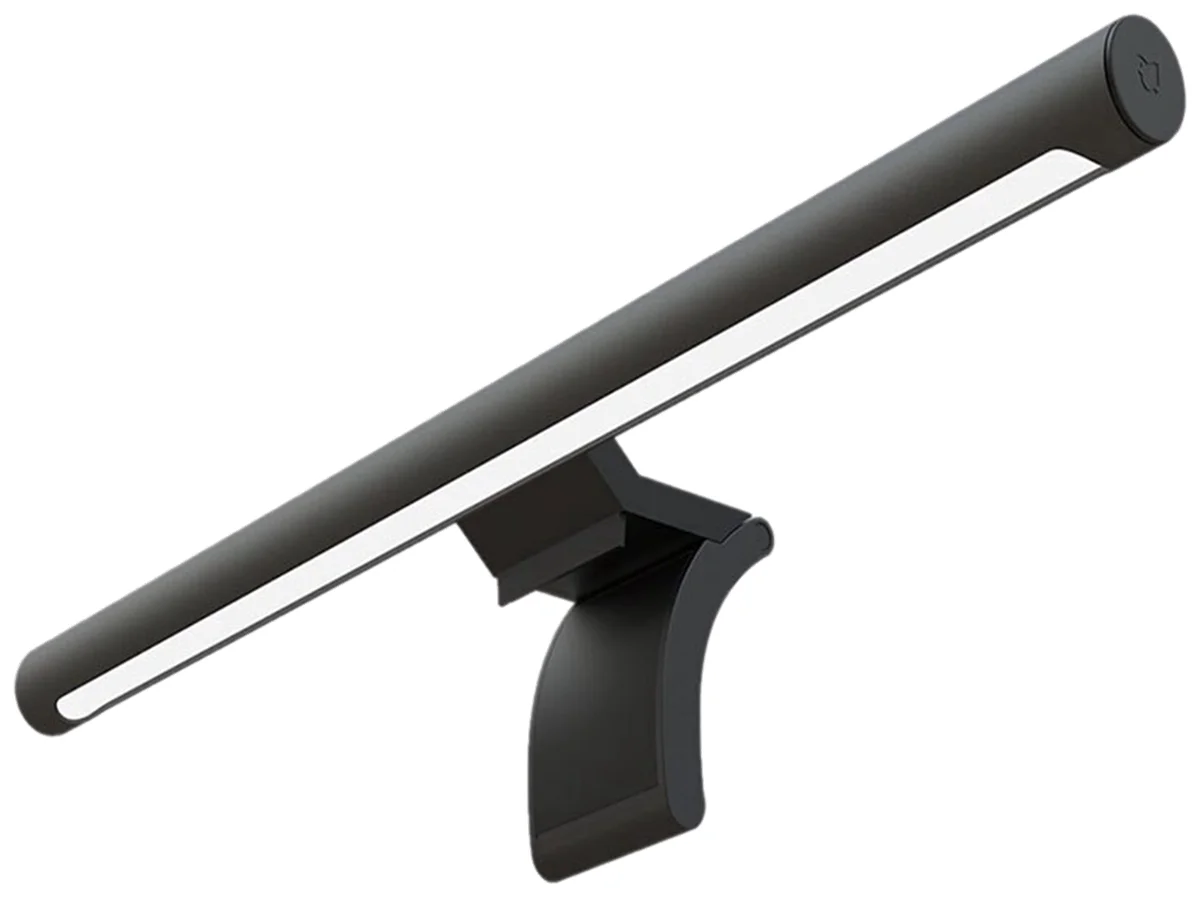
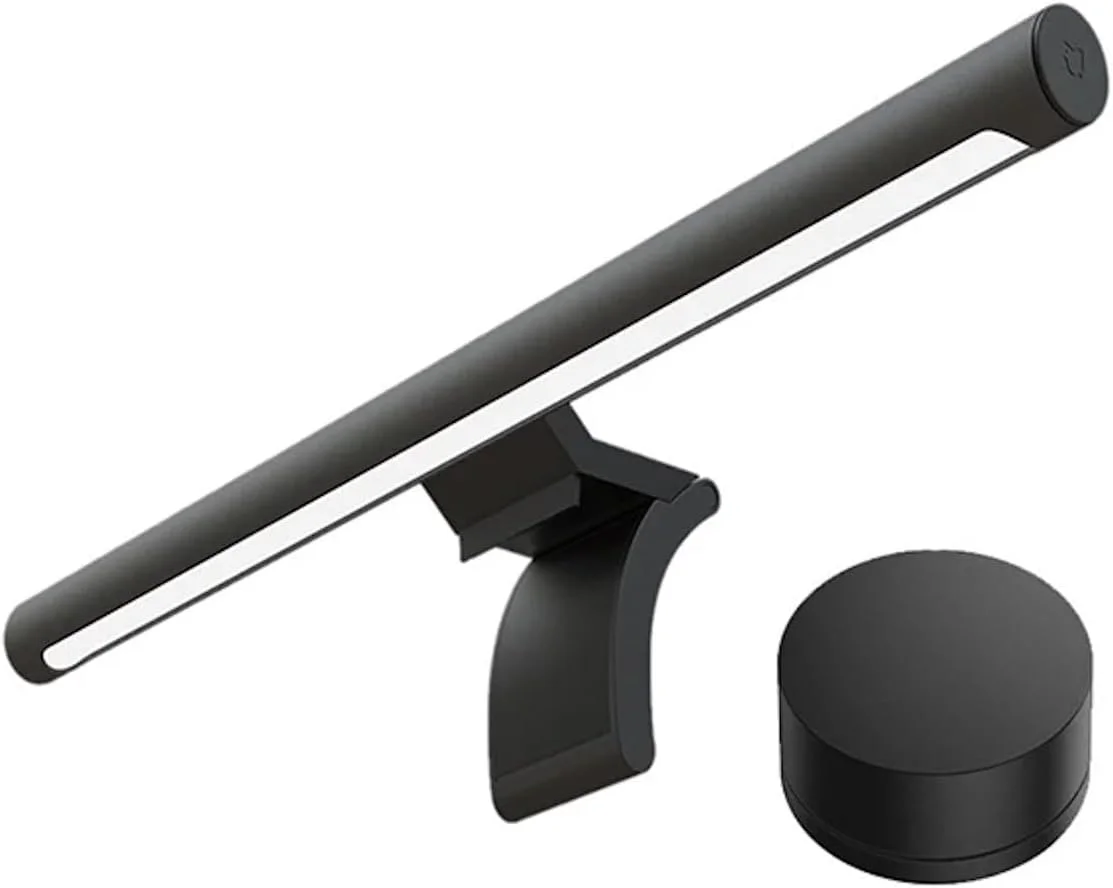
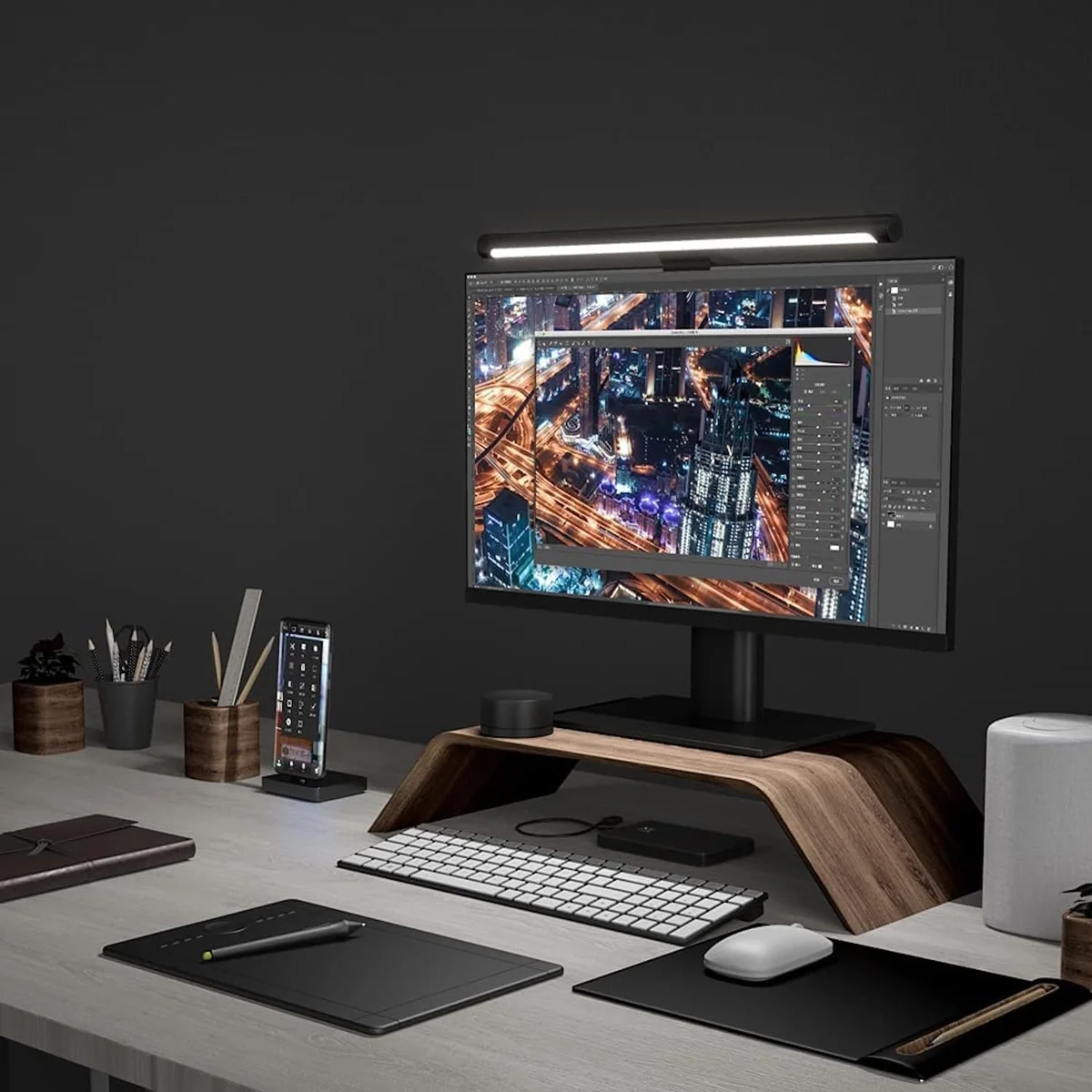
Xiaomi Mi Computer Light Bar
“Gets the job done at a third of the premium price”
Head-to-Head Breakdown
Strengths & Weaknesses
BenQ ScreenBar Pro
- 1,000 lux center brightness with zero screen glare, per Cameron Dougherty Tech
- Presence detection turns light on when you sit down and off after 5 minutes, fully automatic
- Optional $20 magnetic webcam mount solves the 'camera above light bar' problem for single-monitor setups
- Touch-sensitive buttons on the bar are unresponsive and require precise tapping, per Cameron Dougherty Tech
- Presence sensor can be tricked by chair placement, leaving the light on after you leave
- At 50cm (20 inches) wide, it looks awkward on monitors smaller than 24 inches
Xiaomi Mi Computer Light Bar
- Frosted lens diffuses light into a soft, comfortable glow that reduces eye strain, per Switch and Click
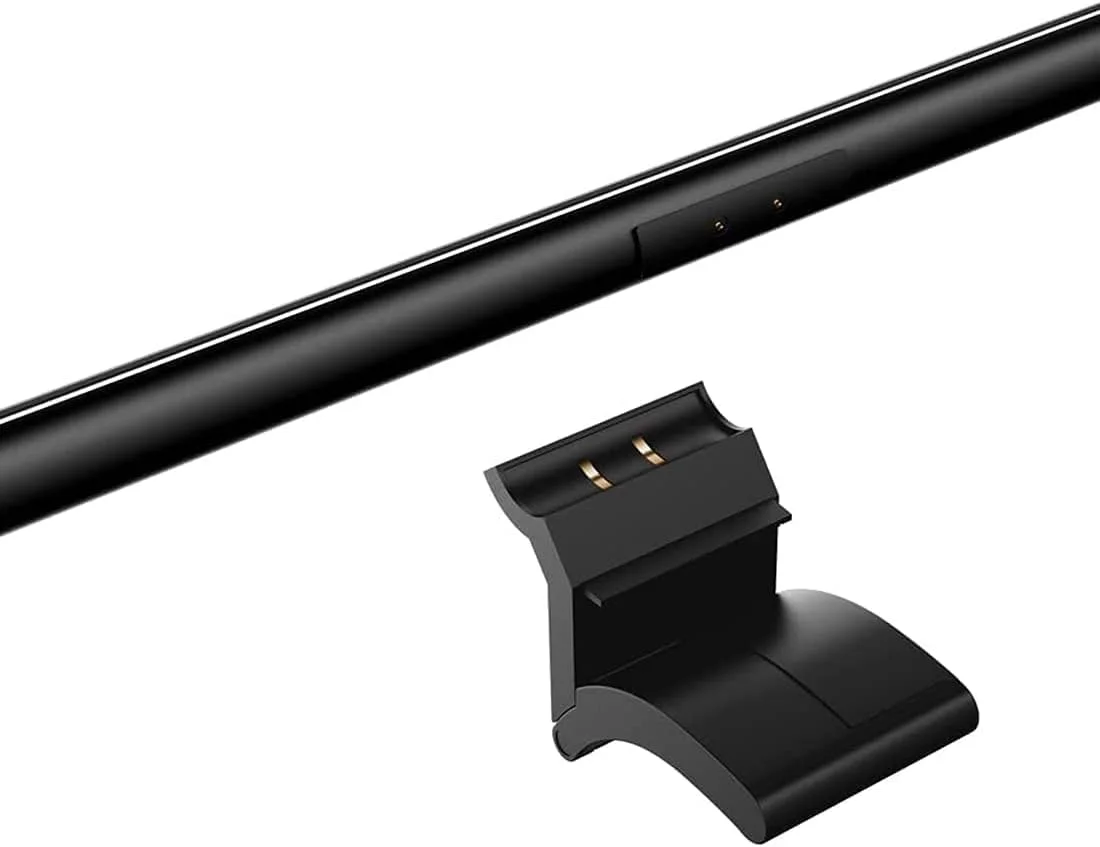
- Magnetic assembly between bar and clamp feels 'effortless and awesome' per Switch and Click
- Does the same core job as $180 light bars for less than half the price
- Wireless dial feels cheap and wobbly, sounds like a 'Macarena' when shaken per Switch and Click
- Adjusting color temperature requires holding down AND rotating the dial simultaneously. Unintuitive
- USB-C port placement forces cable to wrap awkwardly around clamp, too short for standing desks
The Verdict
Our Bottom Line
The BenQ ScreenBar Pro won because it removes the one annoyance every other light bar forces on you: remembering to turn it on and off. Cameron Dougherty Tech tested the built-in presence sensor across weeks of daily use and confirmed it reliably activates when you sit down and shuts off after five minutes of absence. For a desk accessory that you interact with every single workday, that automation adds up.
BenQ ScreenBar Pro
The BenQ ScreenBar Pro won because it removes the one annoyance every other light bar forces on you: remembering to turn it on and off. Cameron Dougherty Tech tested the built-in presence sensor across weeks of daily use and confirmed it reliably activates when you sit down and shuts off after five minutes of absence. For a desk accessory that you interact with every single workday, that automation adds up.
- Remote workers who want hands-free auto-dimming and presence detection for daily use
- Single-monitor users who need BenQ's magnetic webcam mount to solve the camera placement problem
- Owners of 24-inch or larger monitors who want the widest coverage (50cm bar)
- Users who prefer touch controls on the bar itself over a separate desktop dial
- Anyone willing to pay $139 once for a light bar that adjusts itself automatically for years
Xiaomi Mi Computer Light Bar
Switch and Click tested the Xiaomi Mi Computer Light Bar head-to-head against a $180 BenQ Halo and concluded they 'would still go with the cheaper option.' At $65, the Xiaomi delivers the core benefit of every monitor light bar: directed light on your desk without screen glare or eye strain.
- Budget-conscious buyers who want real eye strain reduction without paying the BenQ premium
- Set-it-and-forget-it users who adjust brightness once and never touch it again
- Standard flat-panel monitor owners who do not need specialized curved monitor clamps
- First-time light bar buyers who are unsure if they will use it enough to justify $139+
- Students and home office workers who want the core benefit without the smart features