The Best Office Laptops
Verified by
 Hadleigh V. Lead Product Analyst
When you purchase through links on our site, we may earn an affiliate commission.
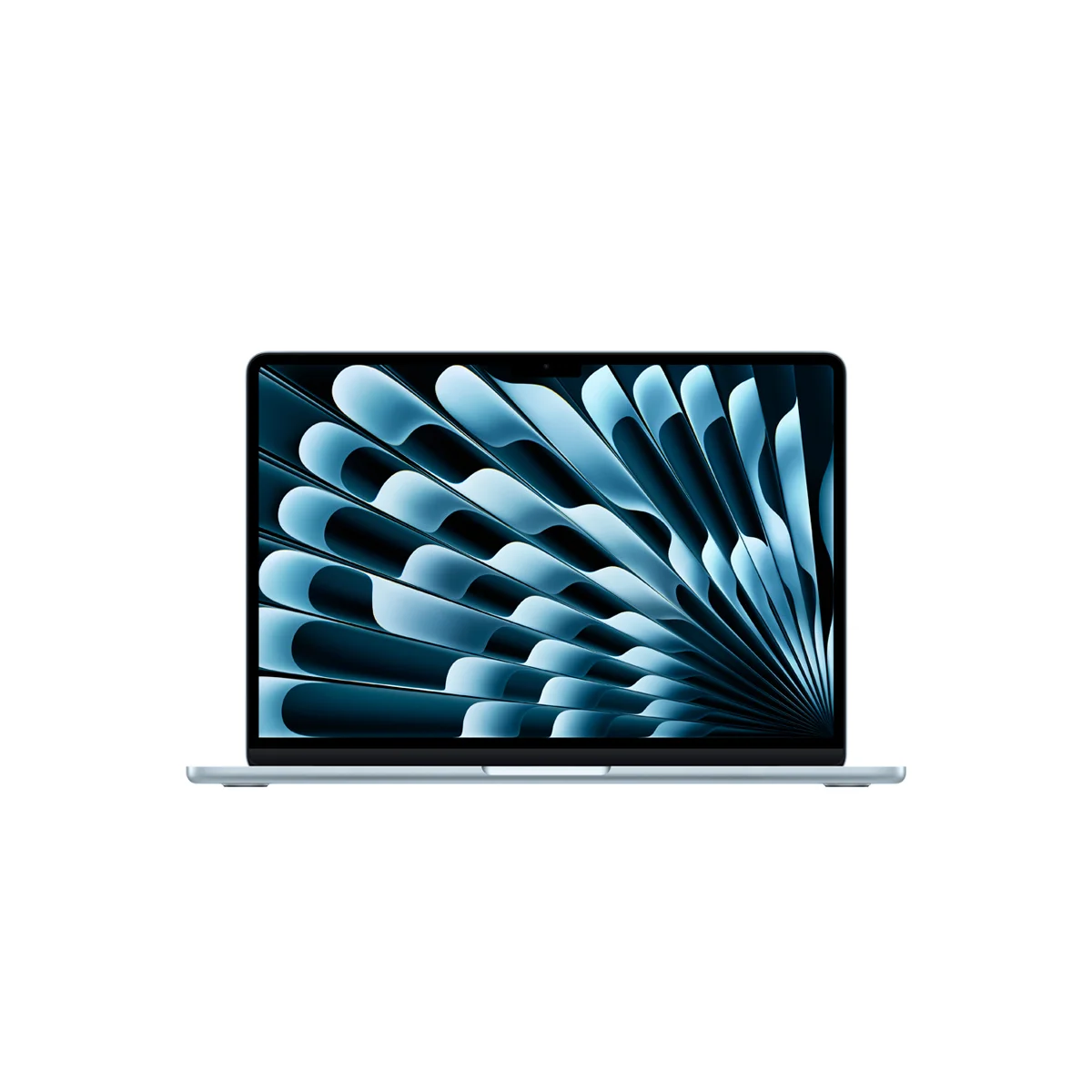

Five of the nine buying guides we analyzed name the 13-inch MacBook Air (M5) either the best laptop overall or the best Mac. Engadget, Tom's Guide and Tom's Hardware put it first outright, and Wirecutter and PCMag pick it as the Mac for most people. Every one of their reasons matters at a desk. It is quick and completely silent, and the battery outlasts a workday with hours to spare. PCMag's video rundown ran 18 hours 4 minutes; Wirecutter got 16 hours of web browsing.
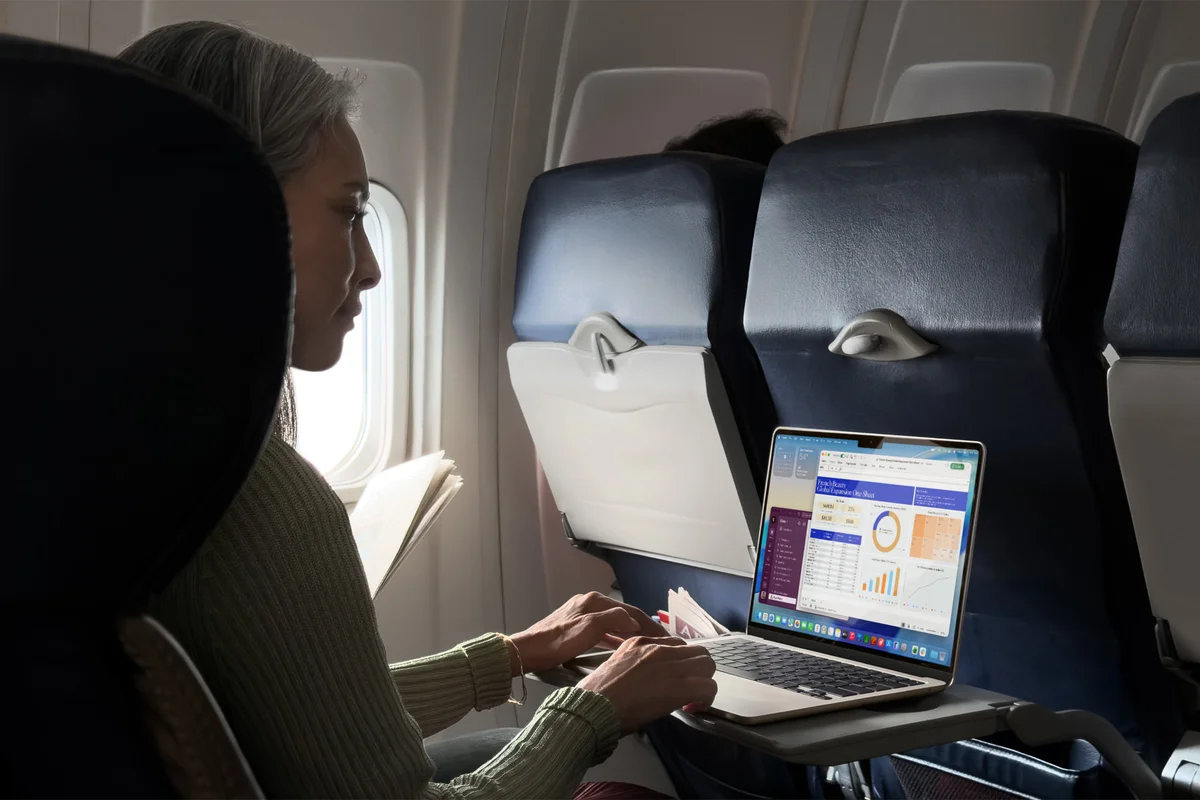
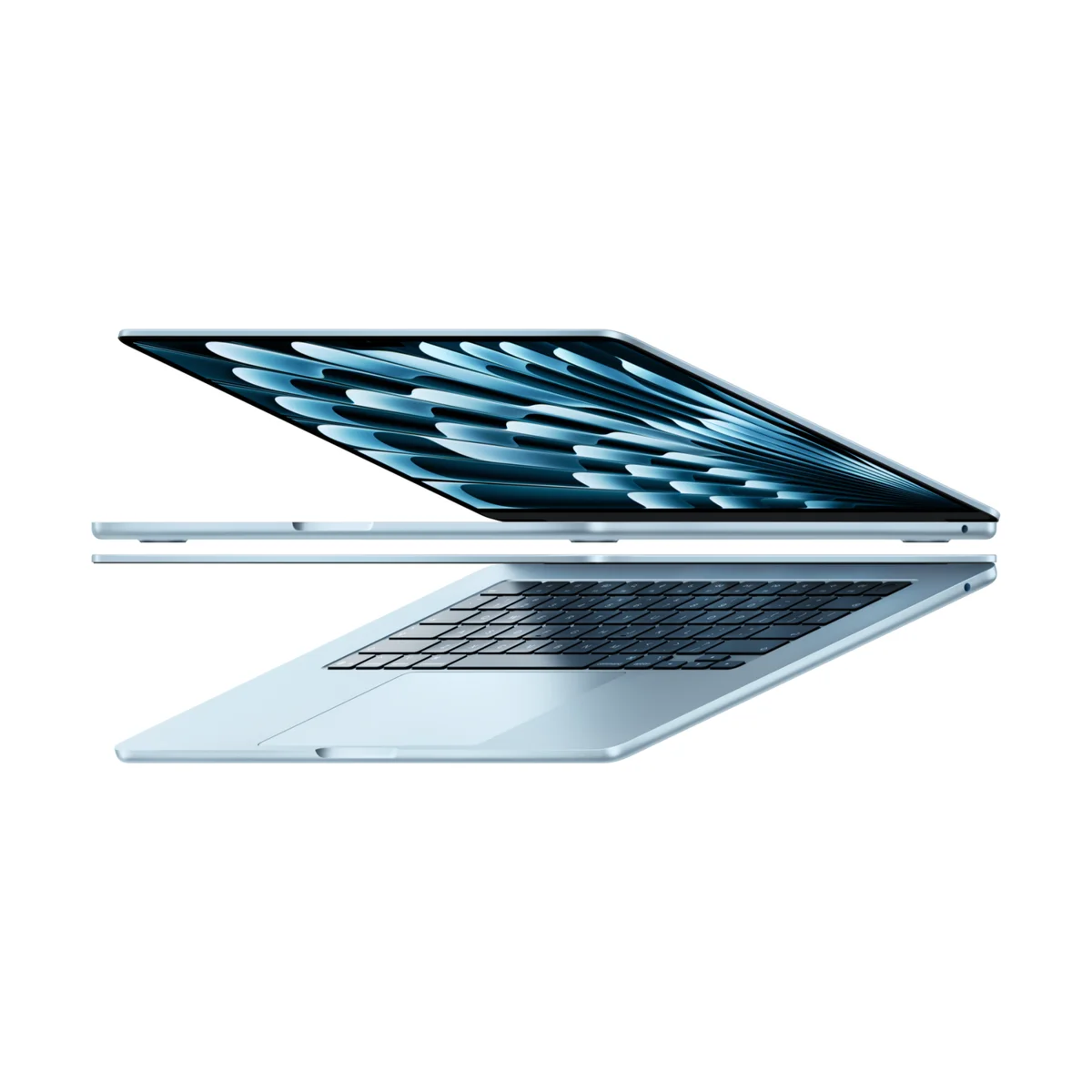
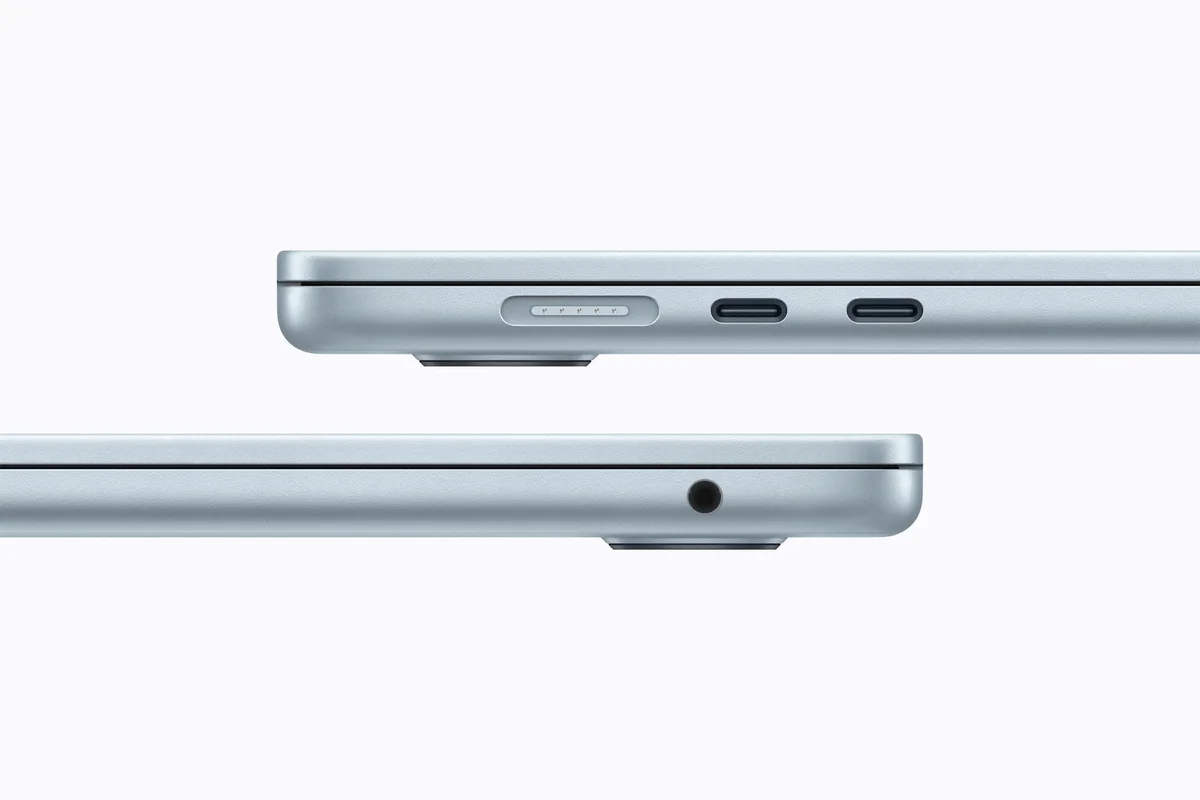
The M5 chip barely notices a normal office load. PCMag says it whizzes through productivity tasks, and Tom's Hardware likes that 16GB of memory is now the minimum. There is no fan, so the Air makes no noise on a call no matter how many apps are open. It weighs 2.7 pounds, and this generation adds Wi-Fi 7 and a 12MP Center Stage camera that keeps you framed on video calls.
RTINGS, which buys and lab-tests business laptops, credits the Air with a sturdier build, a better touchpad and longer battery life than comparable Windows machines. Wirecutter rates Apple's support as industry-leading. The MacBook Pro 14 is faster and has the better screen, but it costs $1,999, and a normal office day never touches that extra headroom.
What It Won't Do
Apple raised the Air's price by $200 in June 2026, according to Wirecutter, so the base 13-inch model with 16GB and 512GB now costs $1,299. It still has only two Thunderbolt 4 ports plus MagSafe, which means a hub or dock if you plug into a monitor, Ethernet and a USB keyboard at your desk. Engadget wants a screen faster than 60Hz, which the MacBook Pro and several Windows rivals already offer, and Tom's Hardware still finds the notch awkward. If you keep a few dozen tabs open all day, Wirecutter recommends paying for 24GB of memory.
The MacBook Neo is the budget pick in seven of our nine sources, and the praise is unusually consistent. Engadget says Apple came out of nowhere to shame every budget PC maker. PCMag gave it 4.5 stars and measured 15 hours 35 minutes in its video rundown, and Wirecutter got 14 hours of web browsing. Wirecutter's verdict is blunt: no cheap Windows laptop or Chromebook matches its display, build quality or support.

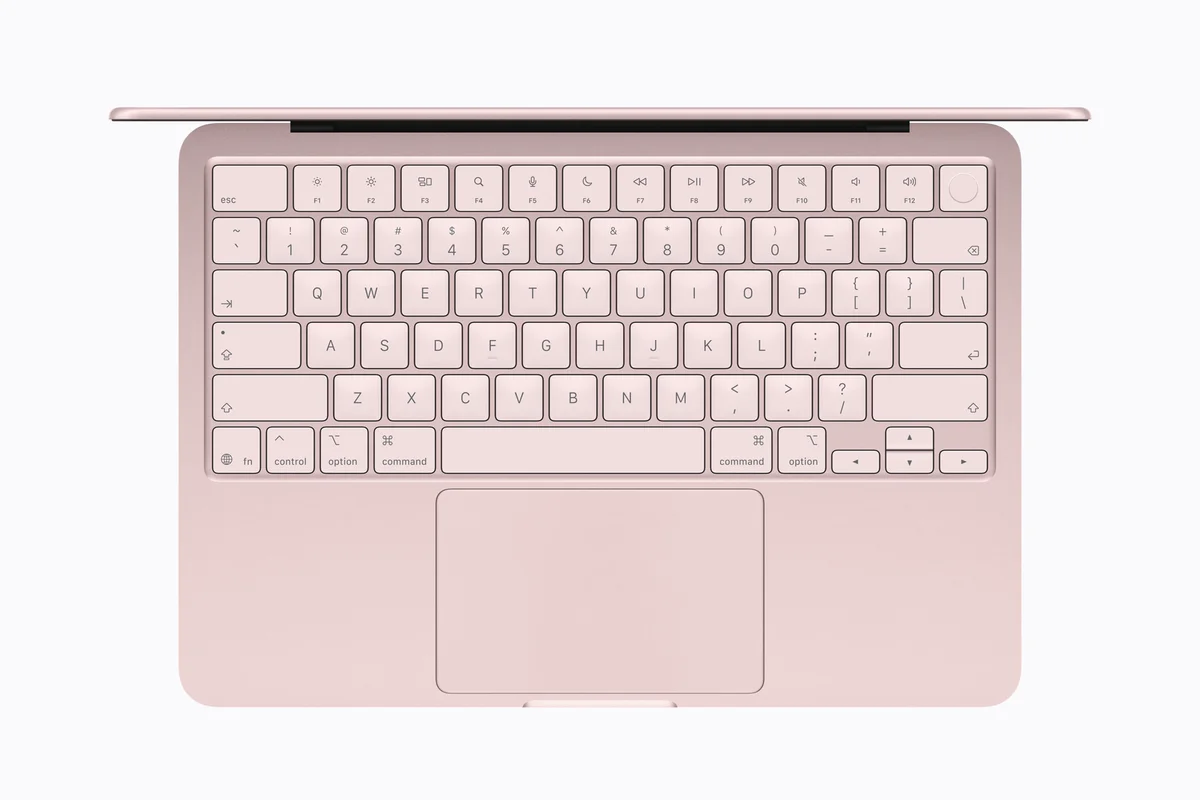
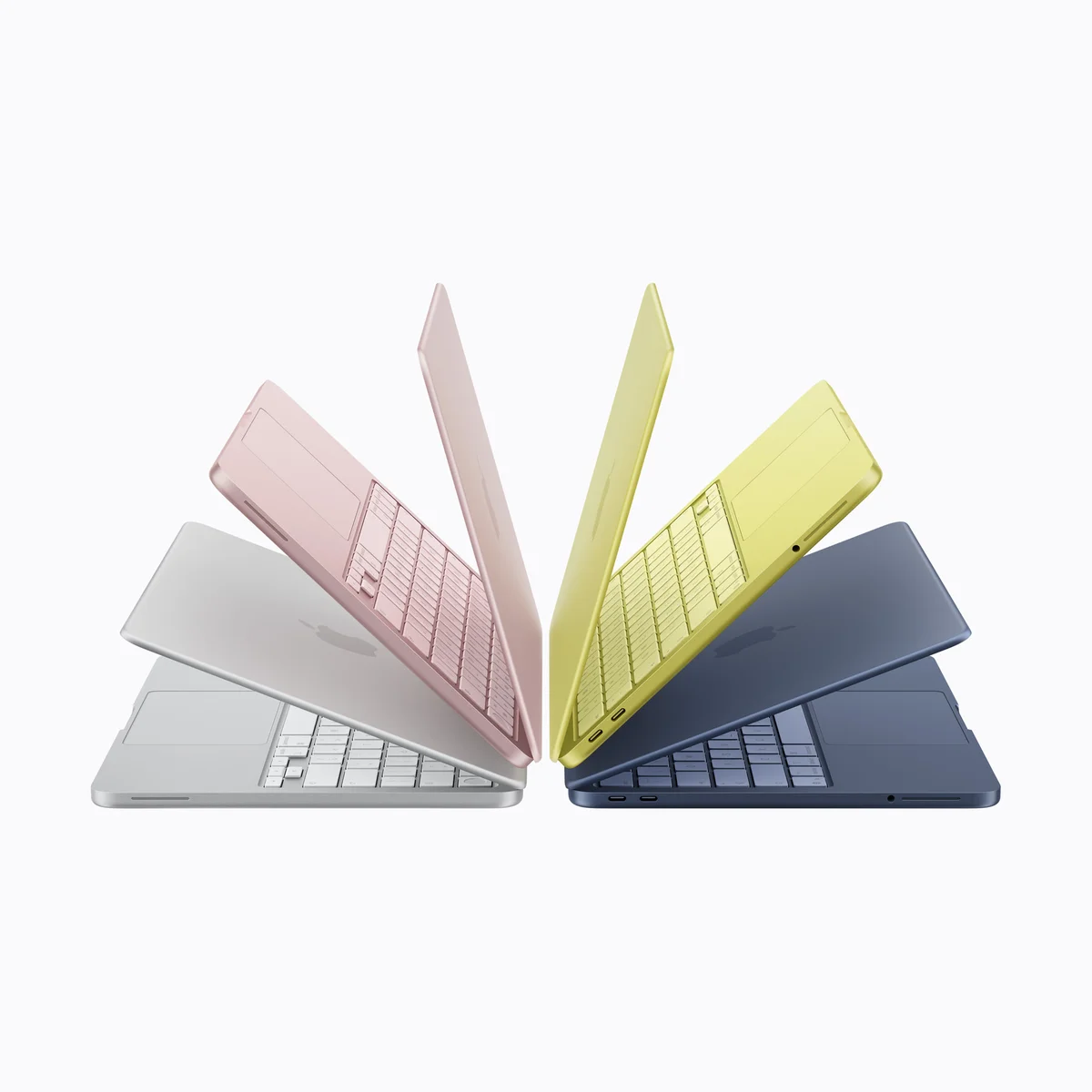
Those are the corners budget laptops usually cut. The Neo has an aluminum body, weighs the same 2.7 pounds as the Air, and its 13-inch 2408 x 1506 screen is sharper and more colorful than almost any budget laptop's, according to PCMag. It runs Apple's A18 Pro chip with 8GB of memory. RTINGS names it the best budget business laptop and notes that macOS makes far better use of 8GB than Windows, where 8GB machines feel cramped.
At $699, it costs $600 less than the Air. For email, documents, spreadsheets and video calls, Wirecutter found it fast enough in everyday use.
What It Won't Do
The Neo's limits show up under load. Wirecutter found it lags with large media files, code compiling, or 30 or more browser tabs, and it expects macOS updates to make the A18 Pro feel sluggish in two to three years. The keyboard is not backlit, a flaw Tom's Guide and Tom's Hardware both call out. One of its two USB-C ports runs at USB 2.0 speed, it drives only one external display, and Touch ID costs $100 more on the 512GB model. If you multitask hard or plan to keep a laptop five years, Wirecutter says to buy the Air.
Who Should Buy Which
Apple MacBook Air 13" (M5)
The best laptop overall at Engadget, Tom's Guide and Tom's Hardware, and silent all day
- Office and remote workers whose day is email, documents, spreadsheets and video calls
- Anyone who wants a full workday of battery with hours to spare
- People who take calls in quiet rooms and want a laptop with no fan noise
- Hybrid workers who carry a laptop between home and the office
- iPhone owners who want Apple's support and ecosystem
Apple MacBook Neo (A18 Pro)
The budget pick in seven of our nine sources, with an aluminum build no cheap Windows laptop matches
- Buyers who want a Mac for about $700
- Light office users who work mostly in a browser, email and documents
- Home-office workers who keep a dozen tabs open rather than 30
- Anyone replacing an old, slow Windows laptop for everyday work
- People who care more about build quality and support than speed