The Best Wireless Mice
Verified by
 Ryan V. Editor-in-Chief
When you purchase through links on our site, we may earn an affiliate commission.
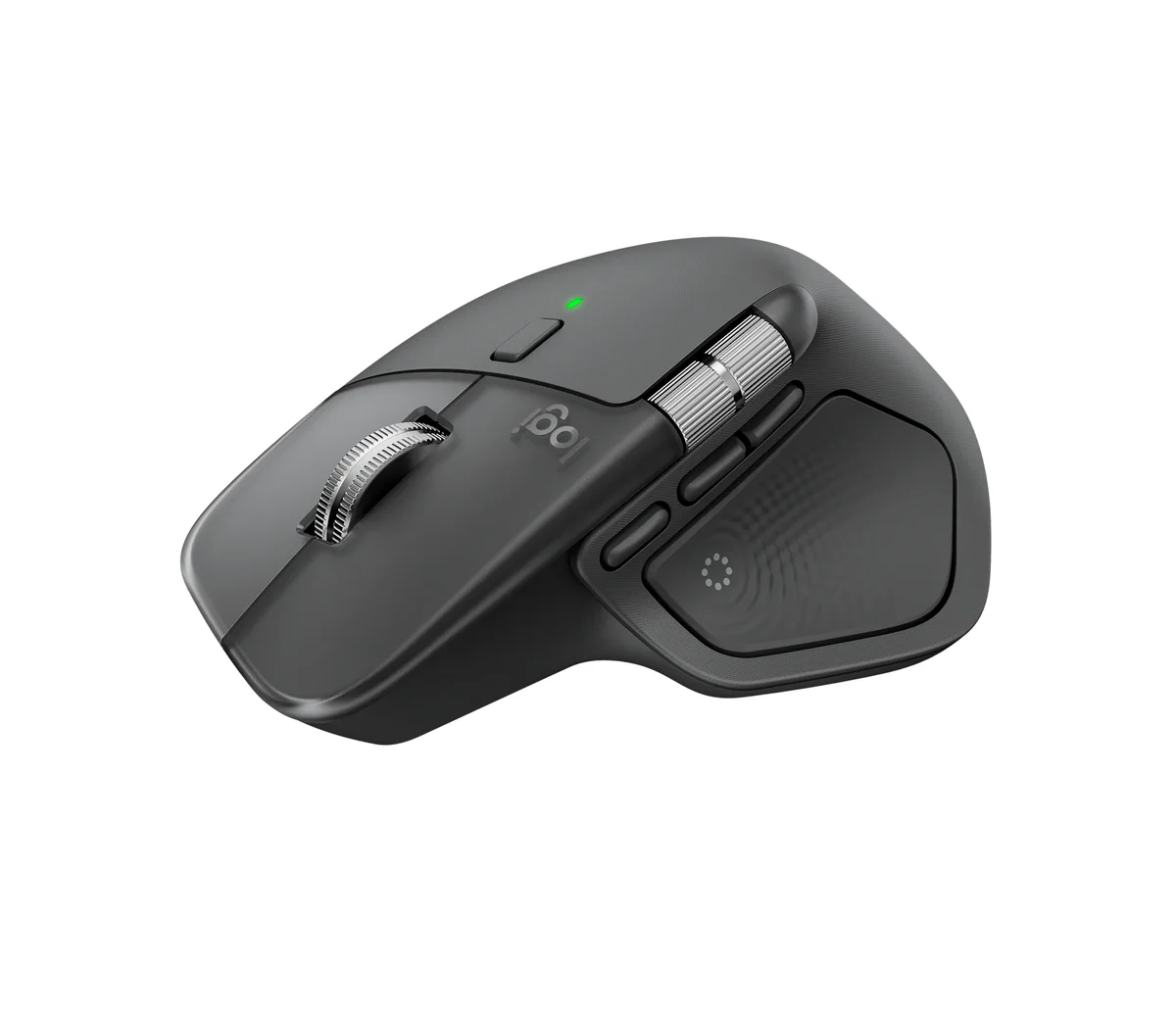
Five of the eight guides we read put the Logitech MX Master 4 first: RTINGS, Tom's Guide, PCMag, CNN Underscored and Engadget. PCMag gave it a perfect 5 and its Editors' Choice, saying it takes the near-perfect MX Master 3S and improves on almost every part of it. RTINGS, which runs every mouse through the same lab bench, made it both its best wireless mouse and its best mouse for work.
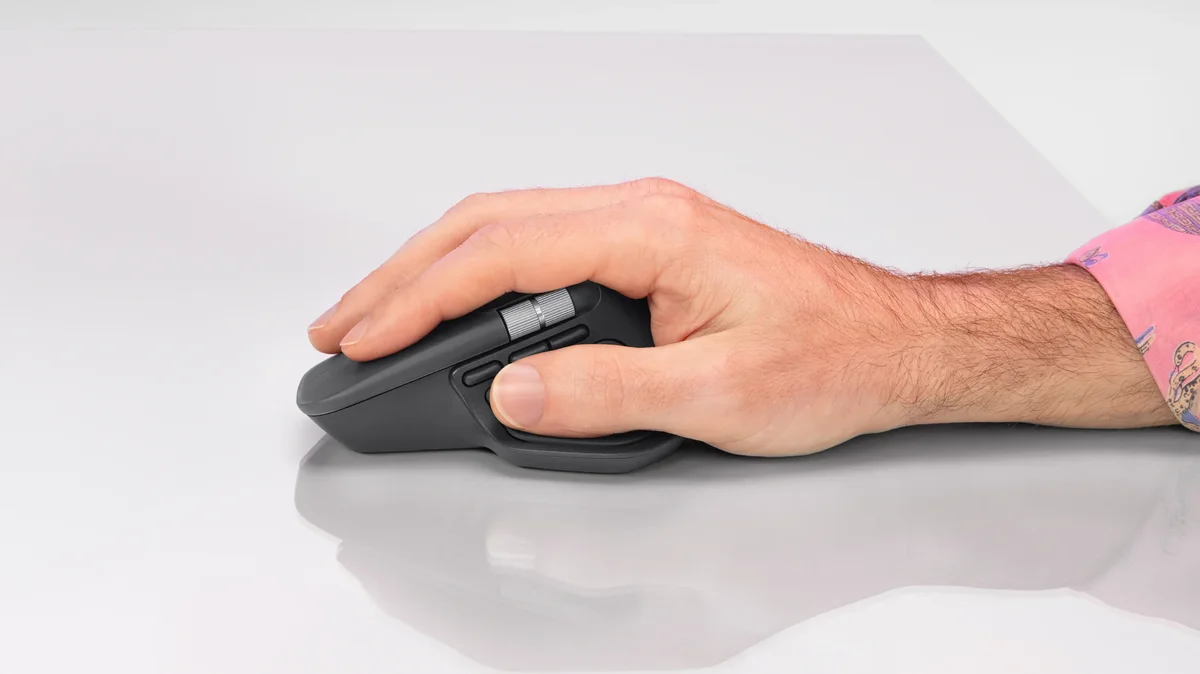
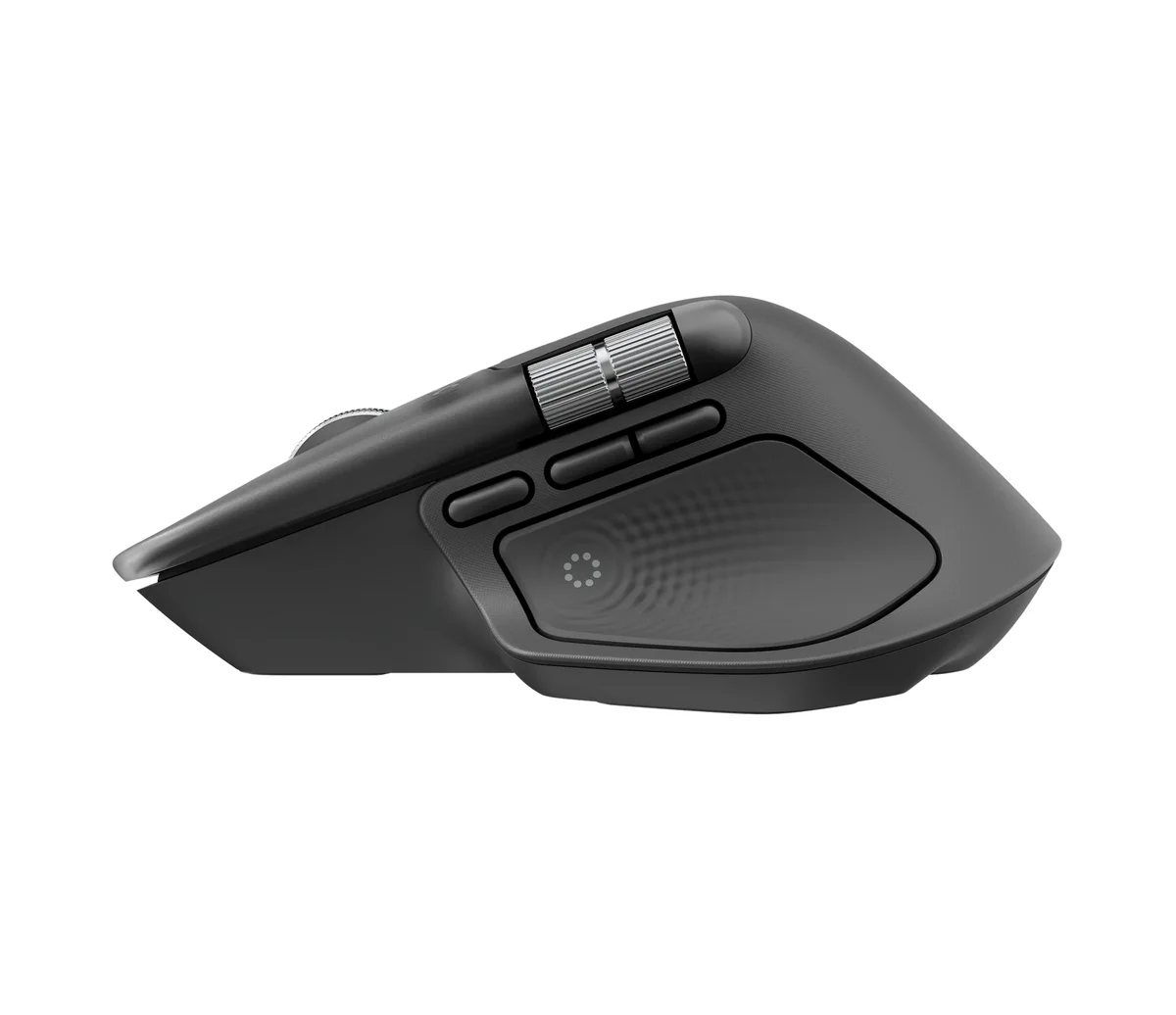
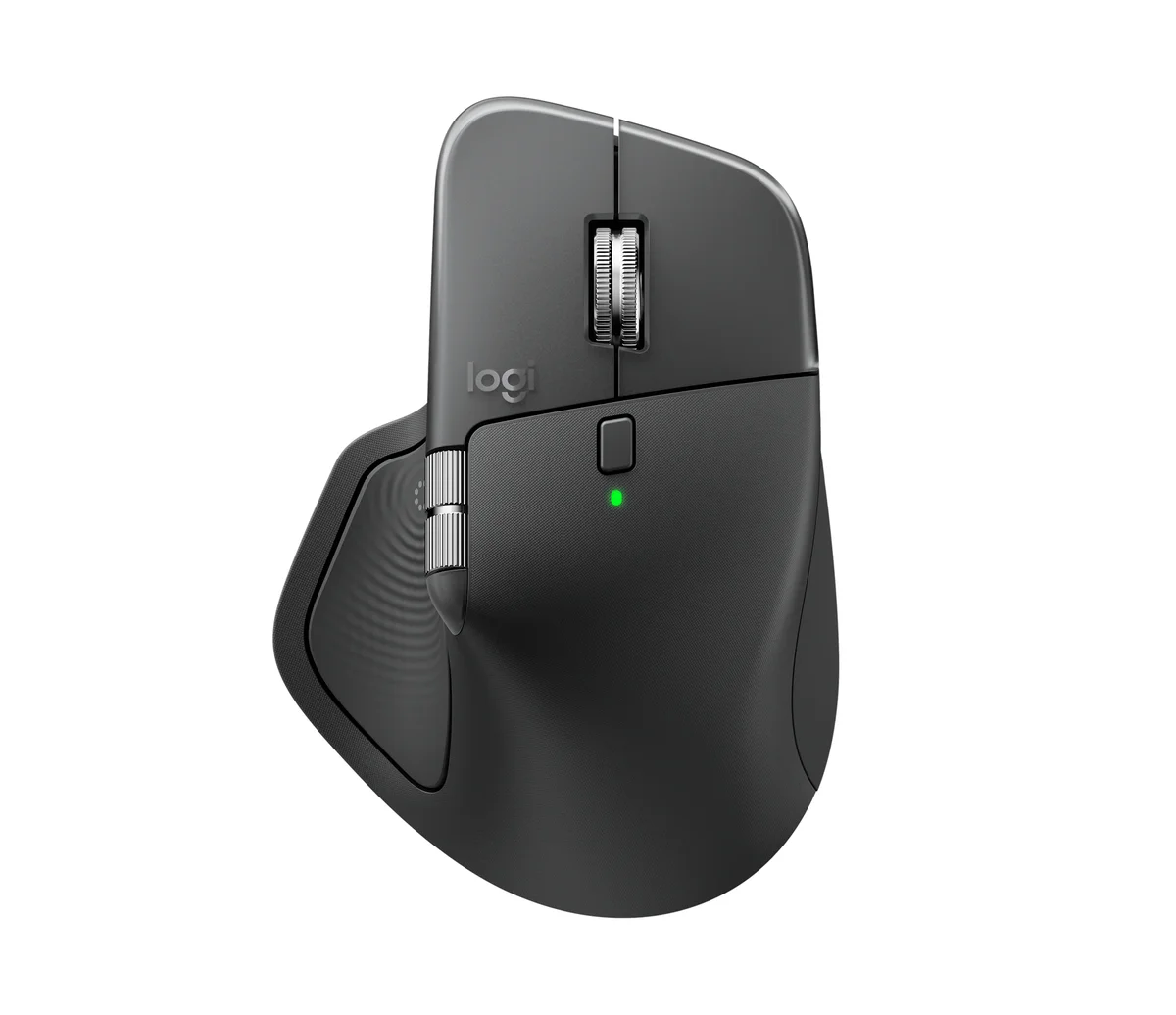
The controls are the reason. A steel MagSpeed wheel flicks between notched and free-spinning scrolling, and a thumb wheel handles sideways scrolling through spreadsheets and timelines. Eight buttons are programmable in Logi Options+. New for this generation is a haptic panel under your thumb that opens a ring of app shortcuts. Wirecutter, which names it its upgrade pick, found that setting the thumb wheel to flip between browser tabs was life-changing.
CNN Underscored named it the best ergonomic mouse it tested and used it daily for over a month on just 10% of the battery. Logitech rates a charge at 70 days, and Engadget says that held up in its testing. It also tracks on glass, and Logitech lists it at $119.99.
What It Won't Do
It's a big mouse. Wirecutter's smallest-handed testers found it uncomfortably large, and at 150 grams Engadget calls it "hardly svelte." There's no left-handed version. RTINGS and Engadget both point out the 125 Hz polling rate, which can make the cursor look less fluid on a 120 Hz or faster monitor. PCMag and Wirecutter would also like somewhere to stash the USB receiver, and Wirecutter expected onboard memory at this price.
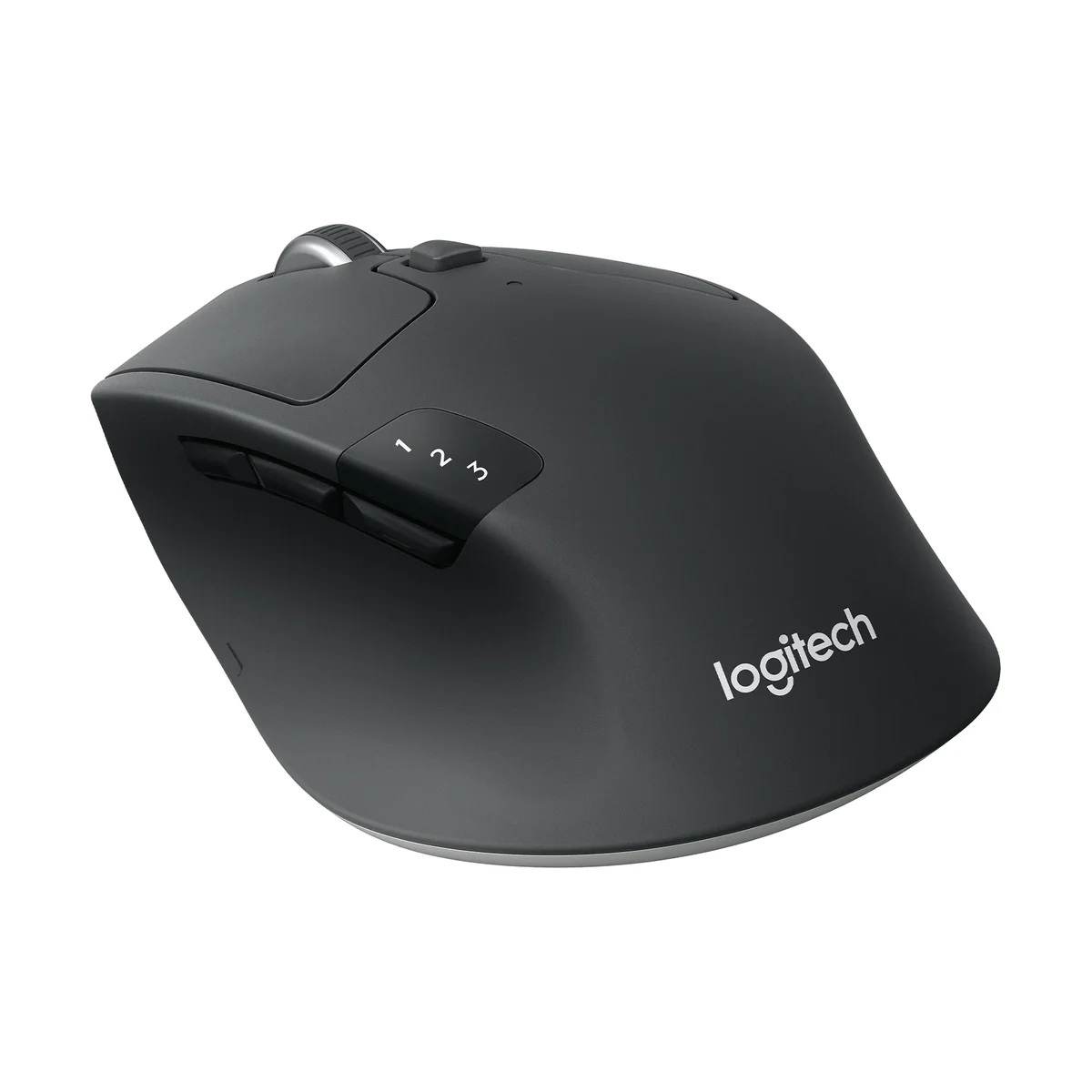
Wirecutter has named the Logitech M720 Triathlon the best wireless mouse for most people every year since 2016, and its September 2026 update kept it on top after 26 more mice went through its panel. Testers found it comfortable across a wide range of hand sizes and grips. RTINGS came to it from the lab side and named it the best budget wireless mouse, observing that it "quietly offers many of the same features" as Logitech's MX series at a lower price.
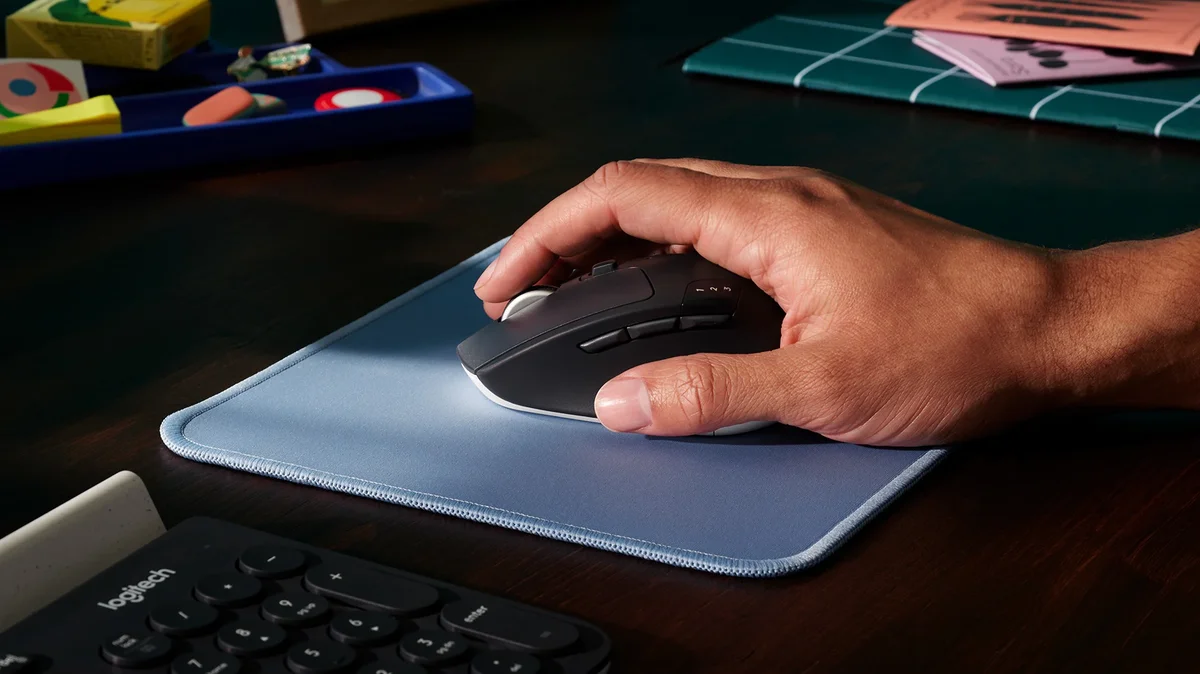
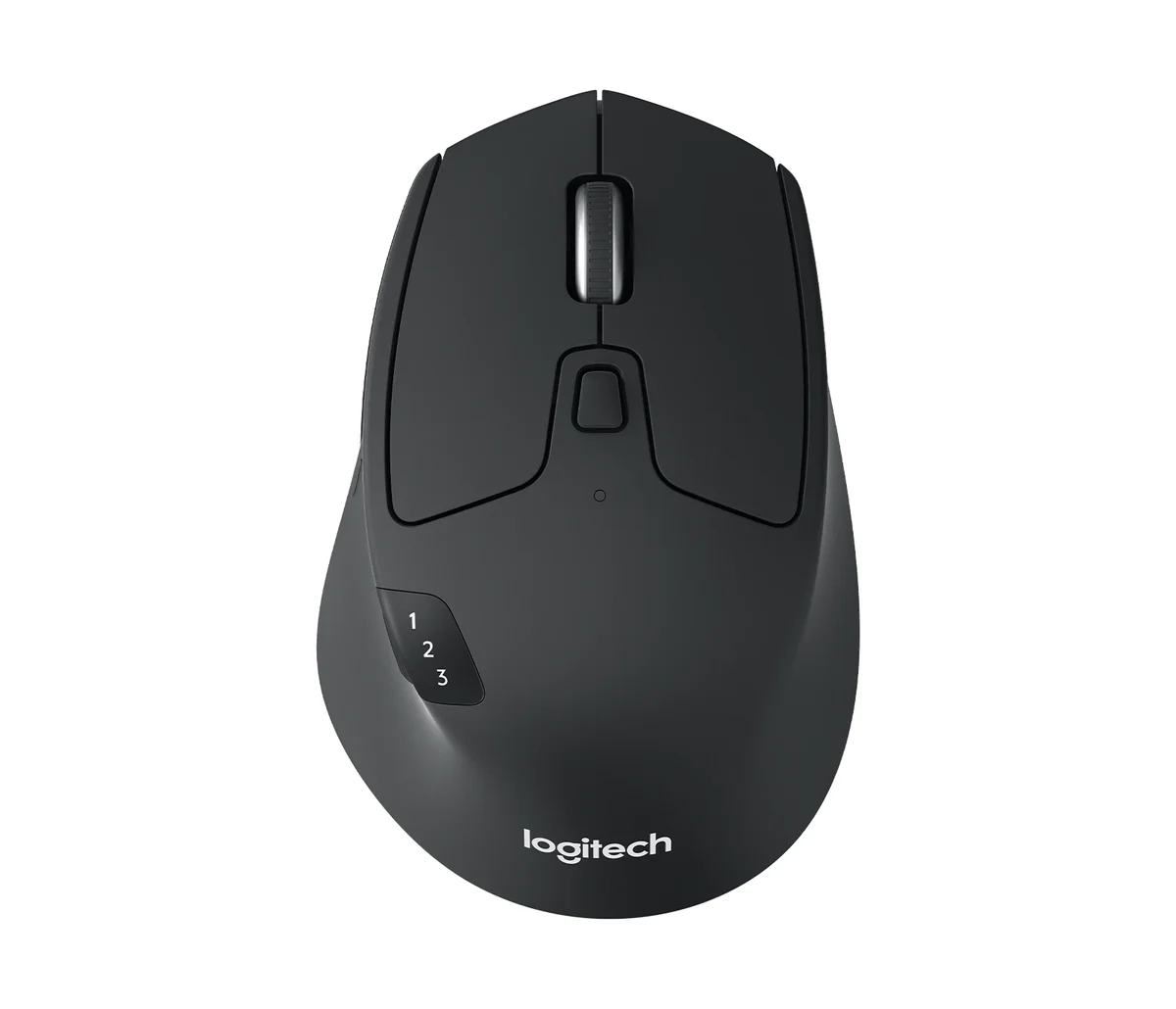
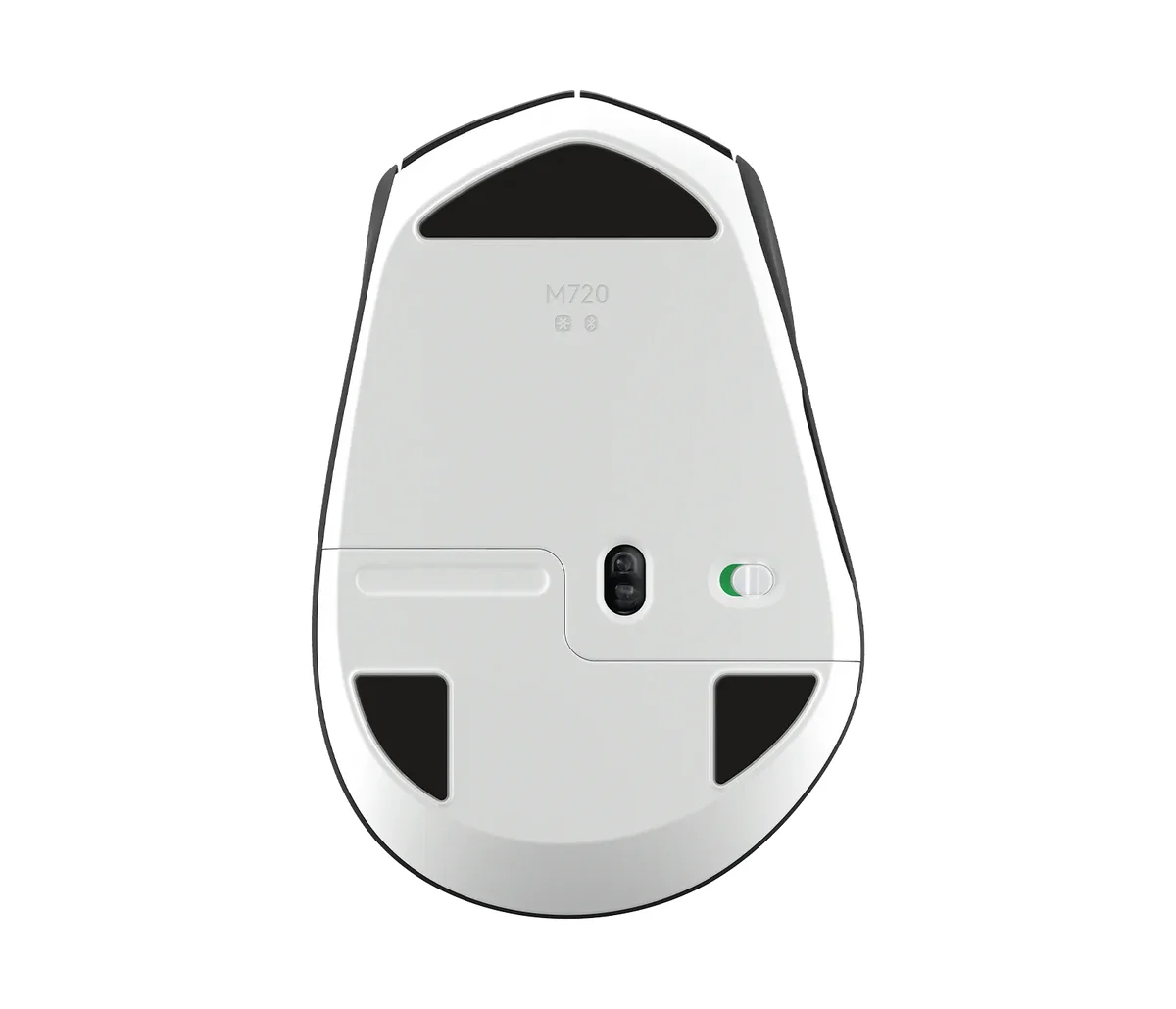
Those features are the ones you use every day. It pairs with three computers or tablets and switches between them with a thumb button, and its wheel spins freely for long pages or clicks line by line. Power comes from a single AA that Logitech rates at two years, and Wirecutter's long-term use confirmed it.
Logitech lists it at $44.99. The MX Master 4 costs $75 more.
What It Won't Do
The M720 shows its age in a few places. It won't track on glass, and it connects through Logitech's older Unifying receiver instead of the newer Bolt. RTINGS found its tall shape bulky and its mouse feet thin with sharp edges, and some of Wirecutter's panel disliked the loud clicks. Logitech's own store now lists it as limited availability, so stock may thin out over time.
Who Should Buy Which
Logitech MX Master 4
The top pick at RTINGS, Tom's Guide, PCMag, CNN Underscored and Engadget
- Spreadsheet, video and design work where a thumb wheel saves constant scrolling
- People with medium to large hands who want full palm support
- Anyone juggling three computers who wants shortcuts that change with each app
- Glass-desk owners, since its sensor tracks on glass
- Buyers who want the mouse five of eight expert guides rank first
Logitech M720 Triathlon Multi-Device Mouse
Wirecutter's top pick since 2016 and RTINGS' best budget wireless mouse
- Budget buyers who want a proven mouse for under $50
- Anyone tired of charging, since one AA lasts about two years
- Home offices with a laptop, a desktop and a tablet to switch between
- Households sharing one mouse across different hand sizes
- Anyone moving up from a two-button office mouse who wants remappable thumb buttons