The Best Office Windows Laptops
Verified by
 Ryan V. Editor-in-Chief
When you purchase through links on our site, we may earn an affiliate commission.
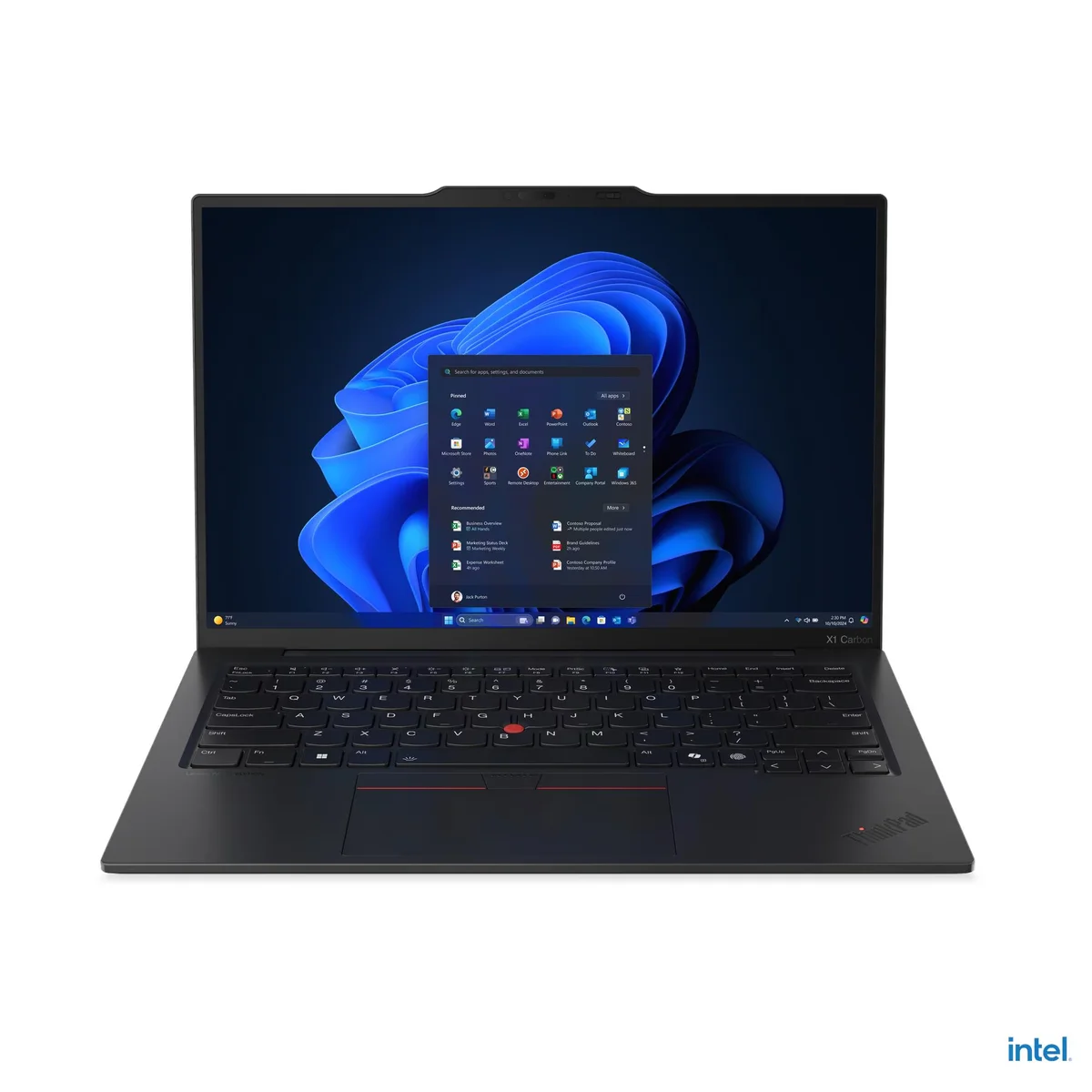
The Lenovo ThinkPad X1 Carbon Gen 13 won because it nails the three things business professionals care about most: keyboard quality, portability, and battery life. Andrew Marc David, who reviews business laptops as his primary beat, measured 16.5 hours of mixed office use and praised the 1.5mm-travel keyboard as the standard for excellence. At under one kilogram, it practically disappears in a travel bag.
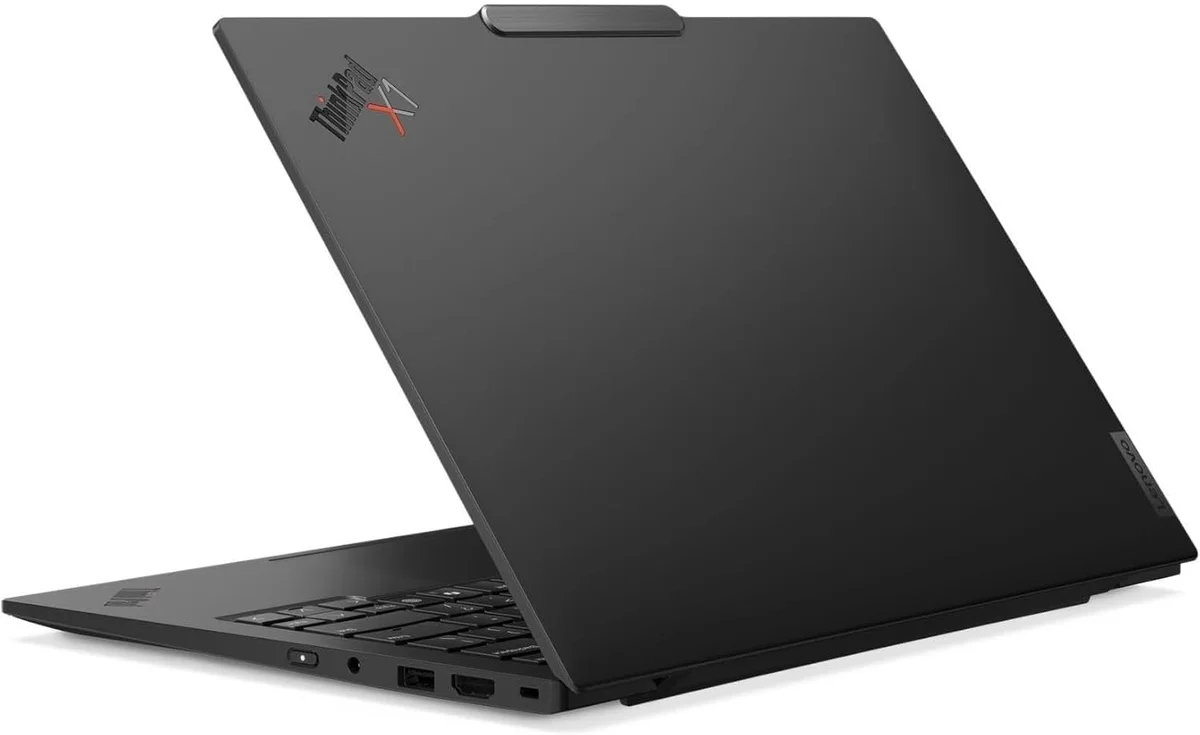
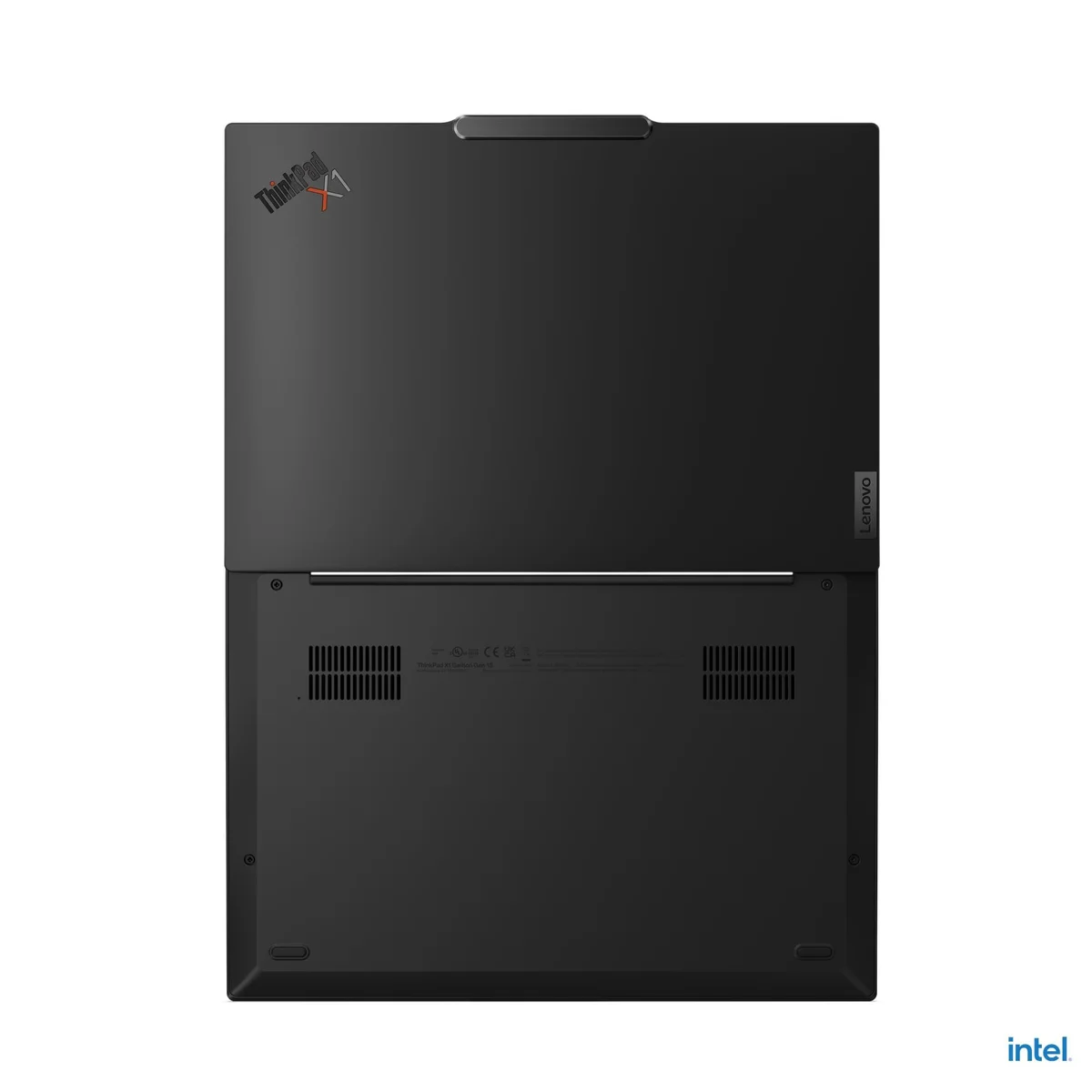
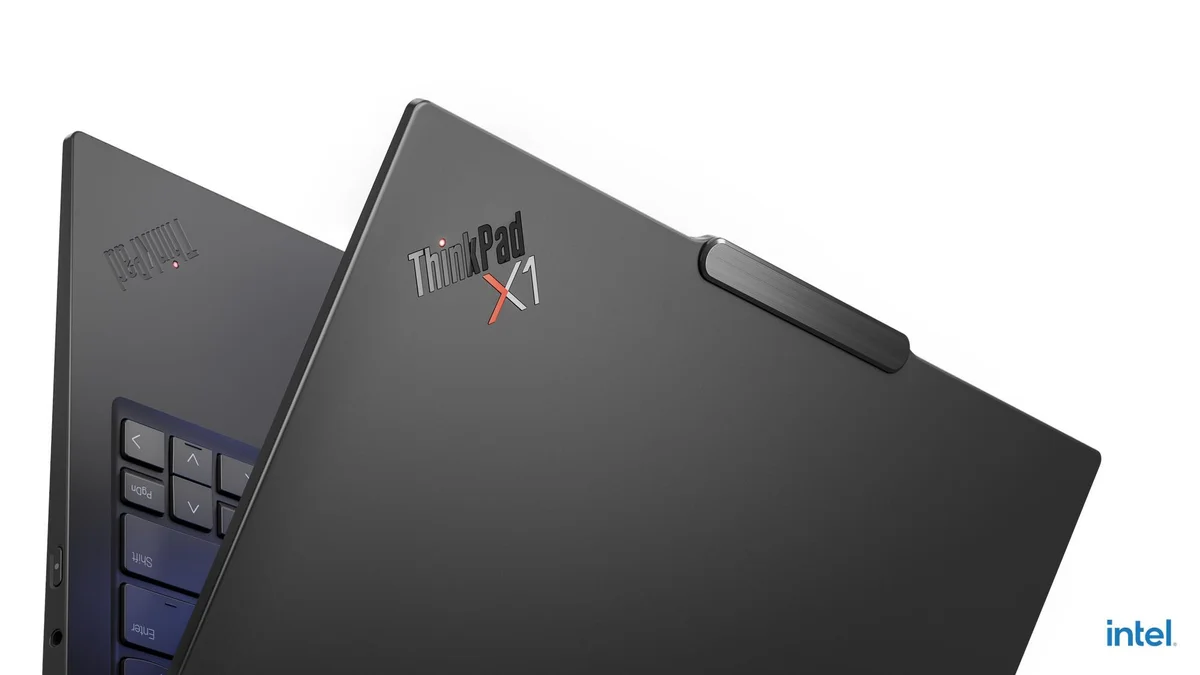
The new space frame chassis hits MIL-STD-810H durability ratings while dropping the weight below what most people think is possible for a 14-inch laptop. Andrew Marc David described the 2.8K OLED panel as 'gorgeous,' and at 120Hz it feels noticeably smoother than the IPS panels that dominate the sub-$1,200 Windows market.
What separates the X1 Carbon from its cheaper competitors is the feel. The keyboard has a tactile snap that no sub-$1,000 machine replicates. The Lunar Lake chip runs cool enough for fanless operation during most office tasks, which means zero noise during calls and presentations. For IT departments, the ThinkPad's BIOS-level fleet management, docking station compatibility, and enterprise support ecosystem make it the default choice.
Just Josh's team noted it in their podcast as a 'genuine daily driver' for professionals, though they wished the trackpad were larger.
What It Won't Do
All the USB-C ports sit on the left side, which gets annoying fast when your charger or dock cable needs to reach the right. Just Josh's team called out the cramped trackpad too, a direct consequence of keeping the physical TrackPoint buttons. If you depend on trackpad gestures more than the red nub, the Surface Laptop and Dell XPS 14 both offer larger, better surfaces. The small physical battery also means that 16.5 hours relies entirely on Lunar Lake efficiency; demanding workloads will drain it faster than laptops with bigger cells.
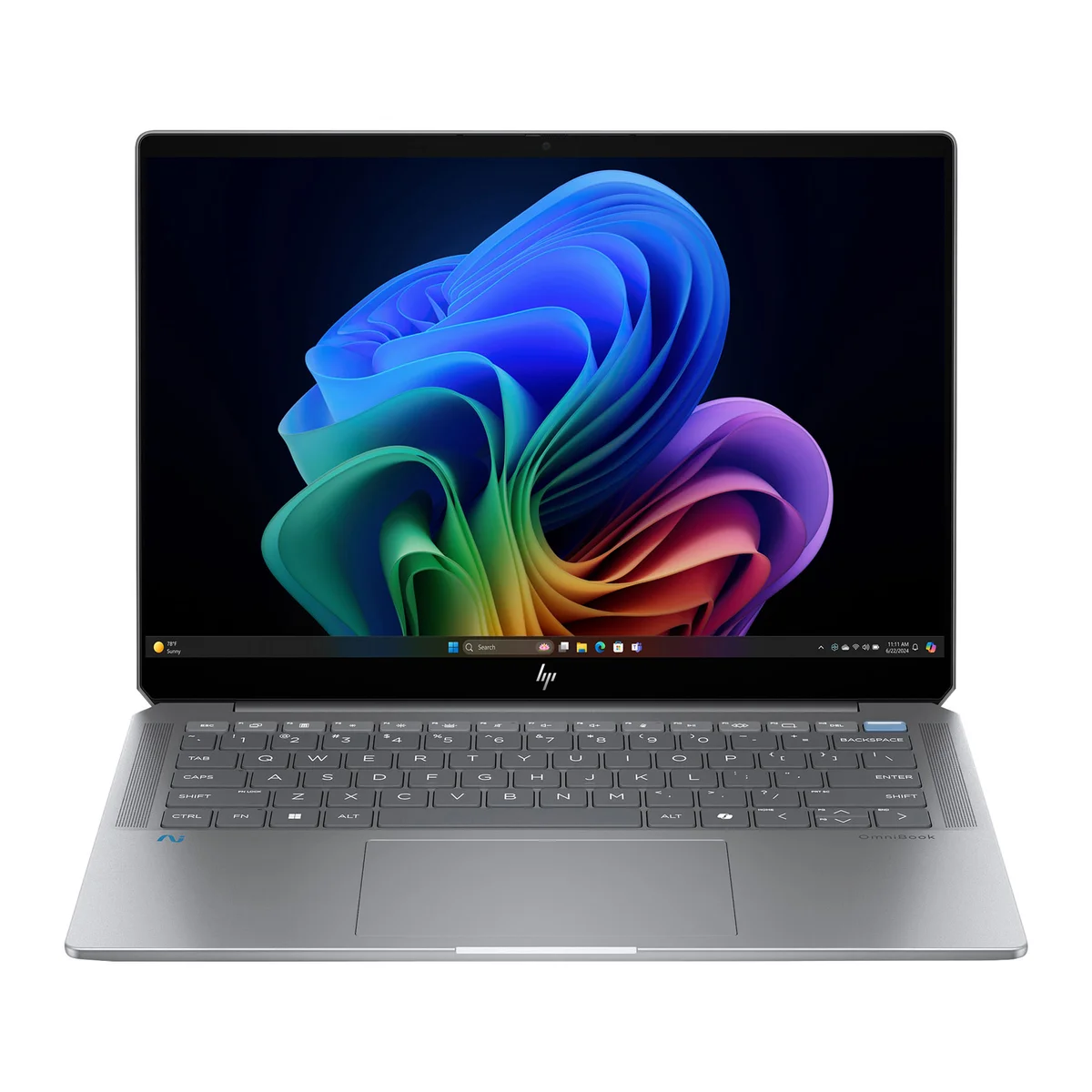
The HP OmniBook Ultra wins the value category because it gets you an OLED display and a current-generation Panther Lake chip at $1,000, a combination that most Windows competitors charge $1,400 or more to match. Just Josh put it plainly: it delivers roughly 90% of a premium laptop experience at 60% of the price.
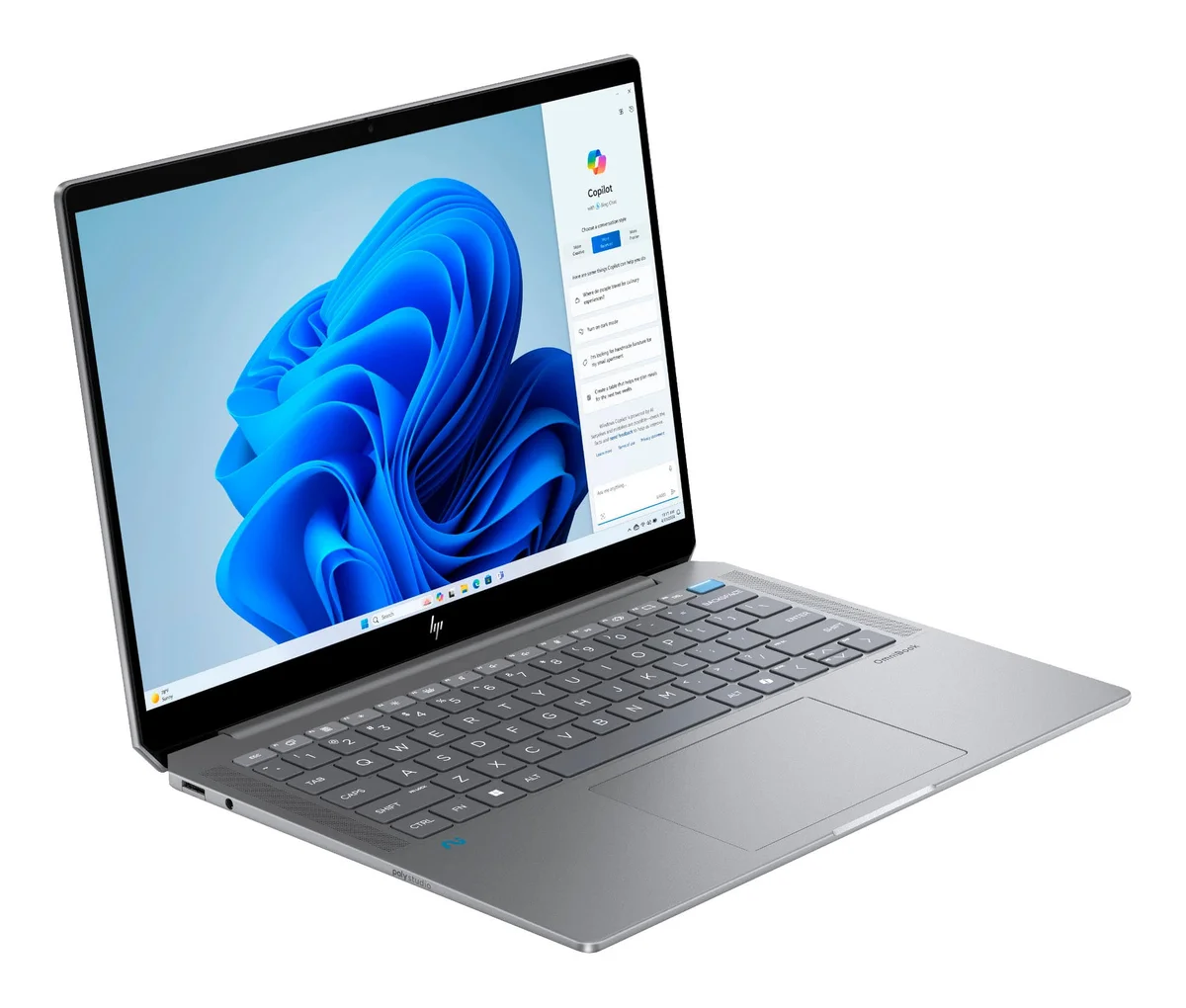


Andrew Marc David singled out the OLED panel as a real bright spot. At a price point where most Windows laptops still ship with IPS screens, having true OLED contrast and color depth for daily document and spreadsheet work is a meaningful advantage. The Panther Lake chip handles office workloads without complaint, and there are no thermal issues during typical business use.
For Windows-first buyers who need modern hardware without a $1,500 commitment, the OmniBook Ultra hits the right number. It covers the essentials: fast processor, good display, standard Windows 11 Pro compatibility, and a port selection that includes USB-C and USB-A without requiring a dock for basic setups. Hardware Canucks noted the value pricing as one of the most aggressive in the category.
The $500 gap between this and the ThinkPad X1 Carbon is real money. For buyers whose work doesn't hinge on keyboard quality or sub-1kg portability, the OmniBook Ultra keeps that gap in their pocket.
What It Won't Do
Just Josh described the keyboard as mushy and low-travel, and that's the OmniBook Ultra's clearest liability. Heavy typists who draft long documents or live in email will feel the difference from a ThinkPad keyboard within an hour. The trackpad click is loud and cheap-sounding compared to anything in the premium tier. Build rigidity is also a step down: Just Josh flagged keyboard deck flex and a lid gap when closed that could let debris scratch the display over time. Battery life at 12 hours is workable for a full day, but it trails the ThinkPad X1 Carbon's 16.5 hours by a meaningful margin. Buyers who push the laptop with demanding workloads will feel that gap more than the specs suggest.
Who Should Buy Which
Lenovo ThinkPad X1 Carbon Gen 13
Under one kilogram with military-grade durability and a keyboard that still sets the standard
- Road warriors who fly weekly and need sub-1kg portability with military-grade durability
- Heavy typists who spend 6+ hours daily writing emails, documents, and reports
- IT departments that need ThinkPad BIOS management, docking compatibility, and enterprise support
- Professionals who want a 2.8K OLED at 120Hz for presentations and detailed spreadsheet work
- Windows users who want the longest all-day battery in the category without carrying a charger
HP OmniBook Ultra
90% of a premium laptop for 60% of the price, if you can live with the mushy keyboard
- Windows professionals who want OLED display quality without paying $1,400 or more
- Office workers whose daily workload is email, documents, video calls, and browser tabs
- Budget-conscious buyers upgrading from an older Windows laptop who want modern Panther Lake performance
- Teams or individuals who need Windows 11 Pro compatibility and standard Windows software support
- Buyers willing to trade keyboard feel and build rigidity for a $500 saving over the ThinkPad tier