The Lenovo ThinkPad X1 Carbon Gen 13 meets
the HP OmniBook Ultra
Under one kilogram with military-grade durability and a keyboard that still sets the standard. We tested it head-to-head against the HP OmniBook Ultra across 6 key dimensions.
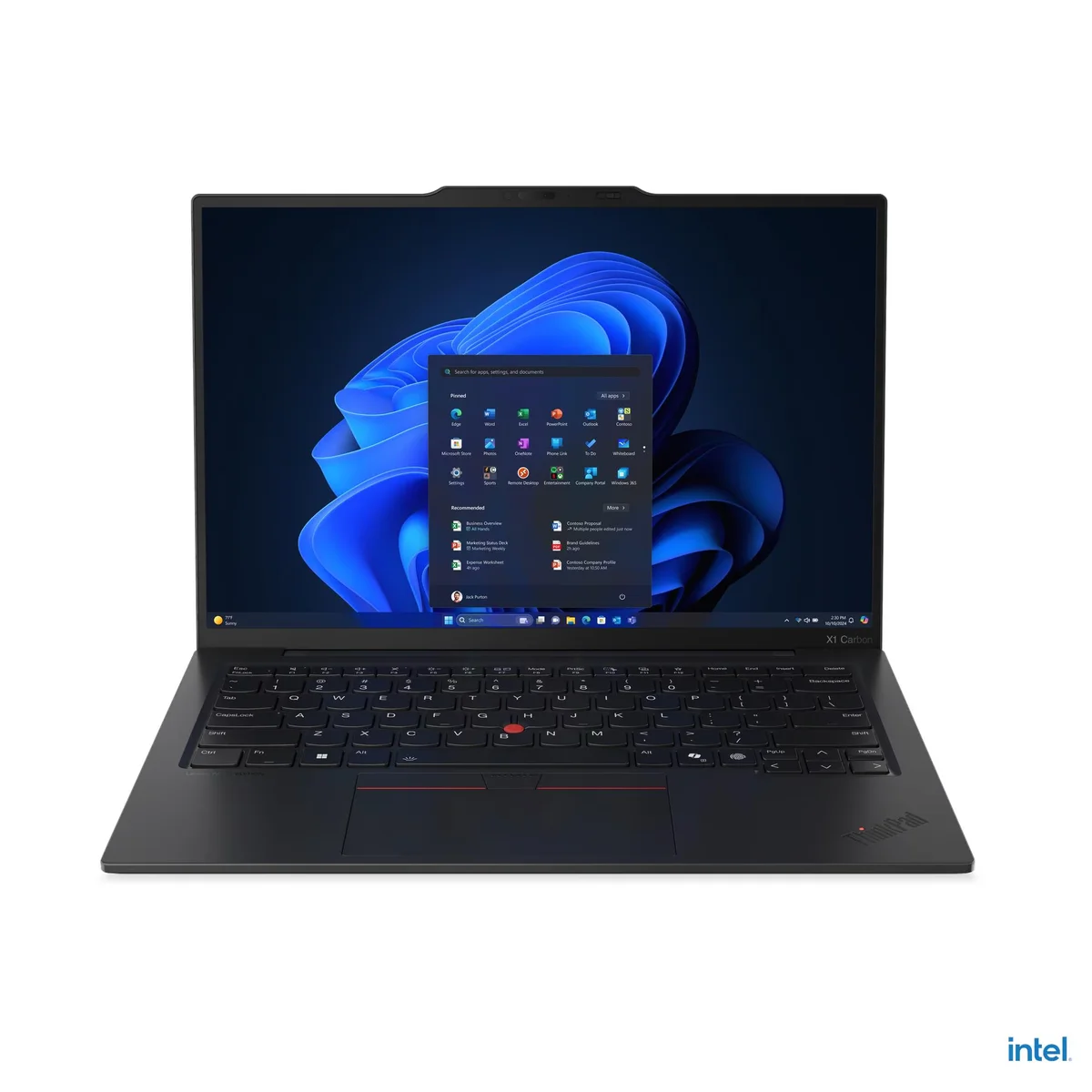
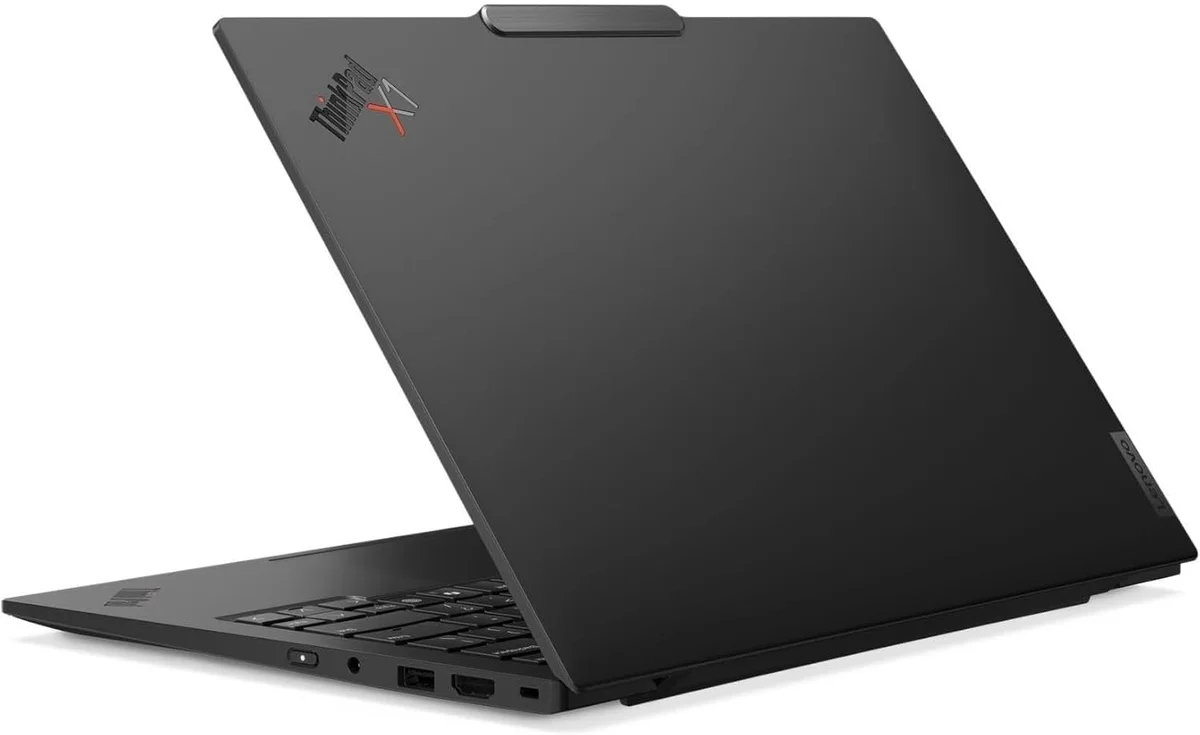
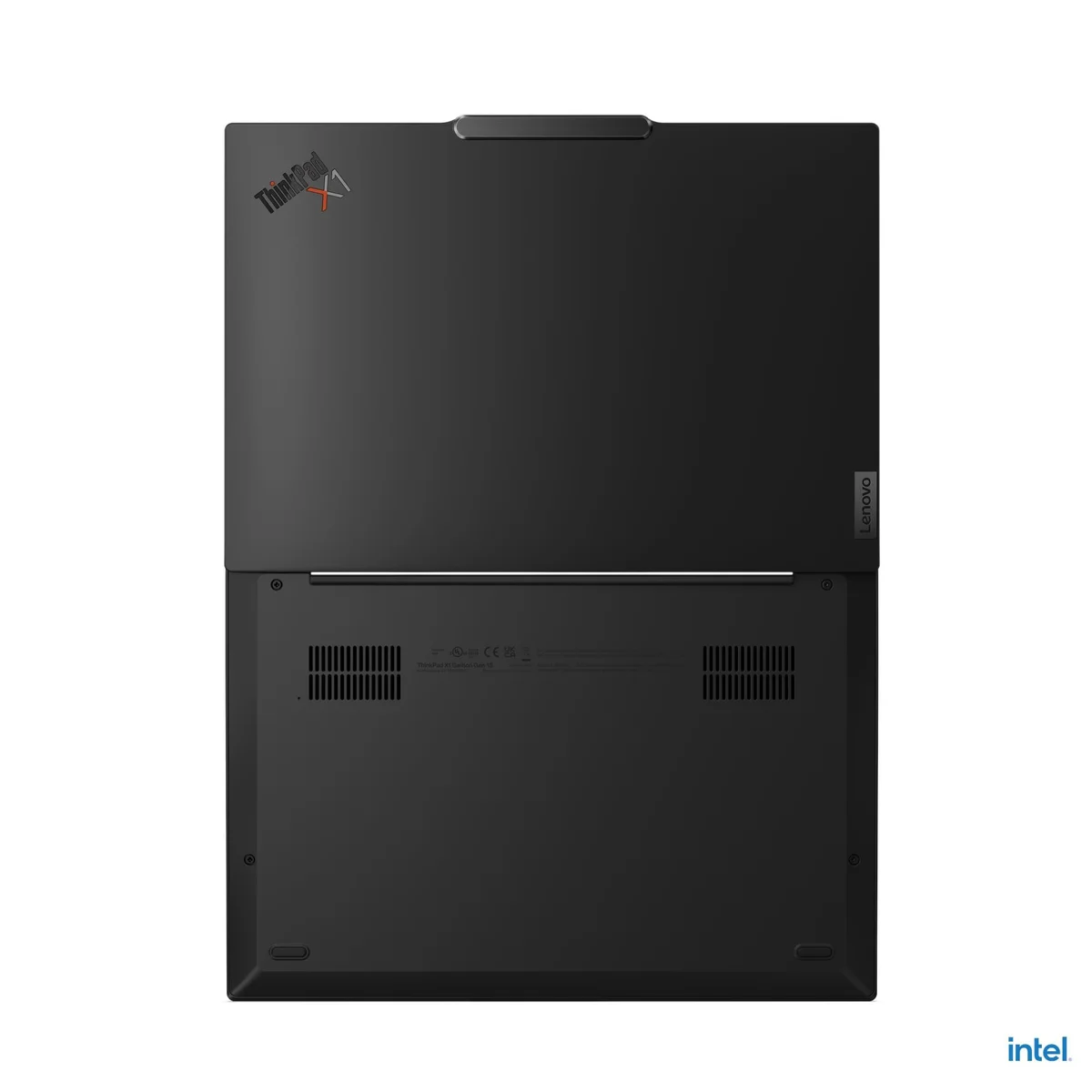
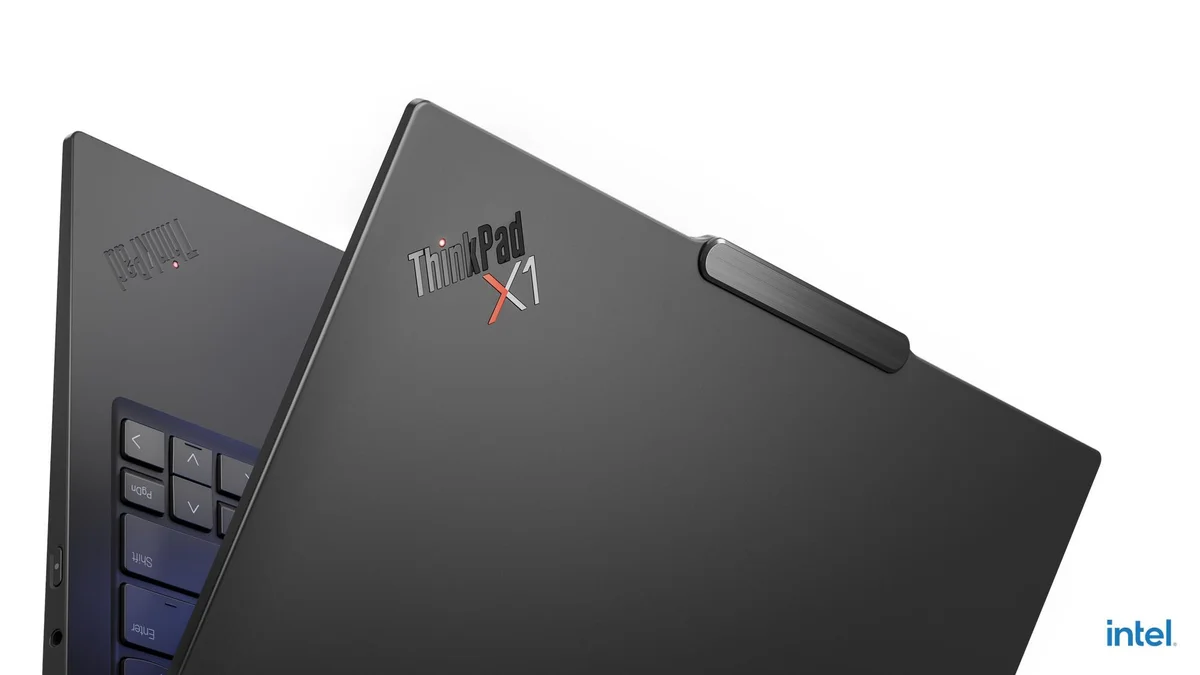
Lenovo ThinkPad X1 Carbon Gen 13
“Under one kilogram with military-grade durability and a keyboard that still sets the standard”
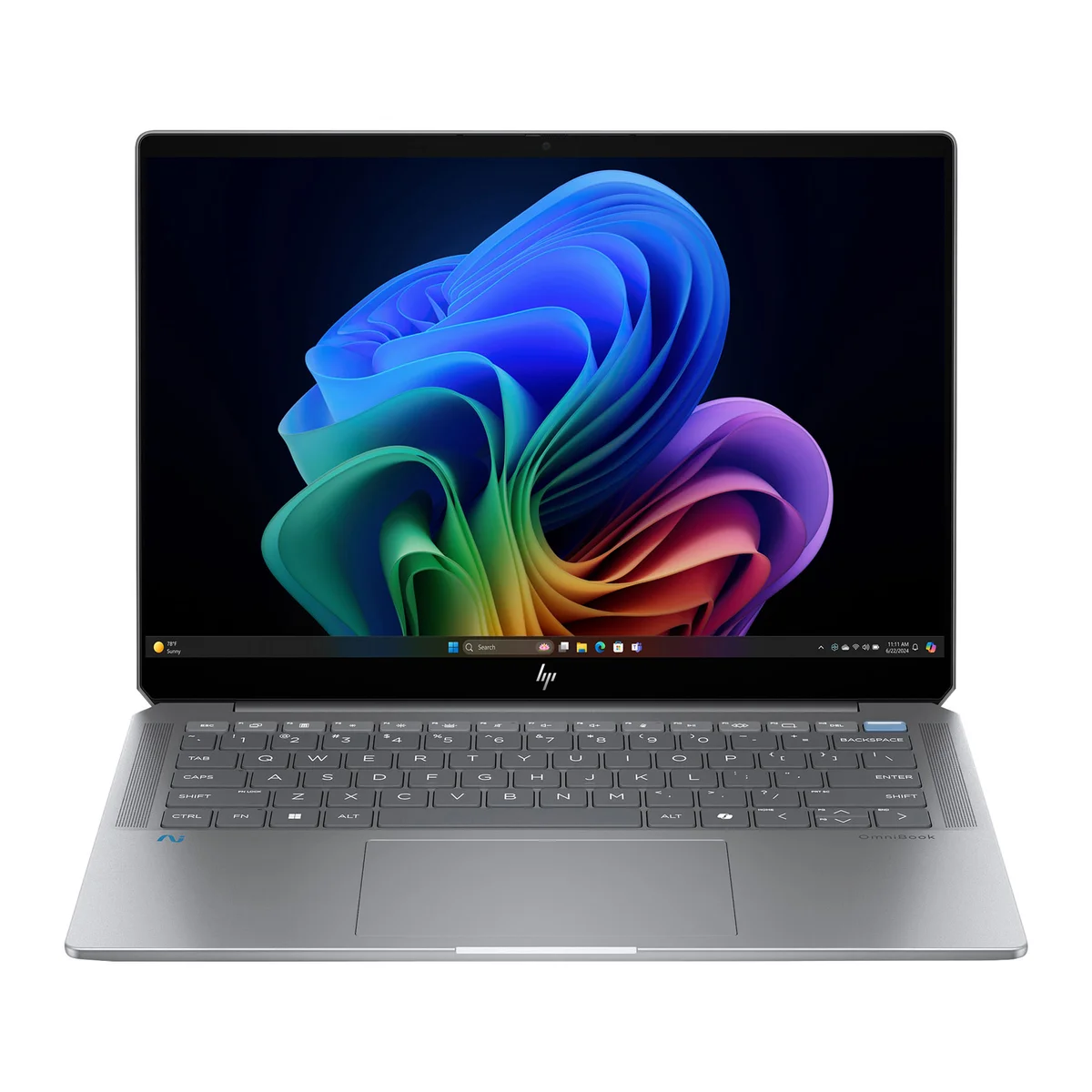
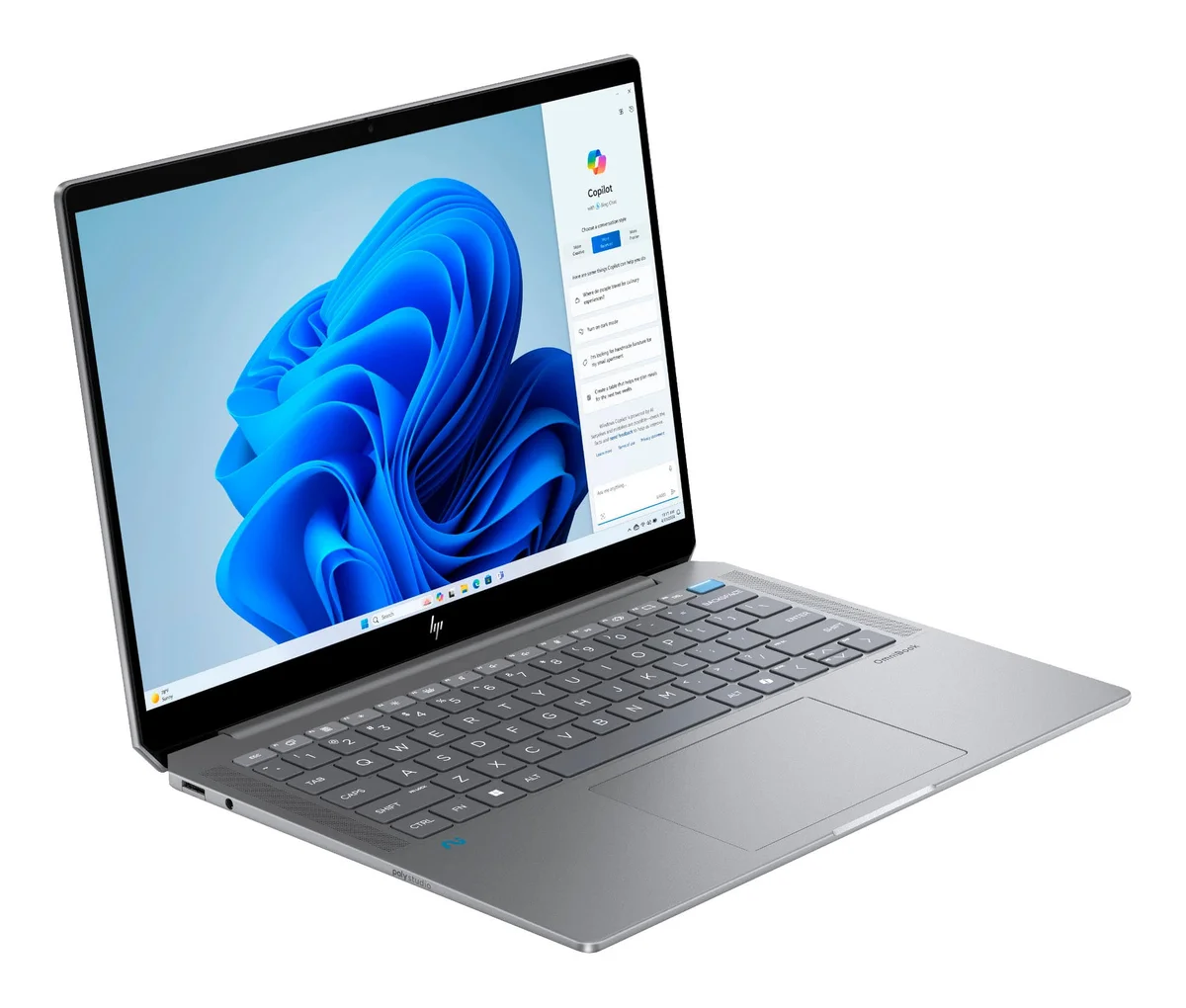


HP OmniBook Ultra
“90% of a premium laptop for 60% of the price, if you can live with the mushy keyboard”
Head-to-Head Breakdown
Strengths & Weaknesses
Lenovo ThinkPad X1 Carbon Gen 13
- Under 1 kg with military-standard 810H durability, per Andrew Marc David
- 16.5 hours of mixed-use battery from the Lunar Lake processor
- 1.5mm travel keyboard that Andrew Marc David calls the standard for excellence
- All USB-C ports on the left side, limiting dock/charger flexibility per Just Josh
- Trackpad is small to accommodate TrackPoint buttons, no haptic feedback per Just Josh
- Small physical battery relies on chip efficiency rather than raw capacity
HP OmniBook Ultra
- Delivers ~90% of a premium laptop experience at $1,000 per Just Josh
- OLED display option at a price point where most competitors offer IPS only
- Latest Panther Lake chip provides solid performance for daily business work
- Keyboard feels 'mushy and low-travel' with a cheap-sounding trackpad click per Just Josh
- Keyboard deck flex and lid gap when closed could allow debris to scratch display
- Lower-end display configurations may have poor color accuracy per Just Josh
The Verdict
Our Bottom Line
The Lenovo ThinkPad X1 Carbon Gen 13 won because it nails the three things business professionals care about most: keyboard quality, portability, and battery life. Andrew Marc David, who reviews business laptops as his primary beat, measured 16.5 hours of mixed office use and praised the 1.5mm-travel keyboard as the standard for excellence. At under one kilogram, it practically disappears in a travel bag.
Lenovo ThinkPad X1 Carbon Gen 13
The Lenovo ThinkPad X1 Carbon Gen 13 won because it nails the three things business professionals care about most: keyboard quality, portability, and battery life. Andrew Marc David, who reviews business laptops as his primary beat, measured 16.5 hours of mixed office use and praised the 1.5mm-travel keyboard as the standard for excellence. At under one kilogram, it practically disappears in a travel bag.
- Road warriors who fly weekly and need sub-1kg portability with military-grade durability
- Heavy typists who spend 6+ hours daily writing emails, documents, and reports
- IT departments that need ThinkPad BIOS management, docking compatibility, and enterprise support
- Professionals who want a 2.8K OLED at 120Hz for presentations and detailed spreadsheet work
- Windows users who want the longest all-day battery in the category without carrying a charger
HP OmniBook Ultra
The HP OmniBook Ultra wins the value category because it gets you an OLED display and a current-generation Panther Lake chip at $1,000, a combination that most Windows competitors charge $1,400 or more to match. Just Josh put it plainly: it delivers roughly 90% of a premium laptop experience at 60% of the price.
- Windows professionals who want OLED display quality without paying $1,400 or more
- Office workers whose daily workload is email, documents, video calls, and browser tabs
- Budget-conscious buyers upgrading from an older Windows laptop who want modern Panther Lake performance
- Teams or individuals who need Windows 11 Pro compatibility and standard Windows software support
- Buyers willing to trade keyboard feel and build rigidity for a $500 saving over the ThinkPad tier