The Best KVM Switches
Verified by
 Ryan V. Editor-in-Chief
When you purchase through links on our site, we may earn an affiliate commission.
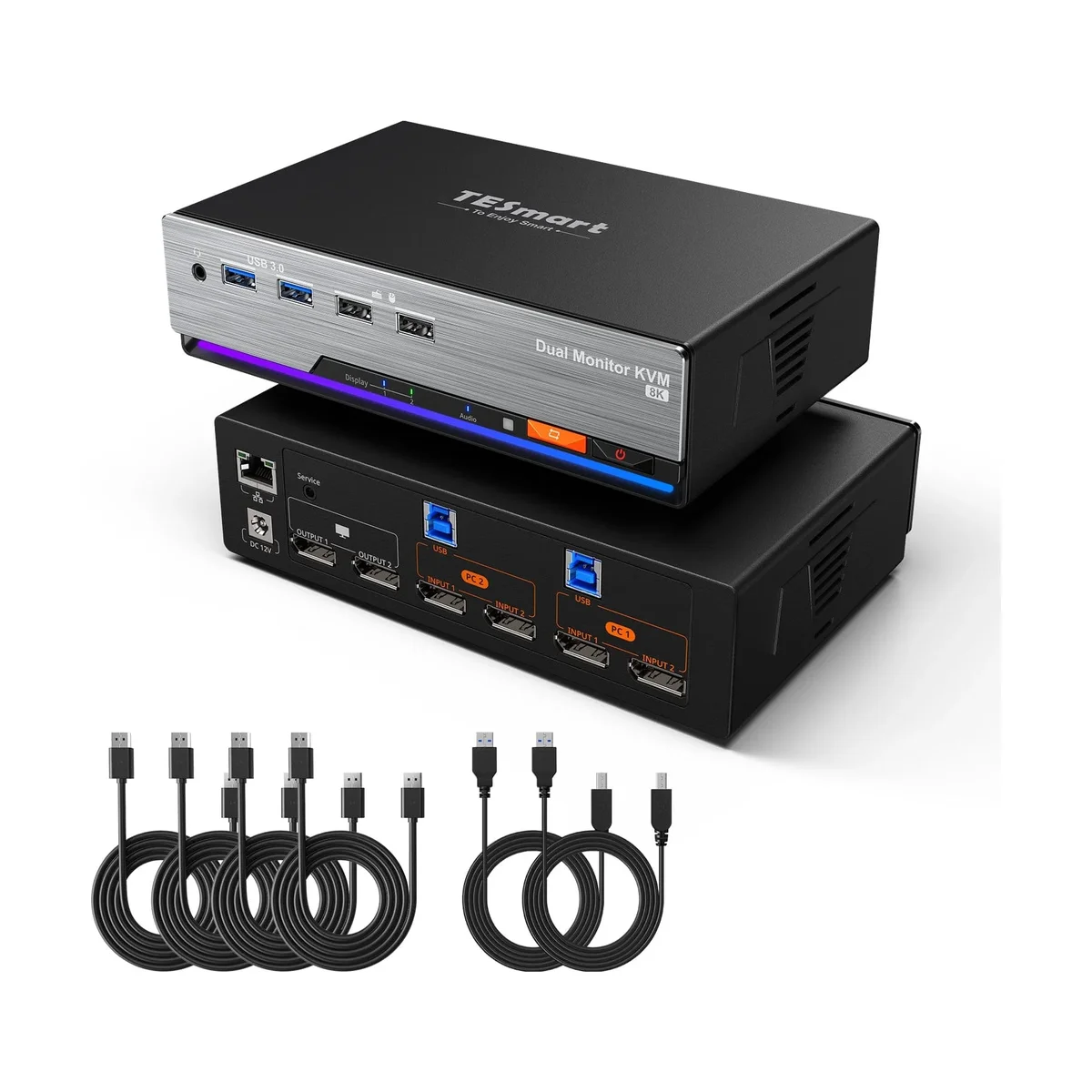
The whole point of a KVM switch is that you stop noticing it. The TESmart DKS202-M24 gets closest to that of any dual-monitor switch we researched, because it does the one thing cheaper boxes skip: EDID emulation on both DisplayPort outputs. Each computer keeps believing its monitors are connected while you work on the other one, so when you switch back, your windows, desktop icons and display settings are exactly where you left them. Tech Overwrite's Tristan Perry used it daily for a month across two 4K monitors and a pair of PCs and called the switching "really, really good."
It also has the headroom that gaming and creative desks need. DisplayPort 1.4 carries two monitors at up to 4K 144Hz, or 8K 60Hz with DSC, with G-Sync and FreeSync passed through. SolderMag names it the pick for gaming setups. The USB 3.0 hub ran at native speeds in Tech Overwrite's tests, and you get a switchable headset jack and a shared Gigabit Ethernet port.
Switching is flexible too: a front button, a customizable keyboard hotkey, a mouse-wheel shortcut, or the included IR remote. Every input cable is in the box. At $329.90 direct from TESmart it costs about half as much as the enthusiast-favorite Level1Techs unit, and it is easier to live with day to day.
What It Won't Do
The housing is plastic, which feels a little cheap next to metal rivals at this price, and Tech Overwrite found the included USB host cable too short for a tower sitting under the desk. The Ethernet port tops out at 1Gbps and dropped the odd packet in testing. It also has no USB-C laptop charging, so if one of your two machines is a laptop, a dedicated KVM dock is the better fit. Amazon usually charges about $40 more than TESmart's own store.
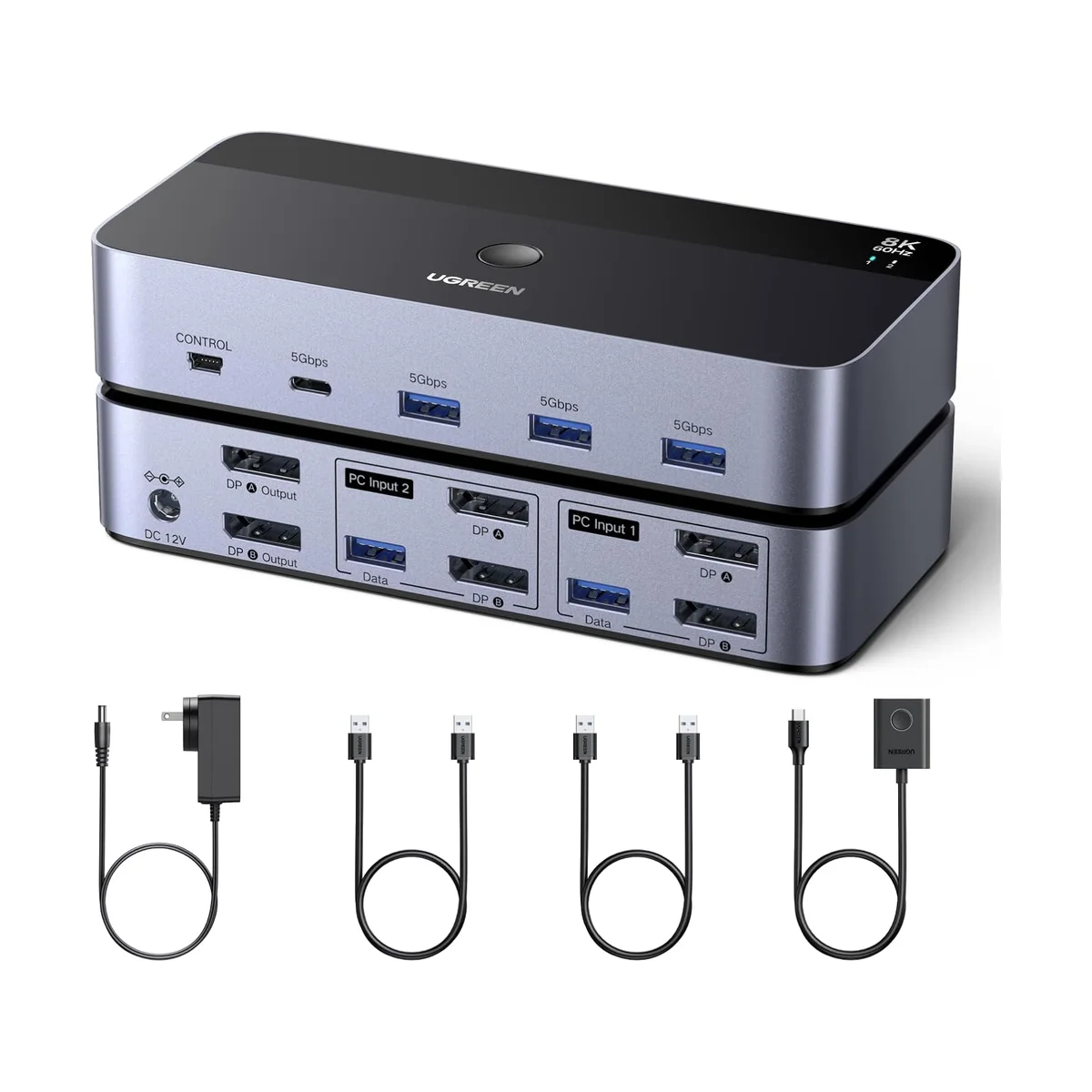
The UGREEN 55851 gives you the part of a premium KVM that shows up in benchmarks for about $90. ByrdPilot confirmed its dual DisplayPort 1.4 outputs run 8K at 60Hz, 4K at 144Hz and even 4K at 240Hz, the highest refresh ceiling of any switch in this roundup. It has four USB 3.0 ports at 5Gbps (including a USB-C port) and an aluminum shell that is sturdier than the plastic on our top pick.
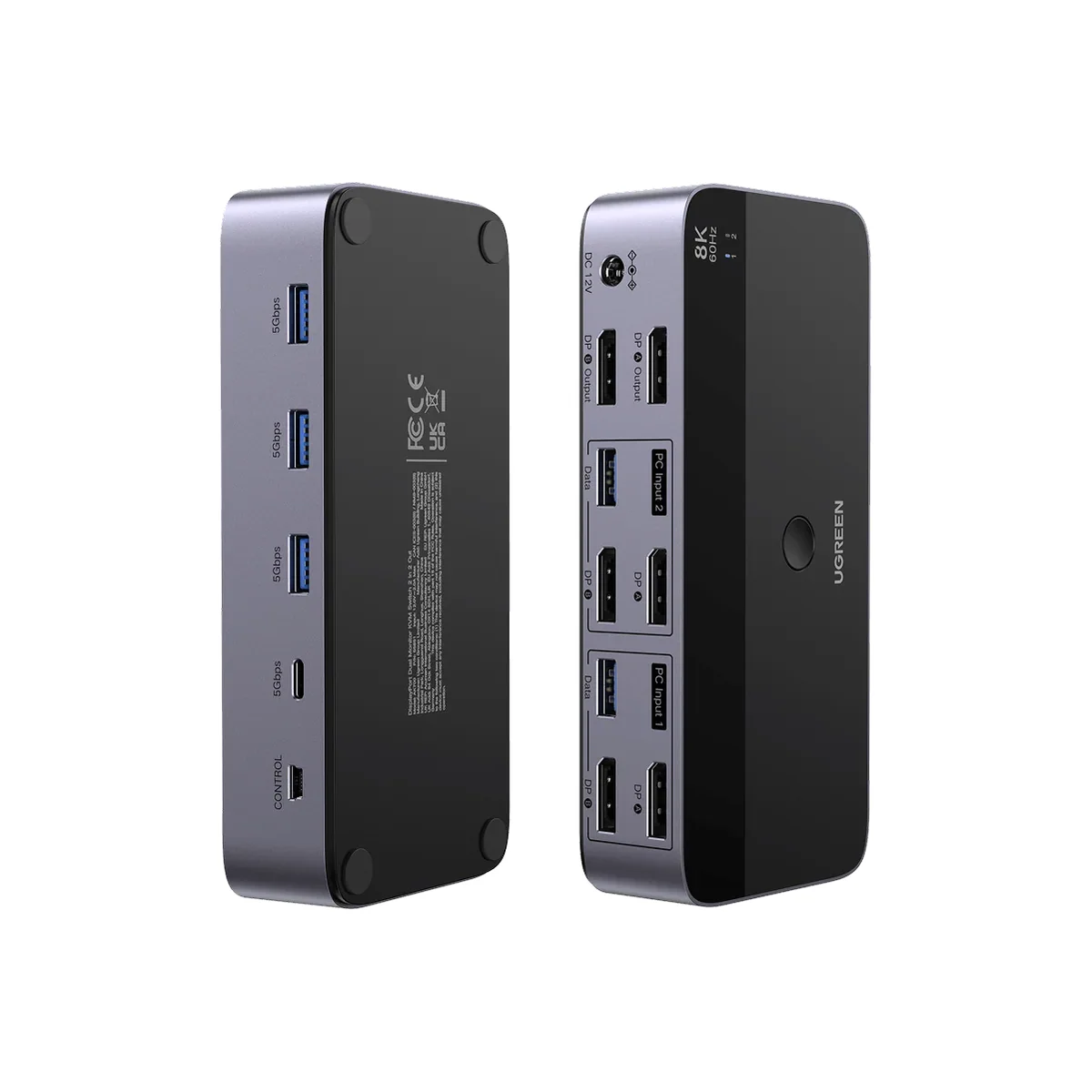
SolderMag picks it as the value choice for dual DisplayPort desks, and for a Windows user who switches a few times a day it does the job for roughly a quarter of the TESmart's price.
What It Won't Do
The savings come from switching polish. There is no EDID emulation, so both computers briefly lose their monitors on every switch and Windows rearranges open windows, which ByrdPilot flagged, and Mac clamshell mode was unreliable in its testing. There is no keyboard hotkey, only the top button and a wired desktop controller. DisplayPort cables are not included, so budget for four, and it needs its 12V adapter. The 3.8-star Amazon rating reflects those handshake complaints.
Who Should Buy Which
TESmart DKS202-M24
Two PCs, two high-refresh monitors, and a desktop that stays exactly where you left it
- You run two desktop PCs across two monitors and switch many times a day
- You want windows and display settings to stay put after every switch
- You game on high-refresh monitors and need 4K 144Hz with G-Sync or FreeSync
- You like having hotkey, mouse-wheel and remote switching options
- You want every cable included so setup is done in one sitting
UGREEN 8K DisplayPort KVM Switch (55851)
High-refresh dual DisplayPort switching for a fraction of the price
- You use Windows on both machines and switch a handful of times a day
- You want 4K high-refresh dual DisplayPort switching for around $90
- You can put up with windows reshuffling in exchange for a big saving
- You already own spare DisplayPort cables
- You prefer a metal housing and a USB-C port on the hub