Trackball Mice · Comparison

The Logitech MX Ergo S Wireless Trackball meets
the Kensington Orbit Wireless Trackball with Scroll Ring

The thumb trackball Wirecutter's testers found most comfortable, with a tilt plate and two-computer switching. We tested it head-to-head against the Kensington Orbit Wireless Trackball with Scroll Ring across 6 key dimensions.
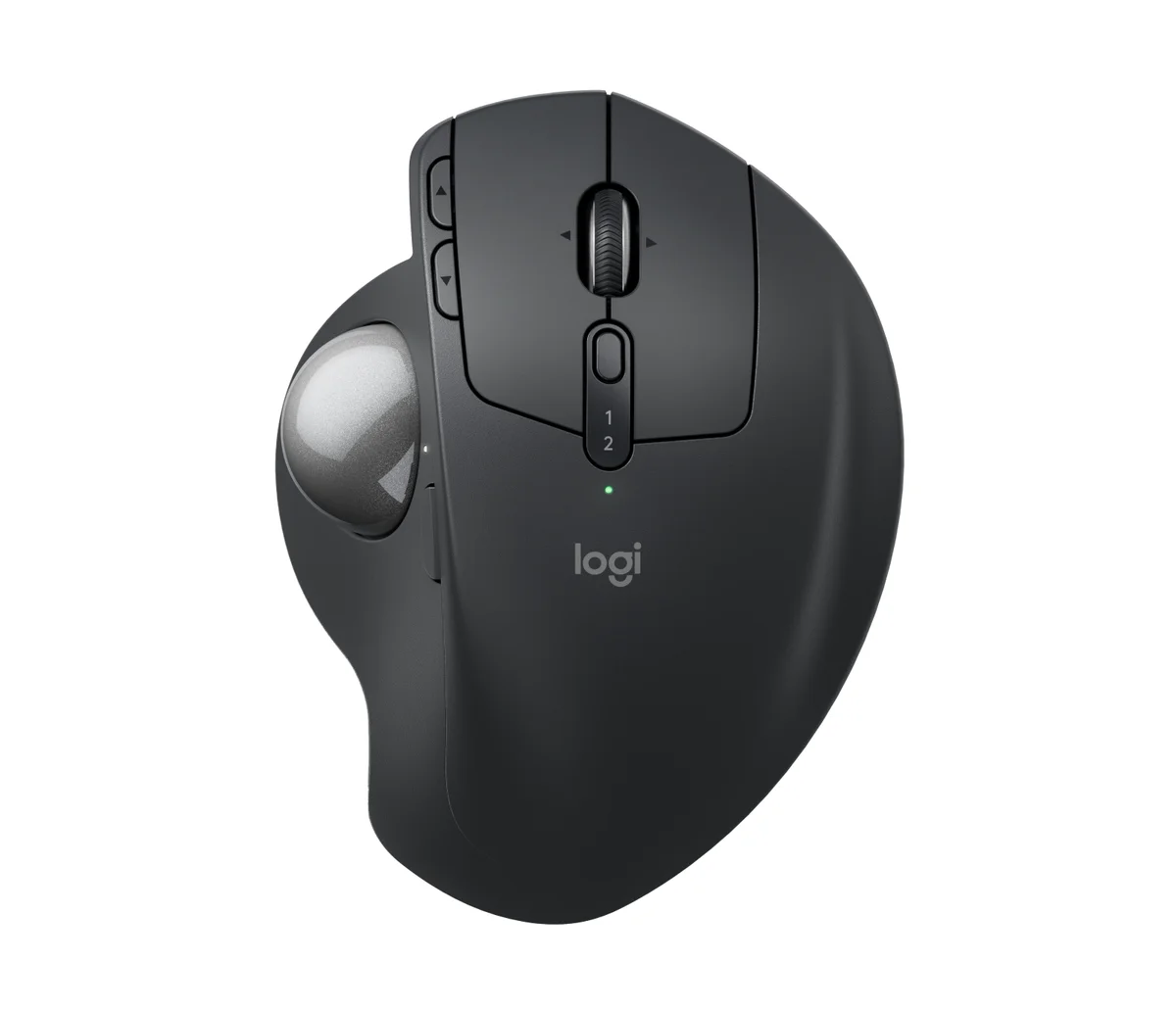
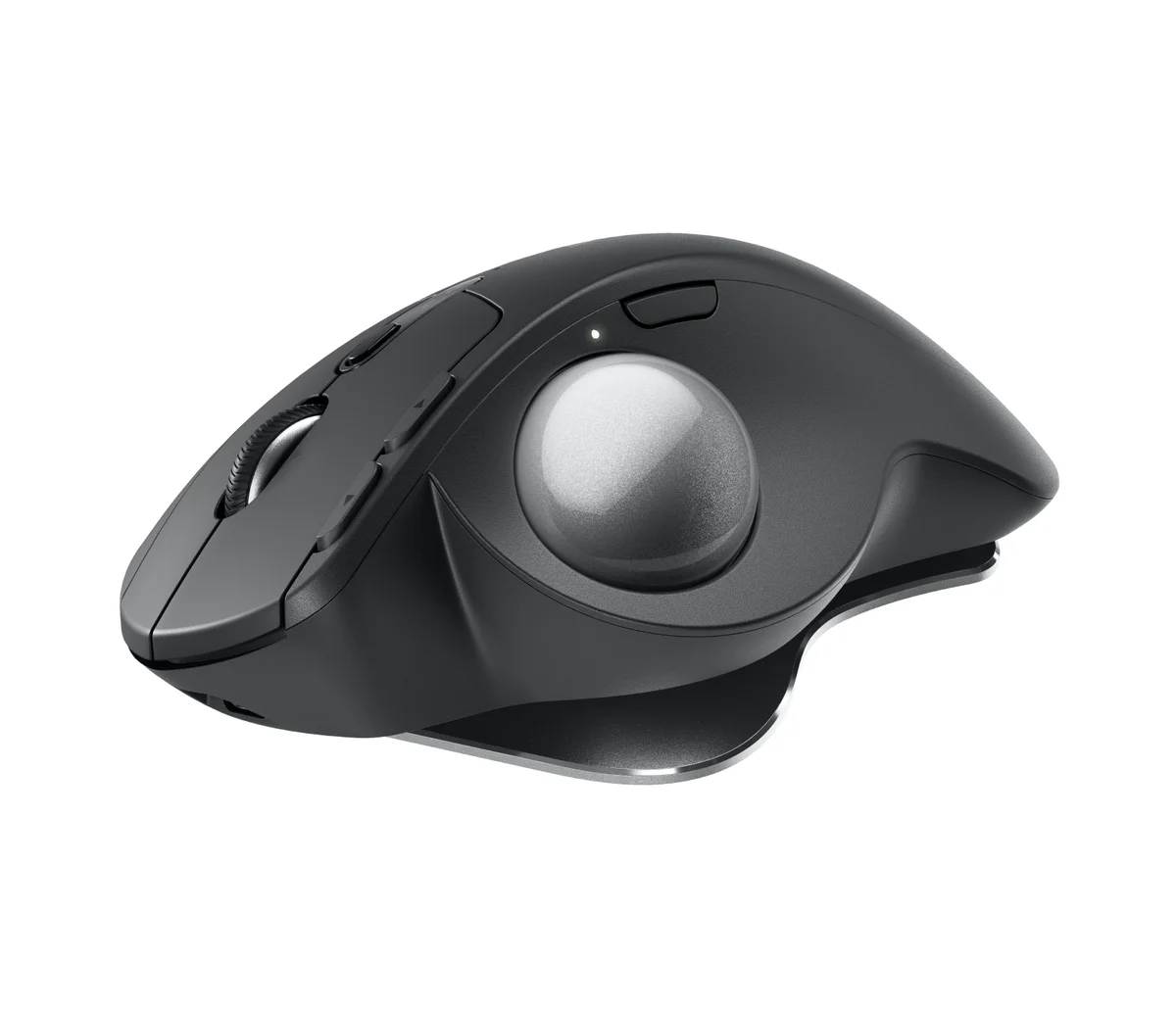
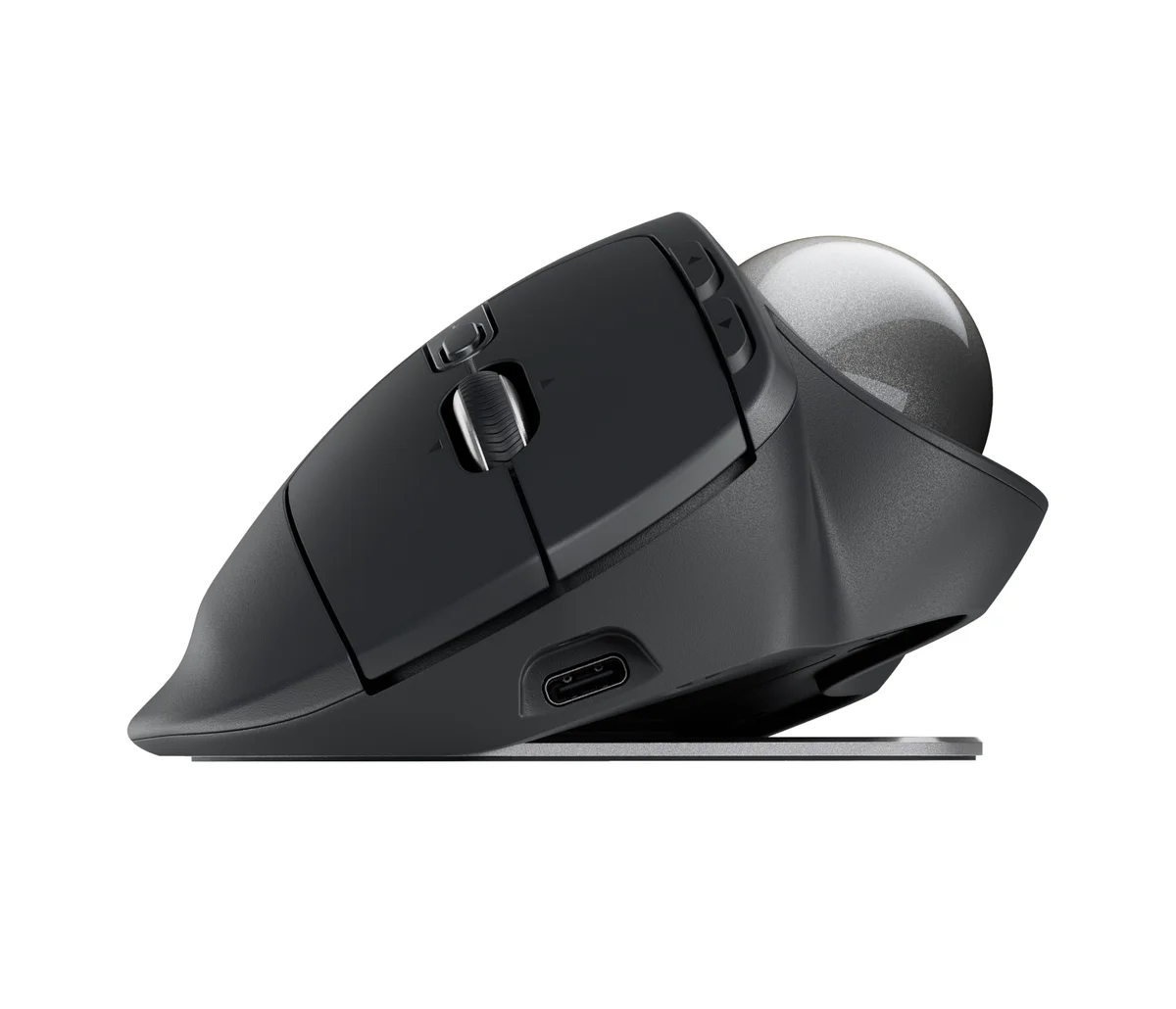
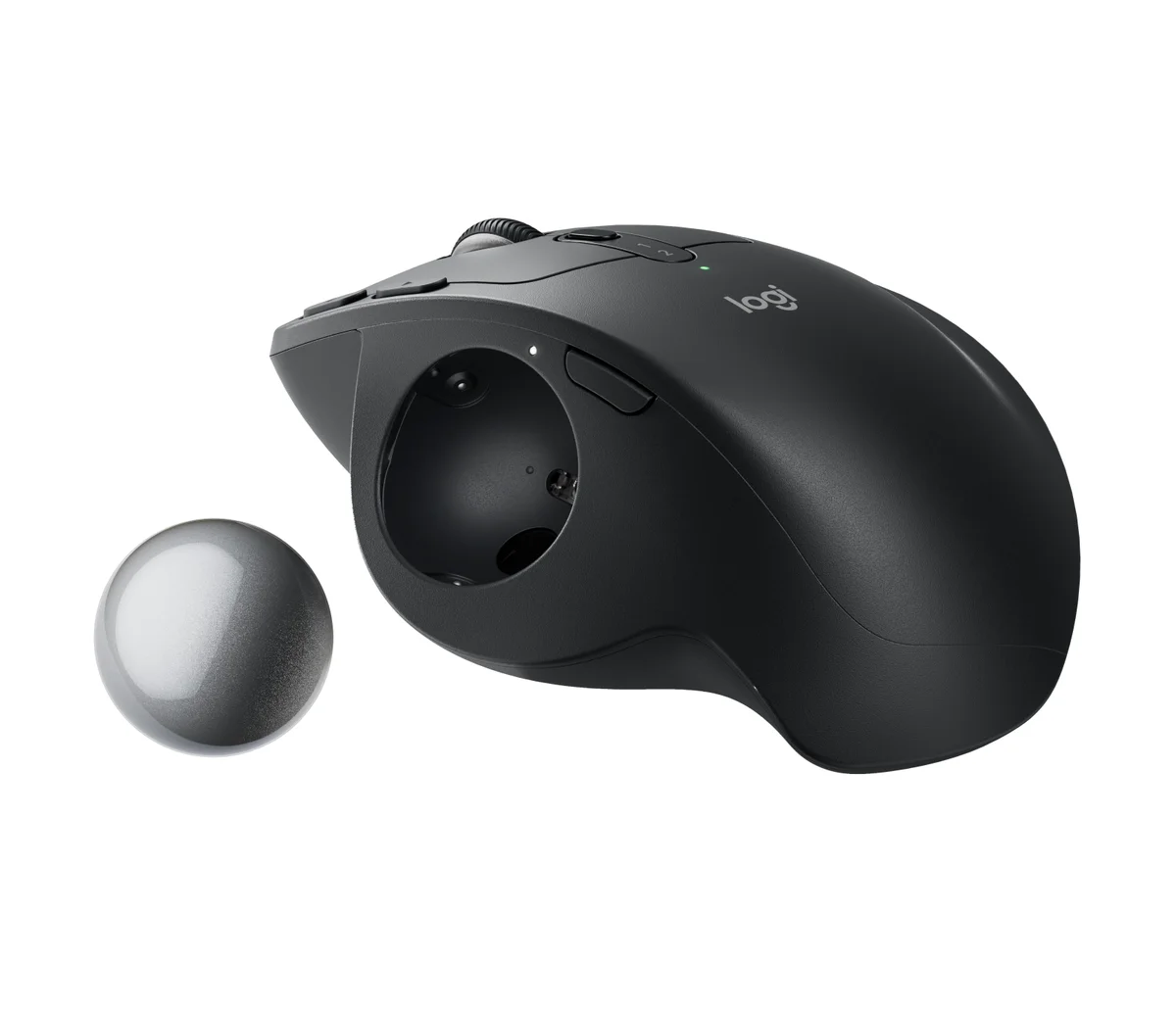
Logitech MX Ergo S Wireless Trackball in graphite, top-down view showing the thumb trackball, tilting scroll wheel, precision-mode button and Easy-Switch 1/2 channel button
BEST

Logitech MX Ergo S Wireless Trackball

“The thumb trackball Wirecutter's testers found most comfortable, with a tilt plate and two-computer switching”
$119.99MSRP
Our Score
90.0 / 100
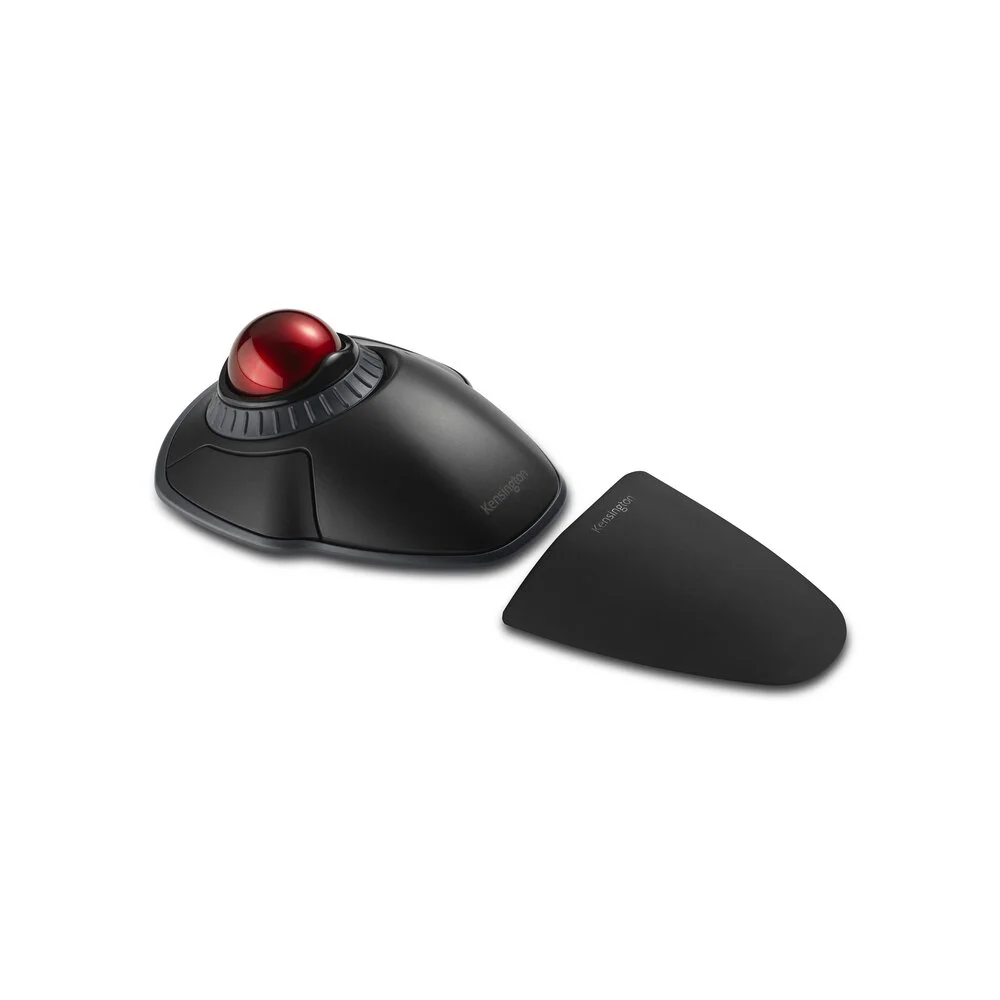
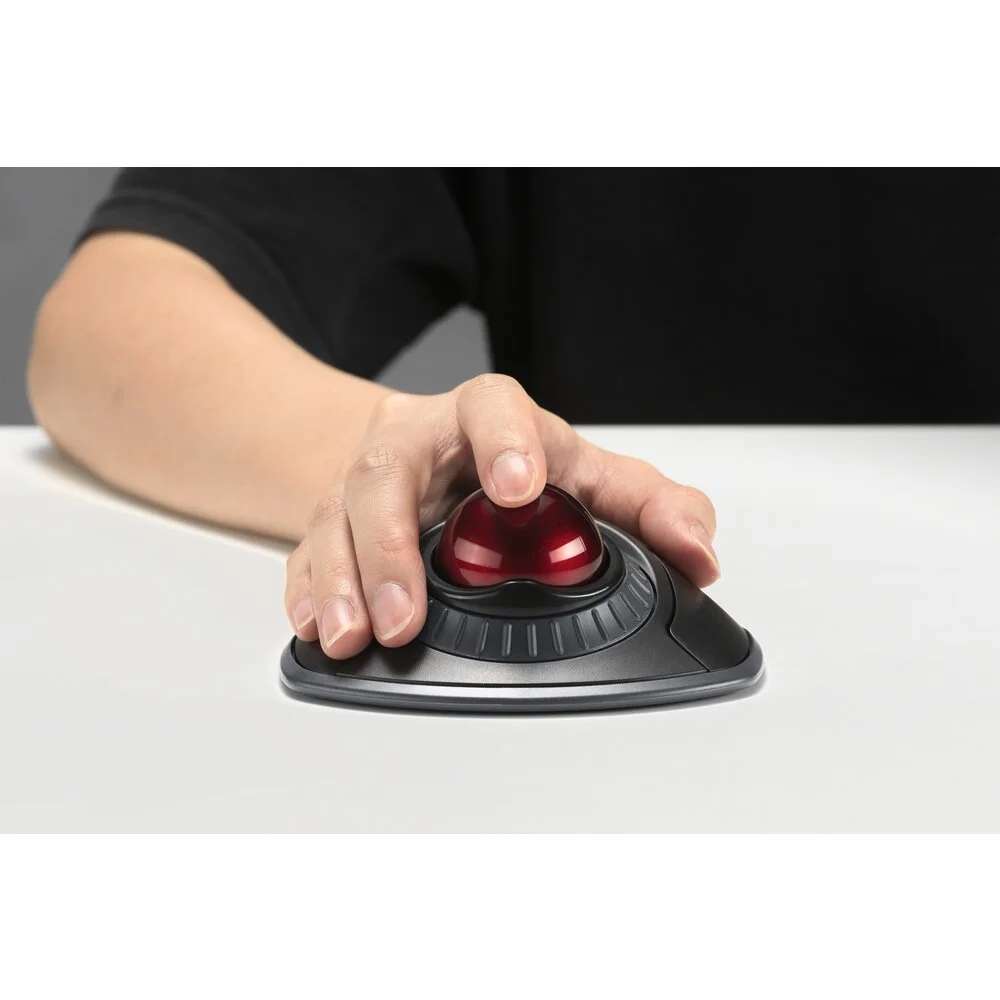
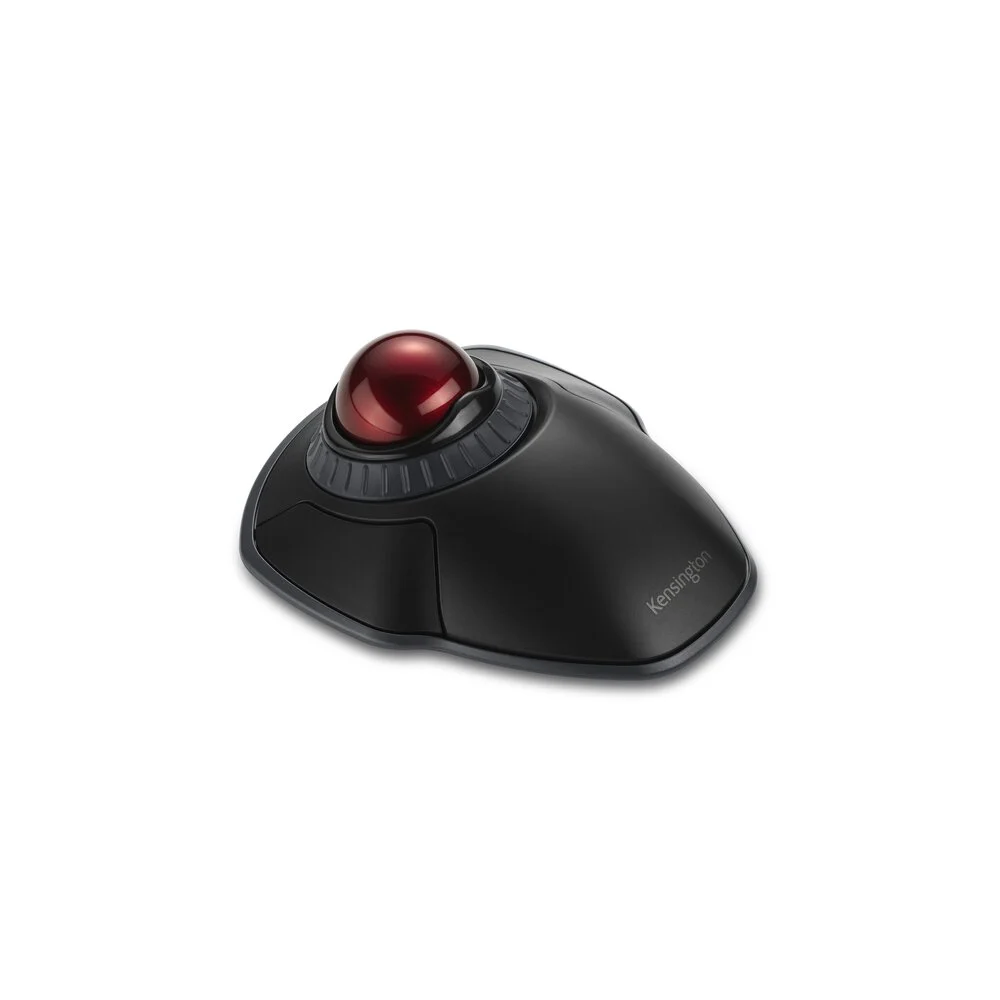
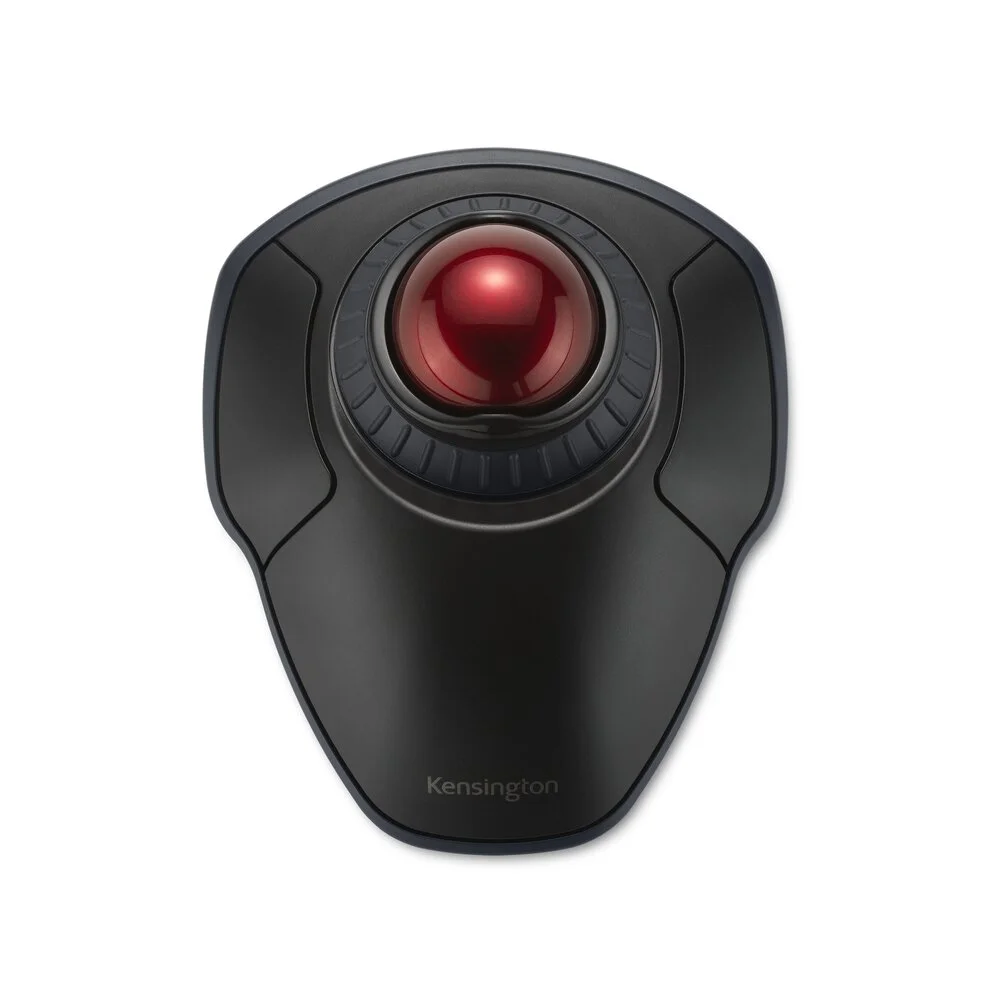
Kensington Orbit Wireless Trackball with Scroll Ring in black, three-quarter view showing the red 40mm ball inside the ridged grey scroll ring
VALUE

Kensington Orbit Wireless Trackball with Scroll Ring

“The budget pick from RTINGS and Custom PC, and Wirecutter's favorite first finger trackball, for either hand”

$49.99MSRP
Our Score
75.5 / 100
01

Head-to-Head Breakdown

Comfort
25% of score +
Logitech
94
Kensington
74
Logitech MX Ergo S Wireless Trackball

Wirecutter's nine-person panel rated it the most comfortable thumb-operated trackball in the test, and even small-handed testers liked its size. RTINGS describes the hand posture as halfway between a handshake and palm-down, and PCMag cites its comfortable tilt design.

Kensington Orbit Wireless Trackball with Scroll Ring

Symmetrical and flat, with a detachable palm rest. Wirecutter calls the rest thin and unsupportive, and PCMag found the Orbit uncomfortable without it, though Wirecutter says it's the best flat trackball it has tested.

Precision
20% of score +
Logitech
84
Kensington
83
Logitech MX Ergo S Wireless Trackball

Accurate for office and creative work, with a precision-mode button for fine adjustments. RTINGS notes the polling rate can't be raised, so motion isn't smooth enough for gaming or a 4K display, and Custom PC says finger-operated balls are generally more accurate.

Kensington Orbit Wireless Trackball with Scroll Ring

Wirecutter found landing the pointer easy and accurate, and the 40mm ball crossed ultrawide and multi-monitor setups in fewer rolls than its thumb picks. RTINGS flags a low maximum CPI for very high-resolution screens.

Ease
15% of score +
Logitech
90
Kensington
80
Logitech MX Ergo S Wireless Trackball

Steering with the thumb feels close to a regular mouse. RTINGS calls the learning curve shorter than most trackballs, and PCMag says it has a shallower curve than competing models.

Kensington Orbit Wireless Trackball with Scroll Ring

Wirecutter names it the best entry point for anyone trying a finger-operated trackball for the first time. RTINGS warns the ring-style scroll takes a little while to get used to.

Controls
15% of score +
Logitech
90
Kensington
64
Logitech MX Ergo S Wireless Trackball

Six programmable buttons, a tilting scroll wheel and app-specific presets in Logi Options+. PCMag singles out the software as a reason it beats rivals. RTINGS notes the wheel has no free-spin mode.

Kensington Orbit Wireless Trackball with Scroll Ring

Two main buttons and a scroll ring, remappable in KensingtonWorks. RTINGS notes it has far fewer programmable inputs than the ELECOM HUGE.

Connectivity
15% of score +
Logitech
93
Kensington
72
Logitech MX Ergo S Wireless Trackball

Bluetooth plus a Logi Bolt receiver, two paired devices with a button to switch, and a USB-C rechargeable battery Logitech rates at up to 120 days. Wirecutter points out the receiver has no storage slot and the cable only charges.

Kensington Orbit Wireless Trackball with Scroll Ring

Bluetooth or a USB receiver selected by a switch underneath, with a built-in slot to store the receiver. It connects to one device at a time and runs on two AA batteries, and Wirecutter found some rechargeable AAs too long for the cover to close.

Trust
10% of score +
Logitech
88
Kensington
80
Logitech MX Ergo S Wireless Trackball

RTINGS found the build sturdy with high-quality materials, and the MX Ergo line has topped trackball guides for years. Some owners of the original reported the rubber coating wearing with heavy use.

Kensington Orbit Wireless Trackball with Scroll Ring

Kensington has made trackballs for decades and backs the Orbit with a three-year warranty. RTINGS found it well built, but Wirecutter describes hollow buttons and a cheap feel, and PCMag says the mismatched wrist rest gives it a patched-together look.

02

Strengths & Weaknesses

Logitech MX Ergo S Wireless Trackball

+ Strengths
  • Wirecutter's nine testers rated it the most comfortable thumb-operated trackball they tried, small hands included
  • A magnetic metal plate switches between flat and a 20-degree tilt, a feature RTINGS and PCMag both credit for all-day comfort
  • Pairs with two computers over Bluetooth or Logi Bolt, and Logitech rates a full charge at up to 120 days
− Weaknesses
  • Right-handed shape only, with no left-handed version
  • Wirecutter found the ball stiffer to roll than the cheaper Nulea M501, which can tire your thumb
  • No slot to store the tiny receiver, and the USB-C cable charges it without making it a wired mouse
Key flaw: It's right-handed only, so left-handed buyers should look at the Orbit or the SlimBlade Pro.

Kensington Orbit Wireless Trackball with Scroll Ring

+ Strengths
  • Named Best Budget by RTINGS and Custom PC, and Wirecutter's top finger-operated pick for first-time trackball users
  • A symmetrical body with the ball in the middle works the same in either hand, which PCMag recognized as its Best Ambidextrous pick
  • Wirecutter found the 40mm ball accurate and quicker across ultrawide and multi-monitor desks than its thumb picks
− Weaknesses
  • Wirecutter describes hollow buttons and a scroll ring that grinds against the plastic
  • PCMag found it uncomfortable without the wrist rest, and Wirecutter calls that rest thin and prone to sliding
  • Only two main buttons, it runs on AA batteries, and it connects to one device at a time
Key flaw: You can feel the lower price in the materials.
03

The Verdict

Our Bottom Line

RTINGS, PCMag and Wirecutter all put the Logitech MX Ergo S, or its near-identical predecessor, at or near the top of their lists. PCMag named it the Best Thumb-Operated Trackball and an Editors' Choice in an April 2026 update, describing it as the magazine's favorite trackball for productivity users. Wirecutter named it the upgrade pick after a panel of nine testers rated it the most comfortable thumb-operated model they tried. RTINGS' lab picked the original MX ERGO as its best thumb trackball and describes the S as broadly the same design with minor updates.

BEST
Logitech MX Ergo S Wireless Trackball
Logitech MX Ergo S Wireless Trackball in graphite, top-down view showing the thumb trackball, tilting scroll wheel, precision-mode button and Easy-Switch 1/2 channel button

RTINGS, PCMag and Wirecutter all put the Logitech MX Ergo S, or its near-identical predecessor, at or near the top of their lists. PCMag named it the Best Thumb-Operated Trackball and an Editors' Choice in an April 2026 update, describing it as the magazine's favorite trackball for productivity users. Wirecutter named it the upgrade pick after a panel of nine testers rated it the most comfortable thumb-operated model they tried. RTINGS' lab picked the original MX ERGO as its best thumb trackball and describes the S as broadly the same design with minor updates.

Best for:
  • You're right-handed and want the thumb trackball testers found most comfortable
  • You're moving from a regular mouse and want the shortest adjustment period
  • You work on two computers and want to switch between them with one button
  • You like to change your wrist angle during the day with the 20-degree tilt
  • You'd rather recharge every few months than keep buying batteries
VALUE
Kensington Orbit Wireless Trackball with Scroll Ring
Kensington Orbit Wireless Trackball with Scroll Ring in black, three-quarter view showing the red 40mm ball inside the ridged grey scroll ring

No trackball shows up in more budget recommendations than Kensington's Orbit Wireless Trackball with Scroll Ring. RTINGS lists it as its Best Budget Trackball, and Custom PC gave it the same title. Wirecutter made it the top finger-operated pick for first-time trackball users, and PCMag lists it as the Best Ambidextrous Trackball.

Best for:
  • You're left-handed, or you share a desk with someone who is
  • You want to try a finger-operated trackball without spending much
  • You work across an ultrawide or multi-monitor setup and want to cross it in fewer rolls
  • You prefer a flat layout to a tilted one
  • You only need left click, right click and scrolling, with Bluetooth and a receiver in one device
04

Specifications

Spec Logitech MX Ergo S Wireless Trackball Kensington Orbit Wireless Trackball with Scroll Ring
Operation Thumb Finger
Tilt 0 or 20 degrees —
Buttons 8 (6 programmable) 2 + scroll ring
Scrolling Wheel with side tilt Scroll ring
Connection Bluetooth, Logi Bolt, 2 devices Bluetooth, USB receiver
Battery Rechargeable, up to 120 days 2x AA
Handedness Right only Ambidextrous
Weight (with plate) 259 g 159 g
Ball Size — 40 mm
Read the full Trackball Mice review
Menu