
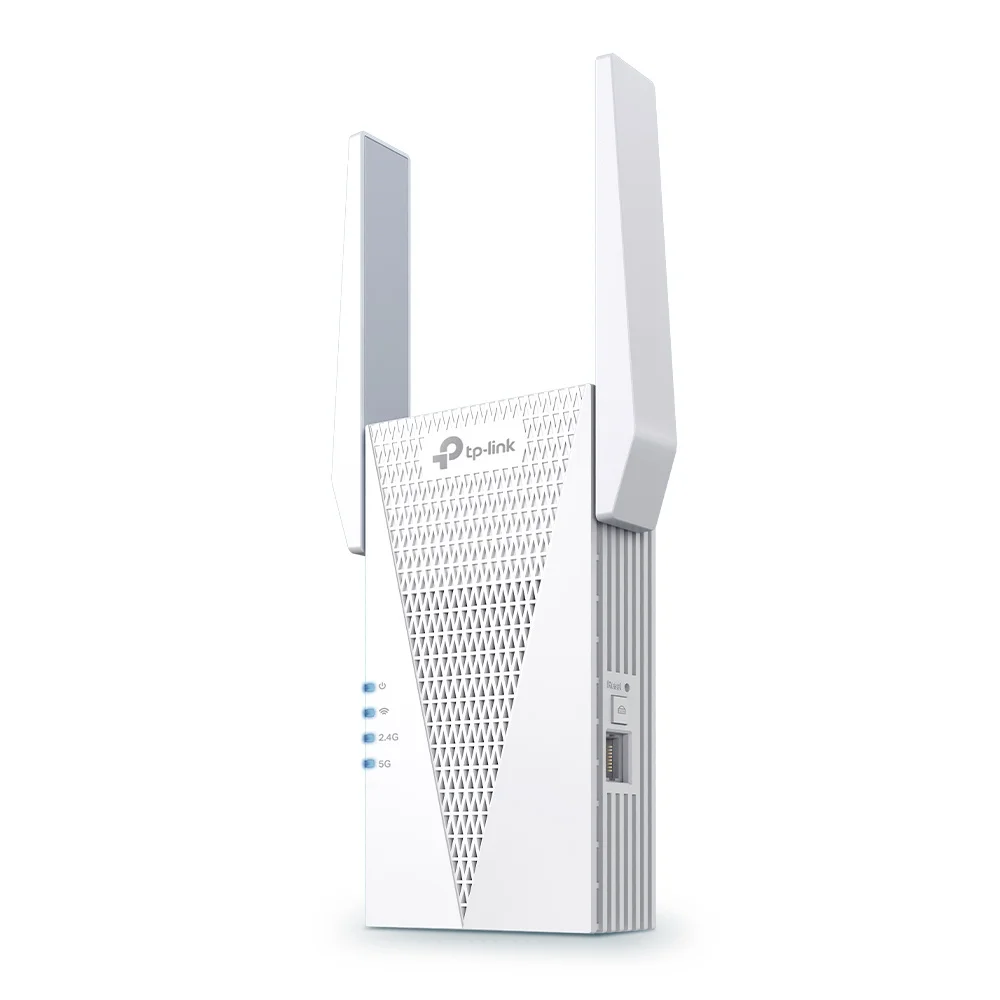
The TP-Link RE715X is the extender the most reviewers actually trust to cover a whole house. BroadbandNow's Kate Fann made it her Top Pick after running speed tests across a three-story home, praising the fast 5 GHz performance it pulls through the 160 MHz channel. TechGearLab put it among its heavy-duty Wi-Fi 6 picks, the rare plug-in that handles more connected devices than its size suggests. Its retail listing also carries a PCMag Editor's Choice badge.
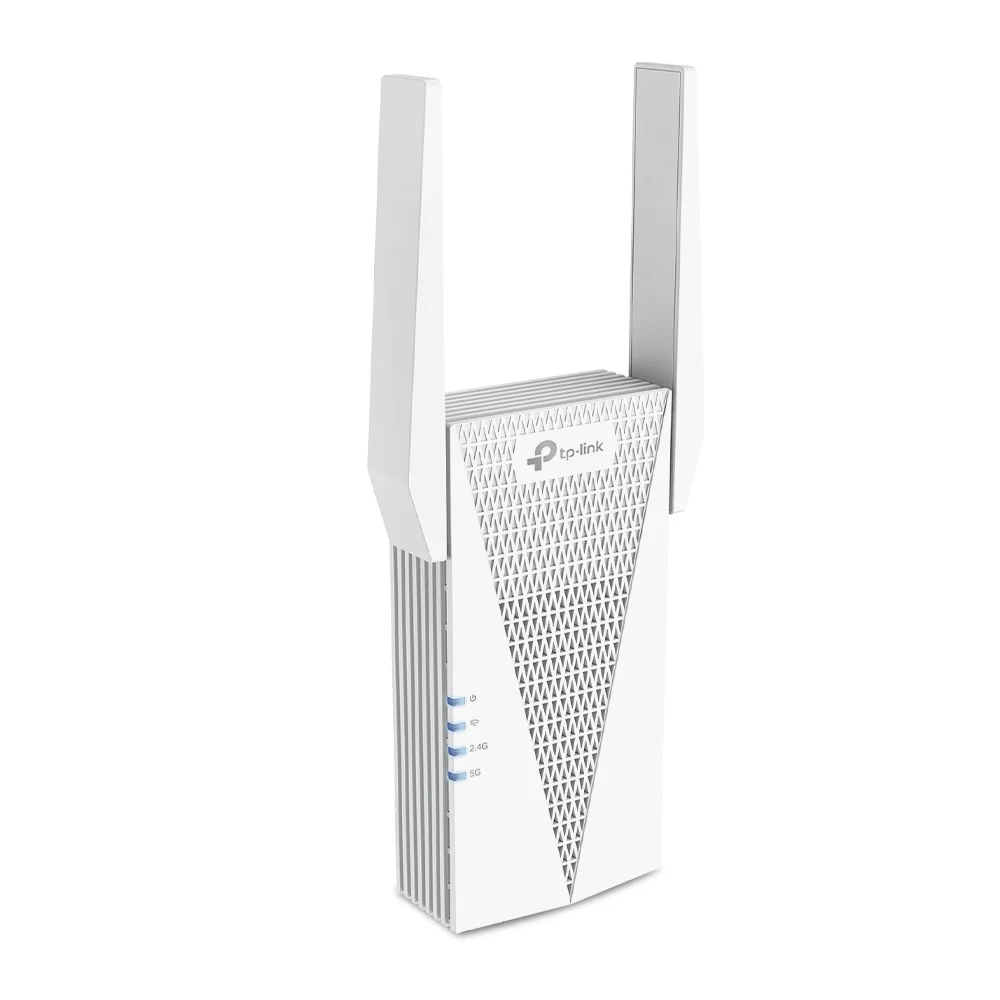
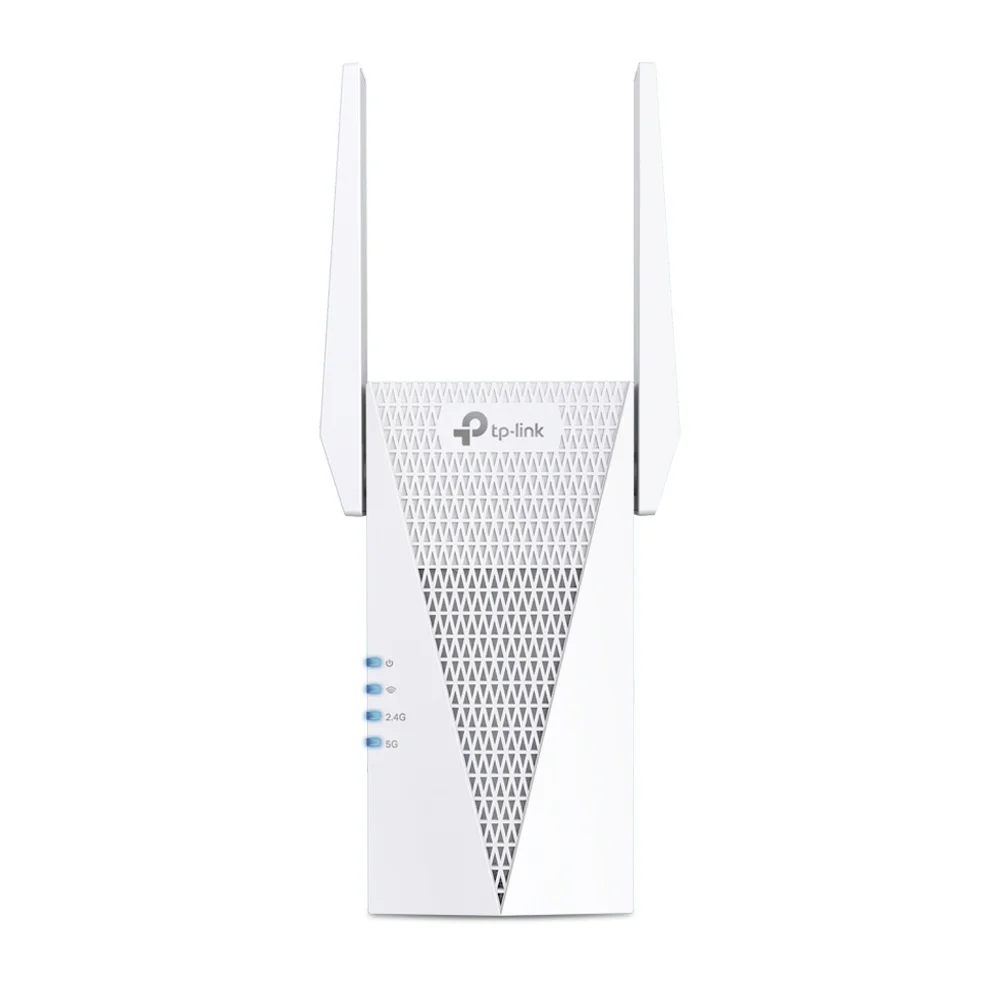
What makes it the safe pick is the balance. You get Wi-Fi 6 with an AX3000 ceiling, a Gigabit Ethernet port for a wired TV or console, and EasyMesh plus OneMesh support, so it shares one network name with a compatible router instead of forcing a clumsy second network. TP-Link rates it for up to 2,400 sq ft, more than the budget tier and enough for most homes that have one or two real dead zones.
It is not the fastest extender here. The Wi-Fi 7 RE655BE beats it on raw throughput, and the Asus RP-AX58 reaches farther. But at around $90 the RE715X sits in the sweet spot between those two, with the widest software support and the most reviewer backing in the group. For a buyer who wants one extender that works and joins the router's network cleanly, this is it.
What It Won't Do
BroadbandNow found it pricey next to similarly capable Wi-Fi 6 rivals, and TechGearLab flagged the bulky body that can crowd a second outlet. It is also dual-band, so it gives up some throughput to the tri-band Wi-Fi 7 models because it has no dedicated backhaul. If you only need to reach one nearby room, you are paying for headroom you will not use.
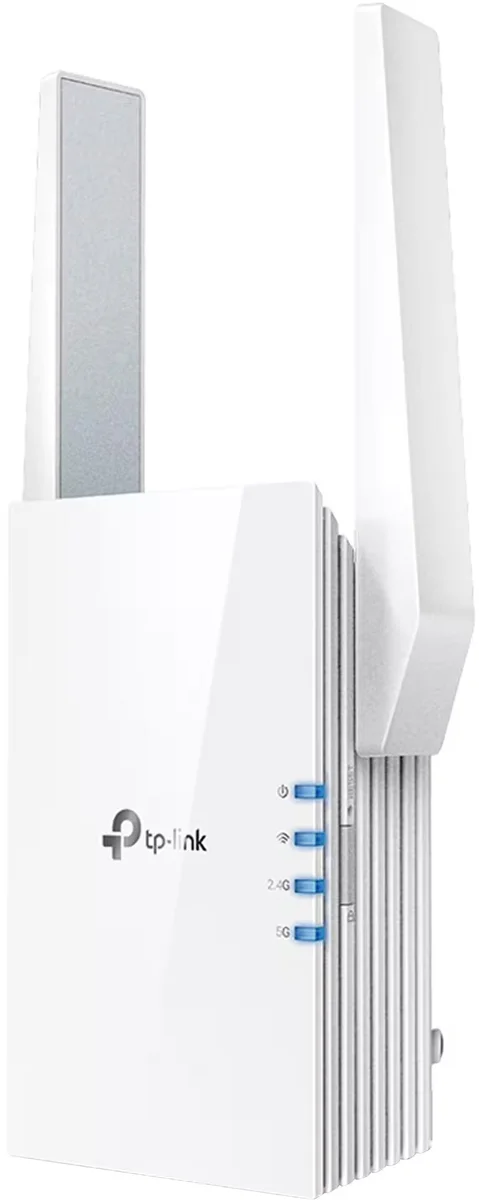
The TP-Link RE315 is what most people actually need, for about $30. TechGearLab named it Editors' Choice and called it the most accessible extender for reaching one extra room, crediting the adjustable antennas and quick setup. Engadget's Valentina Palladino used it as her budget pick after measuring good real-world speeds in a basement dead zone, and BroadbandNow's Kate Fann landed on it as the buy for budget shoppers too. Three independent sources, one cheap extender.
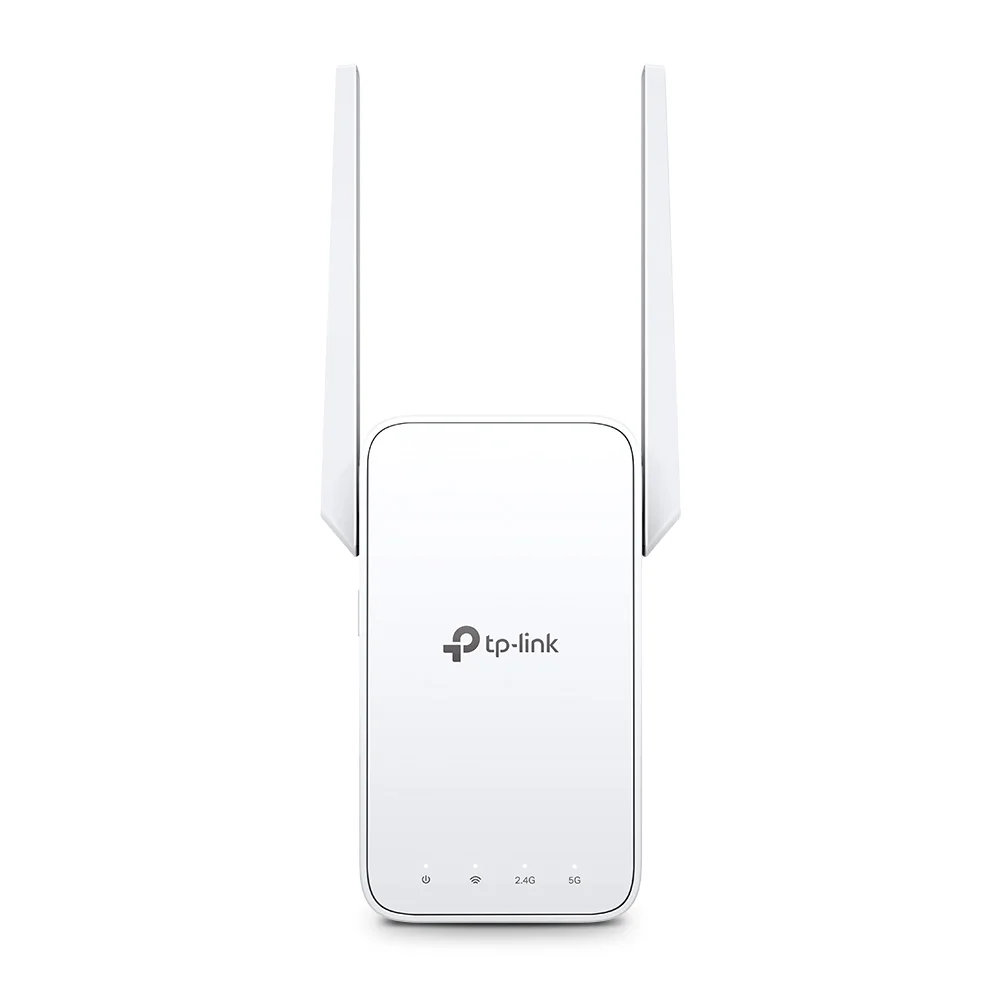
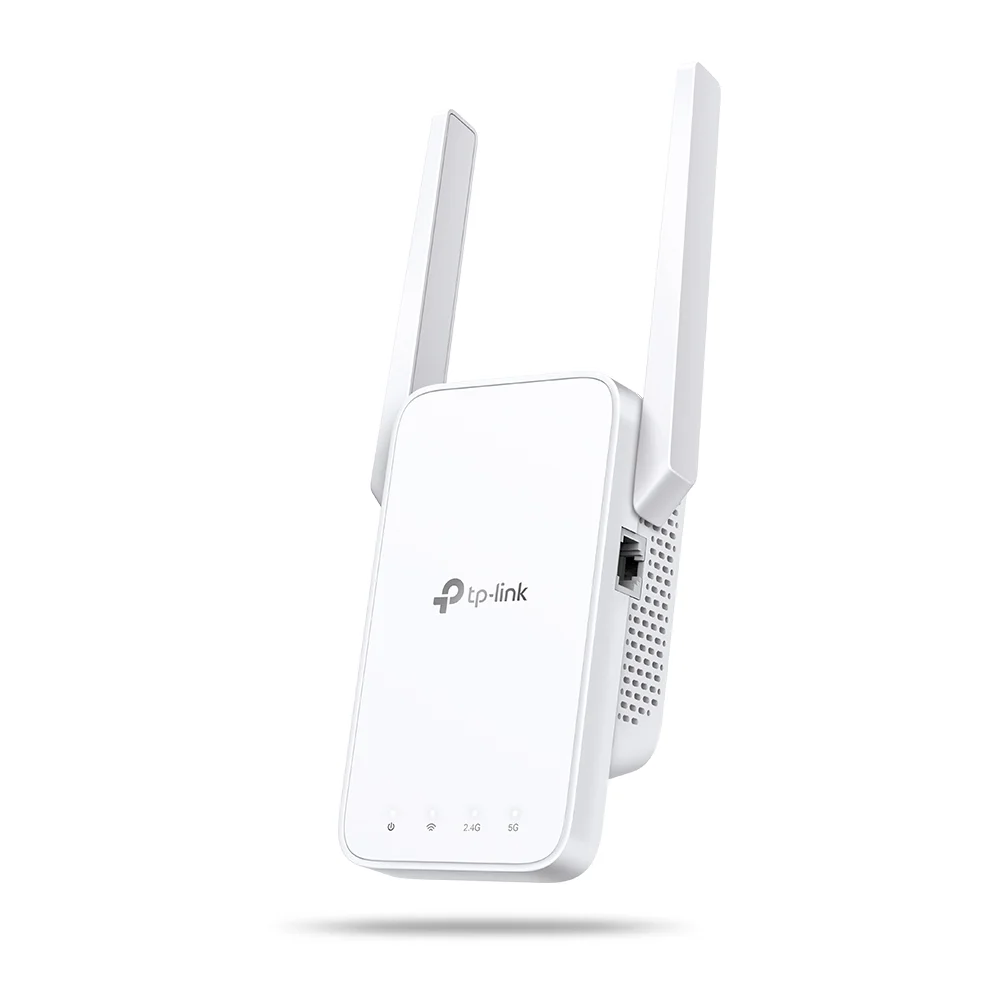
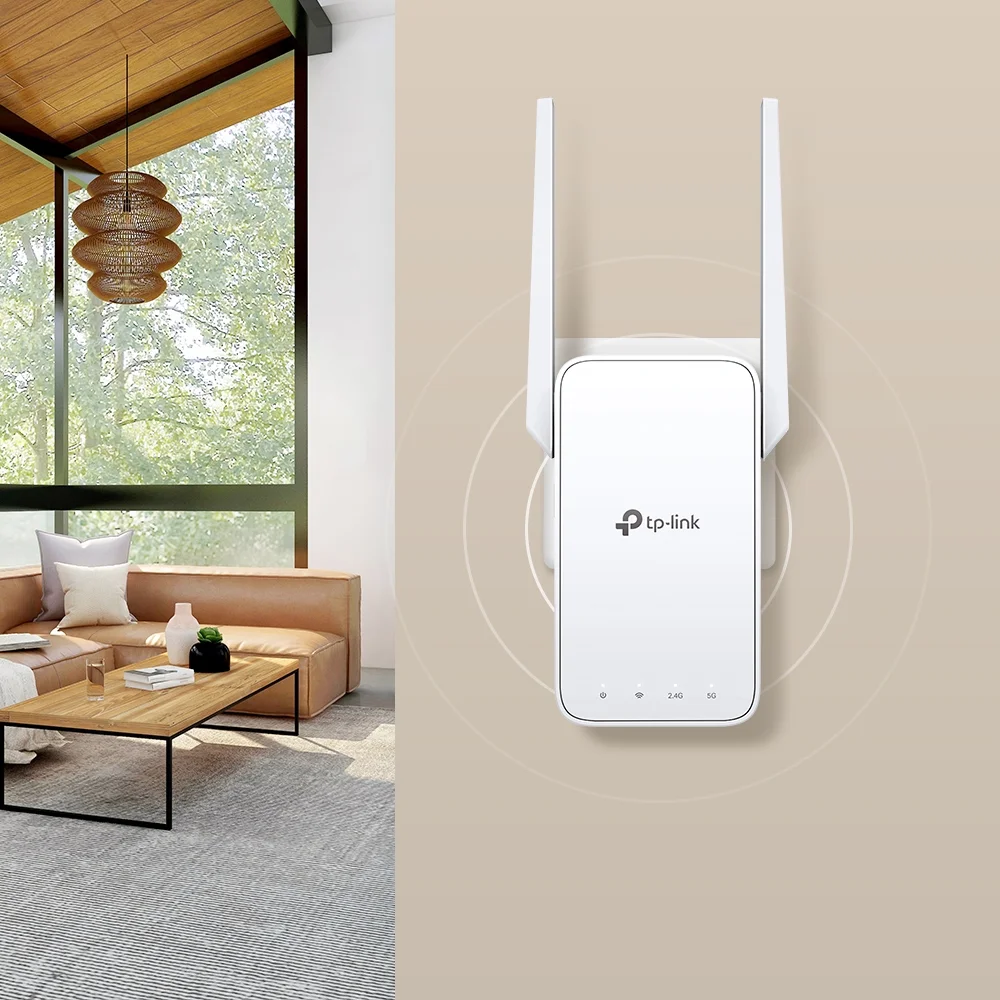
It runs Wi-Fi 5 rather than Wi-Fi 6, and the Ethernet port is 10/100 instead of Gigabit. That is the trade. But for pushing signal into a garage, a back bedroom, or an upstairs office, the AC1200 ceiling is plenty, and the Tether app setup takes a couple of minutes. OneMesh support even lets it share the router's network name on a compatible TP-Link router.
The honest catch is right in the spec sheet. TechGearLab warned it cannot juggle many devices at once, and BroadbandNow noted the smaller coverage area and higher latency than pricier models. On a fast fiber plan with a dozen devices, it will bottleneck. For one stubborn room, it is the easiest money in the category.
What It Won't Do
Wi-Fi 5 caps its speed below every Wi-Fi 6 model here, and the 10/100 Ethernet port holds back any wired device. TechGearLab said it cannot handle many connected devices at once, and BroadbandNow flagged the smaller coverage area and higher latency. It is a one-room tool, not a whole-home fix.
Who Should Buy Which
TP-Link RE715X AX3000 Wi-Fi 6 Range Extender
BroadbandNow's top pick and TechGearLab's heavy-duty choice, the Wi-Fi 6 extender that handles a full house
- People with one or two real dead zones who want a single extender that covers most of a house
- Buyers who want Wi-Fi 6 and a Gigabit Ethernet port without paying Wi-Fi 7 prices
- Anyone on a TP-Link or EasyMesh router who wants the extender to share one network name
- Households with a fast plan and a moderate number of devices to keep online
- Shoppers who want the most widely reviewed and supported pick in the category
TP-Link RE315 AC1200 Wi-Fi Range Extender
TechGearLab's Editors' Choice and a budget pick across three reviews, usually around $30
- Anyone who just needs to reach one stubborn room, the garage, or a back bedroom
- Budget shoppers who want a proven pick for around $30
- First-time buyers who want a two-minute Tether app setup
- Renters who do not want to spend much on a temporary fix
- People with a modest plan and a handful of devices rather than a busy smart home