
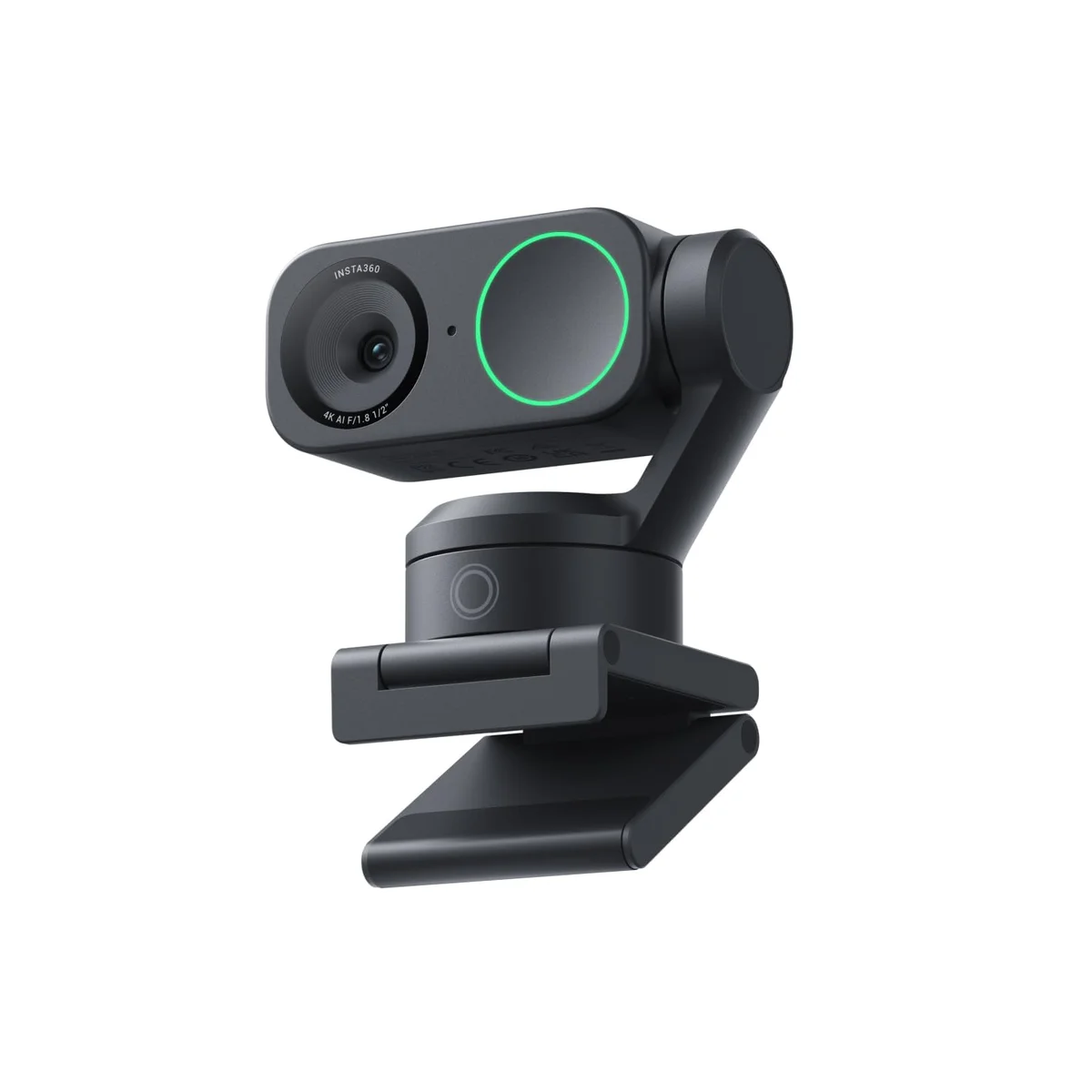
The Insta360 Link 2 won because it does something no other webcam at this price can do: it physically follows you. The two-axis gimbal rotates to track your face around a room, and Linus Tech Tips confirmed it handled varied skin tones better than any other camera in their 16-webcam shootout. Stream Scheme went further, calling it the most color-accurate webcam he has ever tested, the only one that reproduced his studio lighting perfectly without manual adjustment.
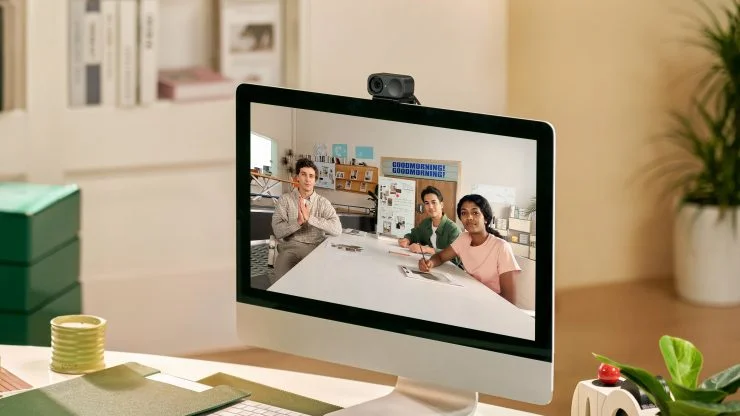
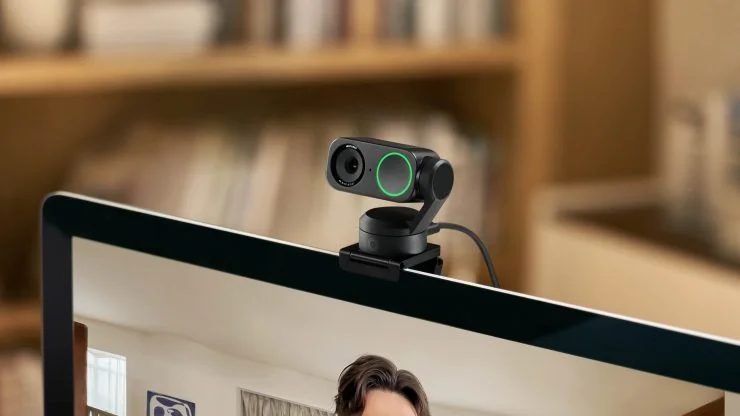
The phase-detection autofocus is the fastest in the category. Jasper Tech described it as 'freakishly good,' and Consumer Tech Review demonstrated it locking onto close-up objects in a fraction of a second. In dim rooms, Stream Scheme showed it needed only 1600 ISO to stay properly exposed, where competitors required 3200 or higher. That translates to dramatically less grain in your evening calls.
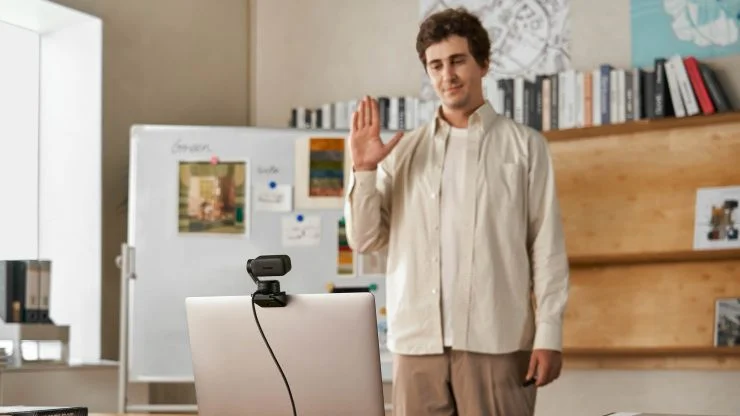
The gimbal is the real differentiator. Will Hall praised how it physically pans and tilts instead of relying on digital cropping, which means your 4K resolution stays intact while it tracks you. For educators doing whiteboard presentations, streamers who move around, or anyone demoing products at their desk, nothing else in the $150 to $250 range offers this combination of image quality and physical tracking.
What It Won't Do
The Insta360 Link 2's out-of-box image applies heavy artificial sharpening that The Video Nerd compared unfavorably to the softer, more natural lens look of the OBSBOT Meet 2. The companion software also runs a resource-hungry virtual camera process. Jasper Tech noticed his computer slowing down when it was active, and Versus encountered frame skipping and noise when recording with HDR enabled through the Insta360 app. You may want to disable HDR recording and tweak sharpening settings before your first real call.
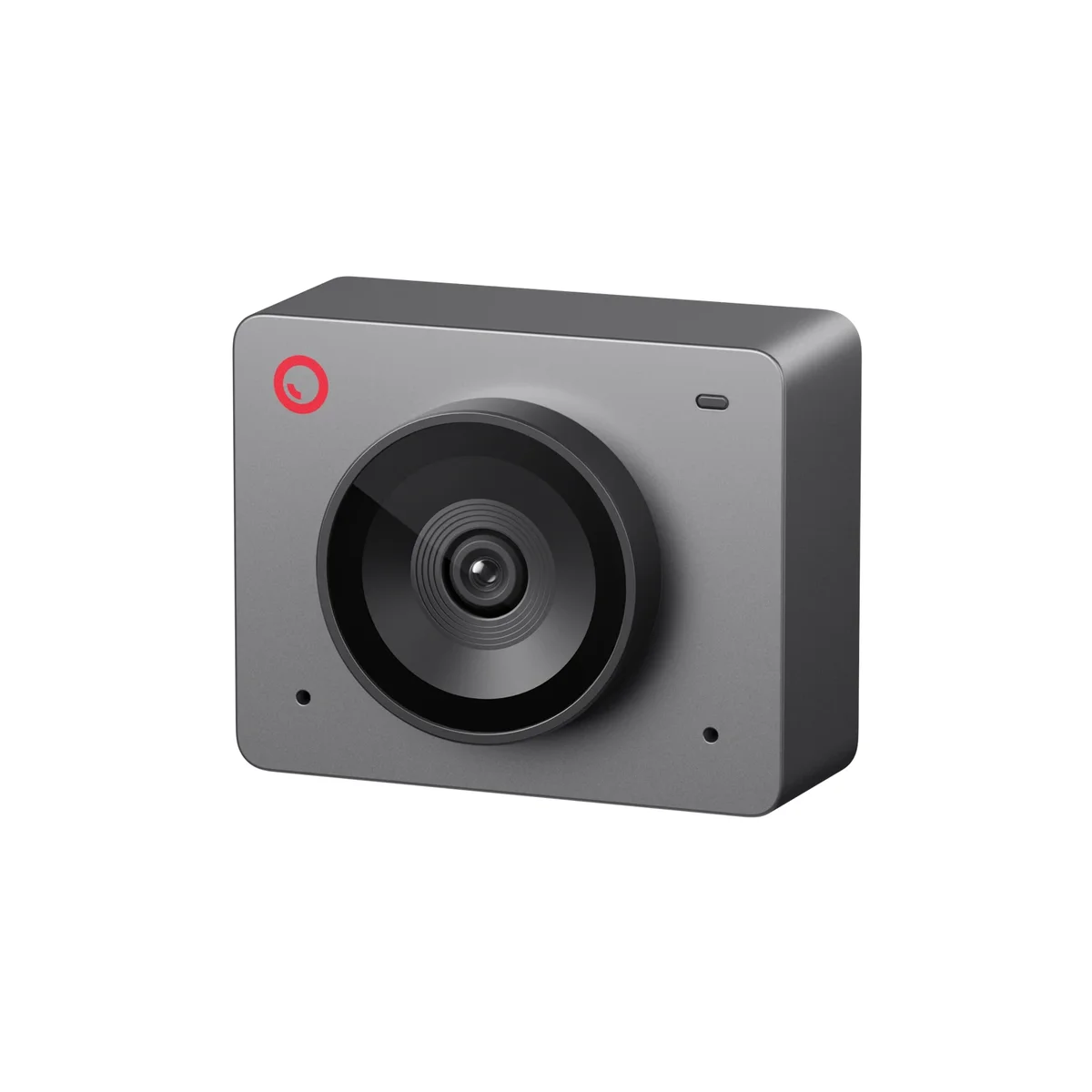
The OBSBOT Meet SE costs $69 and produces a 1080p image that Consumer Tech Review said was clearer with more accurate white balance than several 4K cameras at double the price. For the vast majority of remote workers on Zoom, Teams, or Google Meet, 4K resolution is irrelevant because those platforms cap at 720p or 1080p anyway. The Meet SE maximizes what actually matters at that resolution: color accuracy, noise handling, and low-light exposure.
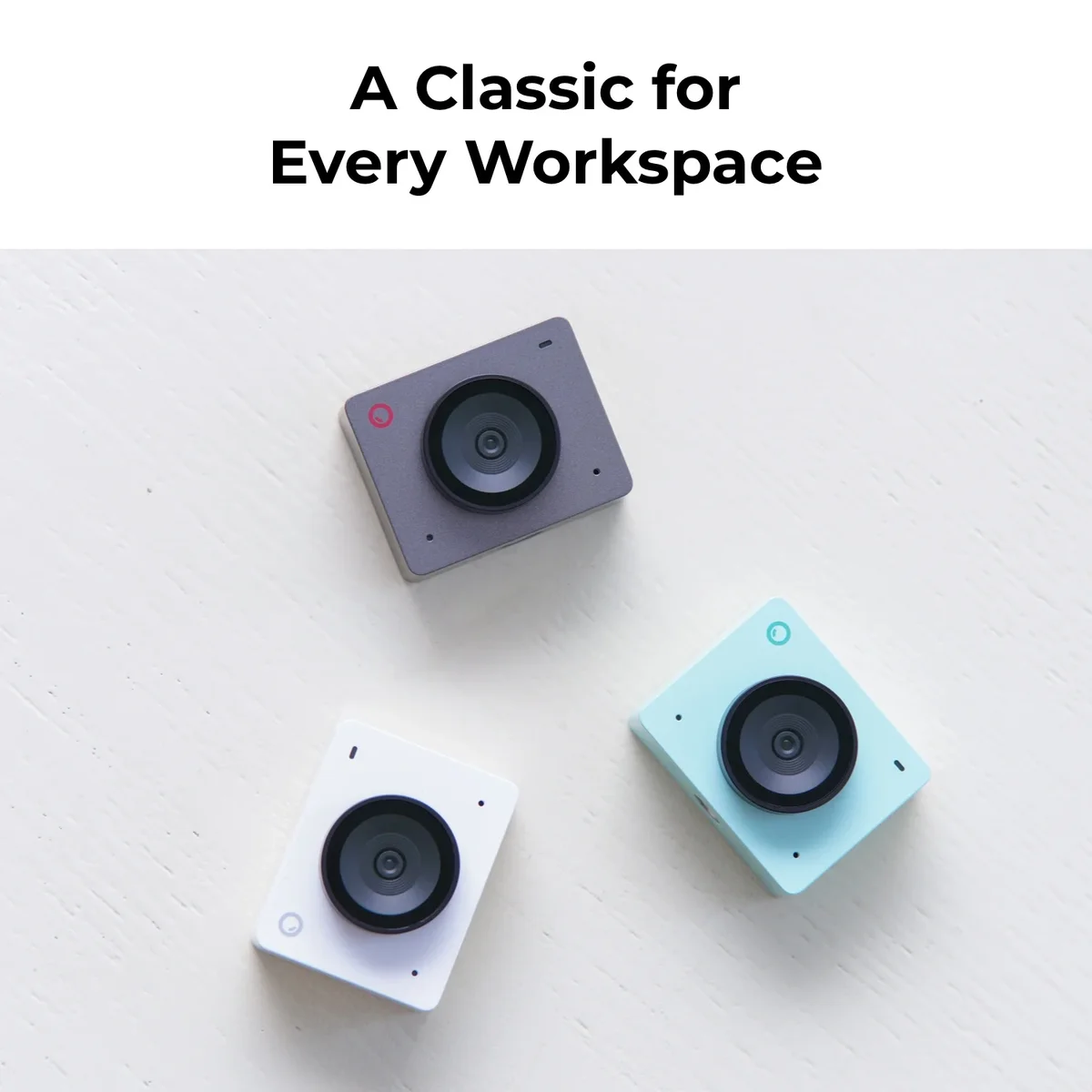
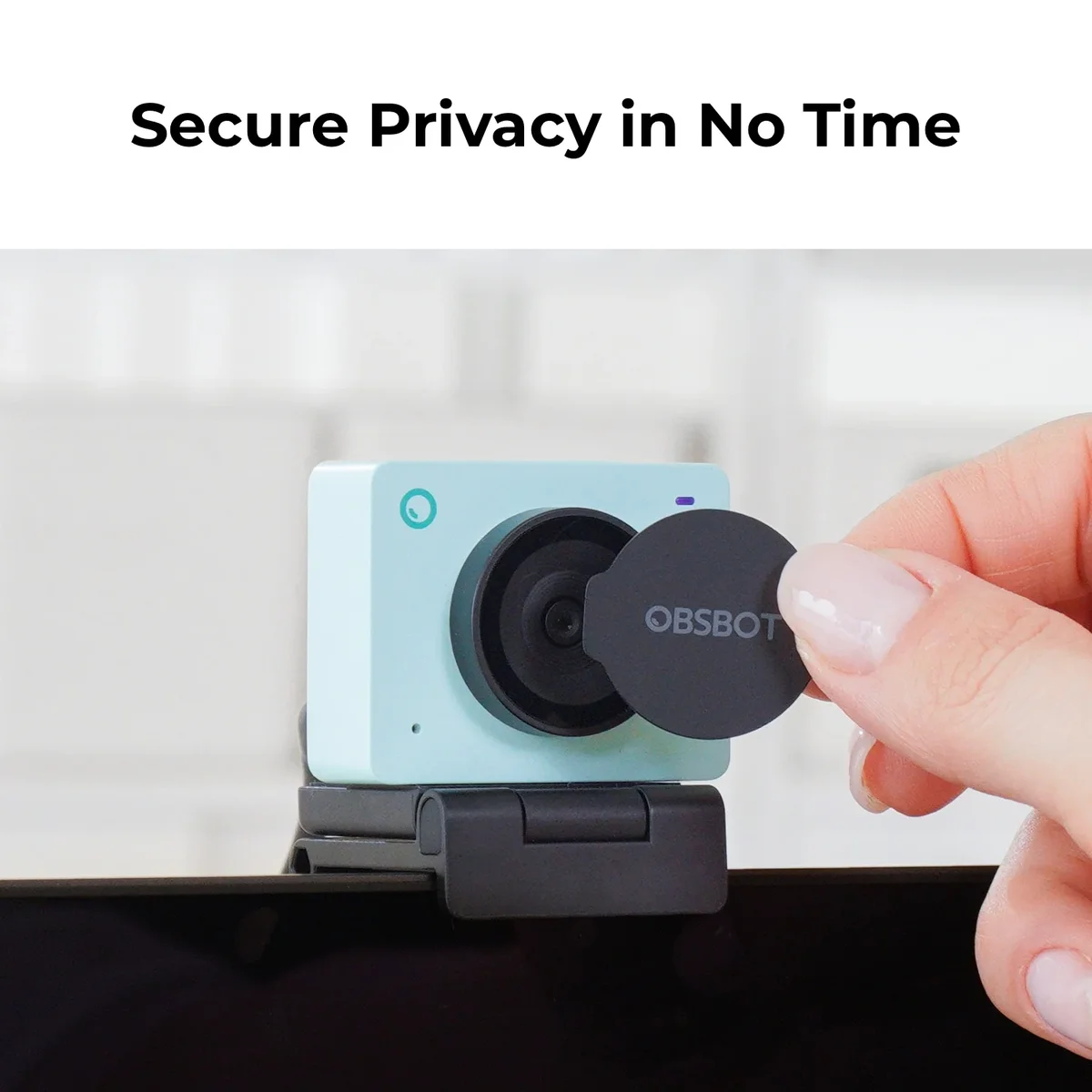
In dim rooms, the Meet SE reacted instantly to exposure changes without dropping its shutter speed, the trick that cheap webcams use that causes ghostly motion blur on your hands and face. Consumer Tech Review specifically highlighted this, noting it performed like cameras costing twice as much in their low-light battery.
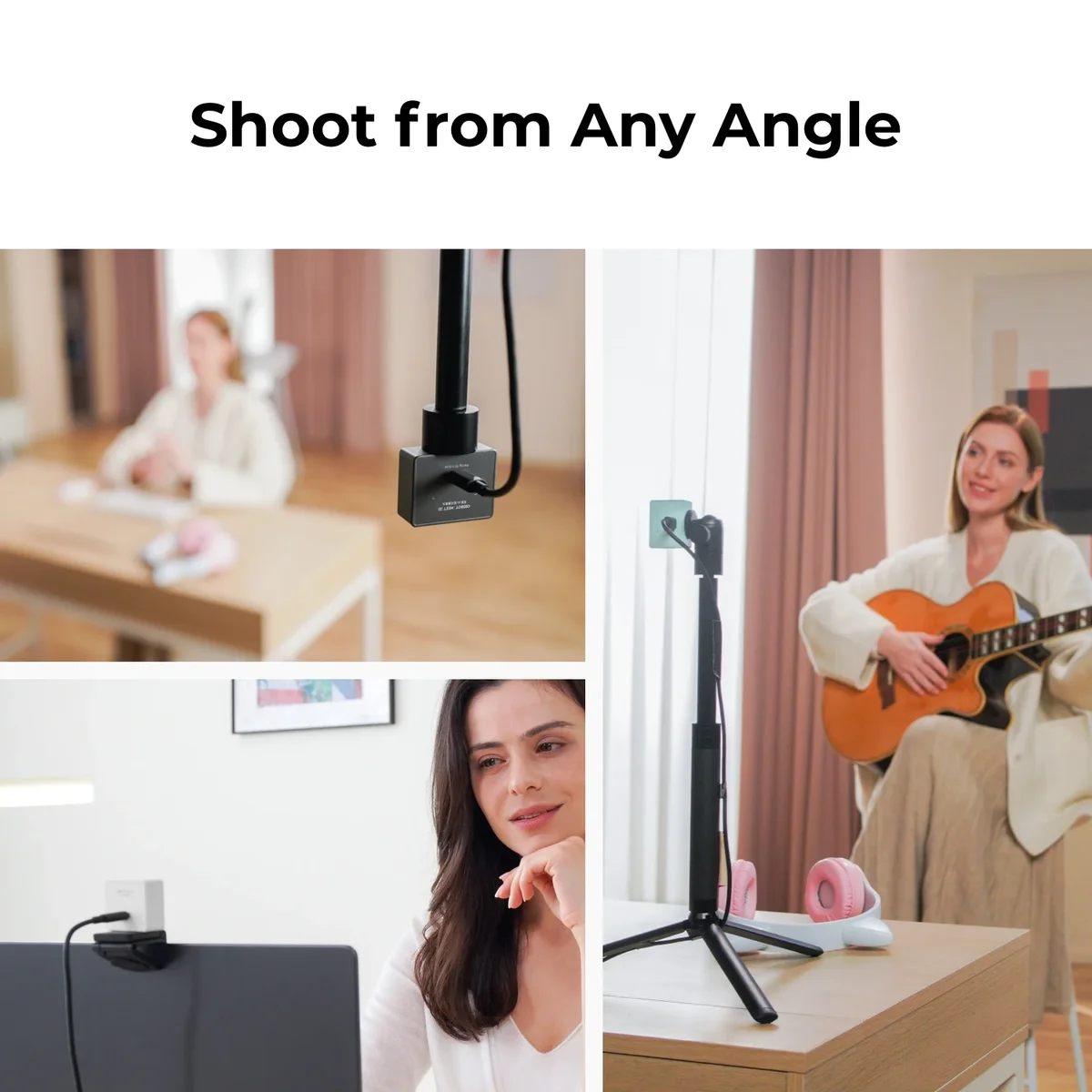
Think Media loved that the OBSBOT Center app gives budget buyers access to manual frame rates, shutter speed controls, and gesture-activated auto-framing. These are features you normally pay $150 or more to get. At 33 grams, it's also the lightest webcam in our test, small enough to toss in a laptop bag without noticing it.
What It Won't Do
Autofocus is the Meet SE's Achilles heel. Both Jasper Tech and Consumer Tech Review found it sluggish and prone to 'hunting' when objects are held near the lens. If you plan to demo products, show documents, or do close-up work on camera, the autofocus will visibly struggle. The 1080p cap is also a real limitation for anyone streaming to platforms like YouTube that support 4K, though for Zoom calls it genuinely does not matter.
Who Should Buy Which
Insta360 Link 2
The only webcam that physically follows you around the room
- Content creators who move during recordings, such as fitness streamers, educators at whiteboards, or crafters showing desk work
- Remote workers with inconsistent lighting who need a camera that handles dim offices and bright windows equally well
- Anyone who demos products or documents on camera and needs sub-second autofocus that locks on without hunting
- Streamers who want native 9:16 TikTok/Shorts recording via the vertical mount mode
- Buyers who value a complete package: physical tracking, dual mics, HDR, and 4K in a single USB-C device
OBSBOT Meet SE
A $69 webcam that embarrasses cameras twice its price
- Remote workers who spend most of their day in Zoom, Teams, or Google Meet where 4K resolution goes unused
- Budget-conscious buyers who want a dramatic upgrade from their laptop's built-in camera without spending $150
- Travelers and hot-deskers who need a webcam light enough (33g) to carry daily in a laptop bag
- First-time webcam buyers who want good software controls (manual exposure, gesture framing) without a learning curve
- Anyone with stable desk lighting who does not need to demo close-up objects on camera