
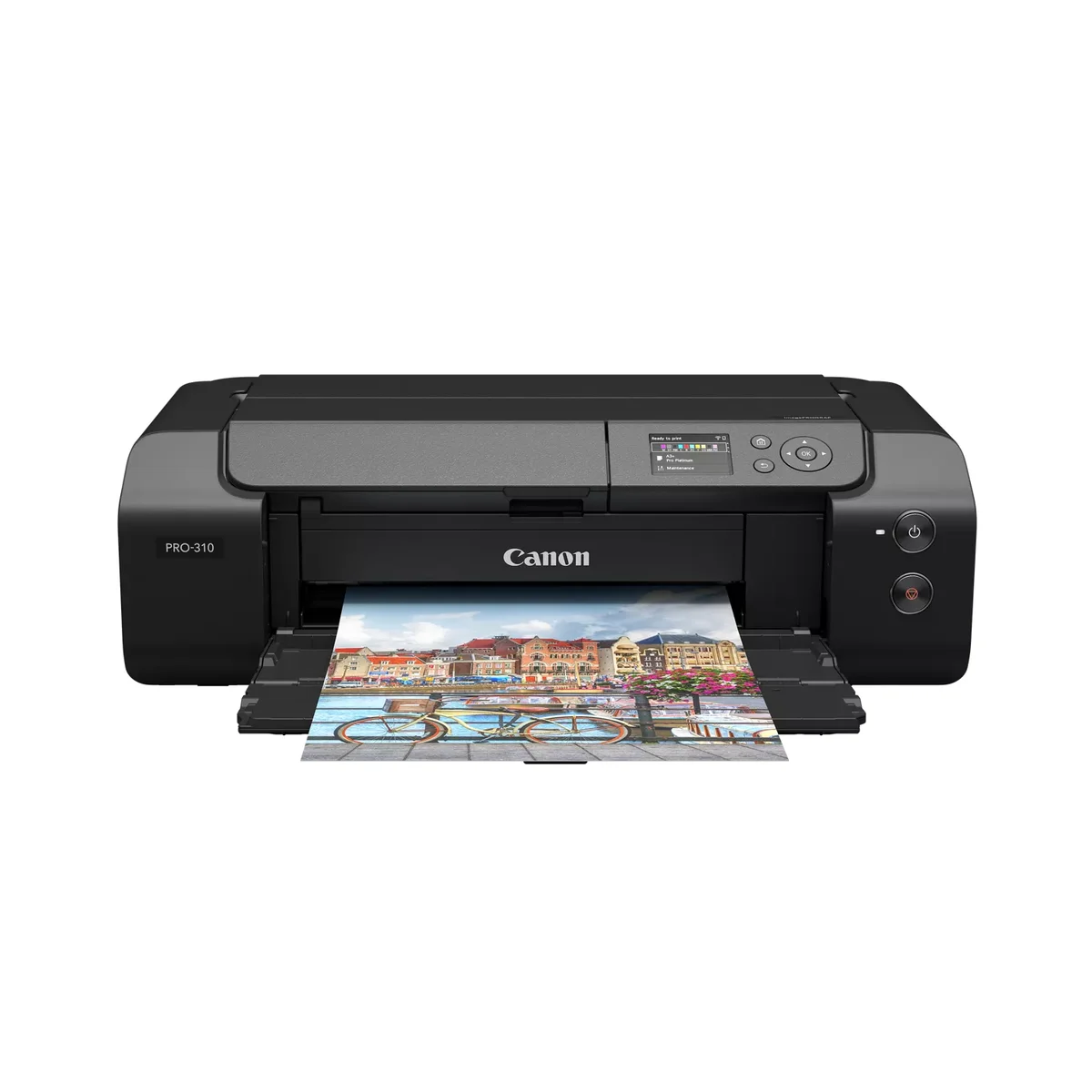
The Canon imagePROGRAF PRO-310 wins because every serious reviewer in this corpus reached the same conclusion: it produces gallery-grade prints with the most reliable paper feed in the 13-inch class. Keith Cooper called the feed mechanism 'absolutely rock solid,' which matters because thick fine-art papers are exactly where cheaper printers leave pizza-wheel marks. PermaJet confirmed the top and rear manual feeds handle 300gsm cotton media without scuffing.
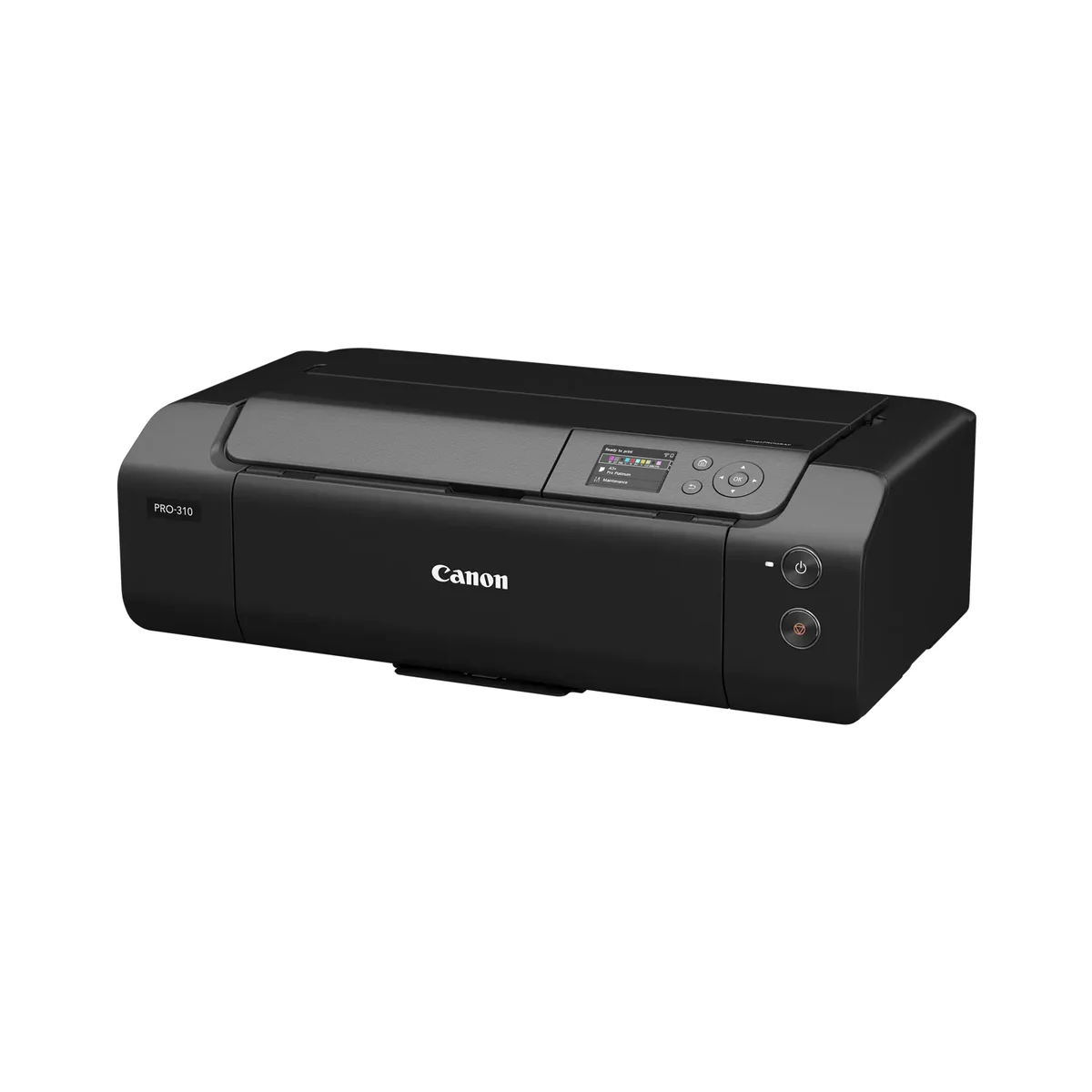
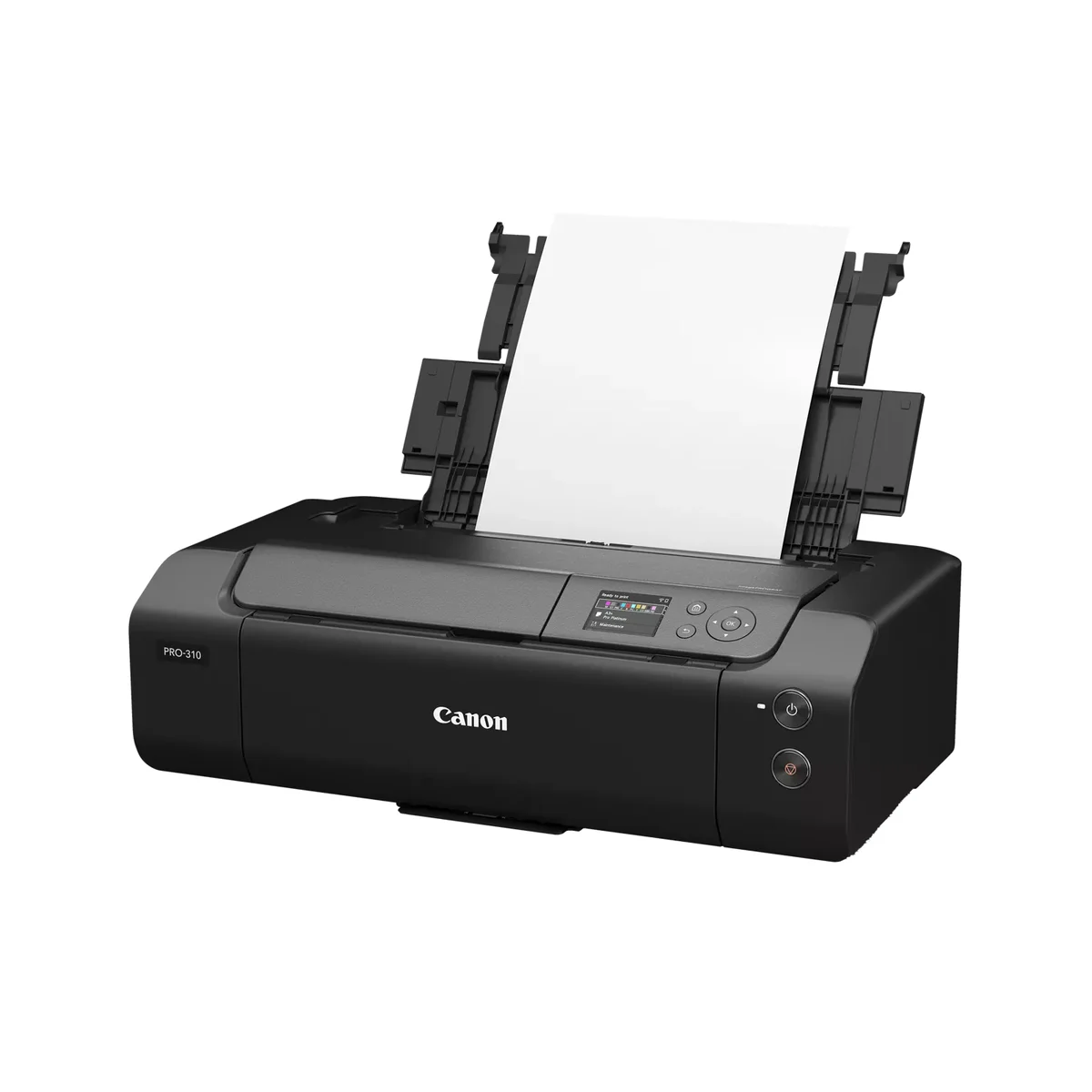
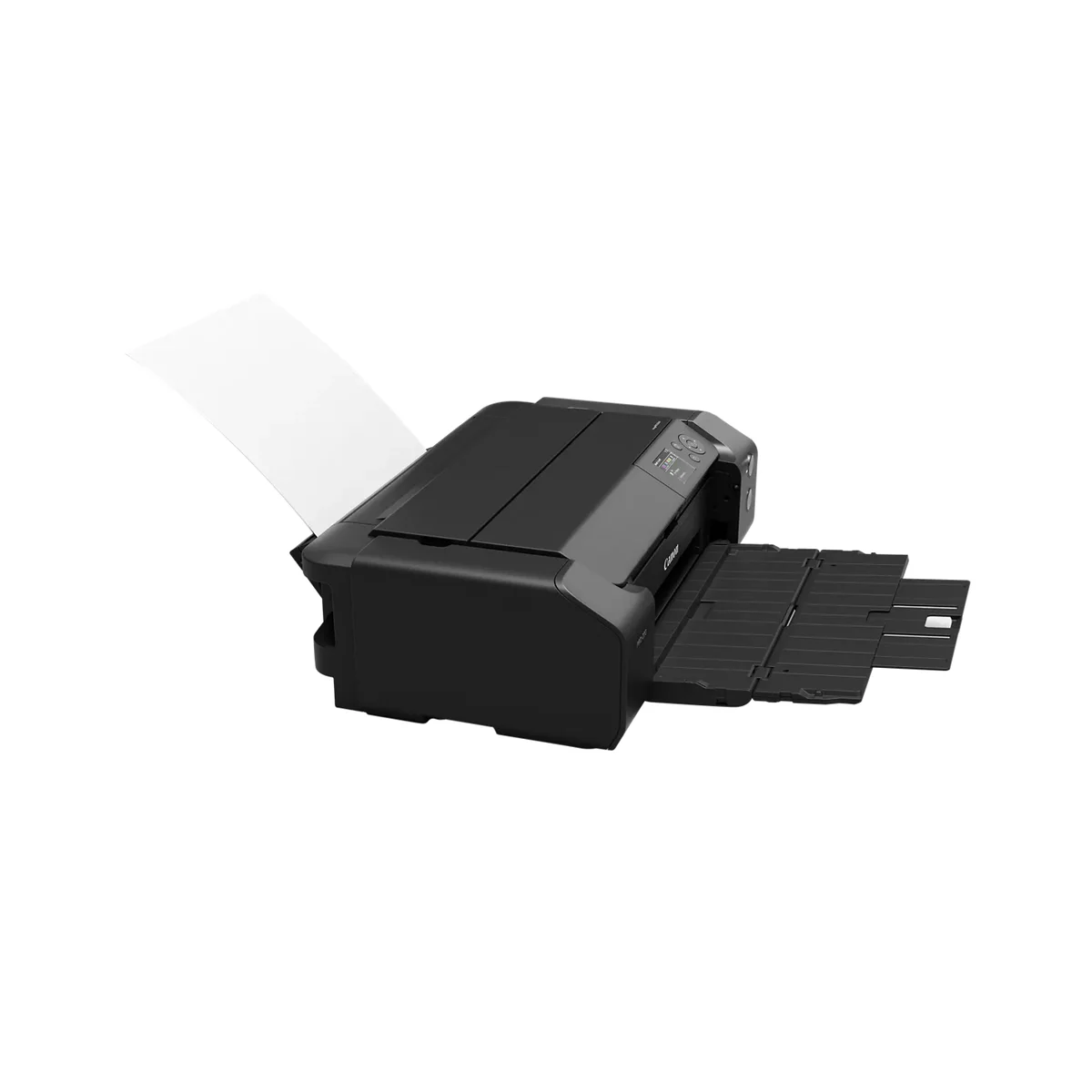
10BestOnes said they were 'floored by the depth of the blacks and the sheer color accuracy.' First Man Photography highlighted the Chroma Optimizer, a clear coat that evens out shine and gives glossy prints a scratch-resistant finish without bronzing. The Lucia Pro II pigment set is rated for up to 200 years on glossy and 180 on fine art papers, which puts the PRO-310 in genuine archival territory. In a direct A/B against the Epson P700, Fotospeed found the Canon produced more 'punch' and noticeably deeper blacks on matte stocks.
The PRO-310 isn't the highest-scoring printer here on raw weighted dimensions; the 17-inch PRO-1100 outscores it 95.6 to 89.5. But PermaJet was explicit that the PRO-1100 only makes economic sense if you print 20 to 30 times a month or sell prints commercially. At $899 and 32 lb, the PRO-310 fits on a real desk and serves the photographer who prints five to ten gallery pieces a week. That's the realistic mainstream-premium pick.
What It Won't Do
Speed and ink cost. 10BestOnes timed an A3+ photo print at over four minutes, and Audioviser joked it crawls 'slower than dial-up' on standard documents. The 14.4 ml cartridges are tiny: PermaJet calculated the ink at roughly £14 per milliliter, which translates to 62p per A4 print at 80% coverage. Print less than monthly and the head-cleaning cycles will eat through that ink without producing a single photo. There's no scanner, no copier, no native roll feed accessory. This is a single-purpose machine.
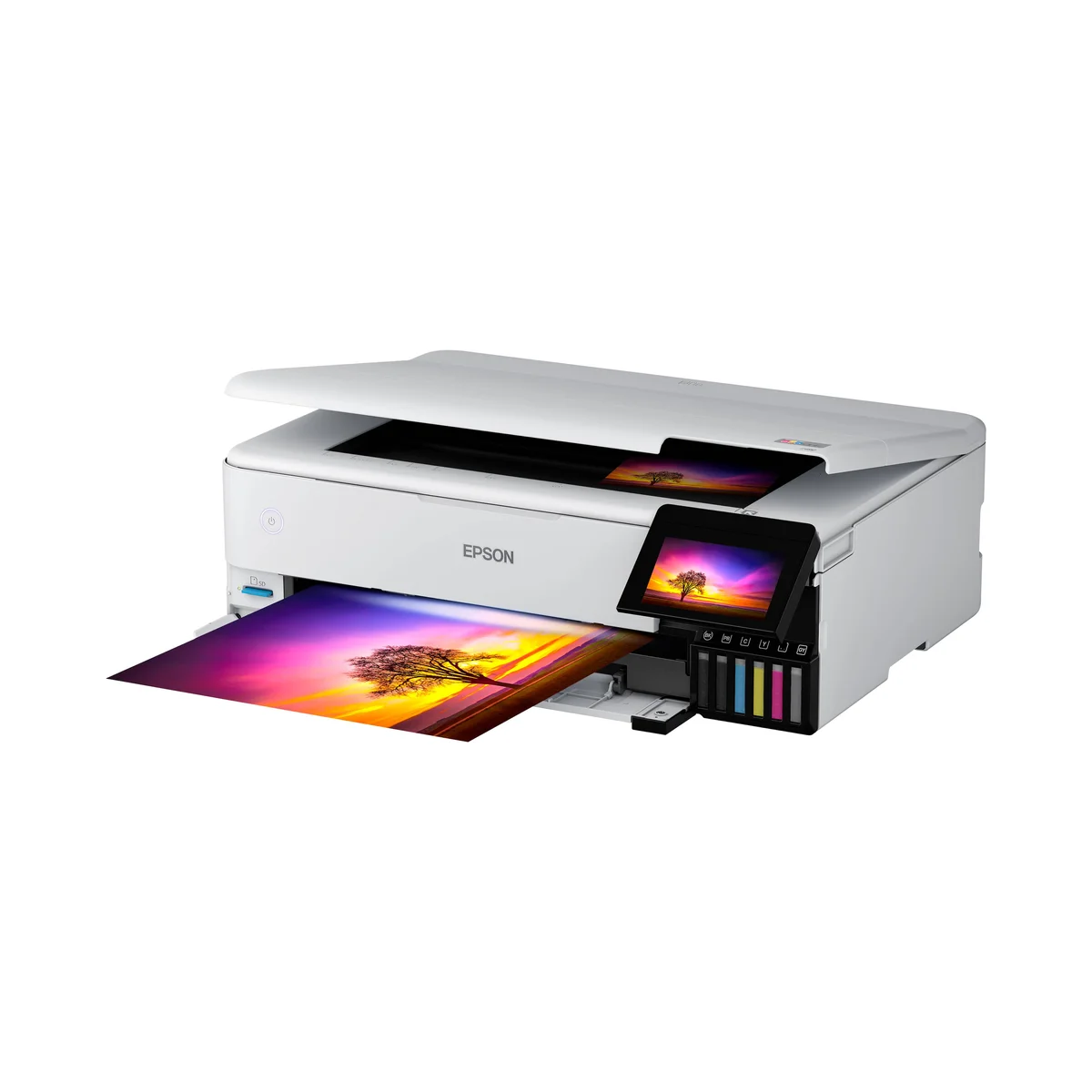
The Epson EcoTank ET-8550 wins value because reviewers across the corpus point to the same outcome: it removes the fear of wasting ink. Top 5 Picks calculated a full set of replacement bottles at $60 to $80, yielding thousands of prints. Keith Cooper made the same point from a different angle, that cheap bottled ink is what gets beginners to actually experiment with paper profiles and color management instead of preserving their cartridges.
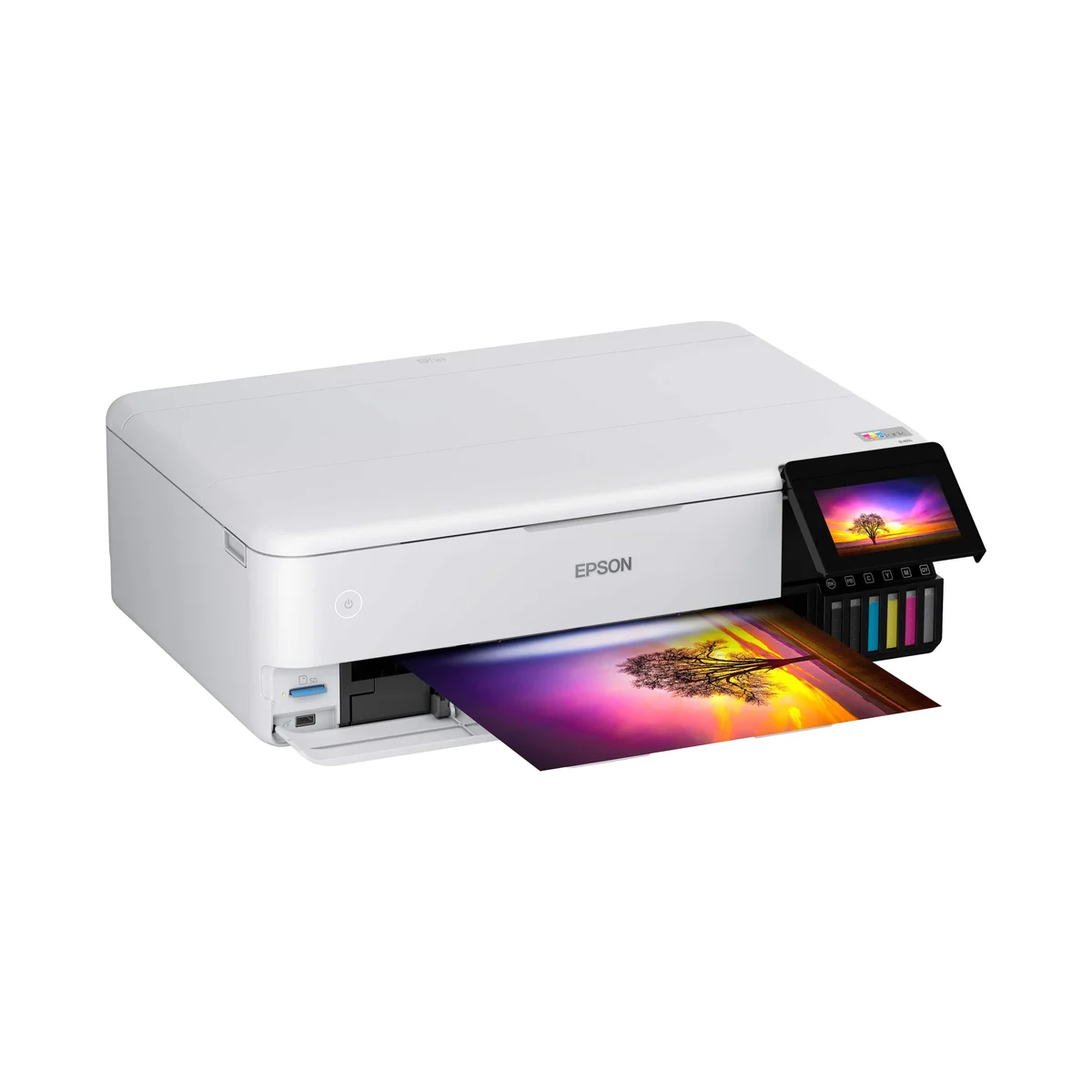
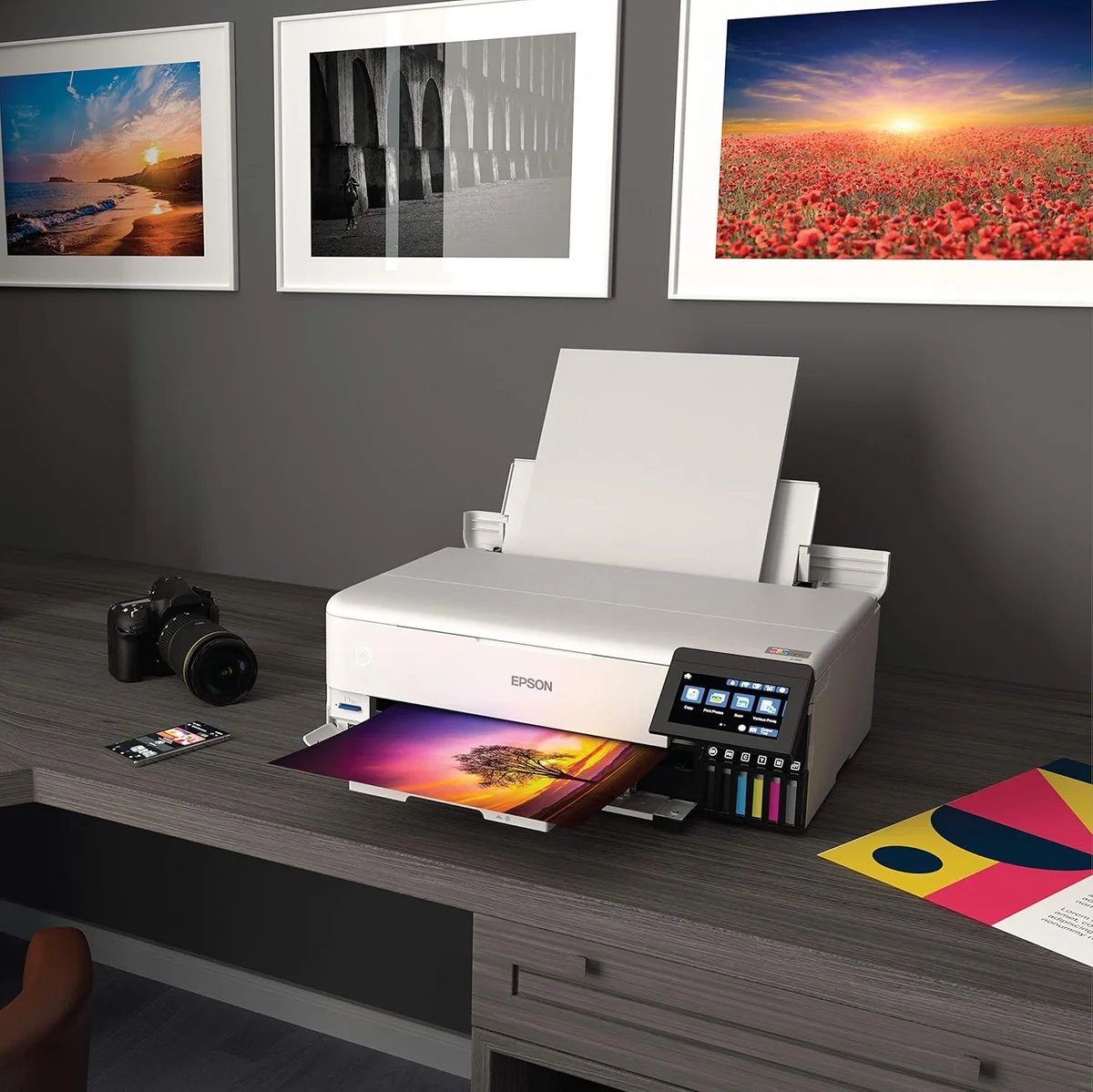
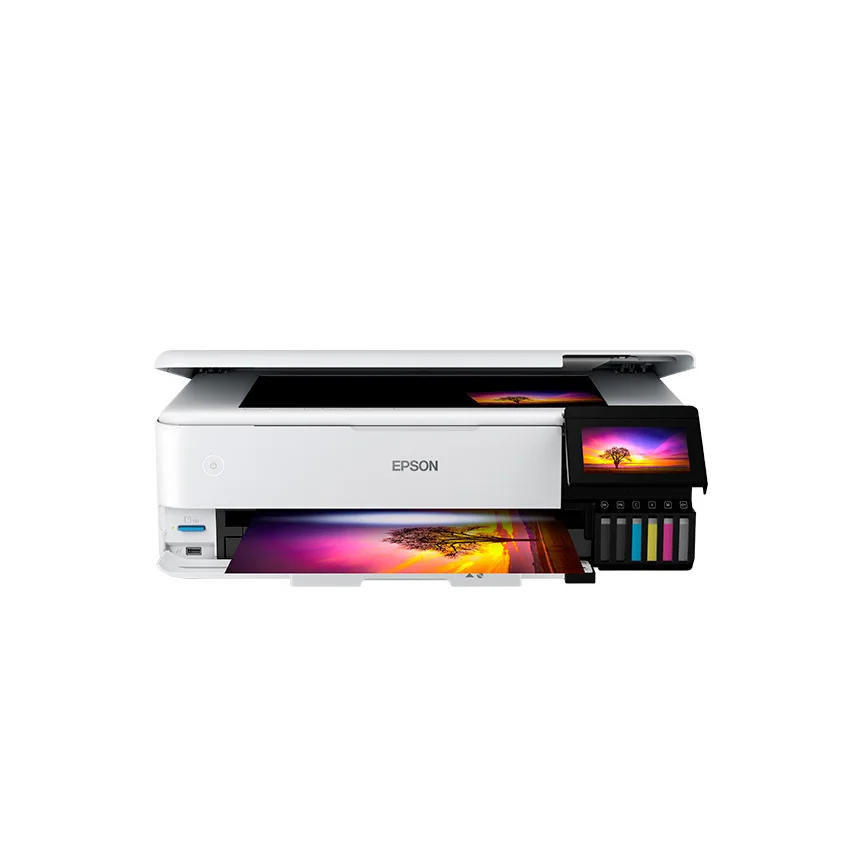
Krystle Cole Art graded the print quality 'B+' against true pigment printers, which is high praise for a hybrid dye/pigment all-in-one at $614. The 6-color Claria system produces vivid 13×19 borderless prints on glossy and luster papers, and the built-in scanner with dual paper trays handles office paperwork at the same time. Keep regular copy paper in the bottom tray for invoices, photo paper in the top feed for prints. That's a workflow no dedicated pigment printer matches.
10BestOnes summarized the gap honestly: in side-by-side viewing against a pigment Canon, the ET-8550 lacks the 'professional pop,' tonal range, and ultimate color fidelity. But Keith Cooper added a caveat that mostly settles the question for hobbyists. Unless you put the prints side-by-side under perfect lighting, most people will never notice the difference.
What It Won't Do
Paper handling and longevity are the two real flaws. Keith Cooper, Krystle Cole Art, and Audioviser all reported the same defect: pizza-wheel track marks appear on thicker matte papers, and anything above 1.3mm risks jamming the rear feed. Stick to glossy or luster and the problem goes away, but you're locked out of the heavy cotton-rag stocks pigment printers were designed for. Krystle Cole Art also warned that dye prints fade much faster in sunlight without glass, and she described a strong chemical ink odor during refilling that needs an open window. None of these break the printer; they just mean it isn't a pigment archival machine.
Who Should Buy Which
Canon imagePROGRAF PRO-310
Gallery-grade pigment prints on the most reliable paper feed in the class
- You print five to ten gallery pieces a week and want flawless 13×19 pigment output
- Fine-art matte papers are your primary medium and you need a feed that doesn't leave marks
- You're selling or framing prints and need genuine 200-year archival lightfastness
- You're comfortable with custom ICC profiles and dedicated print-only workflow
- Hardware budget around $900 with a high ongoing ink budget acceptable
Epson EcoTank ET-8550
Bottled ink and a built-in scanner make this the printer beginners actually use
- You print regularly and want one machine for both photos and household paperwork
- Glossy and luster papers are your primary output; matte fine-art work isn't a priority
- You're a hobbyist or beginner who wants to learn paper profiles without burning cartridges
- Budget under $700 and you'd rather pay for the printer than the recurring ink bills
- You need the scanner and copier for invoices, school projects, or family paperwork