
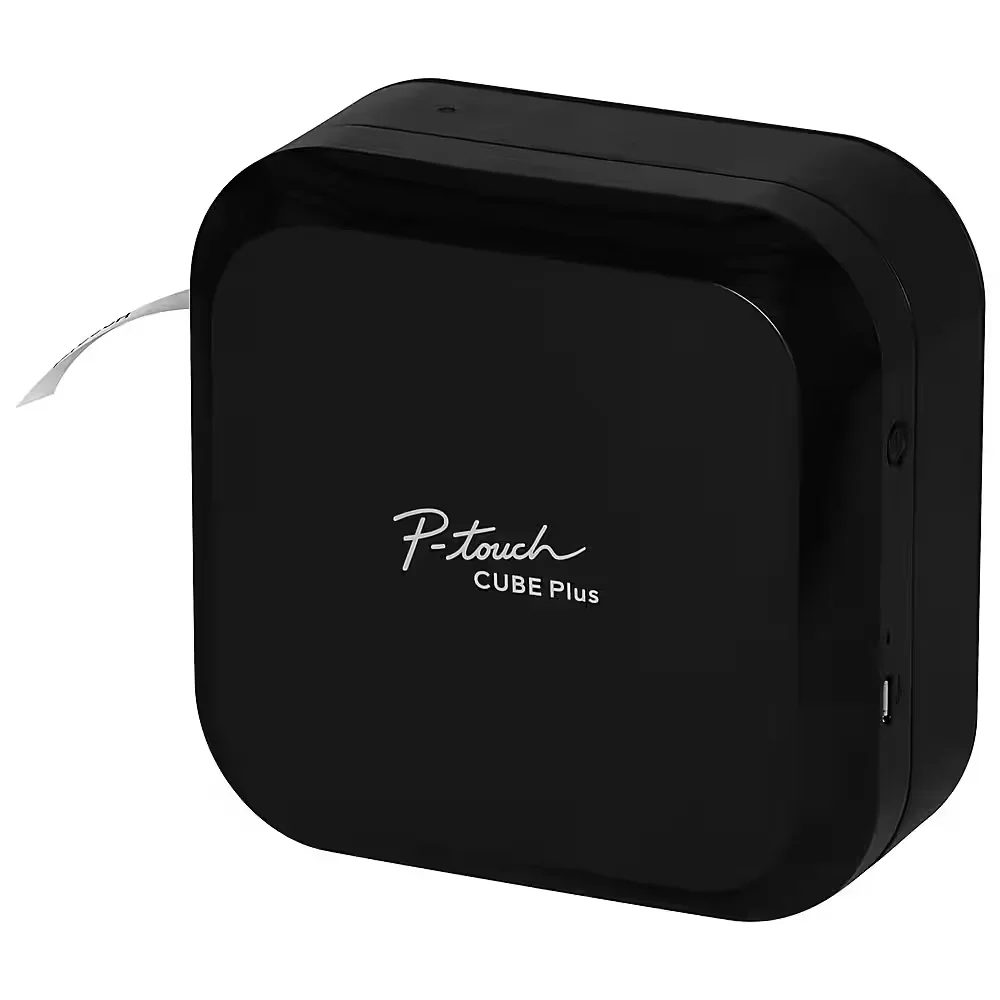
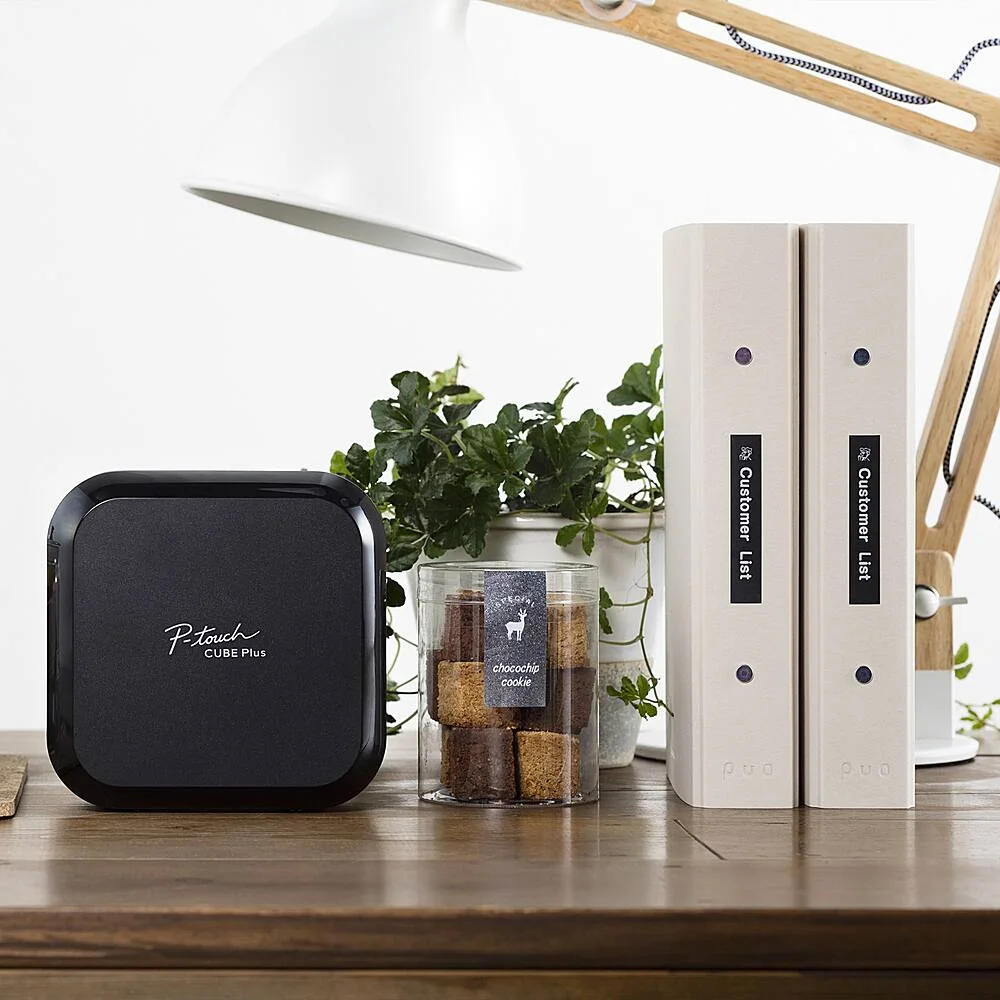
The Brother P-Touch Cube Plus PT-P710BT won because it delivers the most polished labeling experience of any model we researched. Creative Bloq's Ian Dean and Josephine Watson spent two weeks with it and awarded a perfect 5/5, praising its access to every Google and Apple font, 60+ tape varieties (including metallic and glitter finishes), and full compatibility across Apple, Android, Windows, and Mac. TechGearLab ranked it #2 of 14 models at 86/100, specifically noting the vibrant smartphone app and excellent P-touch Editor desktop software.
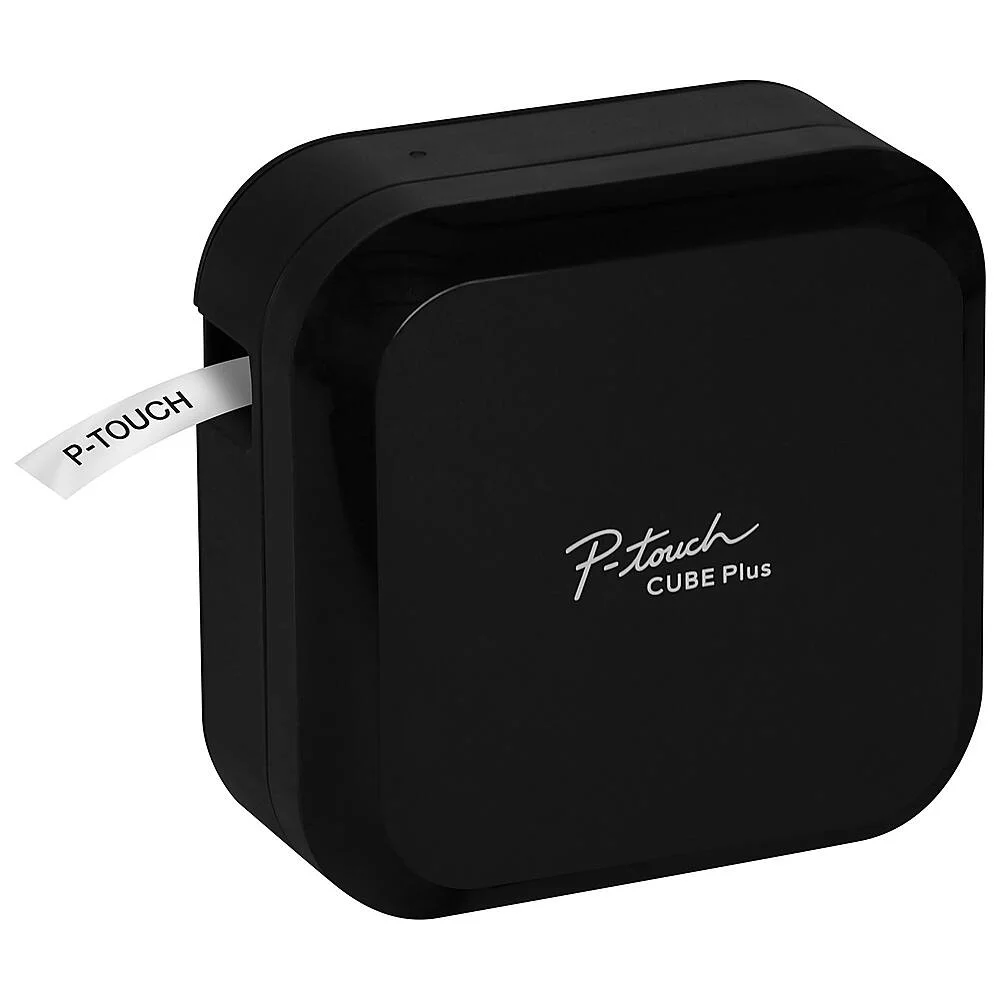
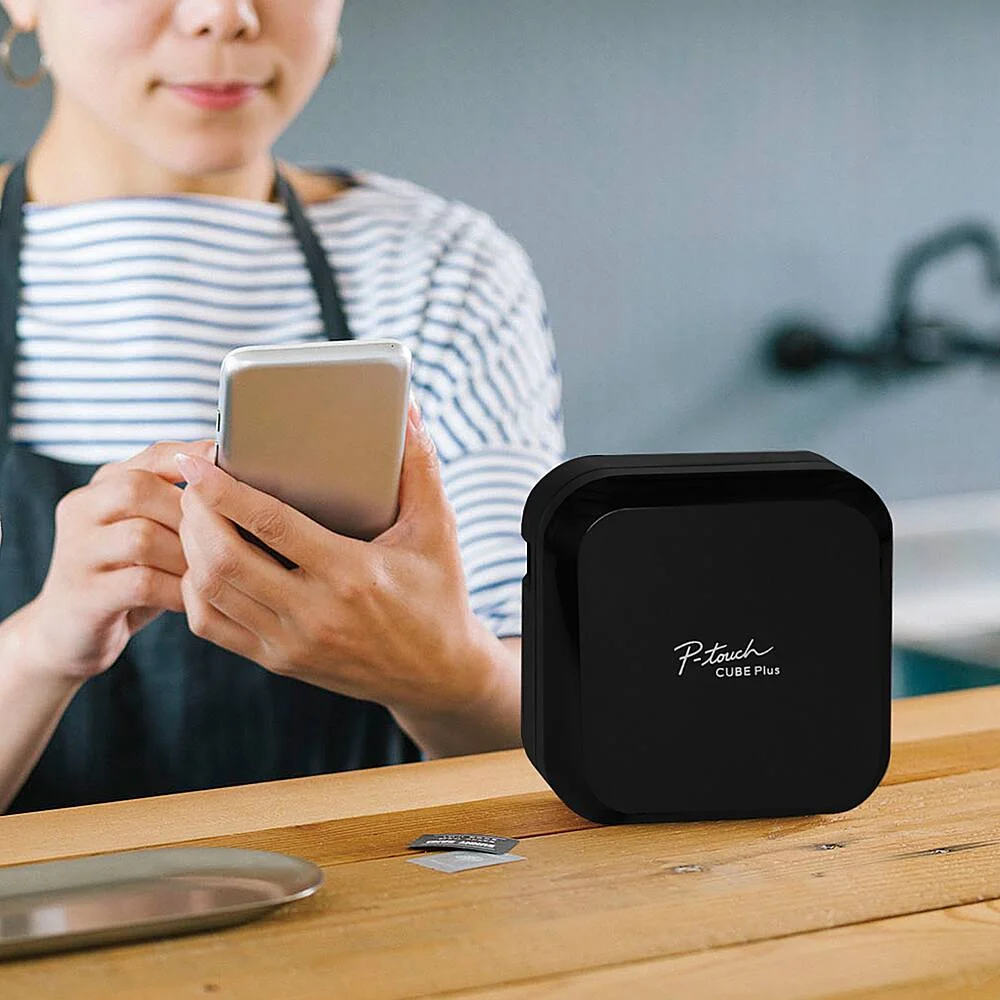
The rechargeable USB battery sets it apart from every competitor except the DYMO LM 420P, which costs nearly twice as much and lacks Bluetooth. You charge it like a phone, toss it in a drawer, and it's ready when inspiration strikes. No hunting for AA batteries, no adapter cables.
What really separates the Cube Plus is design flexibility. Where keyboard models limit you to 14 or 17 built-in fonts, the Cube Plus gives you the entire font library on your phone or computer. Want to label your spice jars in a handwritten script? Done. Need barcodes for inventory? The P-touch Editor handles it. The 24mm max tape width is the widest in our comparison, letting you create labels large enough for shelving and storage bins.
What It Won't Do
You cannot print a single label without a phone or computer. There is no screen, no keyboard, no way to type directly on the device. If your phone is dead or you left it in the other room, the Cube Plus is a paperweight. TechGearLab flagged this as its primary weakness, and for quick one-off labels in a workshop or garage, a keyboard model is simply faster.
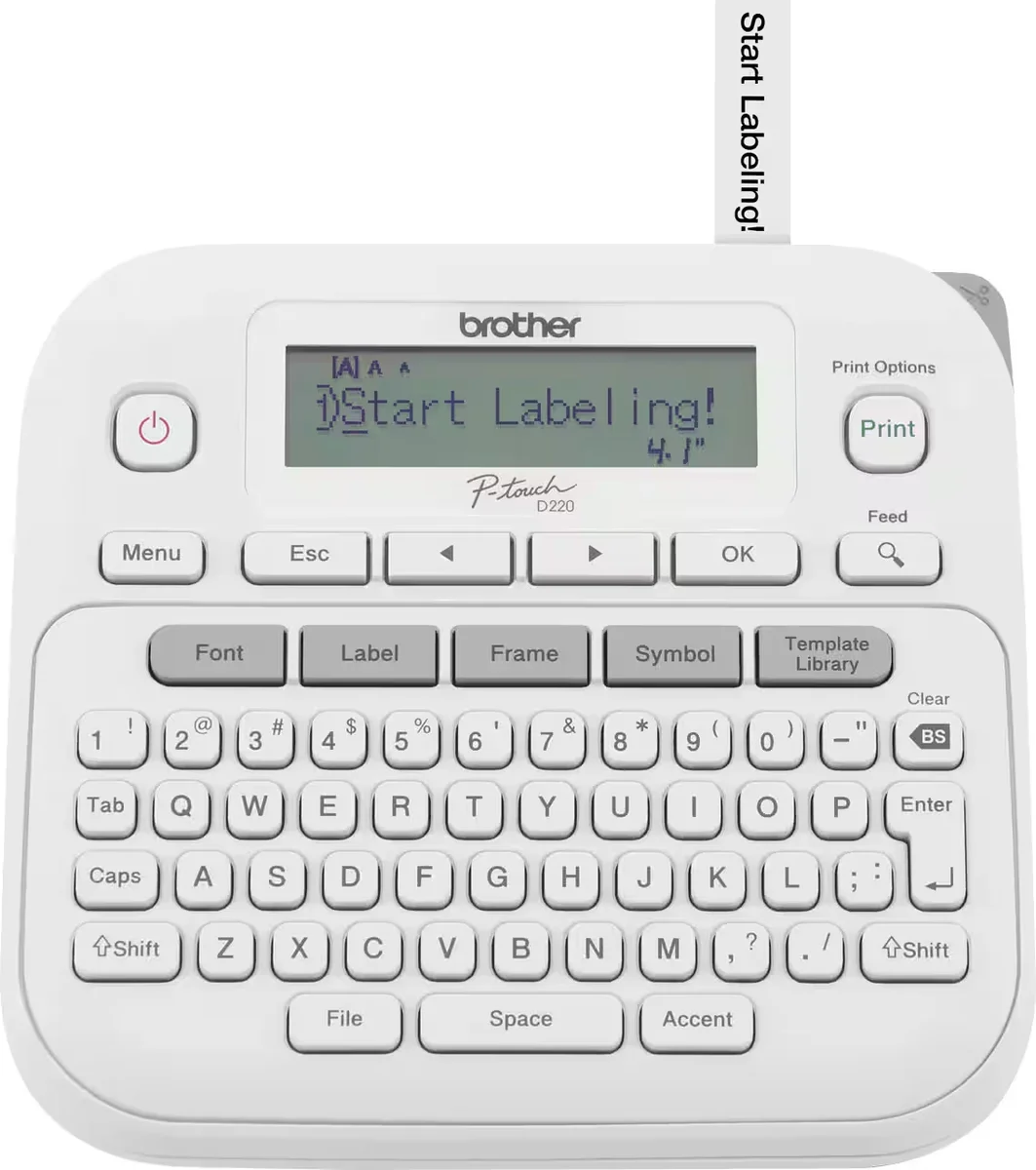
The Brother PTD220 costs $40 and does 90% of what most people actually need a label maker for. NBC Select's Cory Fernandez called it "the best label maker hands down," and TechRadar highlighted its Amazon bestseller status and Martha Stewart endorsement. It prints at 20mm/sec (faster than the Epson LW-PX300's 0.24 in/sec crawl), has 14 fonts, 600+ symbols, and 99 decorative frames.
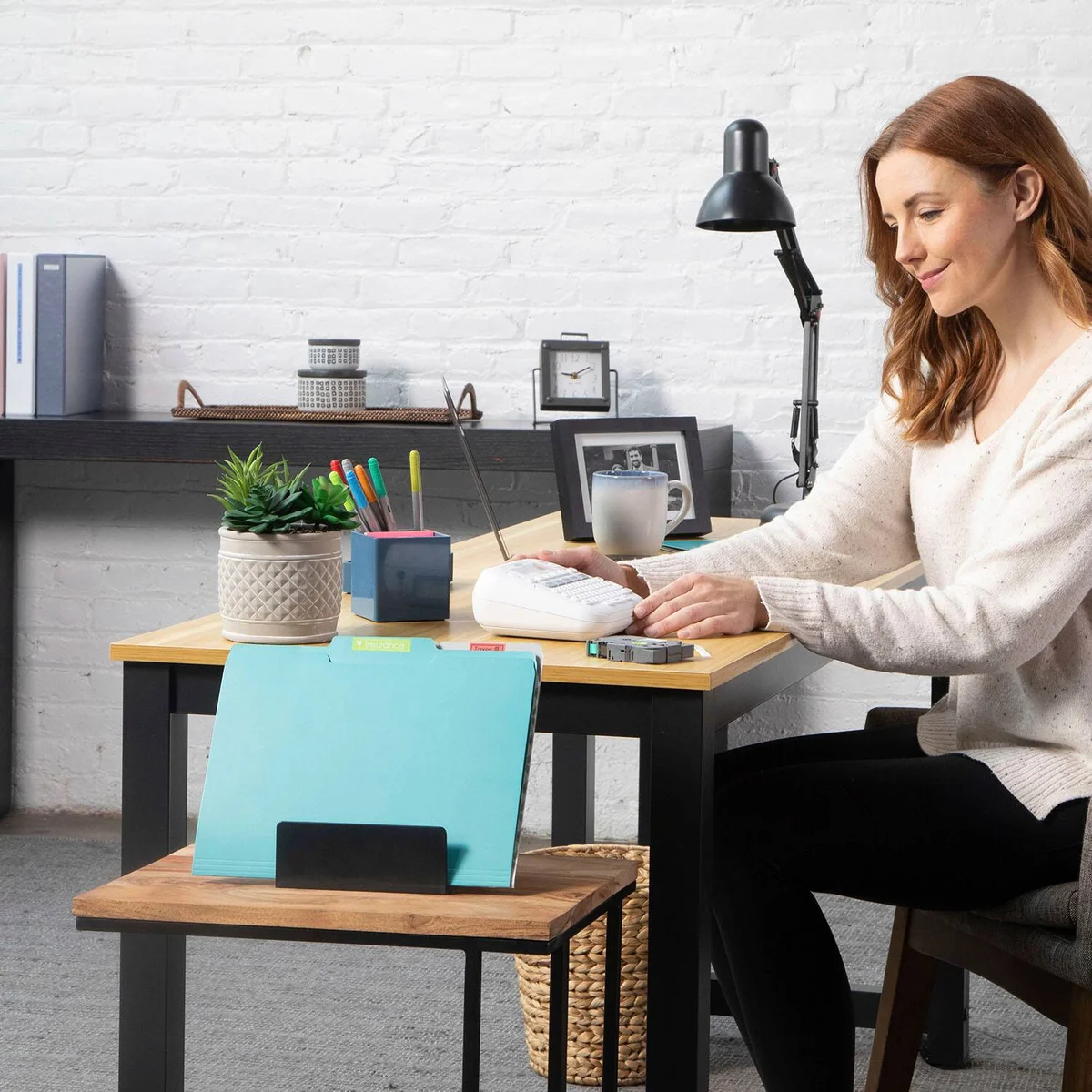
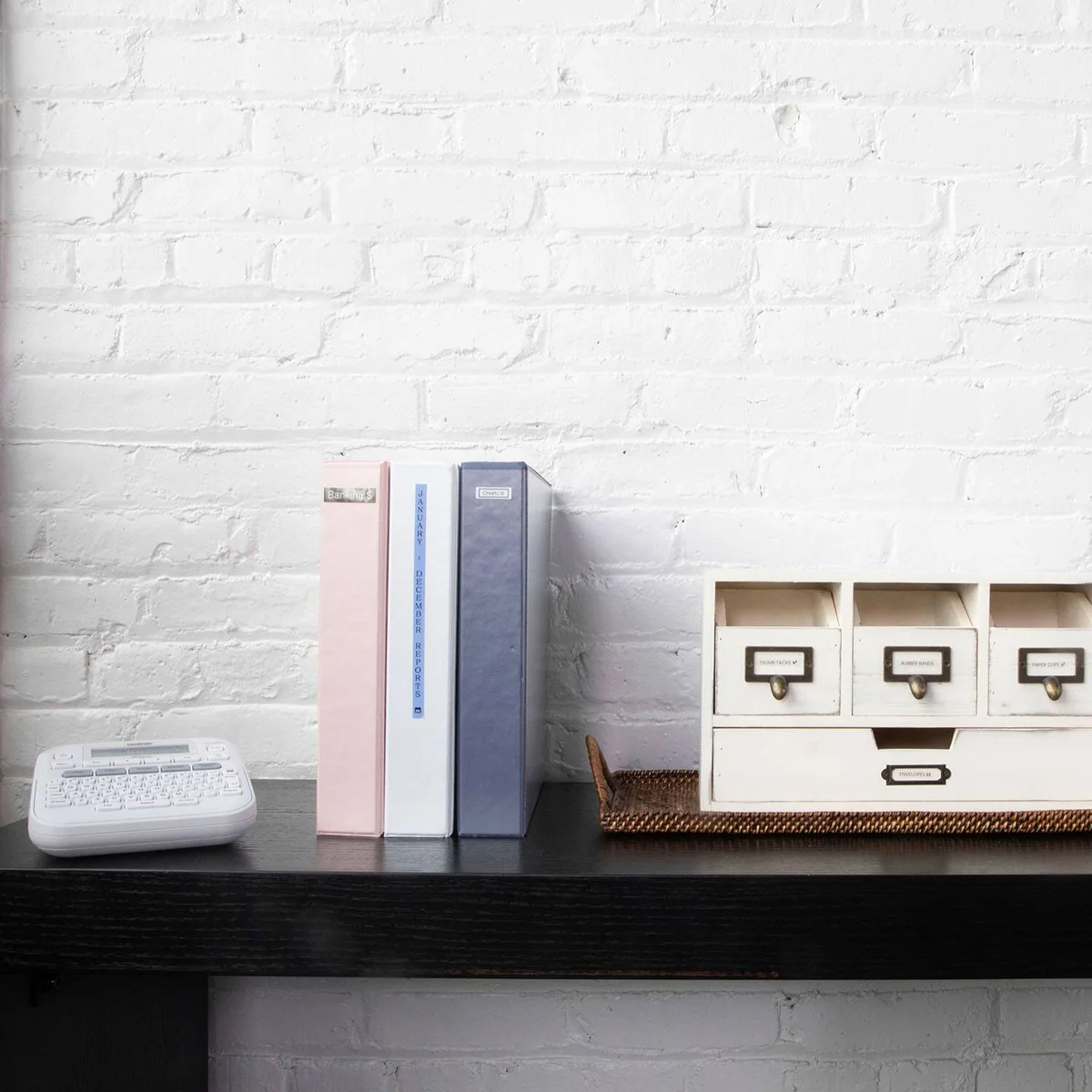
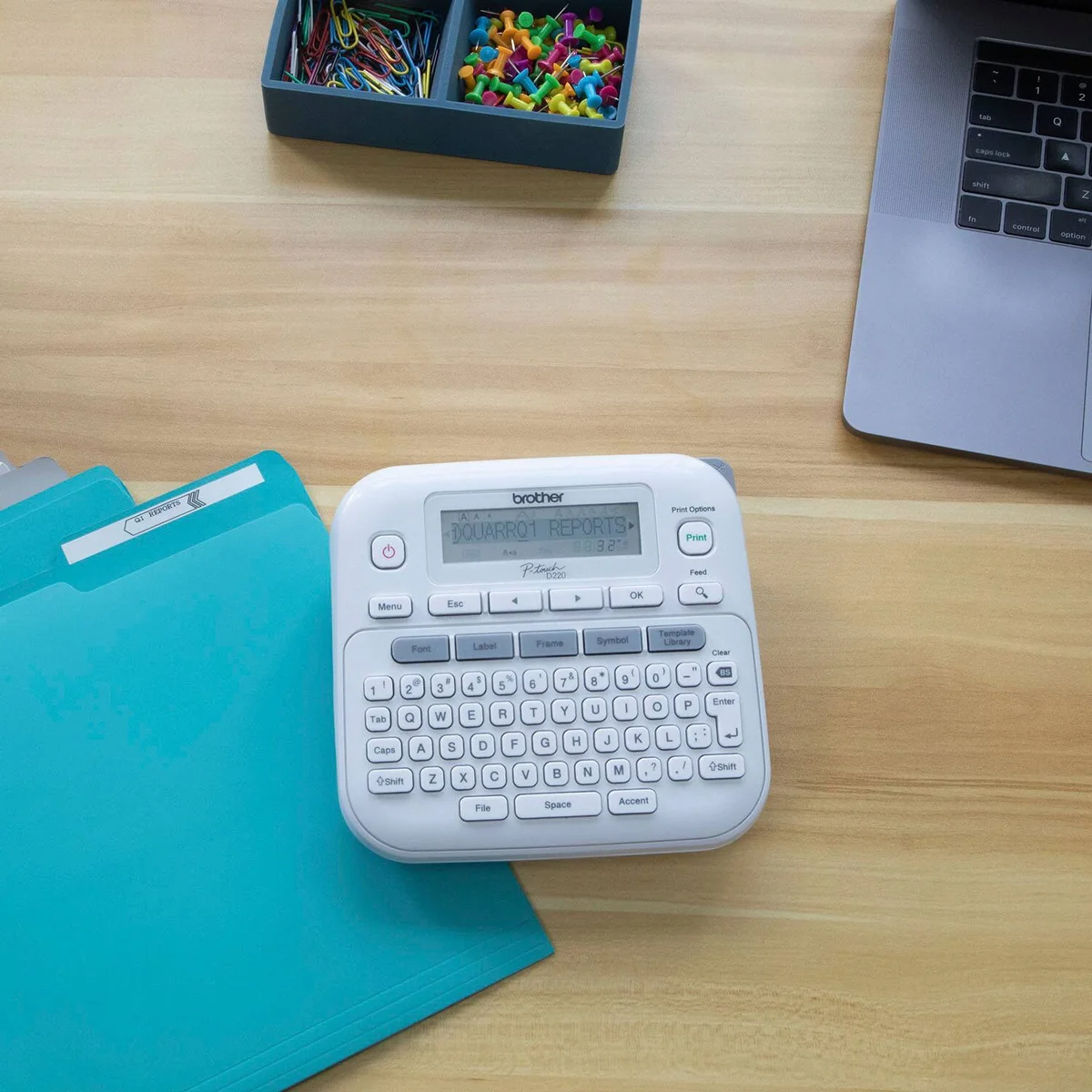
The key advantage is independence. Pop in six AAA batteries, flip the power switch, and you're labeling. No app downloads, no Bluetooth pairing, no account creation. The QWERTY keyboard and LCD screen let you preview labels before printing, so what you see is what you get. For organizing a pantry, labeling file folders, or marking storage bins, the PTD220 handles it all at less than half the price of Bluetooth models.
It also uses Brother's standard TZe tapes, which are laminated and survive freezer, microwave, and dishwasher exposure. That's the same tape durability as the $100 Cube Plus.
What It Won't Do
The 180 DPI resolution is noticeably fuzzier than the 360 DPI output from the Cube Plus or Epson LW-C610PX. Small text below 8pt starts to blur, and decorative fonts lose their fine details. There's also no connectivity at all: you're stuck with whatever fonts and symbols are on the device, with no way to import custom designs or print from a computer.
Who Should Buy Which
Brother P-Touch Cube Plus PT-P710BT
The label maker that turns your phone into a design studio
- Crafters and scrapbookers who want custom fonts, metallic tapes, and decorative label designs
- Small business owners who need barcodes, QR codes, and professional labeling from desktop software
- Tech-comfortable users who prefer designing labels on a phone or tablet screen
- Anyone tired of buying AA batteries for label makers
- Households with multiple people who want to share one label maker via the app
Brother P-Touch PTD220
The no-fuss label maker that just works out of the box
- Home organizers who want to label pantry items, bins, and folders with zero setup
- People who find smartphone apps annoying and prefer typing on a physical keyboard
- Budget-conscious buyers who need reliable laminated labels under $40
- Teachers and classroom organizers who need quick labels without tech hassle
- Anyone who just wants to grab a label maker, type, and print in under 10 seconds