Office Keyboards · Comparison

The Logitech MX Keys S meets
the Aula F75

The best non-mechanical typing experience, with smart backlighting and instant multi-device switching. We tested it head-to-head against the Aula F75 ($48) across 6 key dimensions.

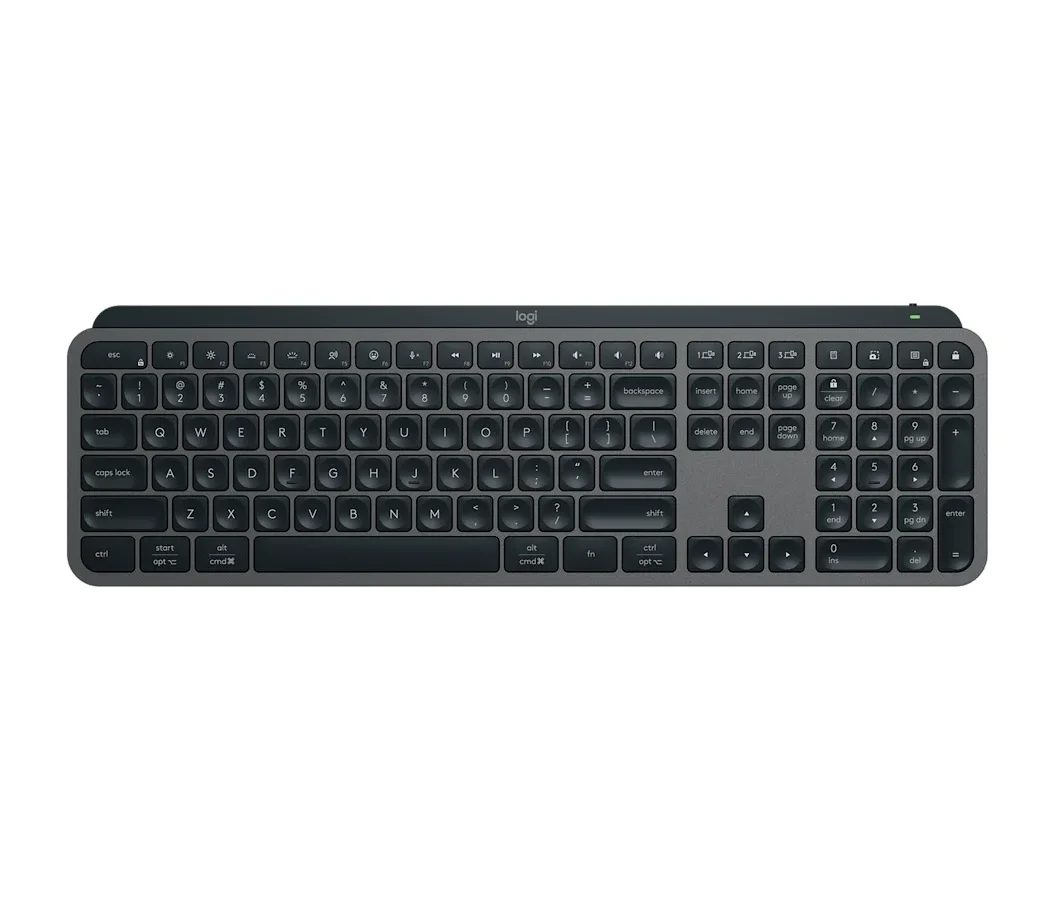
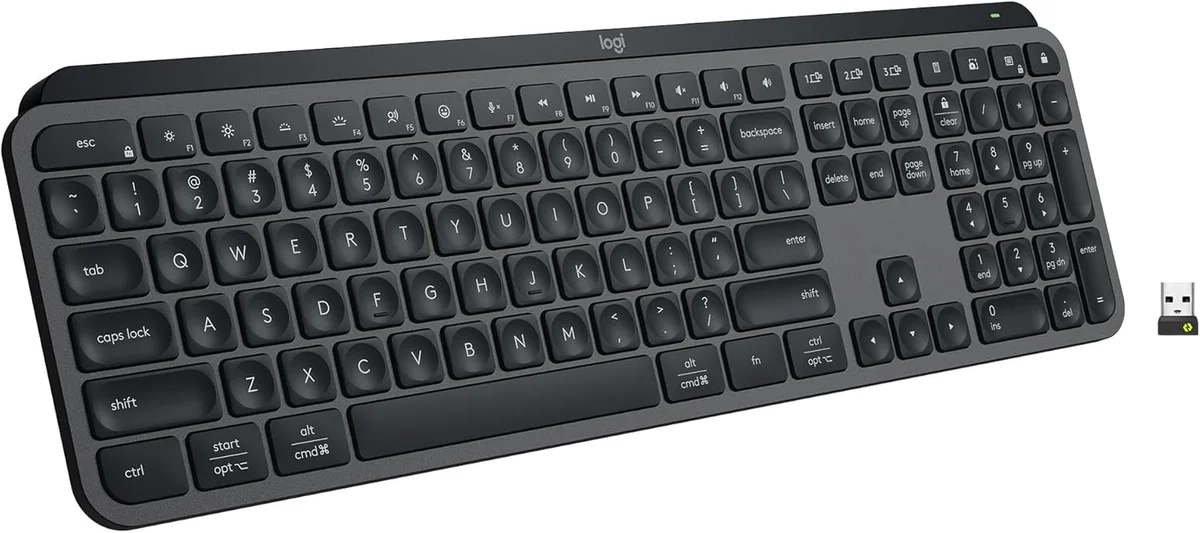
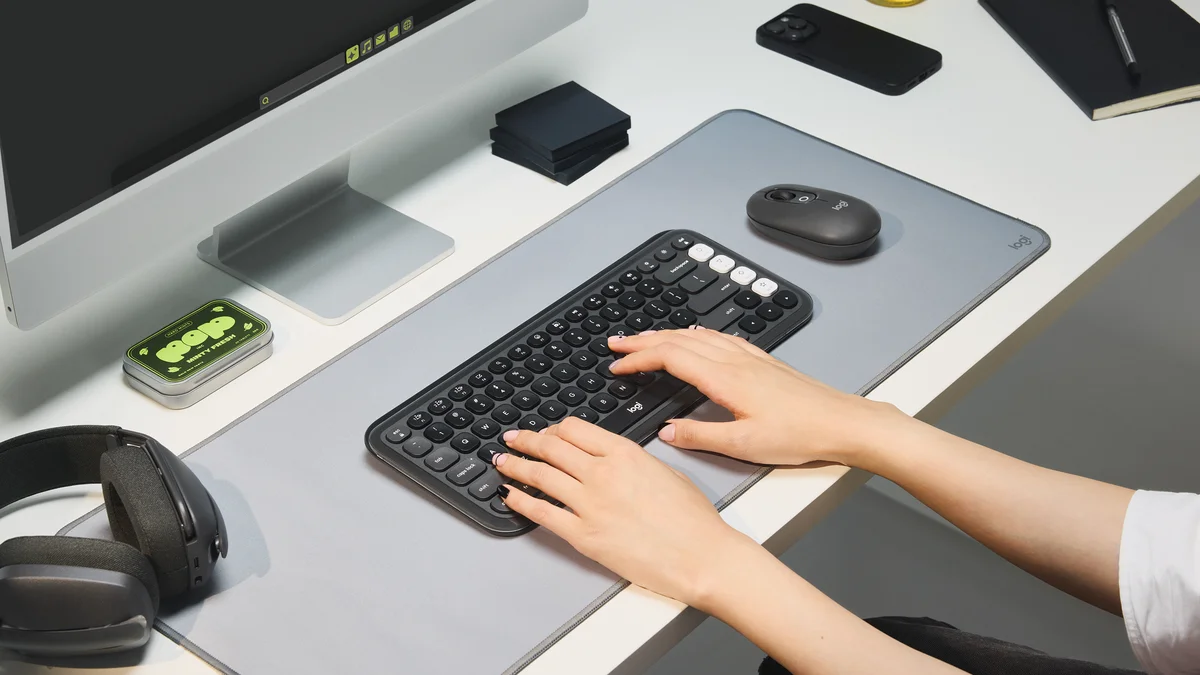
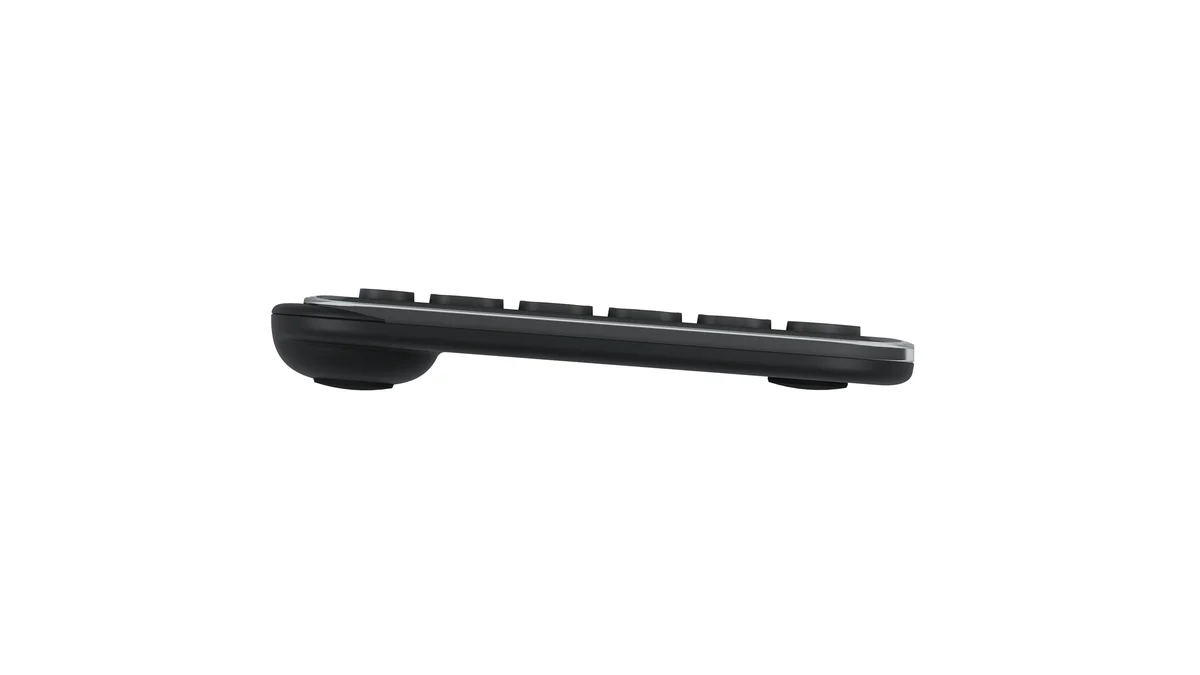
Logitech MX Keys S top-down view in graphite on white background
BEST

Logitech MX Keys S

“The best non-mechanical typing experience, with smart backlighting and instant multi-device switching”

$110
Our Score
85.4 / 100
Buy on Amazon
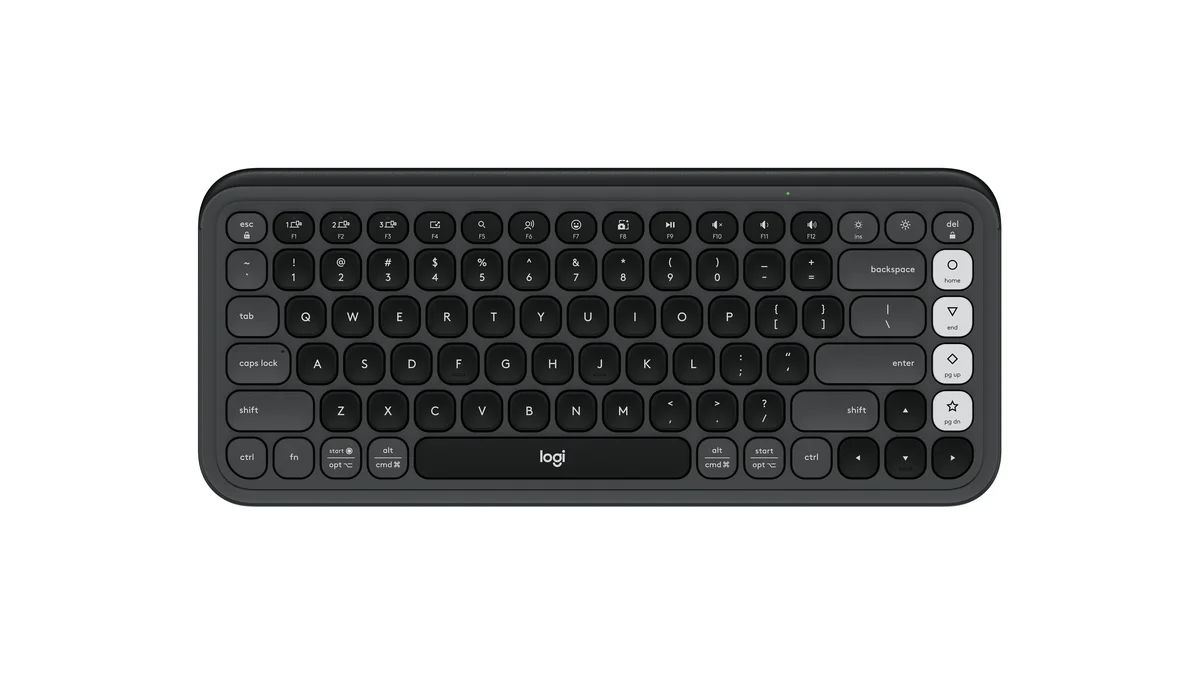
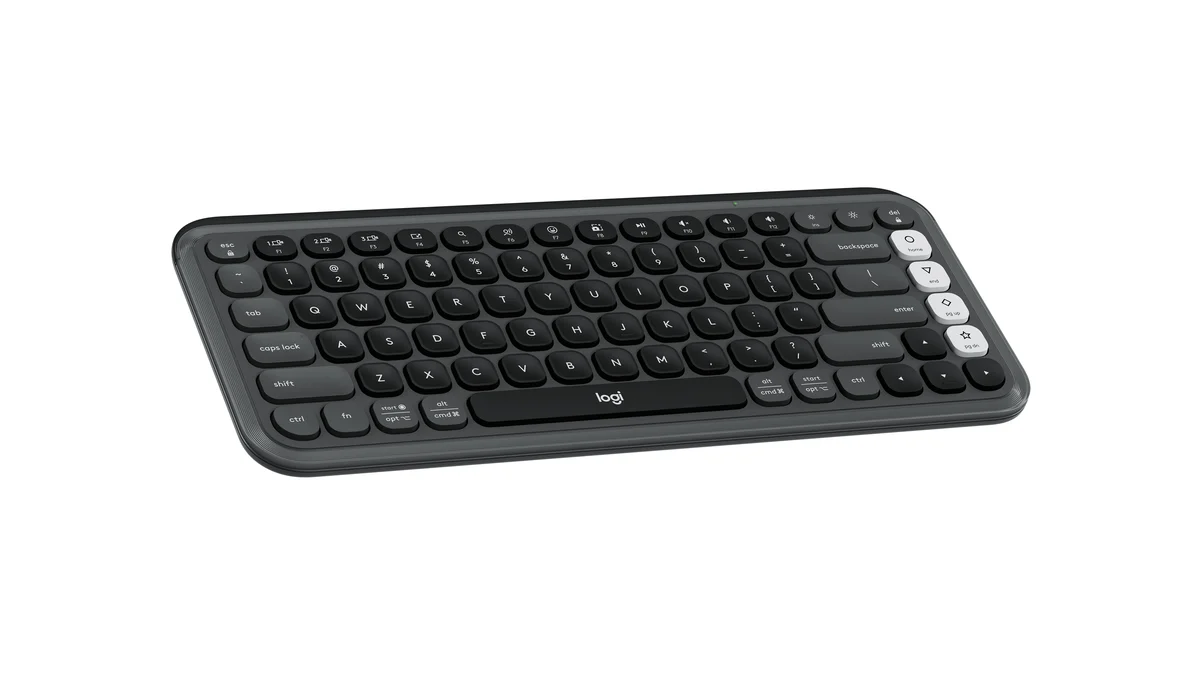
Aula F75 top-down view in blue and white colorway on white background
VALUE

Aula F75

“Gasket-mount mechanical feel that rivals $200 boards, for under $50”

$48
Our Score
69.3 / 100
Buy on Amazon
01

Head-to-Head Breakdown

Typing
31% of score +
Logitech
90
Aula
90
Logitech MX Keys S

Cameron Dougherty Tech: favorite non-mechanical feel, concave keycaps guide fingertips perfectly

Aula F75

Switch and Click: bouncy gasket mount rivals boards 3x the price, 'creamy' sound

Multi-Device
22% of score +
Logitech
95
Aula
85
Logitech MX Keys S

Dedicated buttons swap 3 devices instantly; 'magical' sleep-to-wake latency

Aula F75

Full tri-mode wireless (Bluetooth + 2.4GHz + wired), beats MX Keys by offering wired fallback

Build
16% of score +
Logitech
70
Aula
70
Logitech MX Keys S

Premium plastic feel but ABS keycaps shine over time, scissor clips break if removed

Aula F75

Sturdy for the price but all-plastic, slightly uneven gaskets, keycap printing errors

Software
10% of score +
Logitech
60
Aula
30
Logitech MX Keys S

Logi Options+ is handy but has no onboard memory, only F-row remapping

Aula F75

Switch and Click: 'sketchy-looking software that barely works'

Noise
11% of score +
Logitech
90
Aula
50
Logitech MX Keys S

Cameron Dougherty Tech: 'delicate and soft,' won't get picked up by mic on calls

Aula F75

Not assessed by reviewers, neutral score applied

Trust
10% of score +
Logitech
95
Aula
30
Logitech MX Keys S

Logitech: gold standard for office peripherals, global warranty, decades of proven reliability

Aula F75

Unknown Chinese brand with sketchy software and no established warranty infrastructure

02

Strengths & Weaknesses

Logitech MX Keys S

+ Strengths
  • Cameron Dougherty Tech's favorite non-mechanical typing feel, concave keycaps guide fingertips perfectly
  • Smart proximity backlighting activates as hands approach, ambient sensor auto-adjusts brightness
  • Dedicated device-switching buttons swap between 3 computers faster than any competitor
  • Near-silent typing won't disturb coworkers or get picked up on business calls
  • 5-month battery life with backlight off; broad OS support (Windows, Mac, Linux, ChromeOS, iOS, Android)
Weaknesses
  • Smart backlighting drains battery from 5 months to ~10 days. Cameron Dougherty Tech verified this
  • No wired mode. USB-C charges only, can't use as a wired keyboard
  • ABS keycaps develop greasy shine over time; fragile scissor clips break if you remove keycaps for cleaning
  • No onboard memory, custom shortcuts require Logi Options+ installed on each machine
  • 125Hz polling rate makes it unsuitable for any gaming
Key flaw: Battery life with the smart backlight is the MX Keys S's biggest weakness.

Aula F75

+ Strengths
  • Switch and Click praised 'creamy' gasket-mount typing feel that rivals keyboards three times the price
  • Tri-mode connectivity (Bluetooth, 2.4GHz dongle, and USB-C wired), the MX Keys S lacks wired mode entirely
  • Hot-swappable switches, volume knob, RGB, and 5-layer sound dampening, all at $48
  • 4,000 mAh battery and 1,000Hz polling rate (wired/2.4GHz), usable for gaming too
  • Double-shot PBT keycaps won't develop the greasy shine that ABS keycaps do
Weaknesses
  • Switch and Click warned the software requires downloading a 'sketchy' app that barely works, no VIA or web-based remapping
  • All-plastic chassis with slightly uneven gasket mount, some keys feel softer than others
  • Keycap legend printing errors spotted on some units
  • Linear switches only, no tactile or clicky option available out of the box
  • 75% layout means no numpad, data-entry users should look at the Epomaker Galaxy 100 instead
Key flaw: The software is genuinely bad.
03

The Verdict

Our Bottom Line

The Logitech MX Keys S won because it solves a problem no mechanical keyboard even attempts: making a desk keyboard feel as natural as a laptop keyboard, but better in every way. Cameron Dougherty Tech, who used it daily for years before reviewing it, found the concave scissor-key design guides your fingertips into exactly the right position on every keystroke. That sounds like a small thing. It adds up over 8 hours of typing.

BEST
Logitech MX Keys S
Logitech MX Keys S top-down view in graphite on white background

The Logitech MX Keys S won because it solves a problem no mechanical keyboard even attempts: making a desk keyboard feel as natural as a laptop keyboard, but better in every way. Cameron Dougherty Tech, who used it daily for years before reviewing it, found the concave scissor-key design guides your fingertips into exactly the right position on every keystroke. That sounds like a small thing. It adds up over 8 hours of typing.

Best for:
  • You prefer flat, laptop-style typing and want the best version of that experience on your desk
  • You switch between 2-3 computers throughout the day and need instant device swapping
  • You work in a shared or open-plan office where typing noise matters
  • You want backlit keys that auto-adjust to your room lighting without manual controls
  • You use both Mac and Windows and need one keyboard that handles both without physical toggles
VALUE
Aula F75
Aula F75 top-down view in blue and white colorway on white background

The Aula F75 costs $48. Read that number again, because the feature list makes no sense at this price. Gasket mount, tri-mode wireless (Bluetooth, 2.4GHz dongle, and wired), hot-swappable switches, a volume knob, RGB, double-shot PBT keycaps, and five layers of internal sound dampening. Those are features you normally see on $120-$150 keyboards.

Best for:
  • You want satisfying mechanical key feel and don't want to spend more than $50
  • You work from home where typing noise isn't a concern for coworkers
  • You can live without a numpad (75% layout) or already have a separate numpad
  • You want a wired USB-C fallback option that the MX Keys S doesn't offer
  • You want a keyboard that doubles for gaming after hours (1,000Hz polling rate)
04

Specifications

Spec Logitech MX Keys S Aula F75
Switch Type Scissor (membrane) LEOBOG Reaper Linear (hot-swappable)
Key Travel 1.8 mm 3.6 mm
Connectivity Bluetooth + 2.4GHz (Logi Bolt) Bluetooth 5.0 + 2.4GHz + USB-C wired
Device Pairing 3 devices 3 devices
Battery (no backlight) 3600 hrs
Battery (backlight on) 240 hrs
Weight 810 g 1023 g
Layout Full-size (104 keys) 75% (80 keys)
Backlighting White LED (smart proximity sensor) RGB (16.8M colors)
Polling Rate 125 Hz 1000 Hz
Hot-Swappable No Yes (3-pin & 5-pin)
Battery 4000 mAh
Battery (RGB on) 35 hrs
Mount Leaf-spring gasket
Keycaps Double-shot PBT
Read the full Office Keyboards review
Menu