The ASUS ROG Strix XG27AQWMG meets
the Alienware AW2726DM
Won Monitors Unboxed's four-way Tandem WOLED shootout, with bright HDR and no panel dimming. We tested it head-to-head against the Alienware AW2726DM across 6 key dimensions.
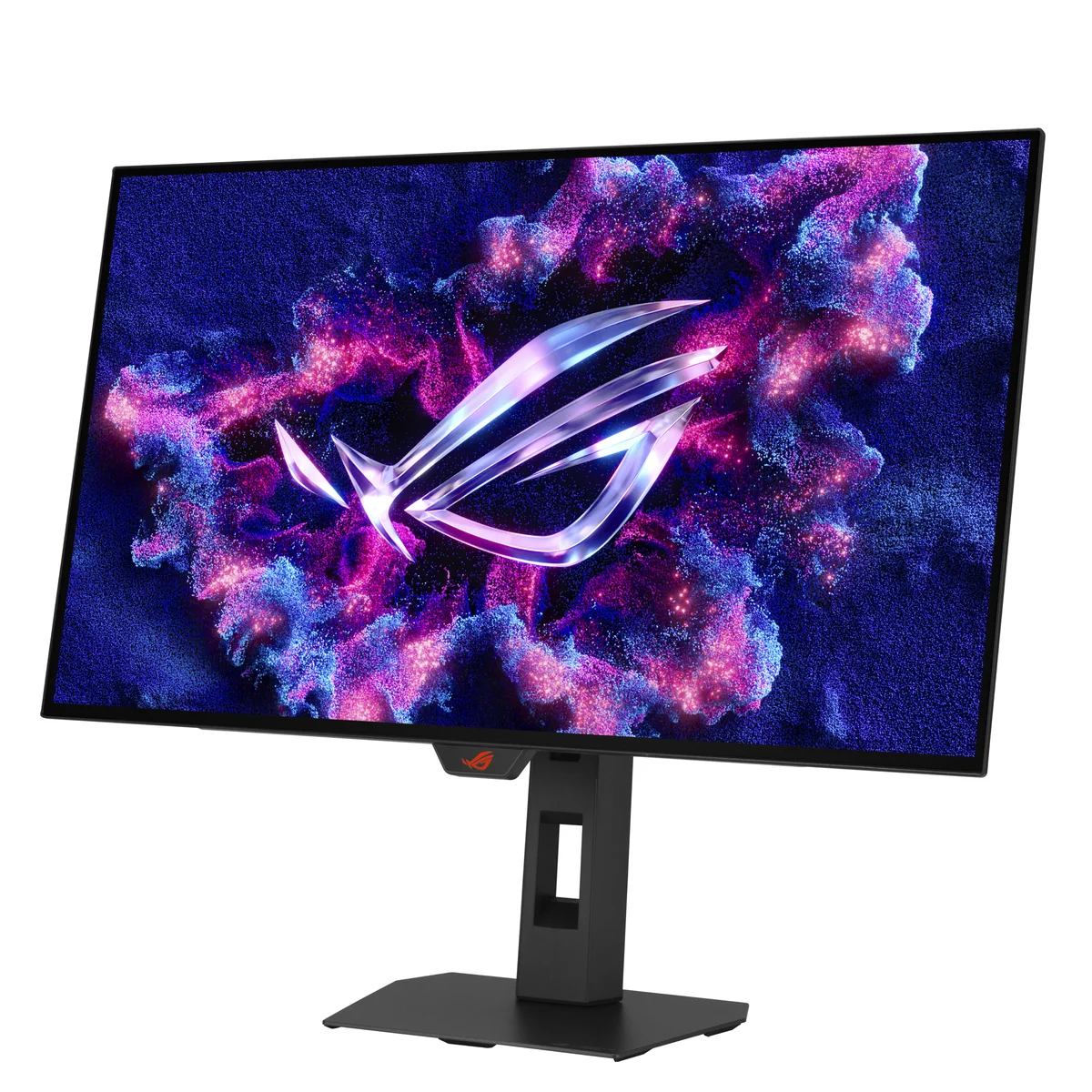
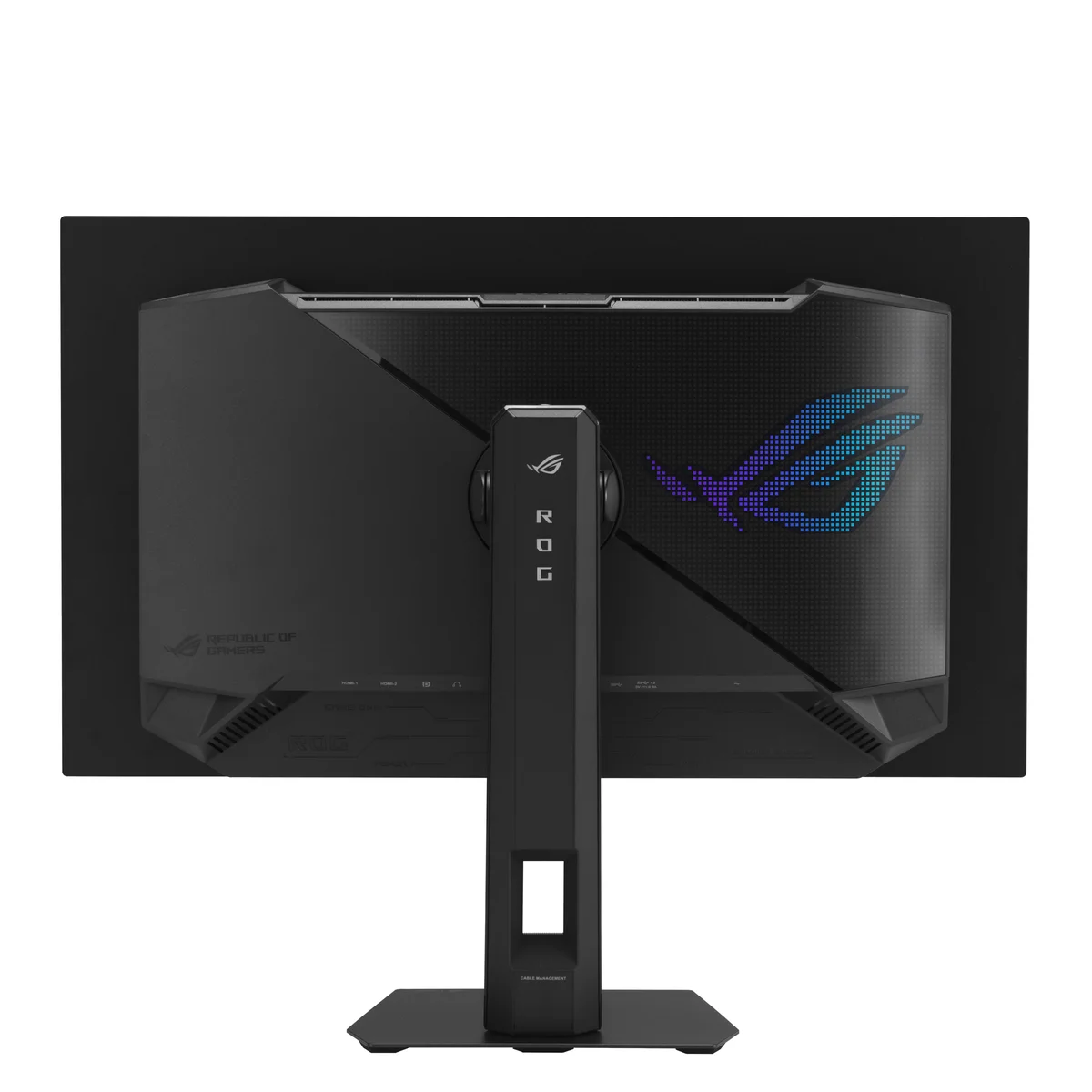
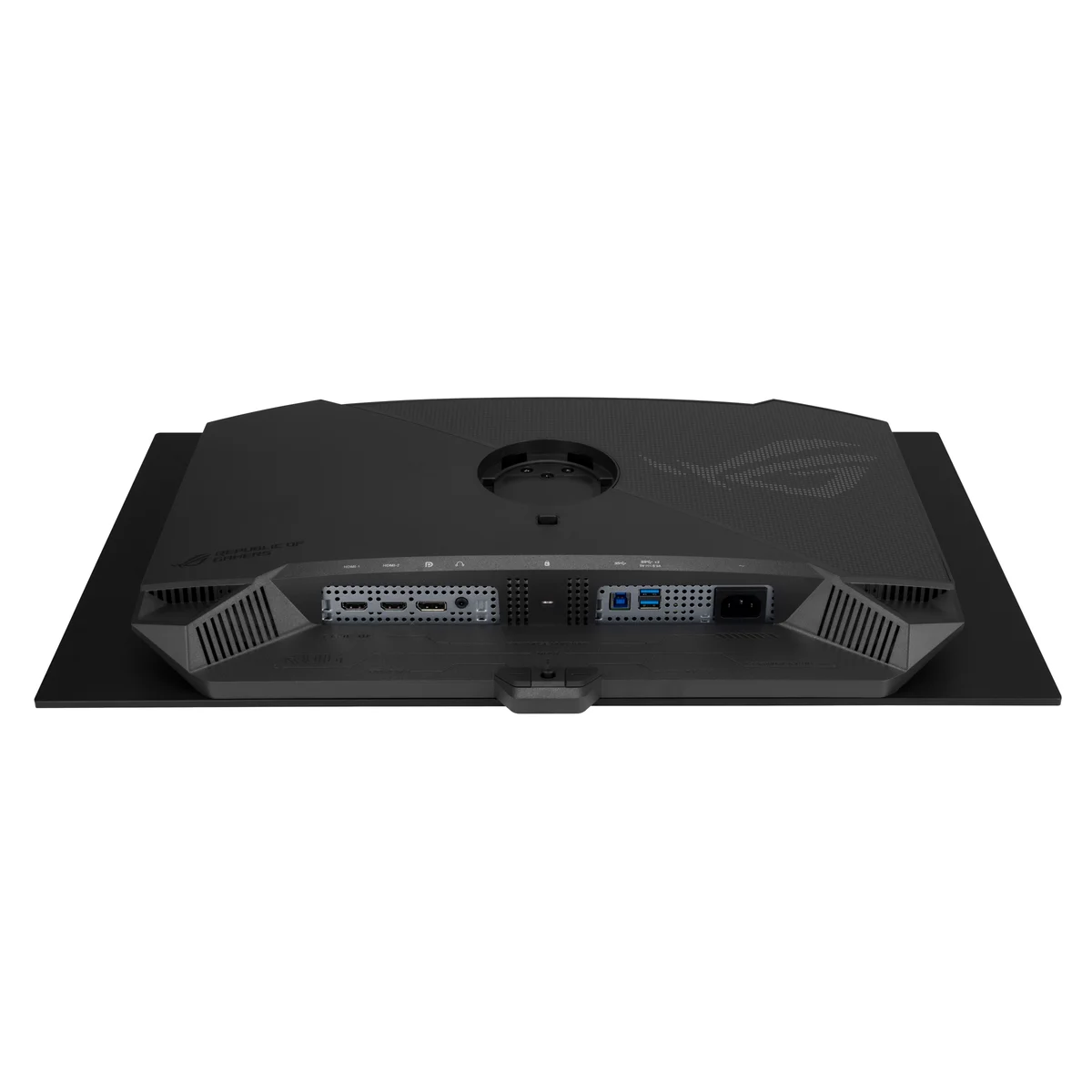

ASUS ROG Strix XG27AQWMG
“Won Monitors Unboxed's four-way Tandem WOLED shootout, with bright HDR and no panel dimming”
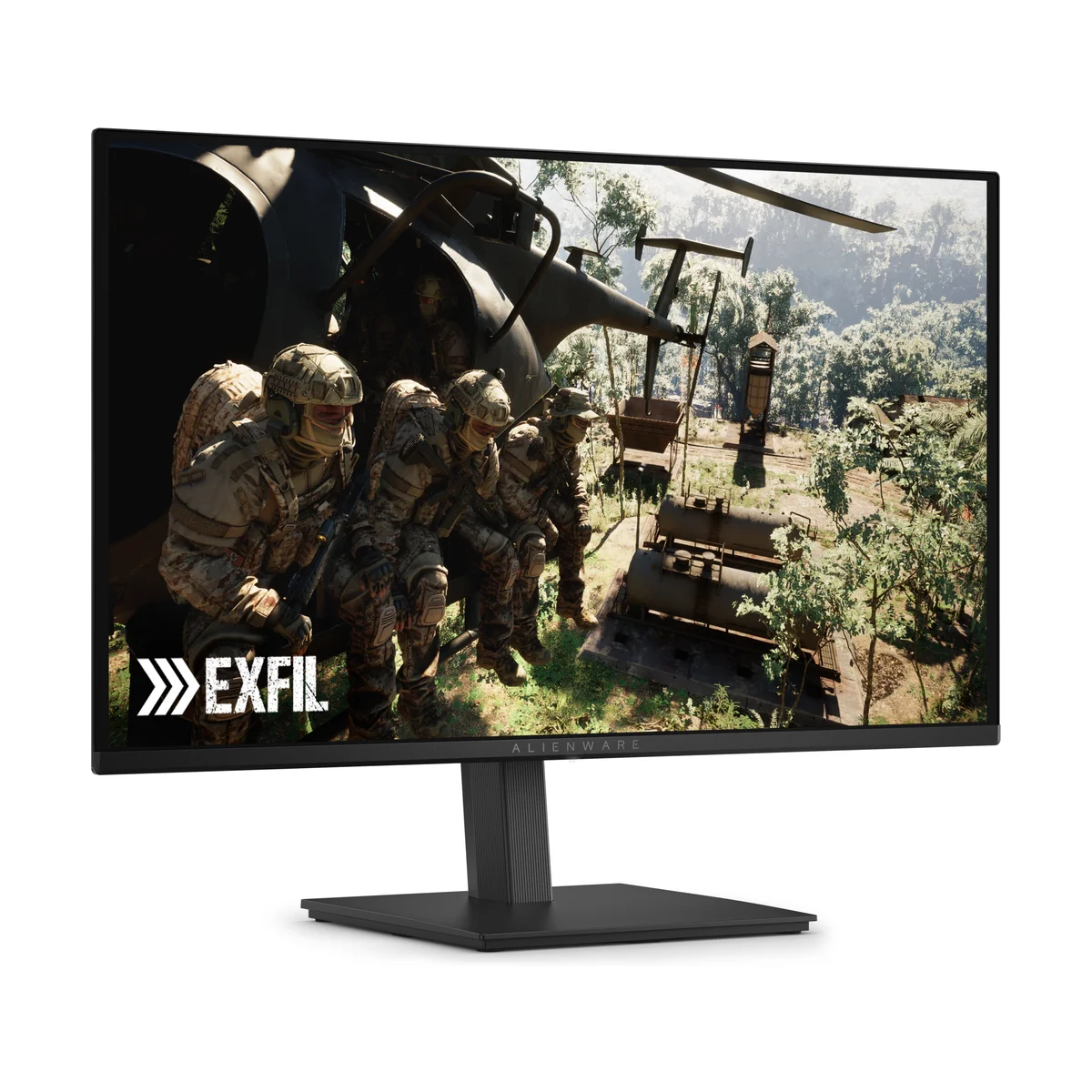
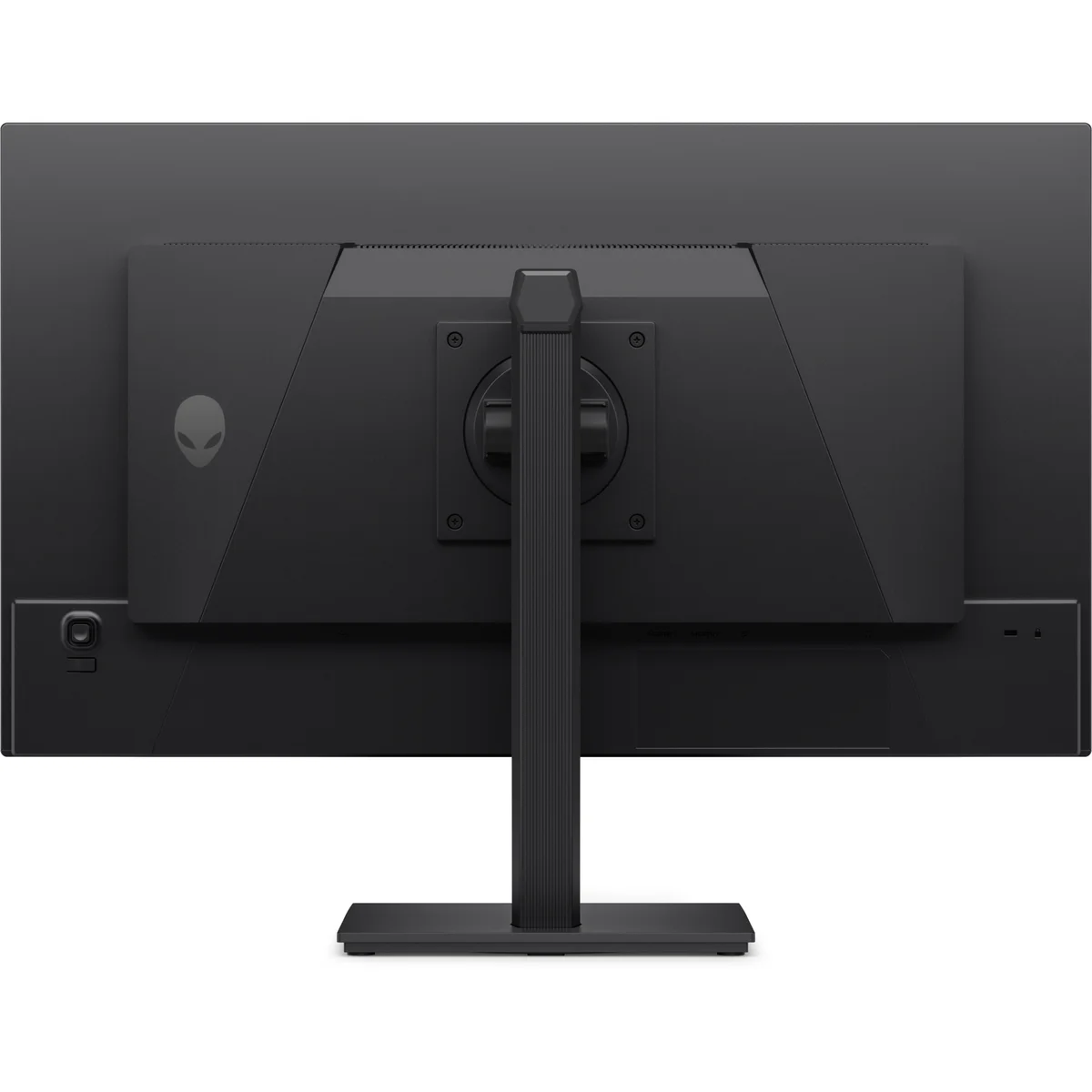
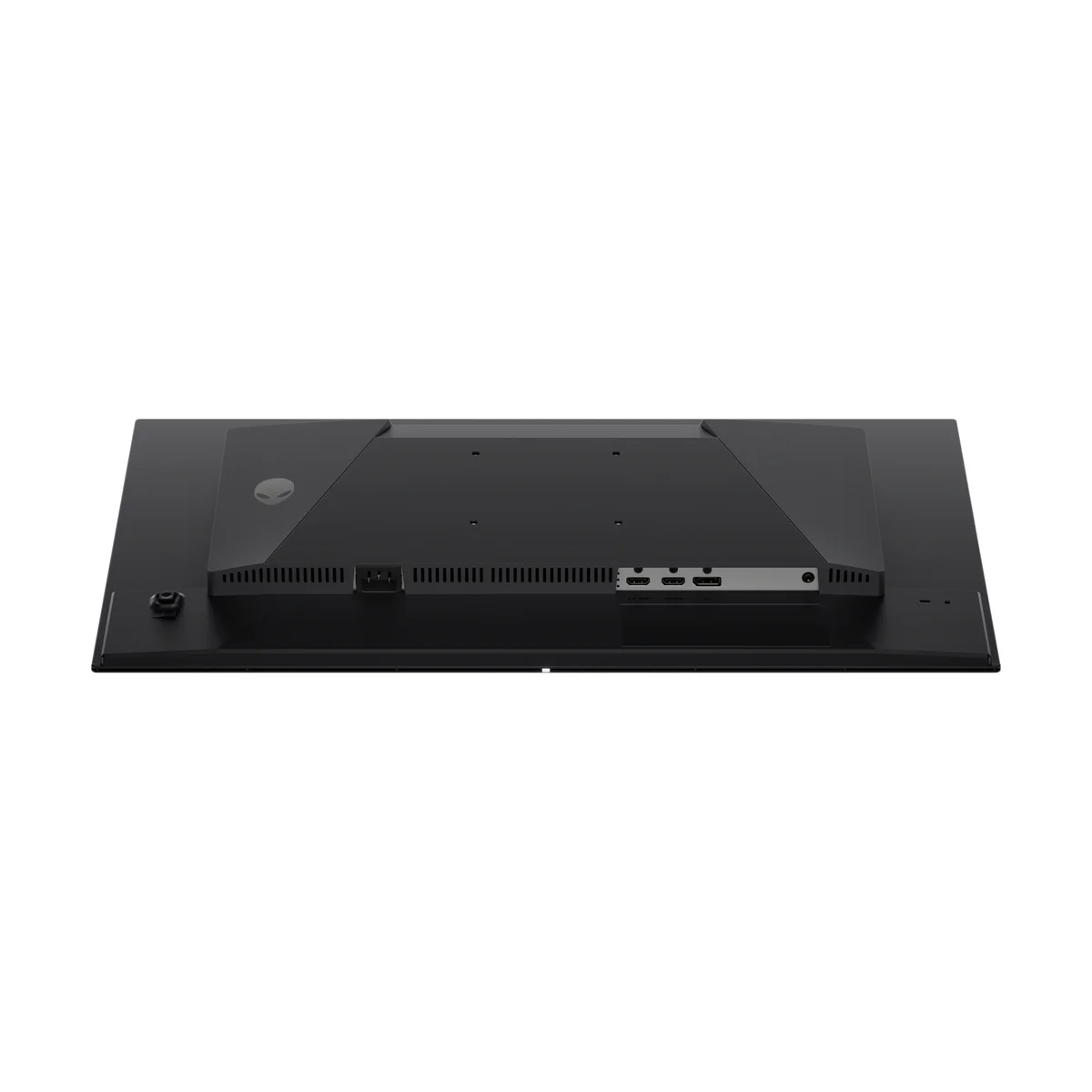
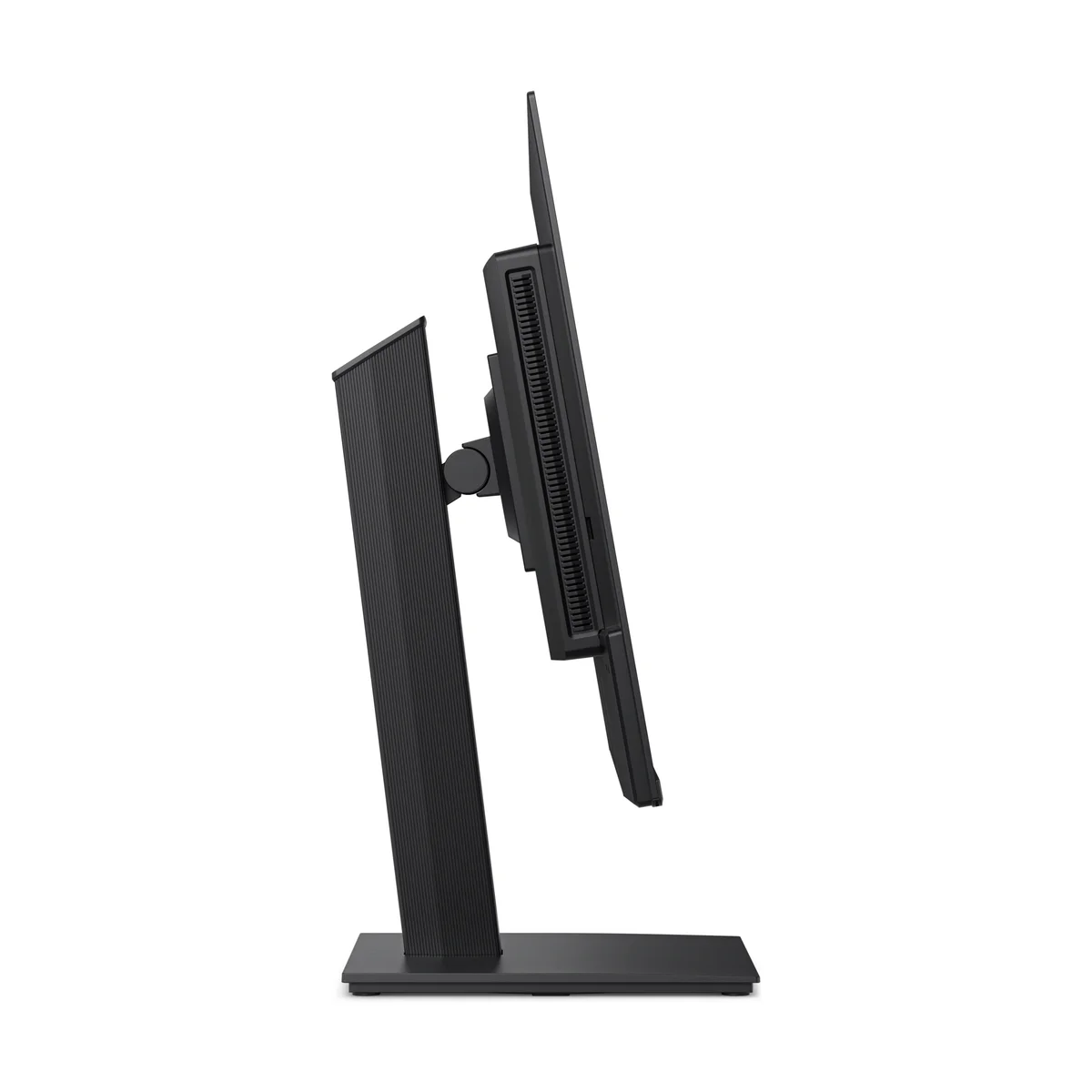
Alienware AW2726DM
“The cheapest QD-OLED on the market, with OLED motion clarity for $349.99”
Head-to-Head Breakdown
Strengths & Weaknesses
ASUS ROG Strix XG27AQWMG
- Won Monitors Unboxed's head-to-head of all four 280Hz Tandem WOLEDs on color controls, factory calibration and its proximity sensor
- No panel dimming in bright HDR scenes, with highlights past 1,300 nits in Monitors Unboxed's testing
- The TrueBlack Glossy coating keeps blacks black next to a window, where PC Centric saw QD-OLEDs turn purple-gray
- TFTCentral measured 354 nits full-screen SDR, nearly twice the Alienware AW2726DM
- Dark gray banding is a panel lottery on every Tandem WOLED, and Monitors Unboxed and PC Centric both flagged it
- No USB-C input or KVM switch, both of which the cheaper Gigabyte MO27Q28GR includes
- Over-brightens small highlights in dark HDR scenes, per Monitors Unboxed's EOTF tracking
- Lists at $649, while Monitors Unboxed regularly sees the Gigabyte with the same panel for $480 to $600
Alienware AW2726DM
- Consumer Tech Review ranked it first among the budget monitors it tested, and Monitors Unboxed tested it as the lowest-priced OLED gaming monitor available
- 0.03 ms pixel response at 240Hz gives OLED motion clarity with no overdrive ghosting (Monitors Unboxed)
- Height, tilt, swivel and pivot stand plus Dell's 3-year burn-in warranty at $349.99
- Monitors Unboxed measured about 189 nits full-screen SDR, which feels dim in a bright room
- HDR tops out near 380 nits with no Peak 1000 mode, and Monitors Unboxed says it falls short of a true HDR experience
- No hardware sRGB mode, no USB ports, and the HDMI inputs stop at 120Hz
The Verdict
Our Bottom Line
Tim at Monitors Unboxed put it bluntly: the ASUS ROG Strix XG27AQWMG has the best HDR brightness behavior of any monitor he's tested. That's a specific, measurable claim, and it comes down to one thing, zero panel dimming. Every QD-OLED on the market, including the Alienware AW2725DF and AOC Q27G4ZD, dims the entire panel when a scene gets bright. You're fighting a boss in a sunlit arena and the whole screen darkens. The XG27AQWMG's 4th-generation Tandem W-OLED architecture hits 1,500 nits peak without flinching.
ASUS ROG Strix XG27AQWMG
Tim at Monitors Unboxed put it bluntly: the ASUS ROG Strix XG27AQWMG has the best HDR brightness behavior of any monitor he's tested. That's a specific, measurable claim, and it comes down to one thing, zero panel dimming. Every QD-OLED on the market, including the Alienware AW2725DF and AOC Q27G4ZD, dims the entire panel when a scene gets bright. You're fighting a boss in a sunlit arena and the whole screen darkens. The XG27AQWMG's 4th-generation Tandem W-OLED architecture hits 1,500 nits peak without flinching.
- You play competitive shooters and HDR single-player games on an RTX 4070-class card or better
- Your desk faces a window or sits under bright overhead lights
- You want HDR highlights past 1,300 nits without the screen dimming in bright scenes
- You work in documents or code between games and want cleaner text than QD-OLED gives
- You want a proximity sensor and OLED care settings protecting a monitor you'll keep for years
Alienware AW2726DM
Monitors Unboxed reviewed the Alienware AW2726DM as a $350 QD-OLED and called it the cheapest OLED gaming monitor on the market. Consumer Tech Review ranked it higher still. Its test of every budget gaming monitor it could buy put the AW2726DM first overall, one spot ahead of AOC's Mini-LED Q27G3XMN.
- You want OLED motion clarity for competitive shooters and have about $350 to spend
- You game in a dim or light-controlled room
- Your GPU is mid-range, around an RTX 4060 or RX 7600 XT
- You mostly play in SDR and don't need bright HDR
- You want a fully adjustable stand and a burn-in warranty without paying for USB-C or KVM extras